Conversione vettoriale, disegnata a mano.
Inviaci un JPG, un PNG, un PDF o la foto di un’insegna stampata. Un designer lo ridisegna come grafica vettoriale corretta per la produzione e ti restituisce AI a livelli, EPS, SVG e PDF, in 24 ore.
Dal 2022 · 4,7★ da 23 recensioni su Google e Trustpilot · garanzia di rifacimento al 100%
La risposta breve
VectorWiz è un servizio di conversione vettoriale manuale. La grafica raster — JPG, PNG, PDF, PSD o una foto — viene ridisegnata a mano dai nostri designer interni in file vettoriali pronti per la produzione, mai ricalcata in automatico. Ogni ordine ti restituisce AI a livelli, EPS, SVG e PDF, con DXF e separazioni colore su richiesta (per il ricamo, tracciati vettoriali pronti per il digitalizzatore; il file DST o PES lo crea il tuo digitalizzatore). Il prezzo è a lavoro, su quattro livelli di complessità ($19 to $190), e lo vedi prima di pagare. La consegna standard è in 24 ore, con opzioni rush a 12 ore e flex a 3 giorni, revisioni illimitate e garanzia di rifacimento al 100%.
Come un lavoro avanza attraverso VectorWiz
Carica la tua grafica
Trascina un PNG, JPG, HEIC, PDF, AI, EPS, PSD, TIFF, BMP, SVG o WebP. Va bene anche una foto col telefono di un’insegna stampata.
Vedi il prezzo prima di impegnarti
I file raster vengono valutati per complessità e prezzati all’istante su quattro livelli. Nessuna attesa per il preventivo, nessun costo di avviamento.
Un designer lo ridisegna a mano
Ricostruito in Illustrator con livelli nominati, tinte piatte corrette, tracciati chiusi e testo composto come si deve — preparato per la macchina che hai indicato.
I file arrivano in 24 ore
AI a livelli, EPS, SVG e PDF in uno zip, via e-mail e nella tua dashboard. Revisioni illimitate e gratuite.
Servizi
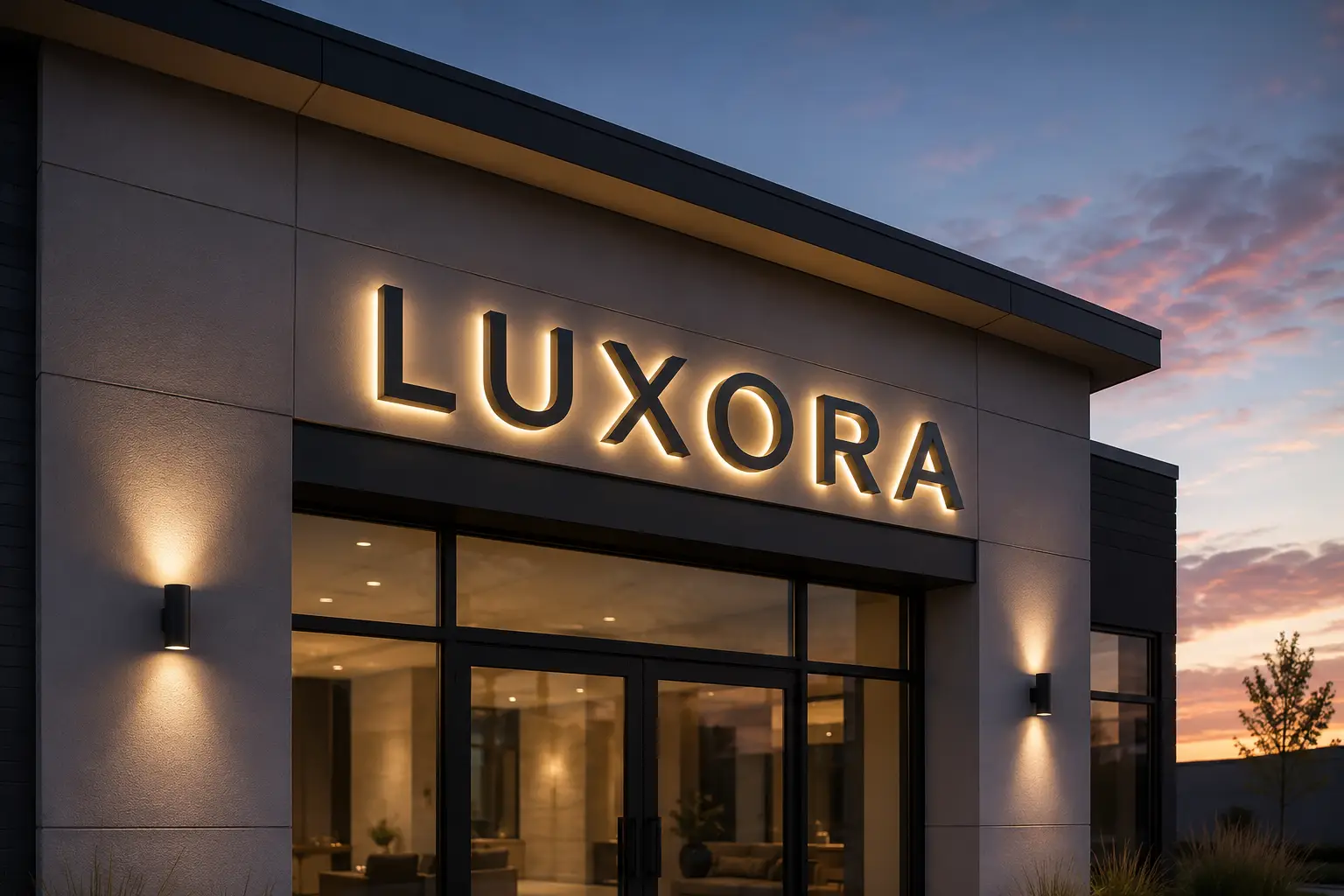
Insegnisti
Lettere scatolate, banner, insegne monumentali, wrapping veicoli. Tinta piatta, in scala d'installazione, separati per la fresatura e la scelta del supporto.
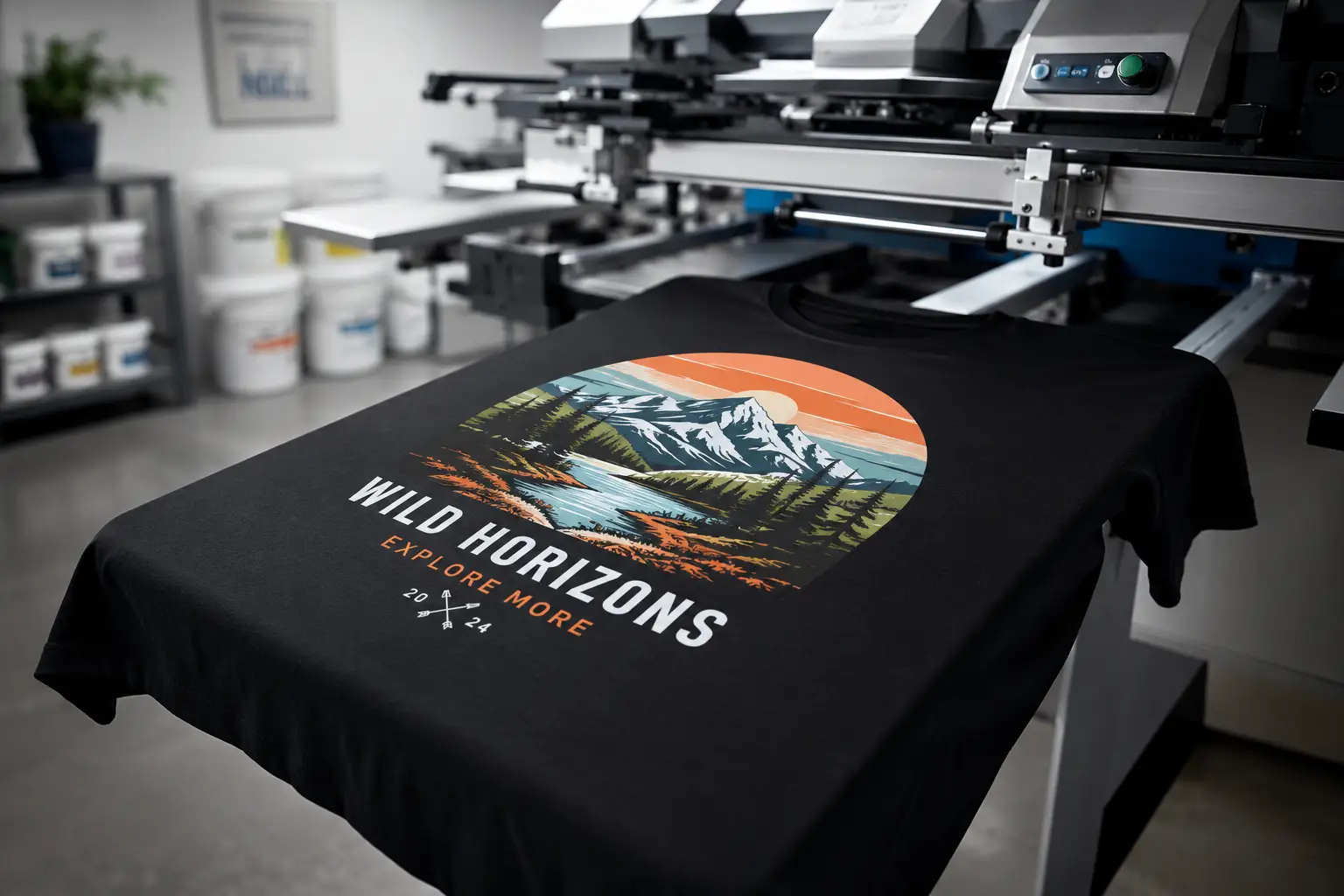
Serigrafia
Selezioni con corrispondenza PMS, retini, fustellature, strozzatura + allargamento, pianificazione della base. Pronte per la macchina, non solo per lo schermo.
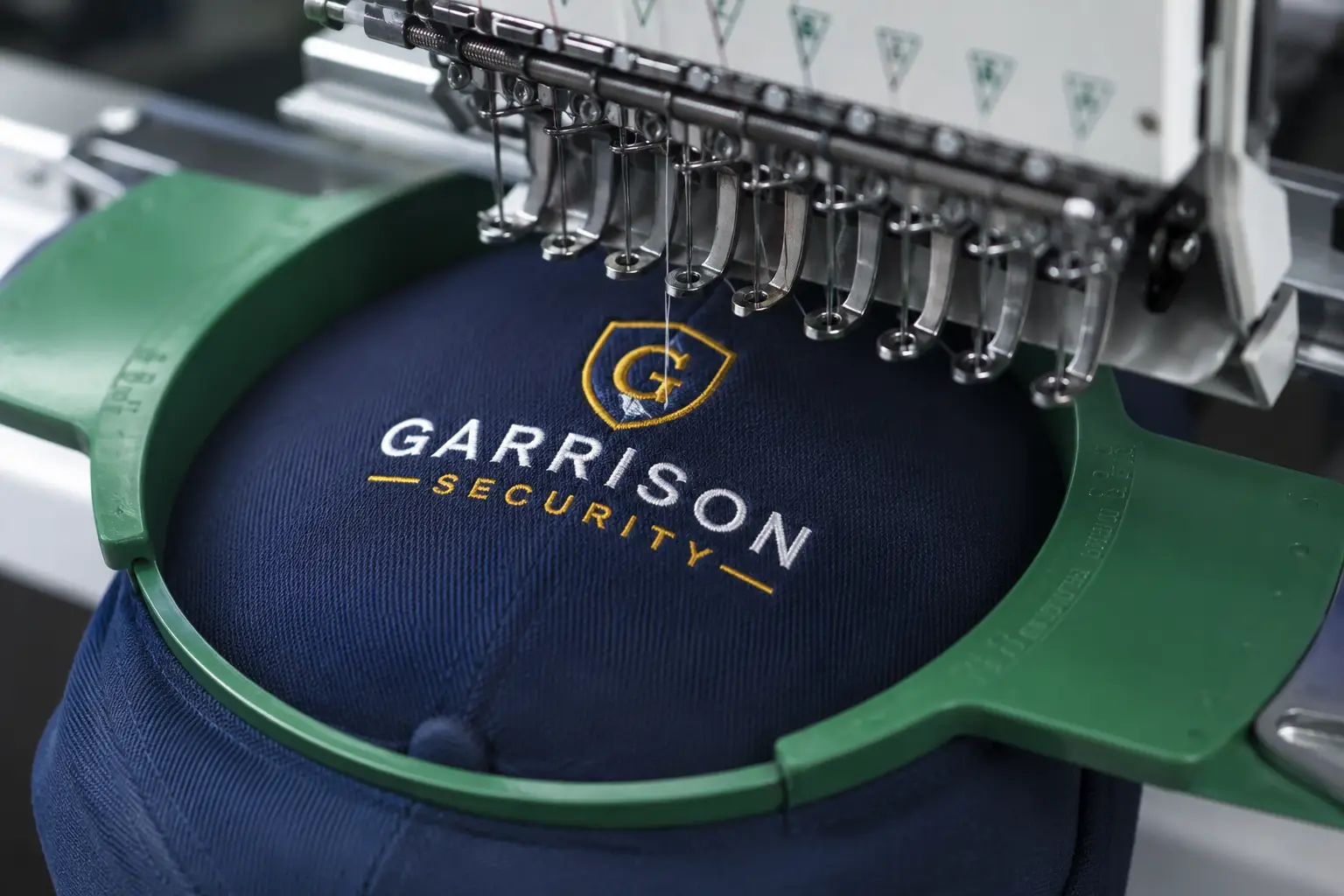
Ricamo
Ridisegni ottimizzati per la cucitura, riempimenti calibrati sulla densità, tracciati semplificati. Colori del filo indicati per il vostro digitalizzatore.
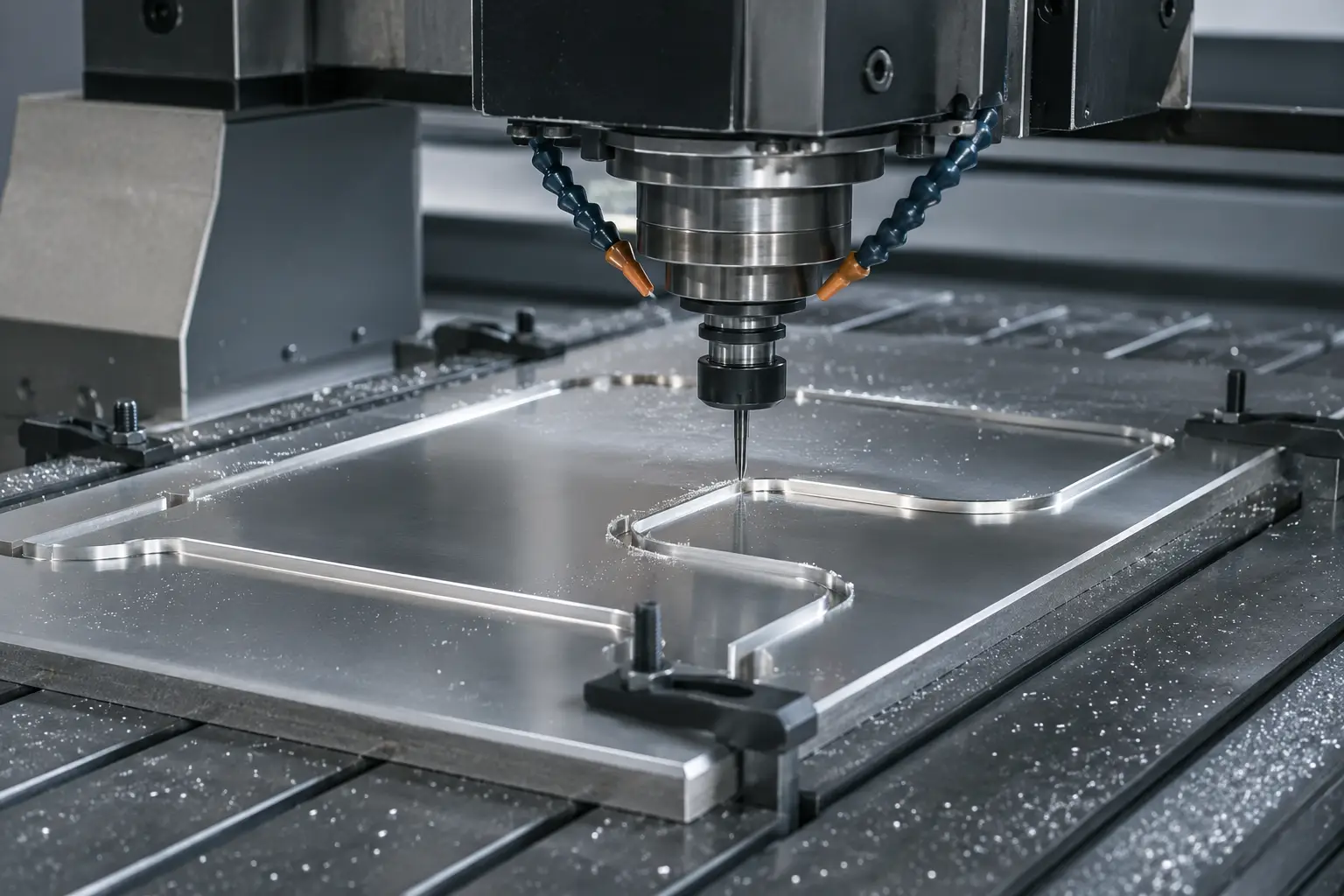
DXF / laser / CNC
Vettori a tracciati chiusi per taglierine laser, frese CNC e taglio a getto d'acqua. Con compensazione di taglio, livelli per profondità, pronti per il percorso utensile.
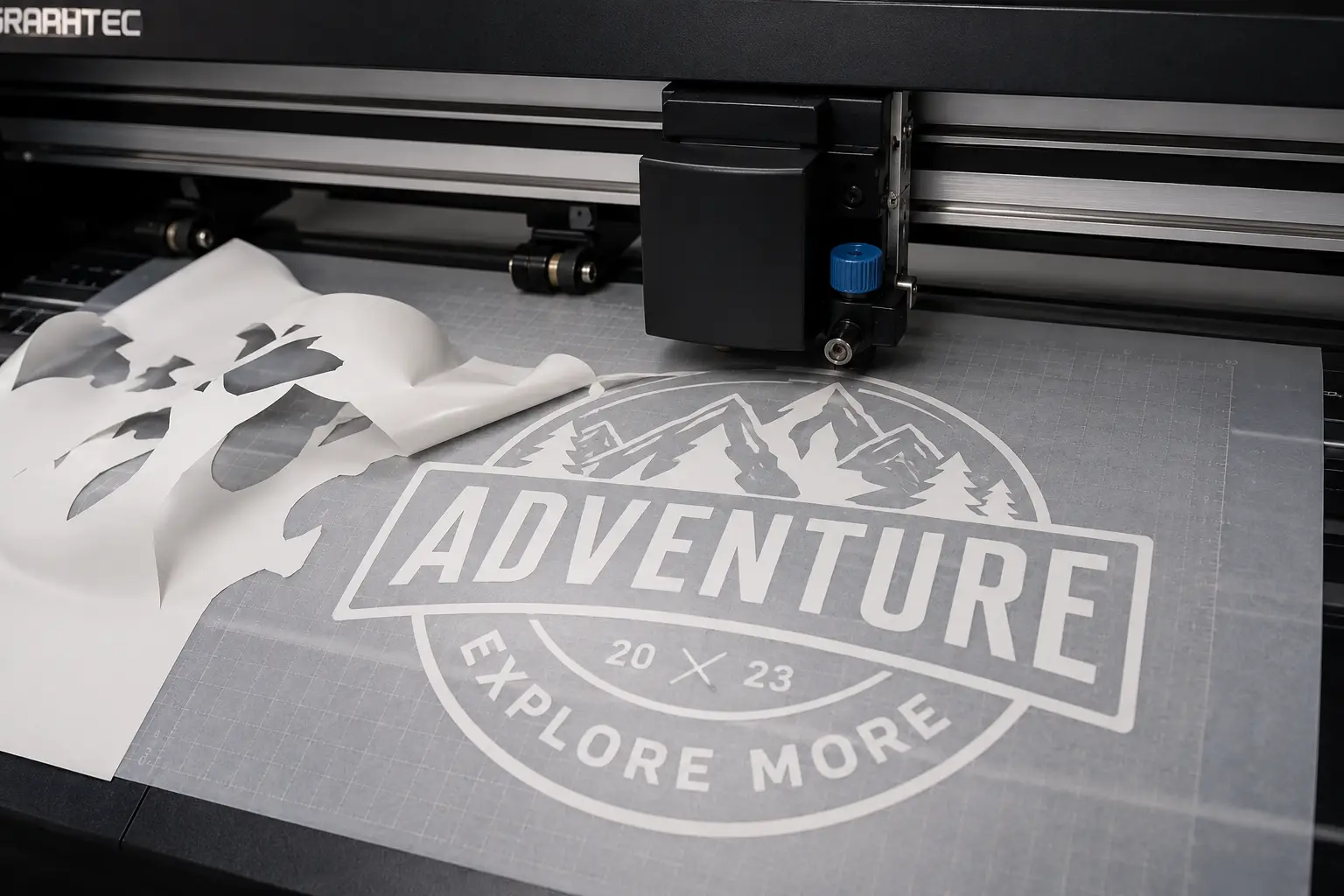
Plotter da taglio
Contorni facili da scartare, tagli di contorno, compensazione di sovrataglio. Pronti per Roland, Graphtec, Silhouette e Cricut.
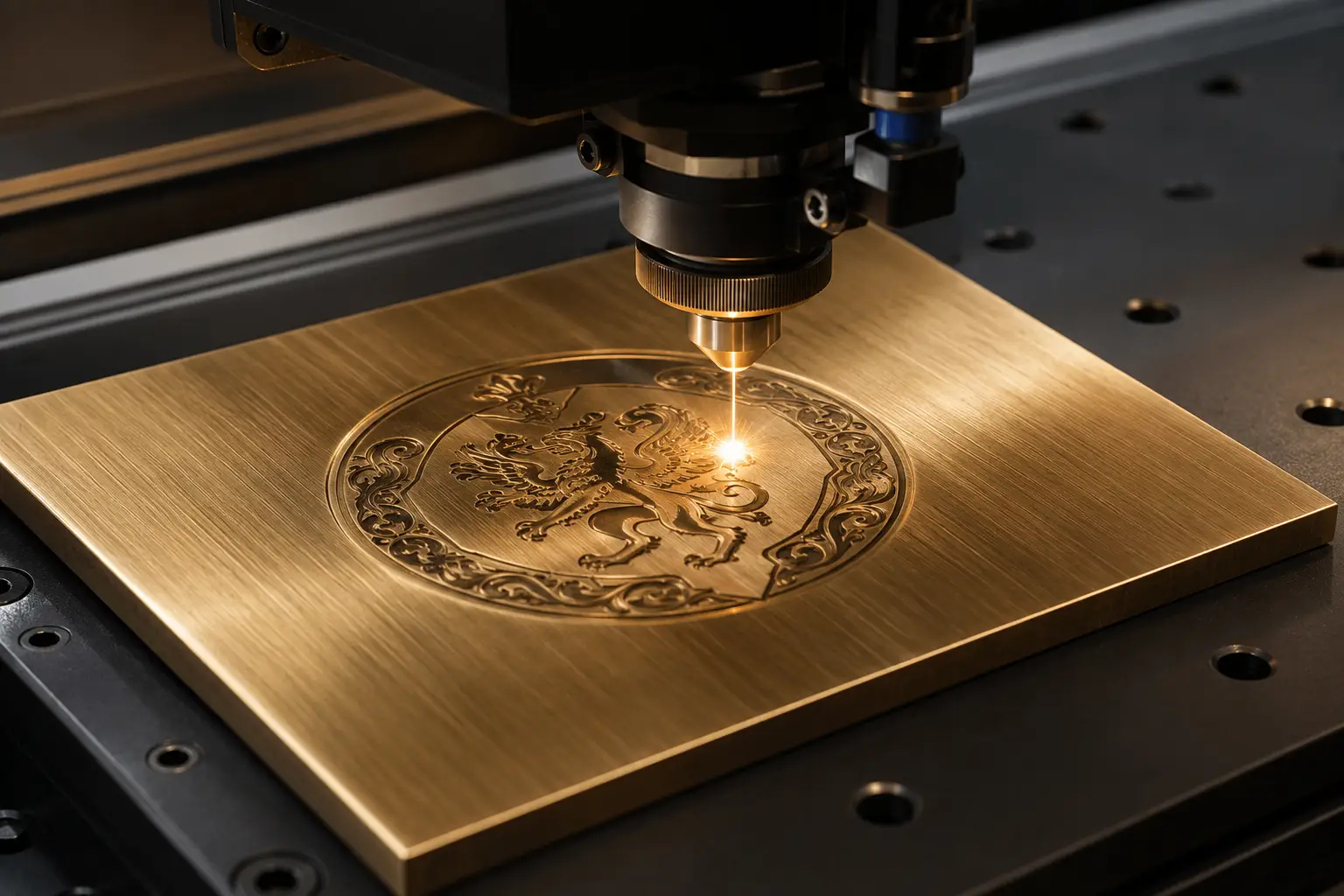
Incisione
Font a linea singola, tracciati separati per profondità, percorsi utensile chiusi. Compatibile con LightBurn e VCarve.
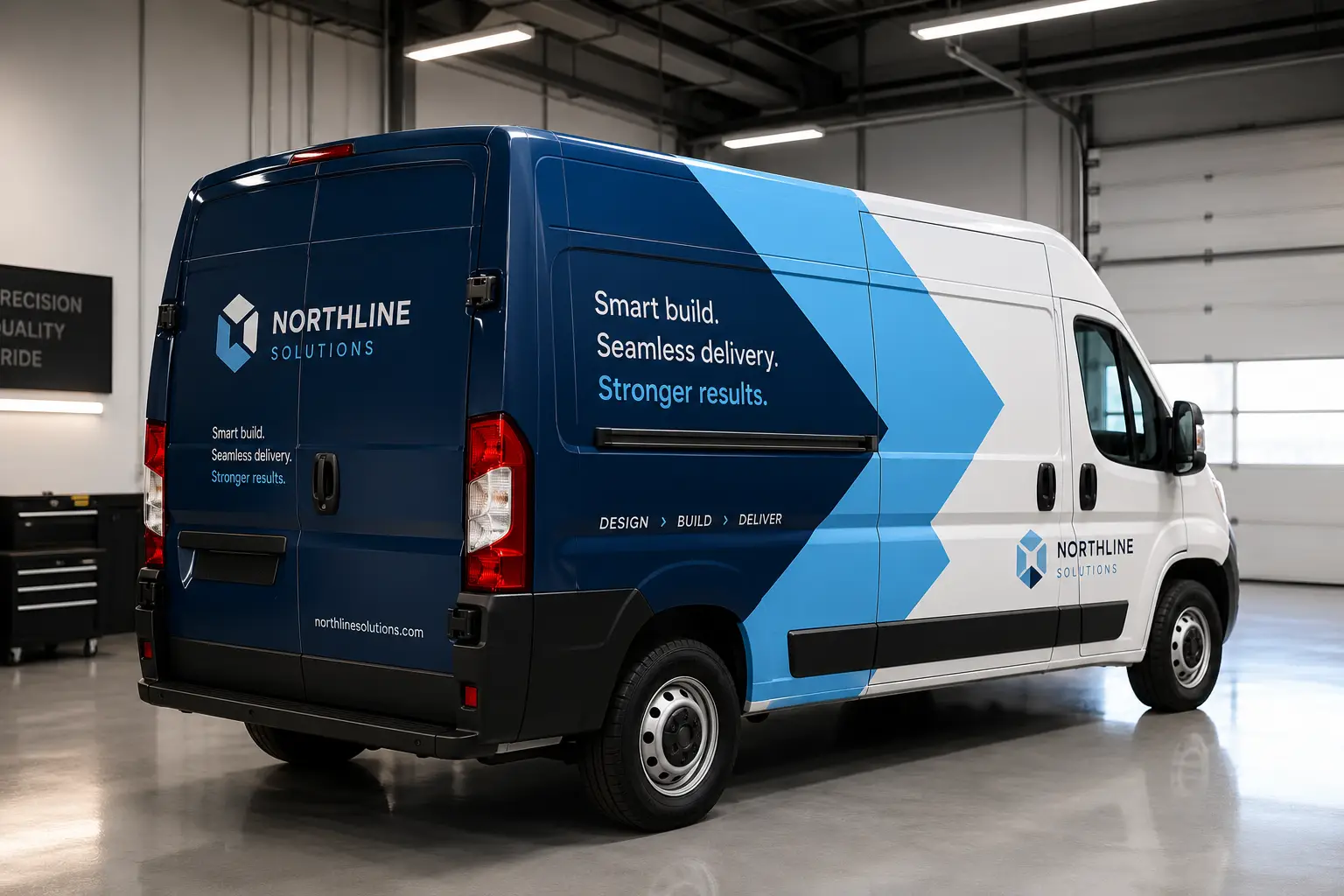
Wrapping di veicoli
Pannelli a copertura totale, abbondanza e margine di giunzione, tagli sagomati e colore del marchio in tinta piatta — preparato per la stampa di grande formato e il vinile fuso.
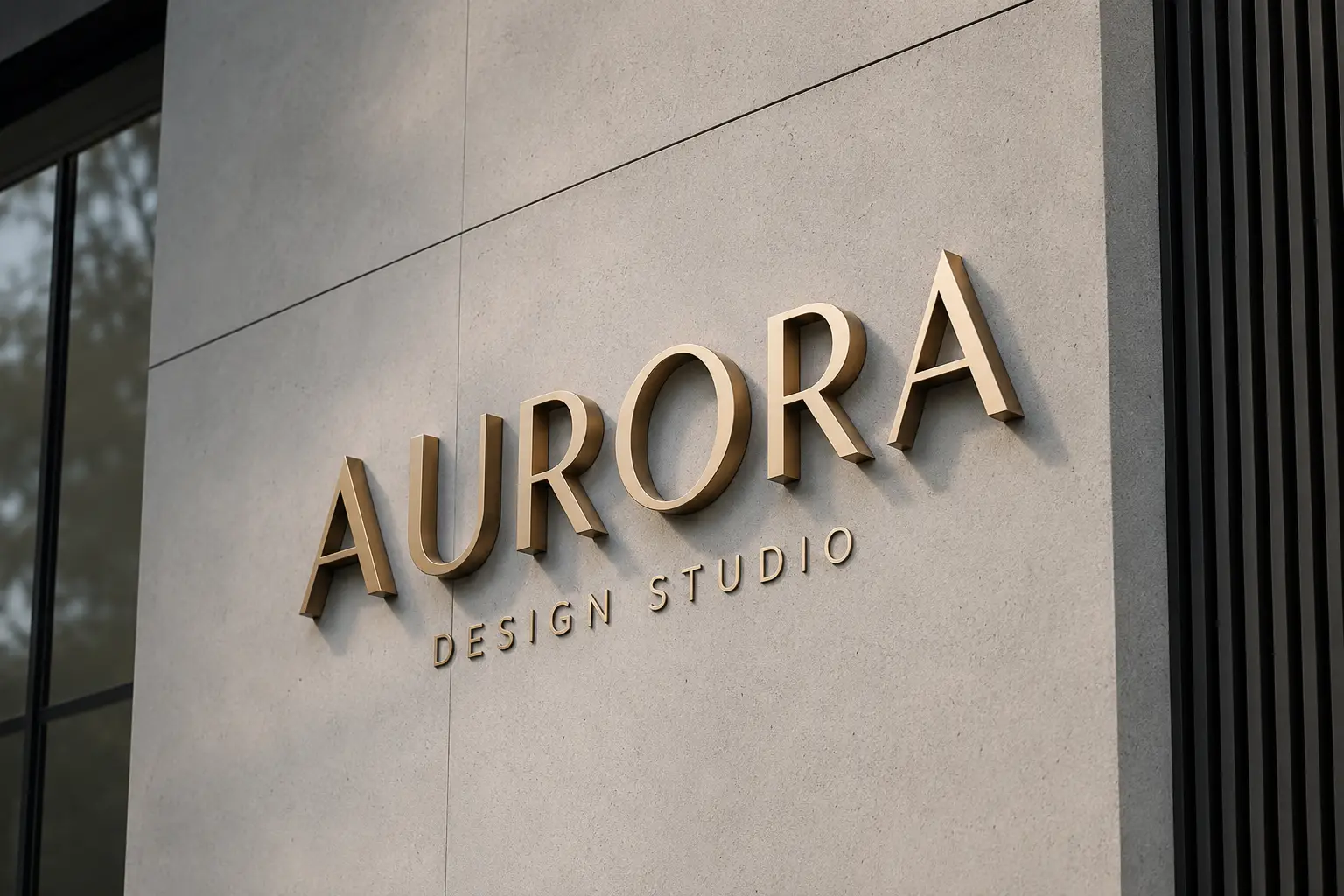
Fabbricanti di insegne
Lettere dimensionali, segnaletica ADA, file di costruzione a livelli con linee di fianco e saldatura, e DXF con percorso utensile per l'officina.
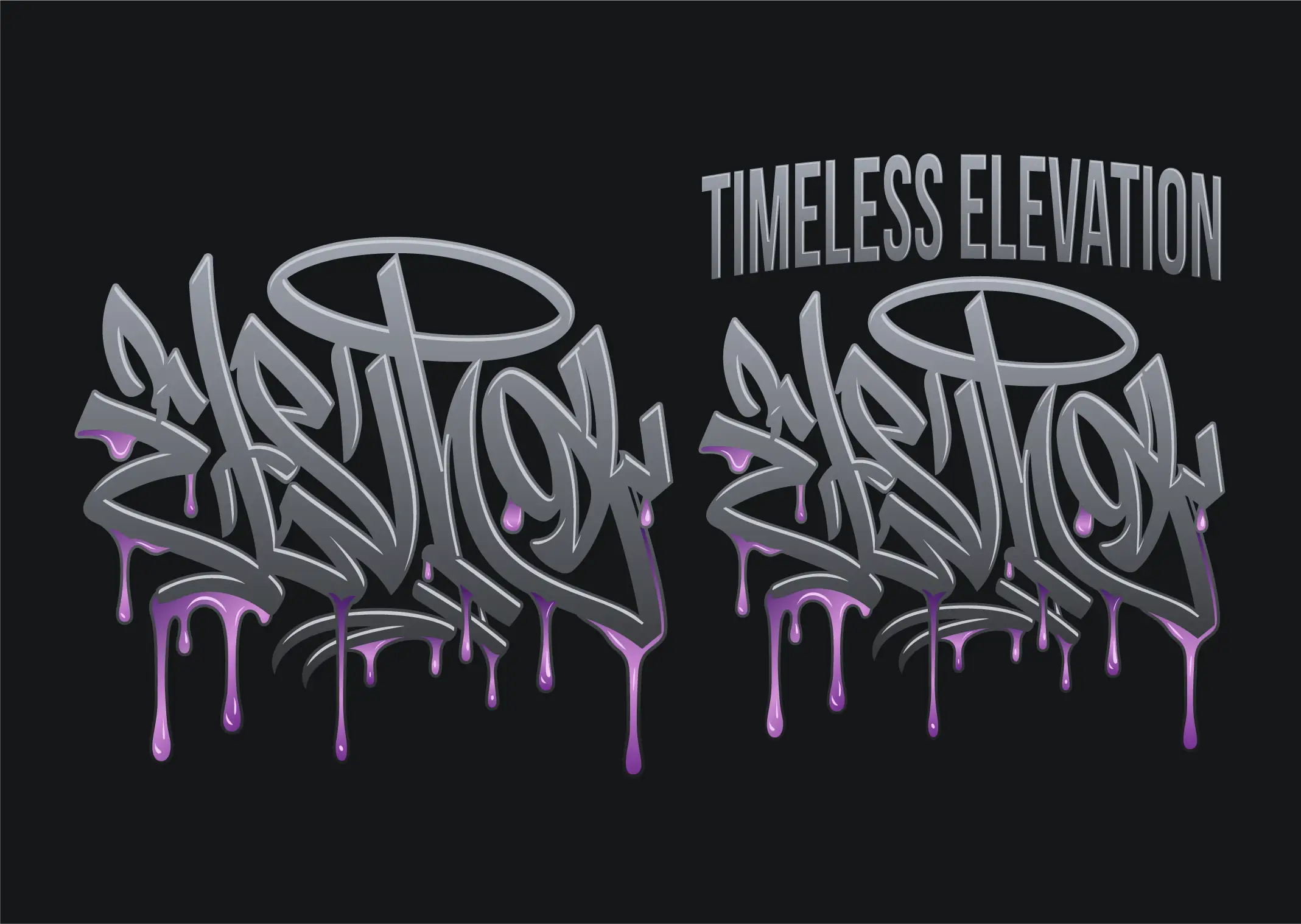
DTF e DTG
Conversione vettoriale per DTF, DTG e transfer a caldo: bordi netti senza aloni bianchi, colori veri, nessuno sfondo incorporato. Esportate un PNG nitido a qualsiasi misura di stampa.
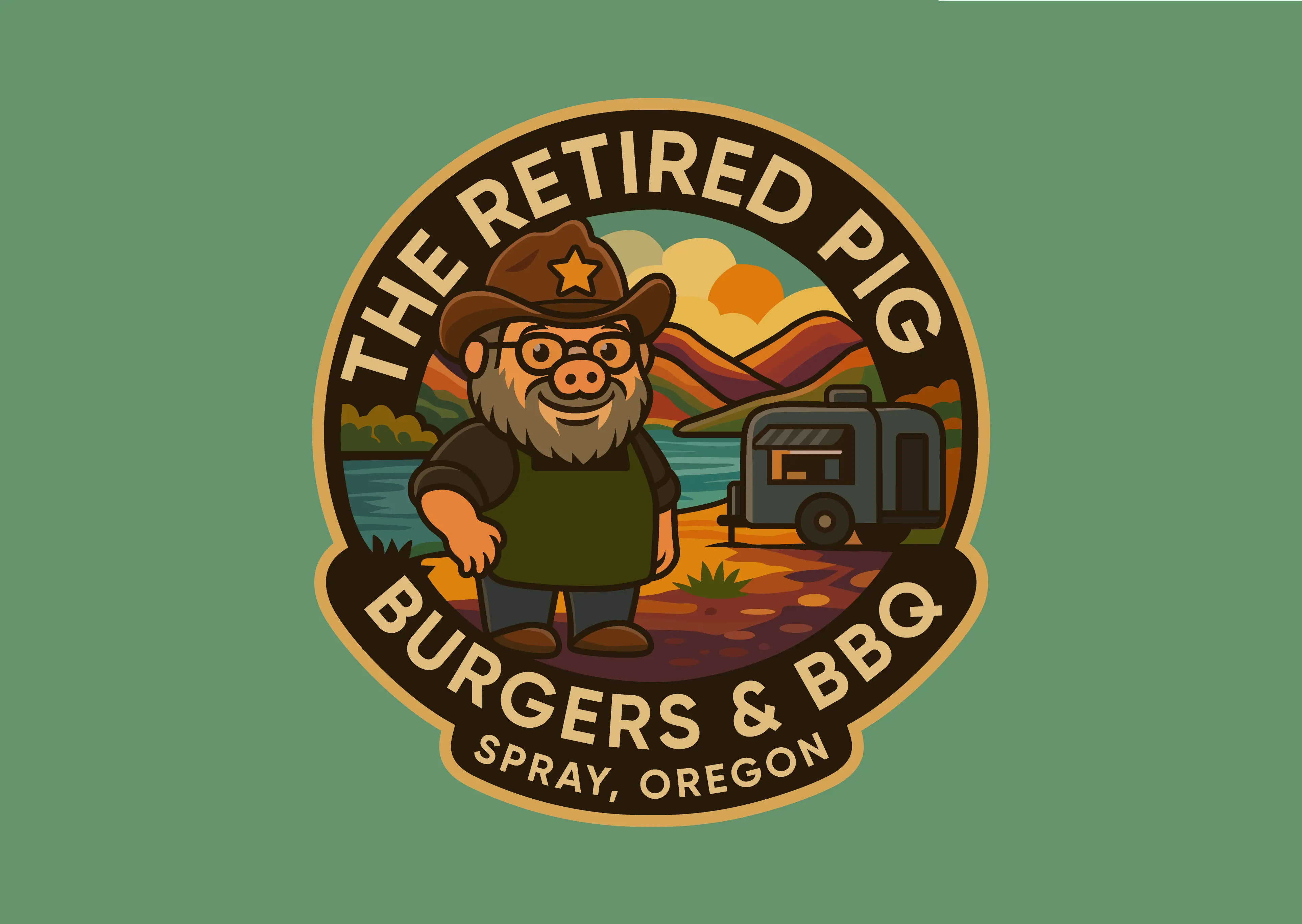
Adesivi ed etichette
Conversione vettoriale per adesivi ed etichette: grafica pulita alla misura di stampa più una linea CutContour separata con abbondanza, per taglio sagomato, mezzo taglio e stampa e taglio.
Gadget promozionali
Loghi vettoriali pronti per la marcatura di penne, tazze, bicchieri e lanyard: versioni a uno o due colori in tinta piatta, testi in tracciati e versioni in negativo per oggetti scuri.
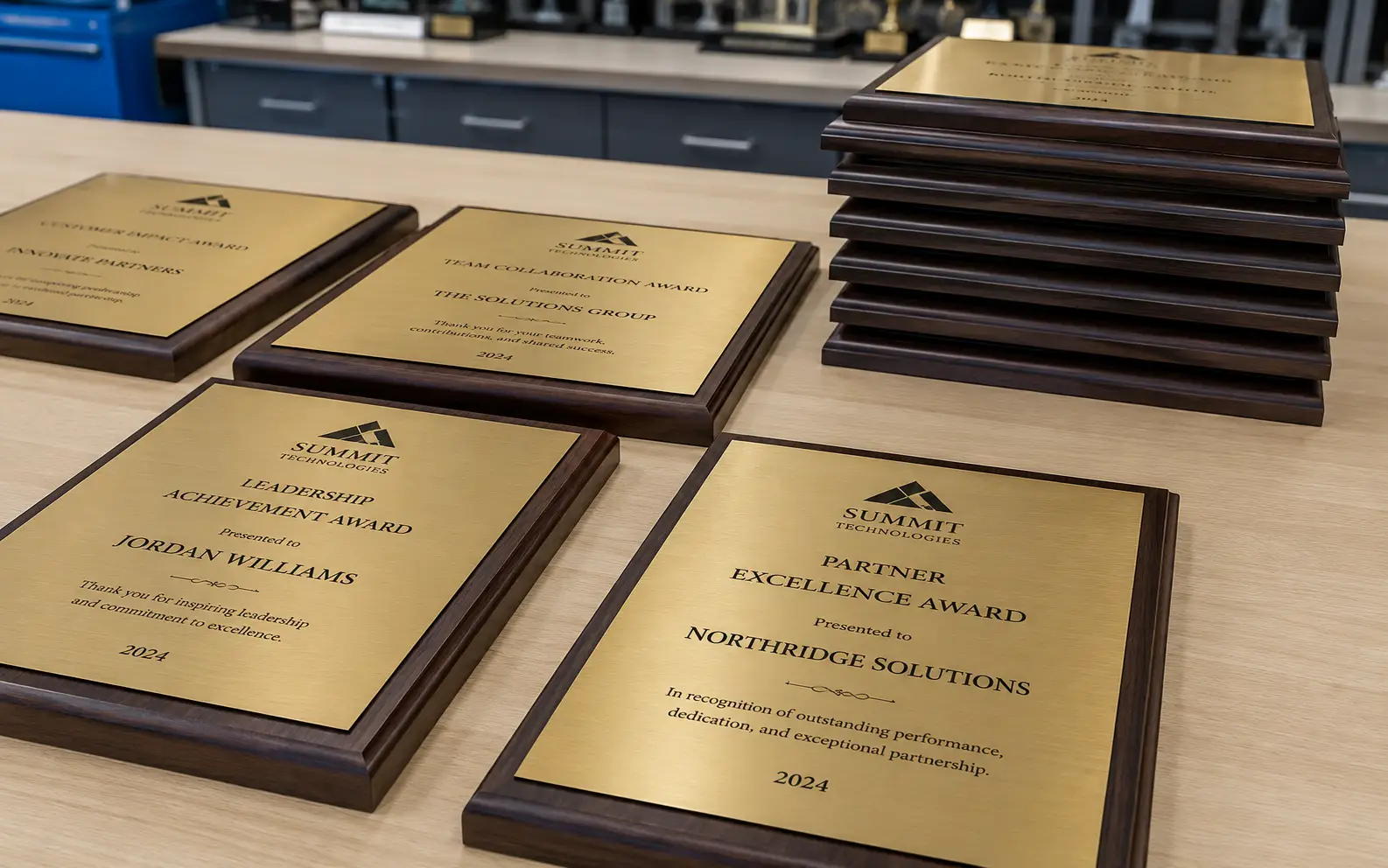
Trofei e incisione su vetro
Loghi vettoriali a un colore per targhe, trofei e vetro sabbiato: campiture piene, tracciati chiusi, occhielli che la mascherina regge e versioni in negativo per targhe scure.
Che cos’è davvero la conversione vettoriale
Un file raster — un JPG, un PNG, uno screenshot, la foto di un’insegna stampata — memorizza una griglia fissa di punti colorati. Se lo ingrandisci, si ingrandiscono anche i punti: i bordi si ammorbidiscono e si scalettano. Un file vettoriale memorizza invece la forma: punti di ancoraggio e le curve tra di essi, descritti in modo matematico. Lo stesso logo vettoriale si stampa nitido su un biglietto da visita e su uno striscione di dodici metri, perché nulla viene stirato: viene ricalcolato.
Per un’azienda di produzione la differenza non è estetica, è meccanica. Un plotter ha bisogno di tracciati chiusi, altrimenti la lama non completa mai il taglio. Una macchina da stampa ha bisogno di colori separati su lastre nominate. Una fresa CNC ha bisogno di una geometria su cui applicare l’offset del kerf. Una macchina da ricamo ha bisogno di dati di punto, non di un’immagine. Niente di tutto questo esiste dentro un JPG, e niente di tutto questo nasce in modo affidabile premendo «ricalco automatico».
La conversione vettoriale è il lavoro di ricostruire quella grafica in modo che la macchina possa lavorarla. Ha diversi nomi — ricalco vettoriale, vettorializzazione di immagini, conversione da raster a vettoriale, conversione di grafica in vettoriale — e descrivono tutti lo stesso lavoro. VectorWiz lo fa a mano.
Ridisegno manuale o ricalco automatico
Un ricalco automatico rileva dove cambiano i colori e stende un tracciato lungo il confine. È un modo ragionevole per ottenere un’immagine che somiglia all’originale. È un pessimo modo per ottenere un file che una macchina possa lavorare, perché il tracciatore non ha idea di che cosa *sia* la grafica: non distingue una lettera da una sbavatura, né un contorno voluto dal rumore di compressione JPEG.
- **Numero di nodi.** Un ricalco produce di solito migliaia di punti di ancoraggio dove un ridisegno ne usa qualche decina. Ogni nodo superfluo è un punto in cui il taglio può incepparsi.
- **Tracciati aperti.** I contorni ricalcati spesso non si chiudono. Una macchina da taglio segue il tracciato e si ferma semplicemente dove finisce la geometria.
- **Colori appiattiti.** Un ricalco produce aree di colore adiacenti, non inchiostri separati. Non c’è nulla da passare alla stampa come lastra.
- **Testo.** Il testo piccolo è dove i tracciatori falliscono in modo più evidente: le lettere si impastano o spariscono. Il testo va ricostruito e, quando il font è riconoscibile, viene ricomposto come si deve e convertito in tracciati.
- **Nessuna tolleranza di produzione.** Compensazione del kerf, semplificazione adatta al punto, choke e spread, contorni facili da spellicolare: niente di tutto questo esiste in un ricalco, perché il tracciatore non sa per quale macchina è il file.
Un ridisegno umano parte dall’intento della grafica, non dai suoi pixel. Il designer individua le forme, le ricostruisce con curve deliberate, ricompone il testo, separa i colori e prepara la geometria per il processo che la lavorerà davvero. È più lento che cliccare un pulsante, ed è per questo che il prezzo è a lavoro — ma è anche il motivo per cui il file funziona al primo colpo.
Cosa ricevi
Ogni ordine viene ridisegnato a mano in Illustrator con livelli nominati e tinte piatte corrette, e ti torna come **AI a livelli, EPS, SVG e PDF** — tutti e quattro, su ogni lavoro, senza costi aggiuntivi. DXF, separazioni colore e altri formati specifici si preparano su richiesta: indica per quale macchina è il file e lo costruiamo su misura. Non produciamo file di punto DST o PES; per il ricamo consegniamo tracciati vettoriali pronti per il digitalizzatore e una scheda di note per il punto. I file arrivano in uno zip, sia via e-mail sia nella tua dashboard.
| Formati | |
|---|---|
| Puoi inviarci | PNG · JPG · HEIC · WebP · TIFF · BMP · PDF · AI · EPS · SVG · PSD |
| Inclusi in ogni ordine | AI (a livelli) · EPS · SVG · PDF |
| Su richiesta | PDF/X-1a · DXF · separazioni colore |
Il colore viene abbinato prima di disegnare, non corretto dopo. Indica PMS Solid Coated, PMS Premium, RAL Classic, RAL Design, quadricromia CMYK o RGB — oppure allega un tuo campione e lo abbiniamo a quello.
Quanto costa
Il prezzo dipende da quanto lavoro di disegno richiede davvero la grafica, su quattro livelli di complessità — $19 to $190 a lavoro. Carica un file raster e il prezzo viene calcolato e mostrato prima che tu ti impegni: nessuna coda di preventivi, nessun costo di avviamento e nessun addebito per le revisioni.
- **Livello 1 · Semplice** — $19. Un marchio a un colore, una firma, un logo pulito con poche forme.
- **Livello 2 · Moderato** — $57. Più colori, dettaglio medio, grafica che richiede un vero lavoro di separazione.
- **Livello 3 · Complesso** — $114. Illustrazione dettagliata, molti colori, sfumature o una ricostruzione pesante del testo.
- **Livello 4 · Da produzione** — $190. Lavoro di illustrazione completo e file di fabbricazione a livelli.
Le aziende che inviano lavori con regolarità possono passare a un piano mensile a crediti, scalando gli stessi lavori da un saldo crediti invece di pagare file per file. Il dettaglio dei livelli e il confronto tra i piani sono entrambi nella pagina dei prezzi.
Tempi di consegna, revisioni e garanzia di rifacimento
La consegna standard è in 24 ore. Rush consegna in 12 ore con un supplemento del 50%, Flex restituisce il file in 3 giorni lavorativi con il 10% in meno: scegli al momento del pagamento, ordine per ordine, così un lavoro urgente e uno di routine non devono costare uguale.
Le revisioni sono illimitate e non si pagano. Se qualcosa non va — una curva, un colore, il nome di un livello — torna nel thread di revisione dell’ordine e viene corretto. E se un file consegnato non si stampa, non si taglia o non si ricama correttamente, la garanzia di rifacimento al 100% vuol dire che lo ridisegniamo senza costi.
Costruito per la macchina che lavora il file
Lo stesso logo diventa un file diverso a seconda di ciò che deve fare. Un plotter da taglio per vinile vuole contorni facili da spellicolare e la compensazione del sovrataglio. Un laser vuole tracciati chiusi e testo a tratto singolo. Una macchina da stampa vuole inchiostri nominati e con trapping. Una testa da ricamo vuole riempimenti calibrati in densità e tracciati semplificati. Scegli il tuo workflow quando ordini e il file viene preparato per quello — oppure usa le pagine di settore qui sotto, che descrivono le specifiche a cui ciascuno deve rispondere.
Ti serve solo ridisegnare un marchio, senza ancora una macchina in mente? Parti dalla vettorializzazione del logo: ricalcalo gratis, poi fallo ricostruire da un designer con forme pulite e colori del marchio separati.
Cose che facciamo a prescindere dal workflow.
Abbinamento dei colori
PMS Solid Coated, PMS Premium, RAL Classic, RAL Design, quadricromia CMYK o RGB — oppure allega un tuo campione. Abbinati prima di disegnare, non corretti dopo. Abbinamento Pantone →
Reillustrazione
Quando l’originale è troppo rovinato per essere ridisegnato in modo pulito, lo ricostruiamo dal riferimento — preservando l’intento del design, non il bitmap.
Separazione dei mezzitoni
Separazioni in tinta piatta e in quadricromia simulata pronte per la stampa — angoli, frequenze, base bianca, choke e spread. Separazione dei colori →
Il file esatto che la tua macchina elabora.
Ogni pagina di settore qui sotto copre i formati di output di quel flusso di lavoro. Trova la tua macchina e apri la sua pagina.
Insegnisti
DXF, SVG, EPS
Serigrafi
EPS, AI
Laboratori di ricamo
AI, SVG, EPS (tracciati pronti per il digitalizzatore)
Plotter da taglio
SVG, DXF
Installatori di wrapping
AI, PDF
Incisori
AI, DXF
Frequently asked questions
Direct answers to what production buyers ask before placing their first order. Question missing? Ask us.
Che cos’è un servizio di conversione vettoriale?
In cosa è diverso da un vettorizzatore online gratuito?
In quali formati ricevo i file?
Cosa posso inviarvi?
Quanto costa una conversione vettoriale?
Quanto ci vuole?
E se il file non va bene?
Fate anche vettorializzazione, conversione di grafica vettoriale e conversione da raster a vettoriale?
Potete abbinare un colore aziendale specifico?
Serve un account per ordinare?
Fate anche fotoritocco, design di loghi o digitalizzazione per il ricamo?
Su · il pilastro
Trasversale · confronta
Hai qualcosa che non è in elenco?
Se la tua macchina legge file vettoriali, possiamo prepararli. Abbiamo già preparato grafiche per sublimazione, foiling, hot-stamp e decalcomanie ad acqua — solo che non sono ancora a menu.
- Cos’è la conversione vettoriale, per intero
La guida informativa dietro questa pagina di servizio: i formati per ogni macchina e perché un ridisegno batte un ricalco.
- Livelli di complessità e piani mensili
La tabella completa dei livelli per lavoro e il confronto tra i piani.
- Conversioni prima e dopo
File sorgente reali accanto al file vettoriale consegnato.
- Convertitore vettoriale gratuito
Ricalca il tuo file nel browser per vedere dove si rompe una conversione automatica.
- Consegna standard, rush e flex
Come funzionano lo SLA di 24 ore e le opzioni rush e flex.