Conversión vectorial, dibujada a mano.
Envíanos un JPG, un PNG, un PDF o una foto de un rótulo impreso. Un diseñador lo redibuja como arte vectorial correcto para producción y te devuelve AI por capas, EPS, SVG y PDF, en 24 horas.
Desde 2022 · 4,7★ de 23 reseñas en Google y Trustpilot · garantía de rehacer al 100 %
La respuesta breve
VectorWiz es un servicio de conversión vectorial manual. El arte rasterizado —JPG, PNG, PDF, PSD o una foto— lo redibujan a mano diseñadores internos en archivos vectoriales listos para producción, nunca con calco automático. Cada pedido incluye AI por capas, EPS, SVG y PDF, con DXF y separaciones de color bajo pedido (para bordado, trazados vectoriales listos para el digitalizador; tu digitalizador crea el archivo DST o PES). El precio va por trabajo en cuatro niveles de complejidad ($19–$190) y lo ves antes de pagar. El plazo estándar es de 24 horas, con opciones urgente de 12 horas y Flex de 3 días, revisiones ilimitadas y garantía de rehacer al 100 %.
Cómo avanza un trabajo por VectorWiz
Sube tu arte
Arrastra un PNG, JPG, HEIC, PDF, AI, EPS, PSD, TIFF, BMP, SVG o WebP. Una foto con el teléfono de un rótulo impreso sirve.
Ve el precio antes de comprometerte
Los archivos rasterizados se evalúan por complejidad y se tarifican al momento en cuatro niveles. Sin cola de presupuestos, sin gastos de preparación.
Un diseñador lo redibuja a mano
Reconstruido en Illustrator con capas con nombre, colores directos correctos, trazados cerrados y tipografía bien compuesta, preparado para la máquina que nos indicaste.
Archivos en 24 horas
AI por capas, EPS, SVG y PDF en un zip, por correo y en tu panel. Las revisiones son ilimitadas y gratuitas.
Servicios

Talleres de rótulos
Letras corpóreas, banners, rótulos monumentales, rotulación de vehículos. Tinta plana, a escala de instalación, separados para el fresado y la elección del sustrato.
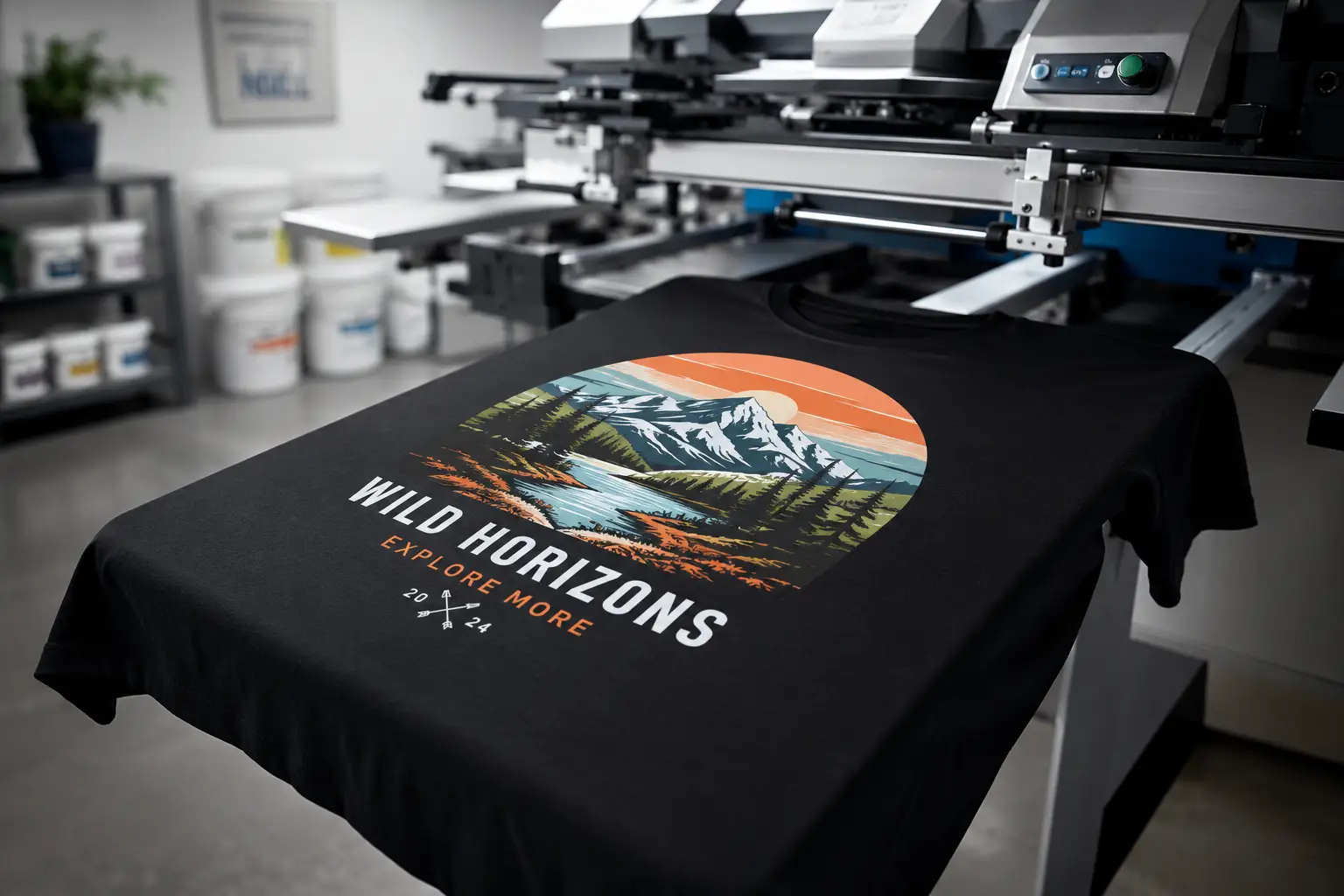
Serigrafía
Separaciones igualadas a PMS, tramas, calados, recorte + expansión, planificación de base. Listas para la prensa, no solo para la pantalla.
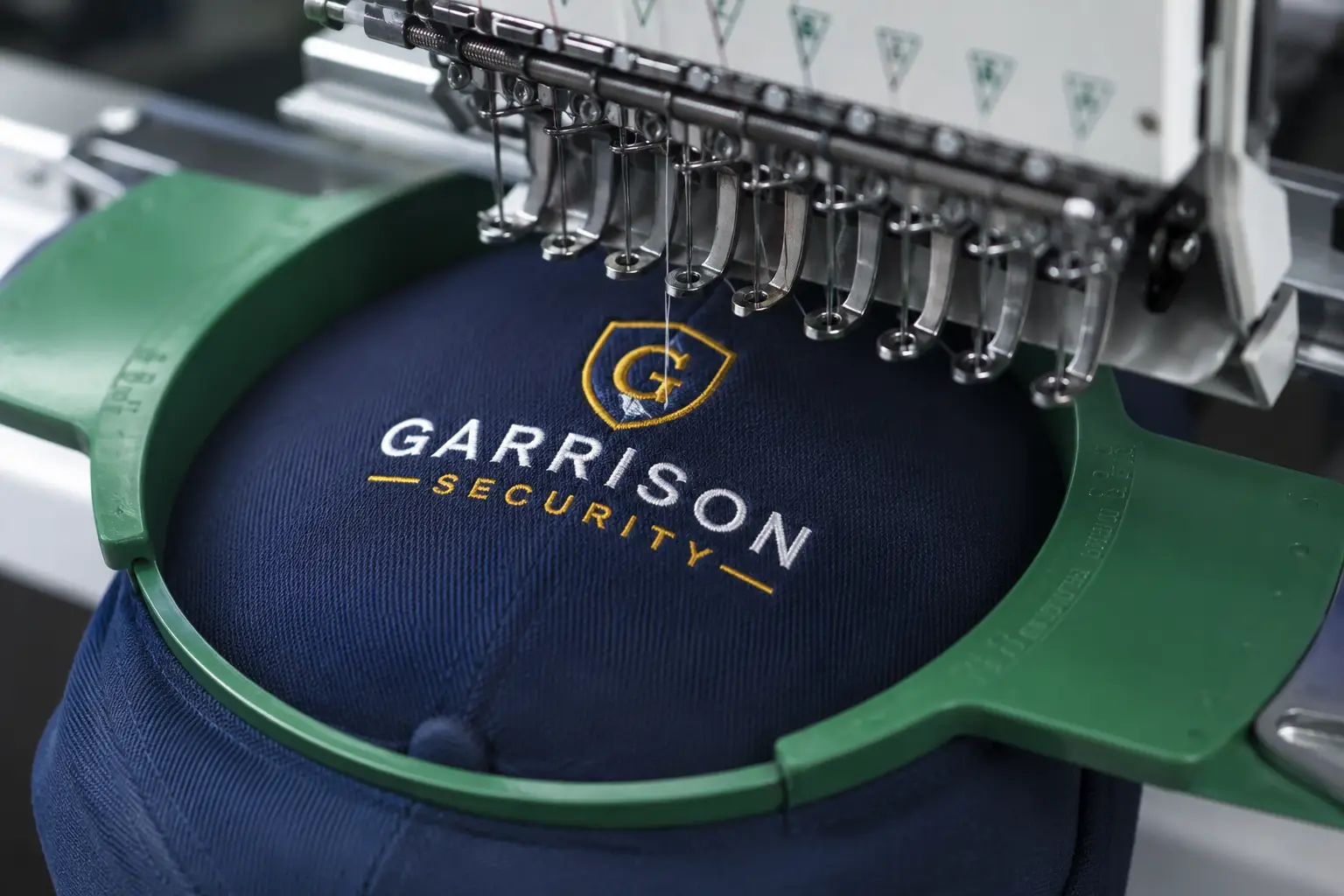
Bordado
Redibujos aptos para puntada, rellenos optimizados por densidad, trazados simplificados. Colores de hilo indicados para su digitalizador.
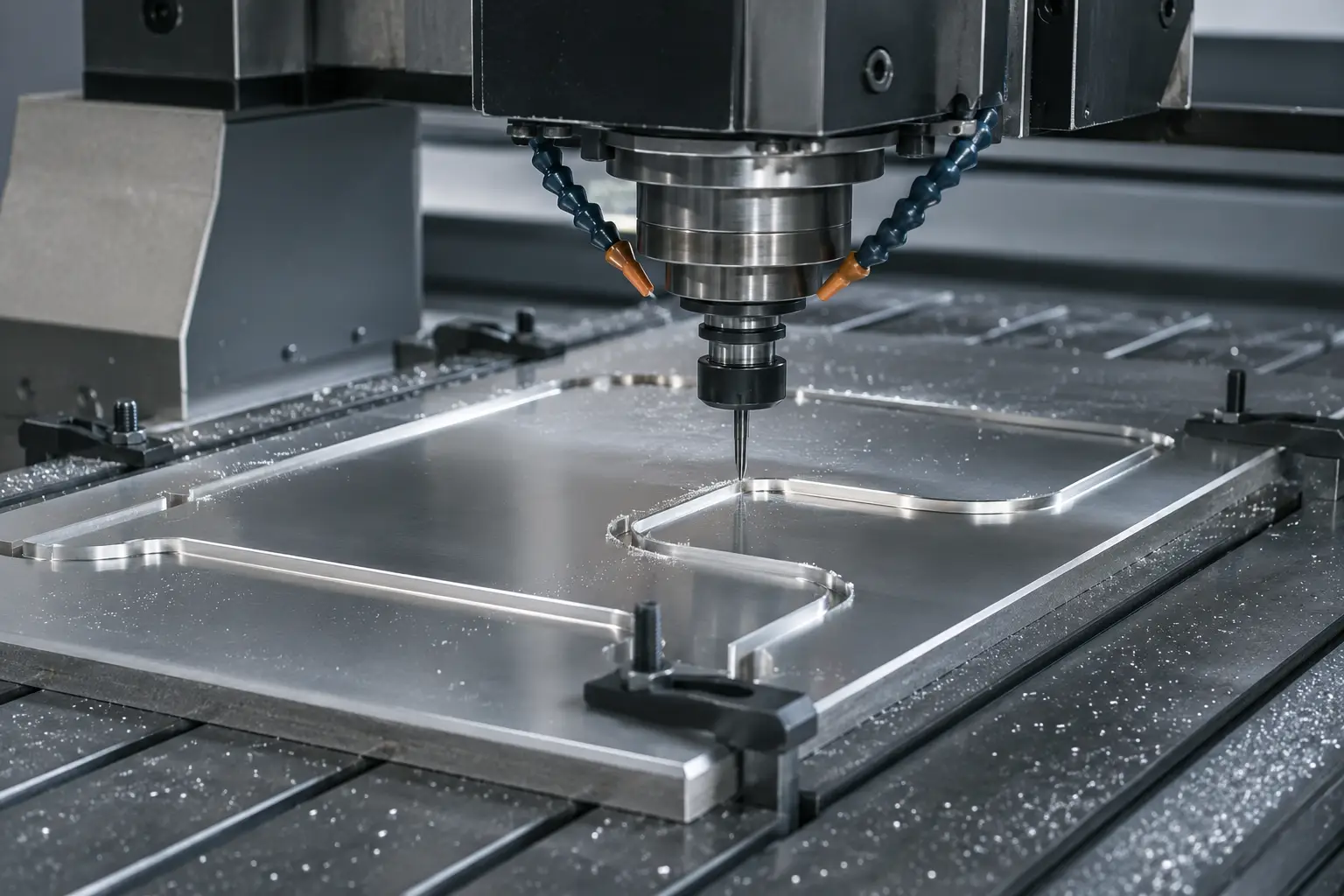
DXF / láser / CNC
Vectores de trazados cerrados para cortadoras láser, fresadoras CNC y chorro de agua. Con compensación de corte, capas por profundidad, listos para trayectoria de herramienta.
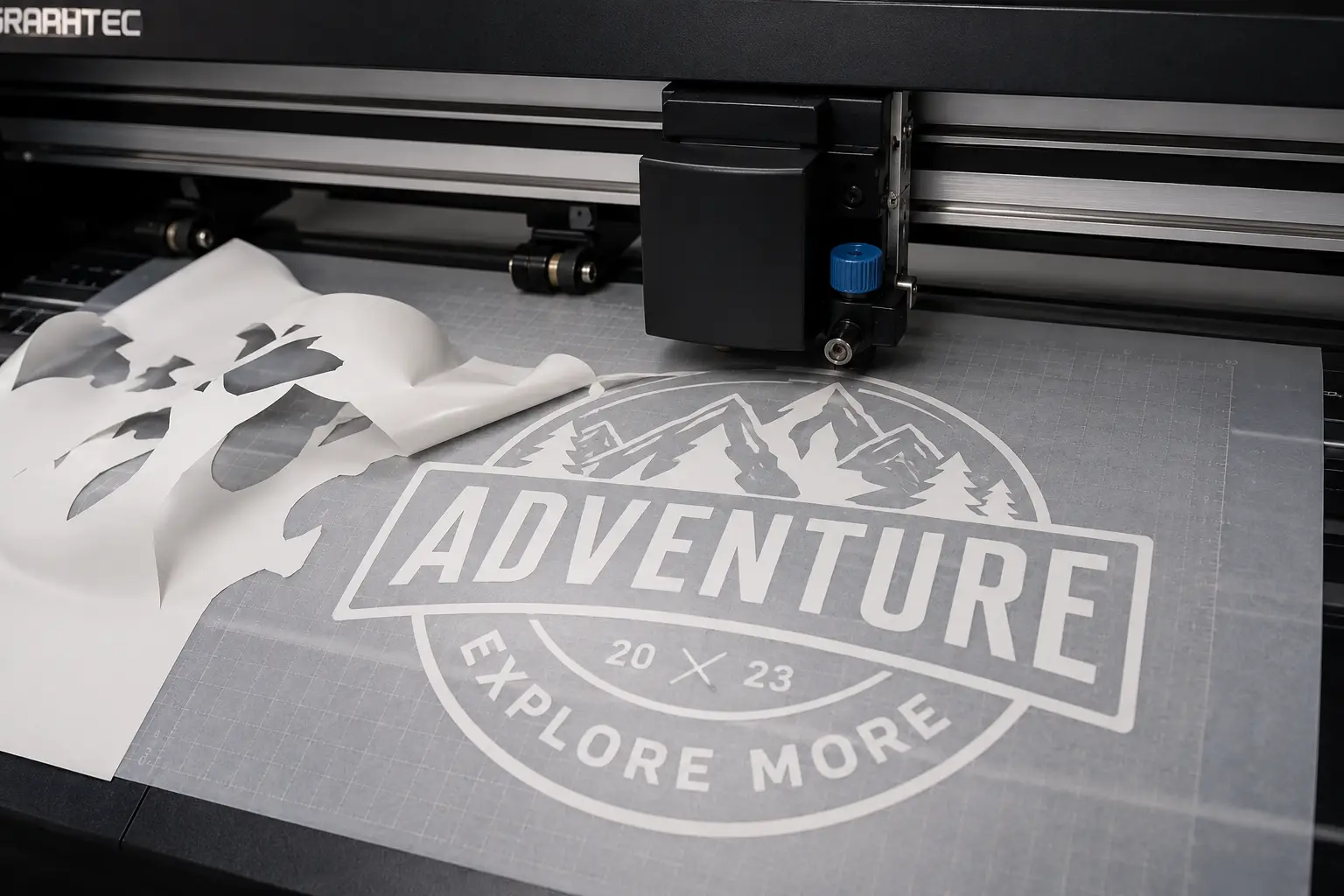
Plotters de corte
Contornos fáciles de deshojar, cortes de contorno, compensación de sobrecorte. Listos para Roland, Graphtec, Silhouette y Cricut.
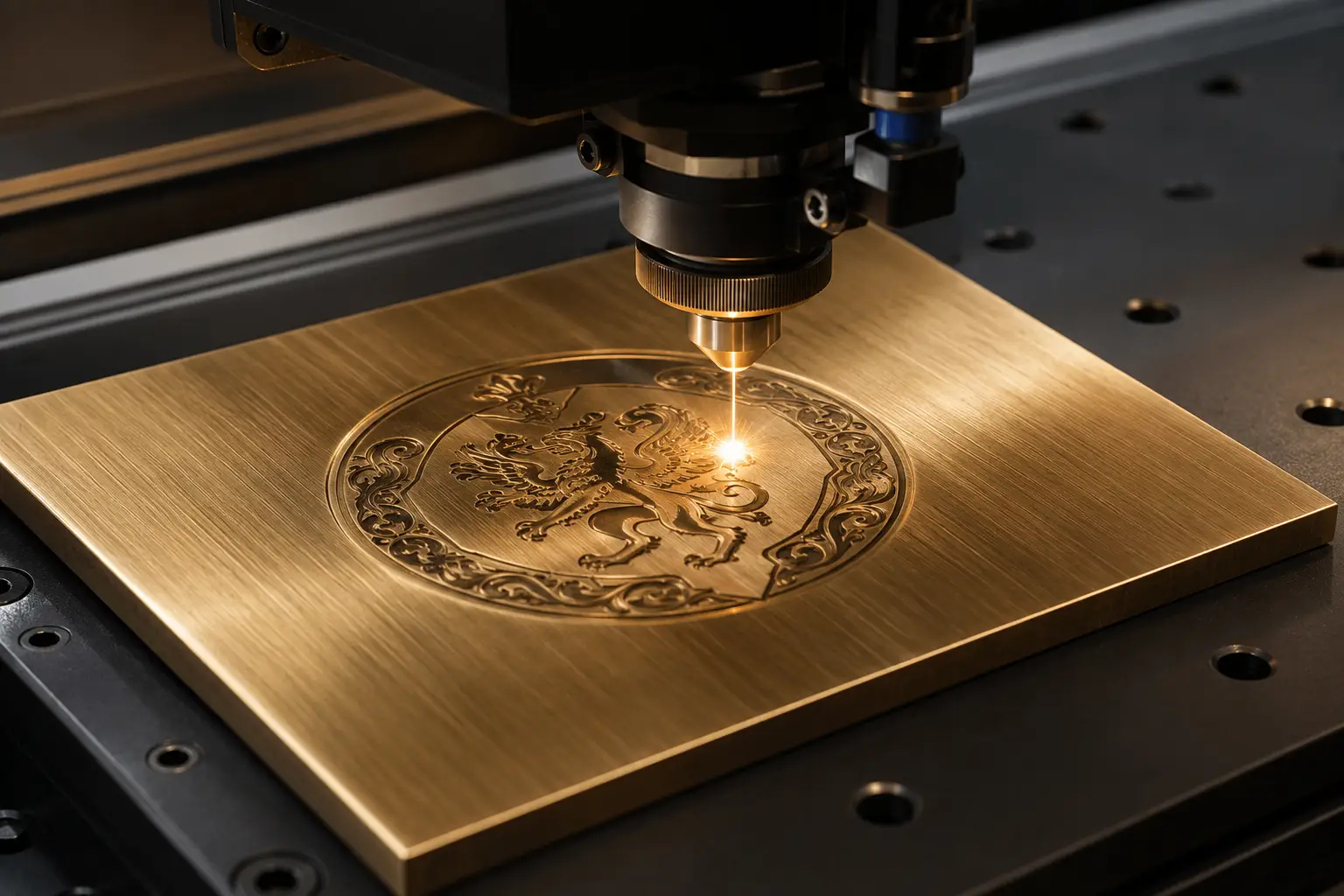
Grabado
Fuentes de trazo de línea única, trazados separados por profundidad, trayectorias de herramienta cerradas. Compatible con LightBurn y VCarve.
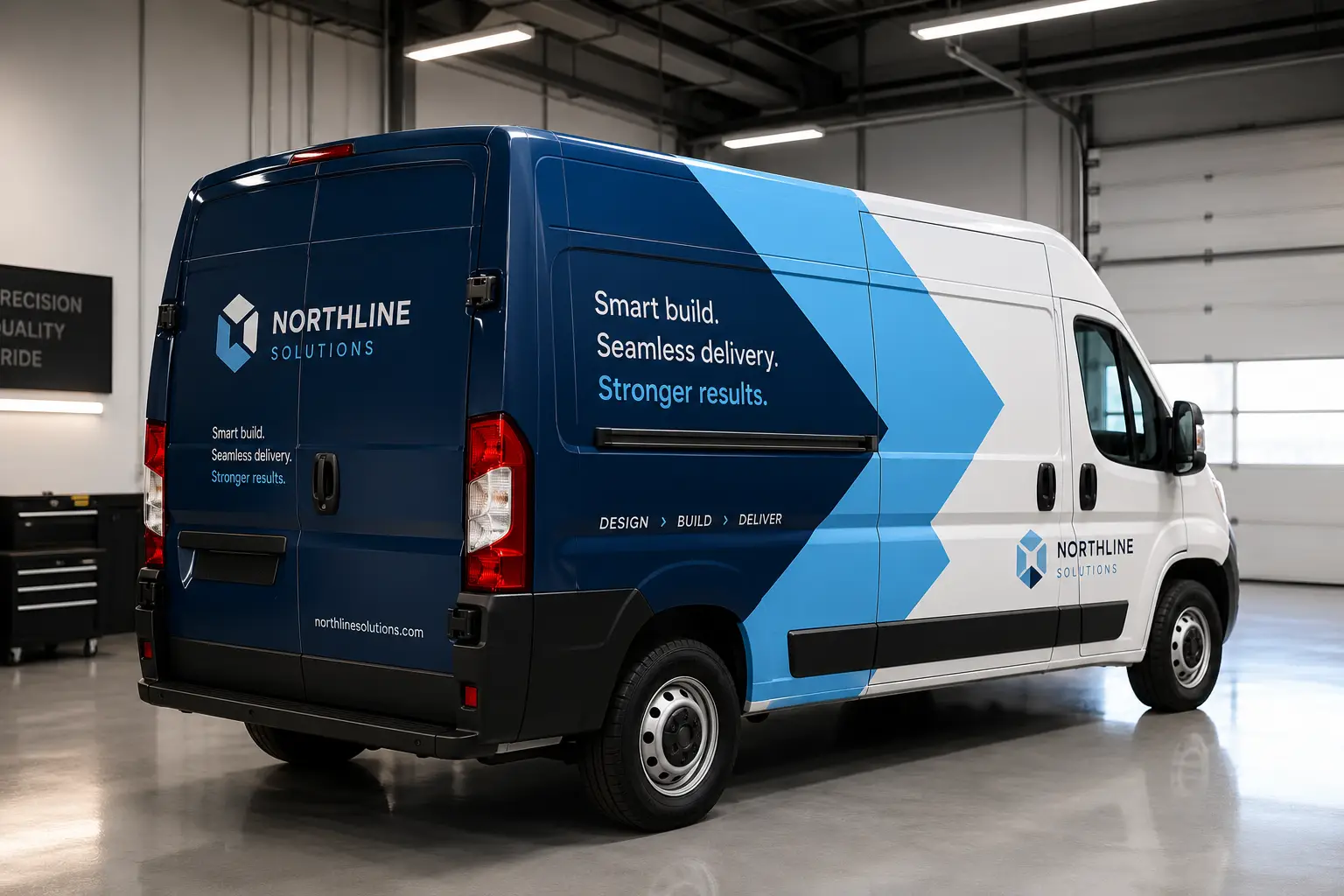
Rotulación de vehículos
Paneles de cobertura total, sangrado y margen de costura, cortes de contorno y color de marca con tinta directa: preparado para impresión de gran formato y vinilo de fundición.
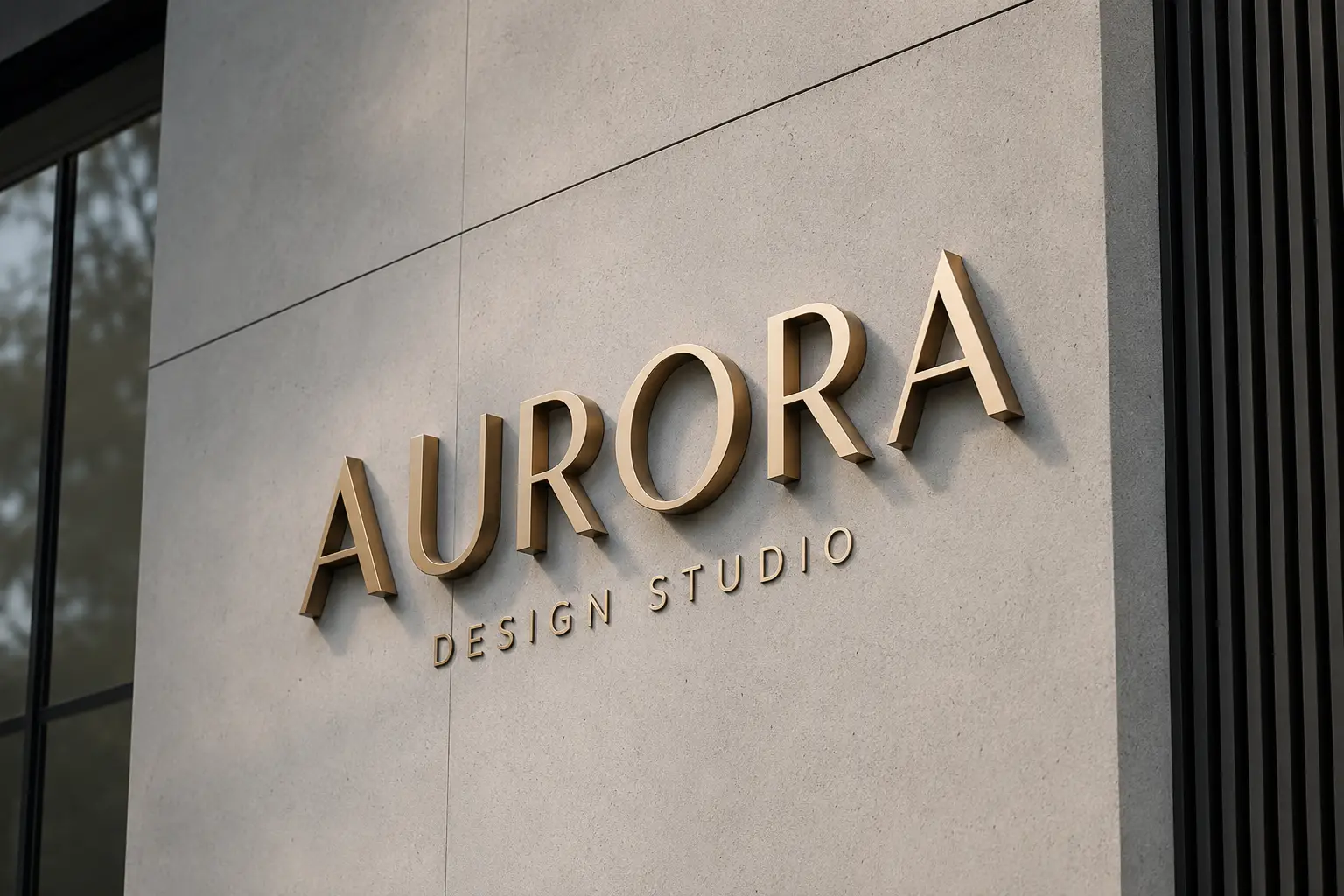
Fabricantes de rótulos
Letras dimensionales, señalización ADA, archivos de fabricación por capas con líneas de retorno y soldadura, y DXF con trayectoria de herramienta para el taller.
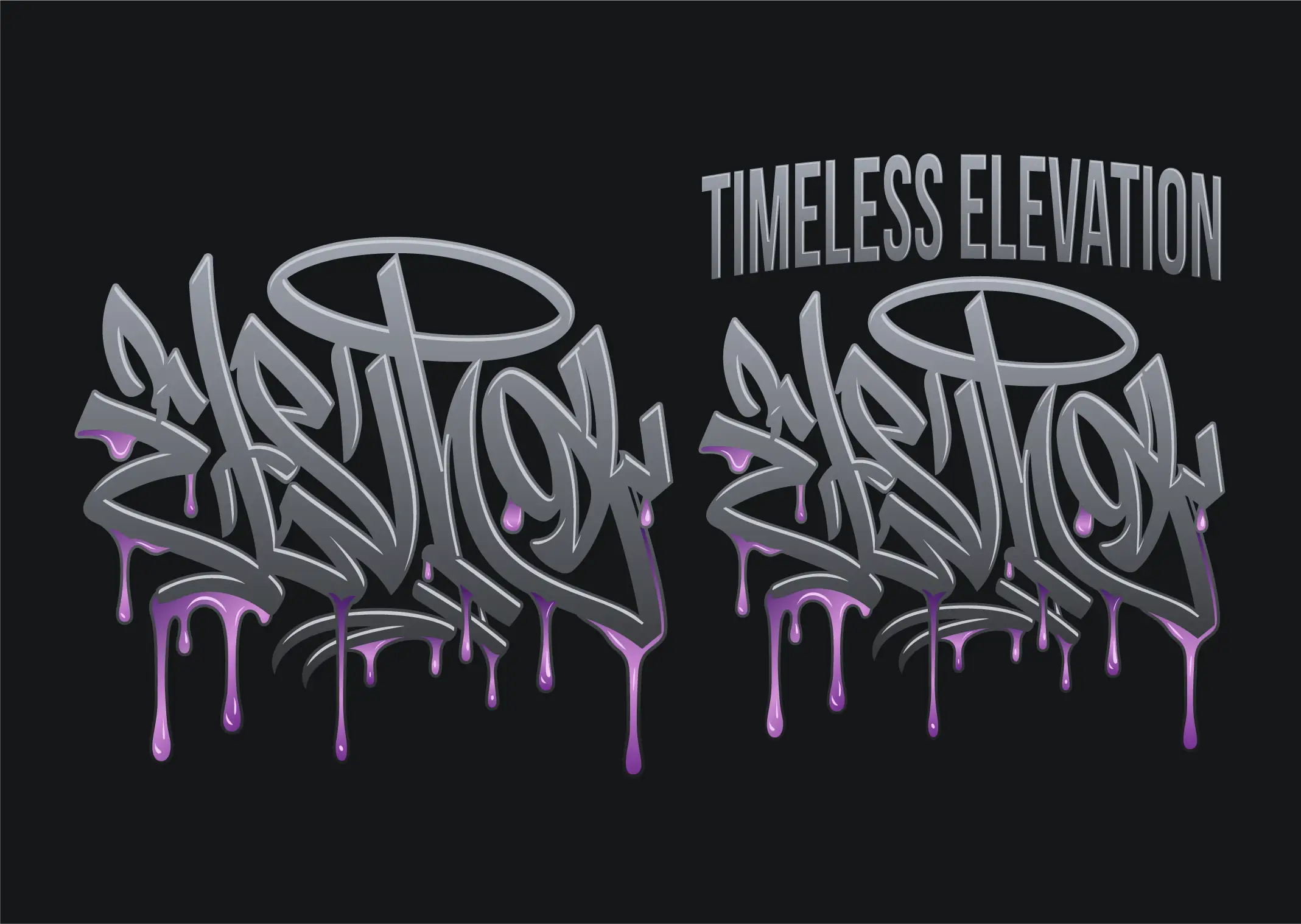
DTF y DTG
Conversión vectorial para DTF, DTG y termotransferencia: bordes nítidos sin halos blancos, colores reales y sin fondos incrustados. Exporte un PNG nítido a cualquier tamaño de impresión.
Pegatinas y etiquetas
Conversión vectorial para pegatinas y etiquetas: arte limpio al tamaño de impresión más una línea CutContour aparte con sangrado, para troquelado, medio corte e impresión y corte.
Productos promocionales
Logotipos vectoriales listos para marcar bolígrafos, tazas, vasos y lanyards: versiones a una o dos tintas directas, textos trazados y versiones en negativo para productos oscuros.
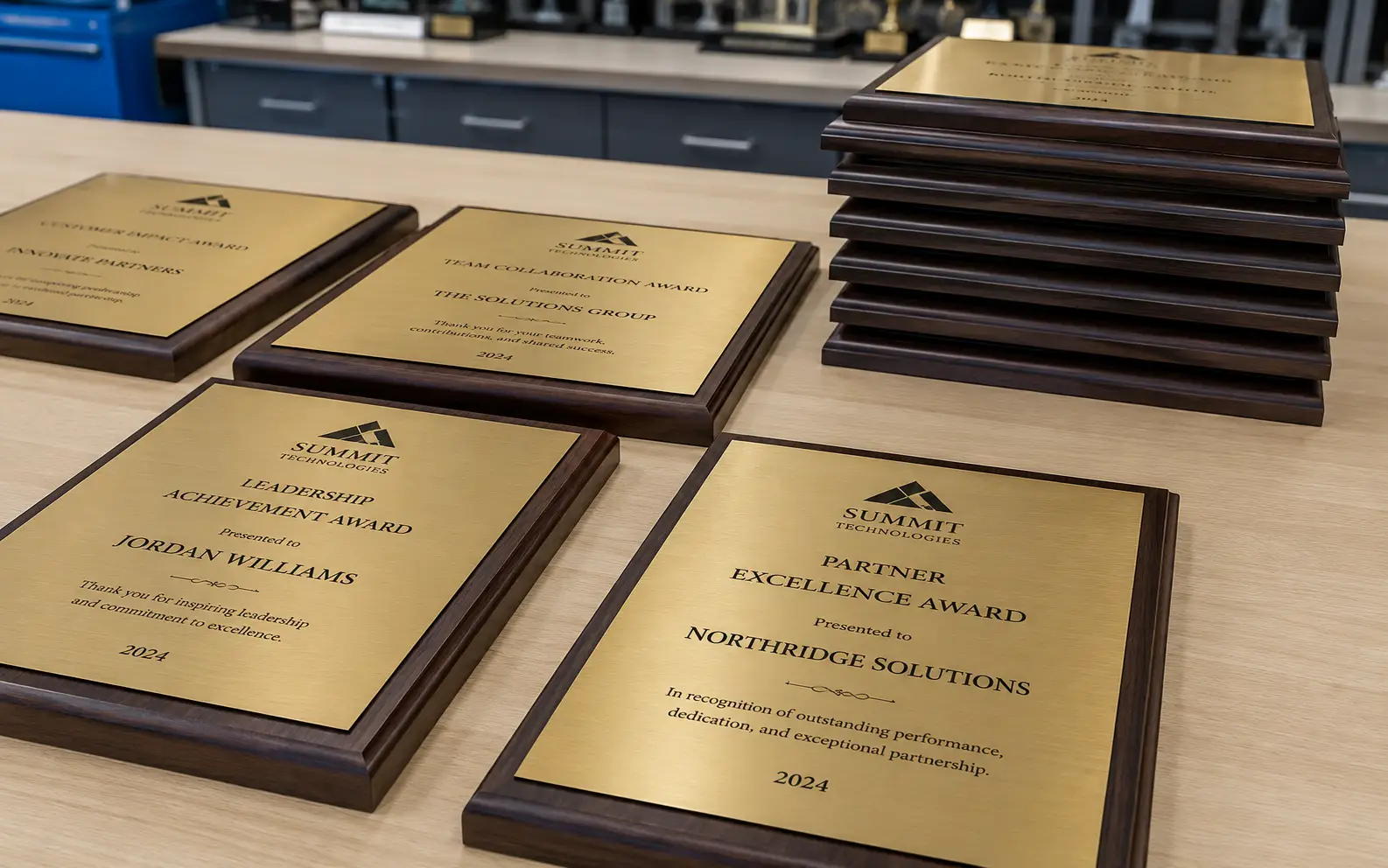
Trofeos y grabado en vidrio
Logotipos vectoriales de un color para placas, trofeos y vidrio arenado: formas sólidas, trazados cerrados, contraformas aptas para plantilla y versiones en negativo para placas oscuras.
Qué es realmente la conversión vectorial
Un archivo rasterizado —un JPG, un PNG, una captura de pantalla, una foto de un rótulo impreso— almacena una cuadrícula fija de puntos de color. Al ampliarlo, los puntos crecen con él, así que los bordes se suavizan y se escalonan. Un archivo vectorial almacena la forma: puntos de ancla y las curvas entre ellos, descritos matemáticamente. El mismo logo vectorial se imprime limpio en una tarjeta de visita y en una lona de doce metros, porque no se estira nada: se recalcula.
Para un taller de producción la diferencia no es estética, es mecánica. Un plóter necesita trazados cerrados o la cuchilla nunca completa el corte. Una prensa necesita los colores separados en planchas con nombre. Una fresadora necesita geometría que pueda desplazar para compensar la sangría de corte. Una máquina de bordar necesita datos de puntada, no una imagen. Nada de eso existe dentro de un JPG, y nada de eso sale de forma fiable pulsando el calco automático.
La conversión vectorial es el trabajo de reconstruir ese arte para que la máquina pueda ejecutarlo. Recibe varios nombres —calco vectorial, vectorización de imágenes, conversión de ráster a vector, conversión de arte a vector, conversión de ilustraciones a vector— y todos describen el mismo trabajo. VectorWiz lo hace a mano.
Redibujo manual frente a calco automático
Un calco automático detecta dónde cambian los colores y traza una línea a lo largo del límite. Es una forma razonable de obtener una imagen parecida al original. Es una mala forma de obtener un archivo que una máquina pueda ejecutar, porque el calco no tiene ni idea de lo que es el arte: no distingue una letra de una mancha, ni un contorno intencionado del ruido de compresión JPEG.
- Número de nodos. Un calco suele generar miles de puntos de ancla donde un redibujo usa decenas. Cada nodo suelto es un punto donde el corte puede titubear.
- Trazados abiertos. Los contornos calcados a menudo no se cierran. La cortadora sigue el trazado y simplemente se detiene donde se acaba la geometría.
- Color aplanado. Un calco produce regiones de color contiguas, no tintas separadas. No hay nada que entregar a la prensa como plancha.
- Tipografía. El texto pequeño es donde los calcos fallan de forma más visible: las letras se empastan o desaparecen. La tipografía hay que reconstruirla y, cuando la fuente es identificable, se vuelve a componer correctamente y se convierte a contornos.
- Sin márgenes de producción. Compensación de la sangría de corte, simplificación pensada para la puntada, contracción y expansión (choke y spread), contornos fáciles de desmalezar: nada de esto existe en un calco, porque el calco no sabe para qué máquina es el archivo.
Un redibujo humano parte de la intención del arte, no de sus píxeles. Un diseñador identifica las formas, las reconstruye con curvas deliberadas, compone la tipografía, separa los colores y prepara la geometría para el proceso que la va a ejecutar. Es más lento que pulsar un botón, por eso se cobra por trabajo, y es la razón de que el archivo funcione a la primera.
Qué recibes
Cada pedido se redibuja a mano en Illustrator con capas con nombre y colores directos correctos, y se entrega como AI por capas, EPS, SVG y PDF: los cuatro, en cada trabajo, sin coste adicional. DXF, separaciones de color y otros formatos especiales se preparan bajo pedido; dinos para qué máquina es el archivo y el entregable se construye a medida. No producimos archivos de puntada DST ni PES; para bordado entregamos trazados vectoriales listos para el digitalizador y una hoja de notas de puntada. Los archivos llegan en un zip, por correo y en tu panel.
| Formatos | |
|---|---|
| Envíanos | PNG · JPG · HEIC · WebP · TIFF · BMP · PDF · AI · EPS · SVG · PSD |
| Incluidos en cada pedido | AI (por capas) · EPS · SVG · PDF |
| Bajo pedido | PDF/X-1a · DXF · separaciones de color |
El color se iguala antes de dibujar nada, no se corrige después. Indica PMS Solid Coated, PMS Premium, RAL Classic, RAL Design, cuatricromía CMYK o RGB, o adjunta tu propia muestra y la igualamos a ella.
Cuánto cuesta
El precio depende de cuánto dibujo necesita realmente el arte, en cuatro niveles de complejidad: $19–$190 por trabajo. Sube un archivo rasterizado y el precio se calcula y se te muestra antes de comprometerte; no hay cola de presupuestos, ni gastos de preparación, ni cargos por revisión.
- Nivel 1 · Simple — $19. Una marca a una tinta, una firma, un logo limpio con pocas formas.
- Nivel 2 · Medio — $57. Varios colores, detalle moderado, arte que requiere un trabajo de separación real.
- Nivel 3 · Alto — $114. Ilustración detallada, muchos colores, degradados o mucha tipografía que reconstruir.
- Nivel 4 · Complejo — $190. Ilustración completa y archivos de fabricación por capas.
Los talleres que envían trabajo con regularidad pueden pasarse a un plan mensual de créditos y descontar los mismos trabajos de un saldo de créditos en lugar de pagar por archivo. El desglose por niveles y la comparativa de planes están en la página de precios.
Plazo, revisiones y garantía de rehacer
El plazo estándar es de 24 horas. Urgente entrega en 12 horas con un 50 % de recargo, y Flex devuelve el archivo en 3 días hábiles con un 10 % de descuento. Lo eliges al pagar, en cada pedido, así que un trabajo urgente y uno rutinario no tienen por qué costar lo mismo.
Las revisiones son ilimitadas y no se cobran. Si algo no está bien —una curva, un color, el nombre de una capa— vuelve al hilo de revisiones del pedido y se corrige. Y si un archivo entregado no imprime, corta o borda correctamente, la garantía de rehacer al 100 % significa que se redibuja sin coste.
Hecho para la máquina que ejecuta el archivo
El mismo logo se convierte en un archivo distinto según lo que tenga que hacer. Un plóter de vinilo necesita contornos fáciles de desmalezar y compensación de sobrecorte. Un láser necesita trazados cerrados y texto de trazo único. Una prensa necesita tintas con nombre y con reventado (trapping). Un cabezal de bordado necesita rellenos con la densidad ajustada y trazados simplificados. Elige tu flujo de trabajo al hacer el pedido y el entregable se prepara para él, o consulta las páginas por sector de abajo, que detallan la especificación que cumple cada uno.
¿Solo necesitas redibujar una marca, sin una máquina concreta en mente todavía? Empieza por la vectorización de logos: cálcalo gratis y después deja que un diseñador lo reconstruya con formas limpias y colores de marca separados.
Cosas que hacemos con independencia del flujo de trabajo.
Igualación de color
PMS Solid Coated, PMS Premium, RAL Classic, RAL Design, cuatricromía CMYK o RGB, o adjunta tu propia muestra. Se iguala antes de dibujar, no se corrige después. Igualación Pantone →
Reilustración
Cuando el original está demasiado dañado para redibujarlo con limpieza, lo reconstruimos a partir de la referencia, conservando la intención del diseño, no el mapa de bits.
Separación de semitonos
Separaciones de colores directos y de proceso simulado listas para la prensa: ángulos, frecuencias, base inferior, contracción y expansión (choke y spread). Separación de color →
El archivo exacto que procesa tu máquina.
Cada página de sector de abajo cubre los formatos de salida de ese flujo de trabajo. Encuentra tu máquina y abre su página.
Talleres de rótulos
DXF, SVG, EPS
Serigrafistas
EPS, AI
Talleres de bordado
AI, SVG, EPS (trazados listos para el digitalizador)
Plotters de corte
SVG, DXF
Rotuladores de vehículos
AI, PDF
Grabadores
AI, DXF
Preguntas frecuentes
Respuestas directas a lo que preguntan los talleres antes de su primer pedido. ¿Falta su pregunta? Escríbanos.
¿Qué es un servicio de conversión vectorial?
¿En qué se diferencia de un vectorizador online gratuito?
¿Qué formatos de archivo recibo?
¿Qué archivos puedo enviar?
¿Cuánto cuesta la conversión vectorial?
¿Cuánto tarda?
¿Y si el archivo no está bien?
¿También hacen calco vectorial, conversión de arte a vector y conversión de ráster a vector?
¿Pueden igualar un color de marca concreto?
¿Necesito una cuenta para hacer un pedido?
¿También hacen edición de imágenes, diseño de logos o digitalización de bordado?
¿Tienes algo que no aparece en la lista?
Si tu máquina lee archivos vectoriales, podemos prepararlos. Hemos preparado arte para sublimación, estampado con lámina, termoestampado y calcomanías al agua, solo que aún no está en el menú.
- Qué es la conversión vectorial, a fondo
La guía informativa detrás de esta página de servicio: formatos por máquina y por qué un redibujo supera a un calco.
- Niveles de complejidad y planes mensuales
La tabla completa de niveles por trabajo y la comparativa de planes.
- Conversiones antes y después
Archivos de origen reales junto al entregable vectorial que se envió.
- Conversor vectorial gratuito
Calca tu archivo en el navegador para ver dónde falla una conversión automática.
- Plazo estándar, urgente y Flex
Cómo funcionan el plazo de 24 horas y las opciones urgente y Flex.