La conversion vectorielle, dessinée à la main.
Envoyez-nous un JPG, un PNG, un PDF ou la photo d’une enseigne imprimée. Un graphiste le redessine en visuel vectoriel correct pour la production et vous renvoie AI en calques, EPS, SVG et PDF — en 24 heures.
Depuis 2022 · 4,7★ sur 23 avis Google et Trustpilot · garantie de refonte à 100 %
La réponse courte
VectorWiz est un service de conversion vectorielle manuelle. Le visuel matriciel — JPG, PNG, PDF, PSD ou photo — est redessiné à la main par nos graphistes internes en fichiers vectoriels prêts pour la production, jamais vectorisé automatiquement. Chaque commande revient en AI en calques, EPS, SVG et PDF, avec DXF et séparations de couleurs sur demande (pour la broderie, des tracés vectoriels prêts pour le numériseur ; c’est votre numériseur qui produit le fichier DST ou PES). Le prix est fixé au travail sur quatre paliers de complexité ($19 to $190) et affiché avant le paiement. Le délai standard est de 24 heures, avec des options express en 12 heures et Flex en 3 jours, des révisions illimitées et une garantie de reprise à 100 %.
Comment un travail progresse chez VectorWiz
Téléversez votre visuel
Déposez un PNG, JPG, HEIC, PDF, AI, EPS, PSD, TIFF, BMP, SVG ou WebP. Une photo au téléphone d’une enseigne imprimée fait l’affaire.
Voyez le prix avant de vous engager
Les fichiers matriciels sont évalués selon leur complexité et chiffrés sur-le-champ, sur quatre paliers. Pas de file d’attente pour un devis, pas de frais de mise en route.
Un graphiste le redessine à la main
Reconstruit dans Illustrator avec des calques nommés, les bons tons directs, des tracés fermés et un texte correctement composé — préparé pour la machine que vous avez indiquée.
Les fichiers arrivent en 24 heures
AI en calques, EPS, SVG et PDF dans un zip, par e-mail et dans votre tableau de bord. Les révisions sont illimitées et gratuites.
Services

Enseignistes
Lettres boîtiers, bannières, enseignes monumentales, coverings de véhicules. Ton direct, à l'échelle de pose, séparés pour le fraisage et le choix du support.
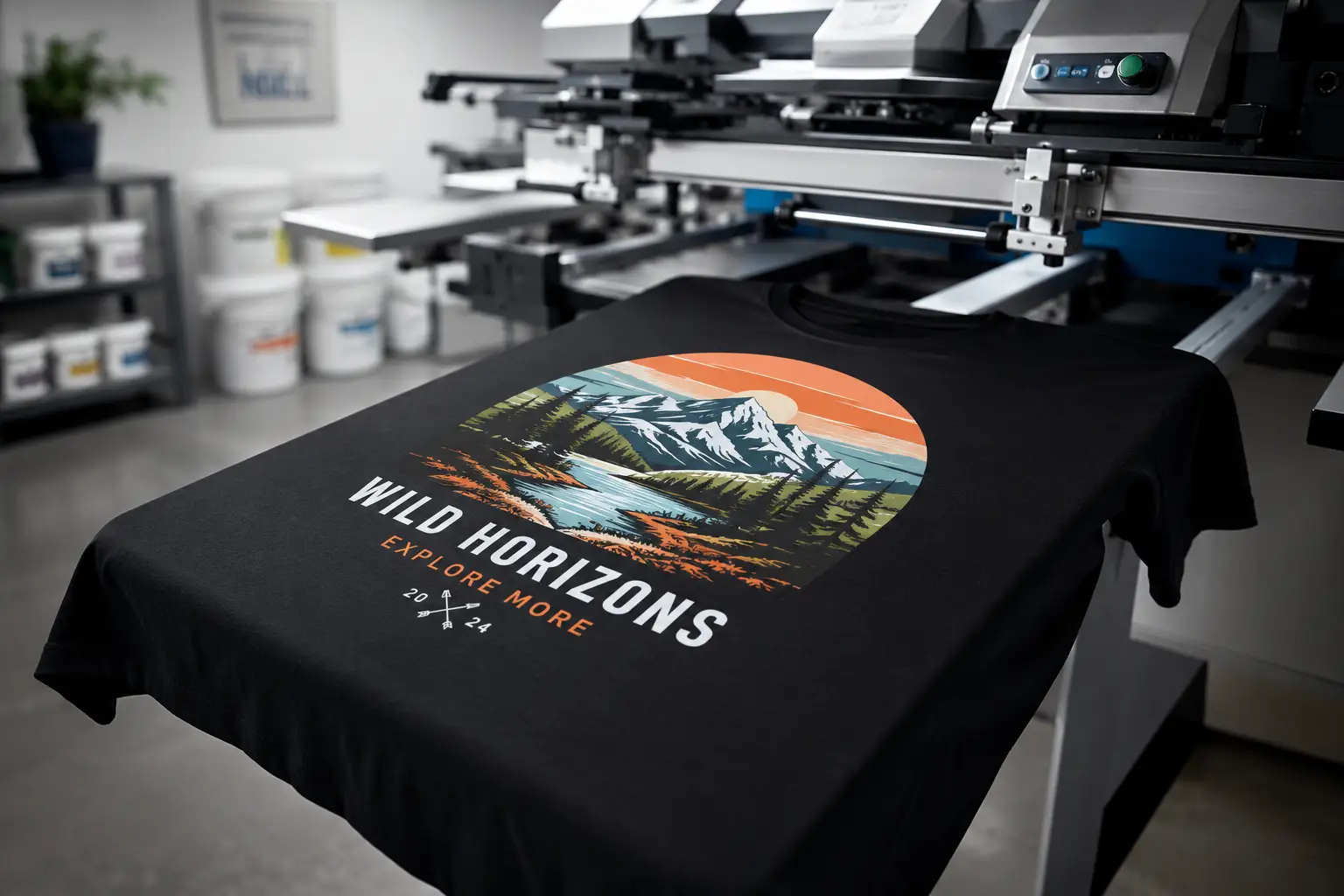
Sérigraphie
Séparations calées sur PMS, trames, défonces, étranglement + grossi, planification du blanc de soutien. Prêtes pour la presse, pas seulement pour l'écran.
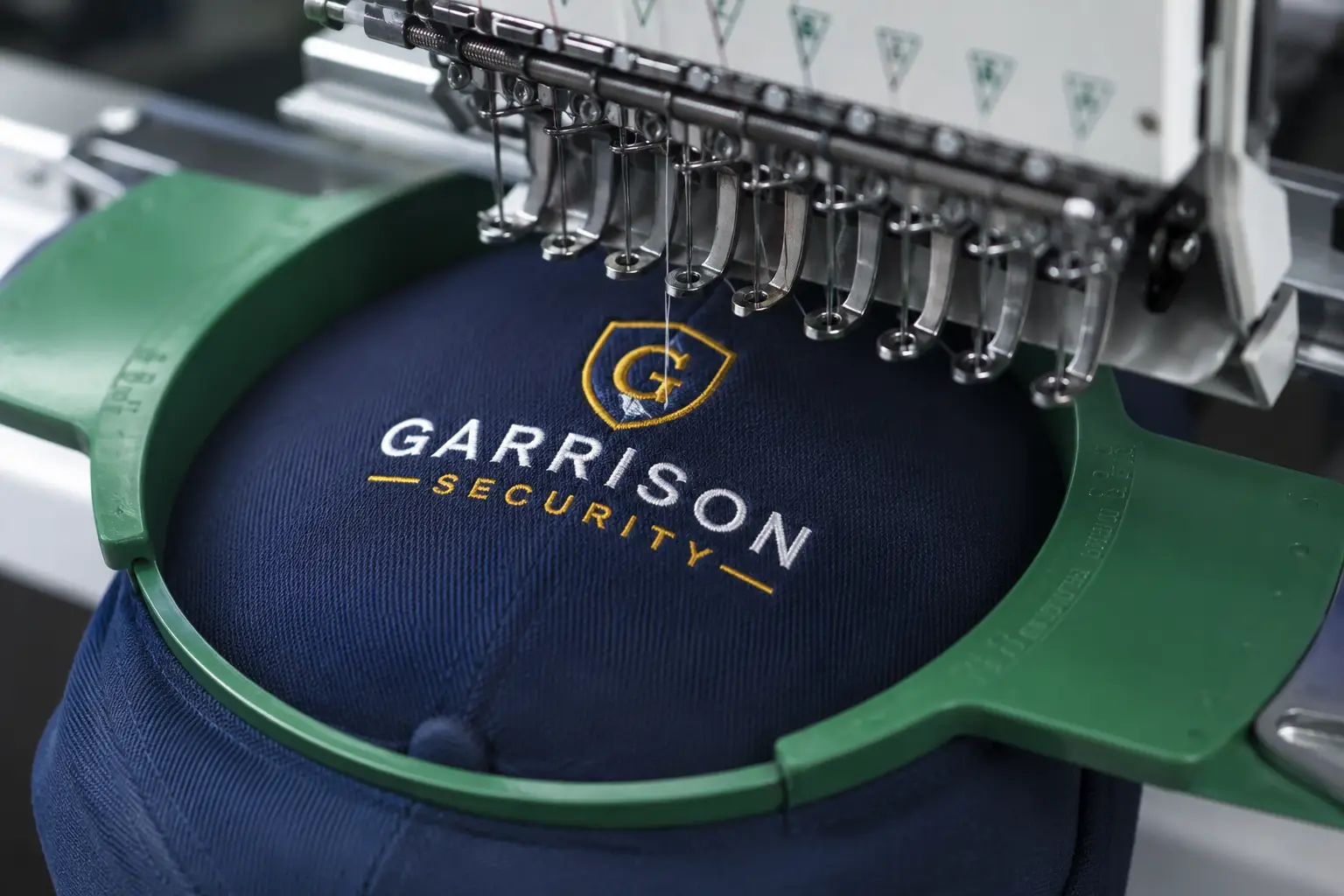
Broderie
Redessins adaptés au point, remplissages optimisés en densité, tracés simplifiés. Couleurs de fil indiquées pour votre numériseur.
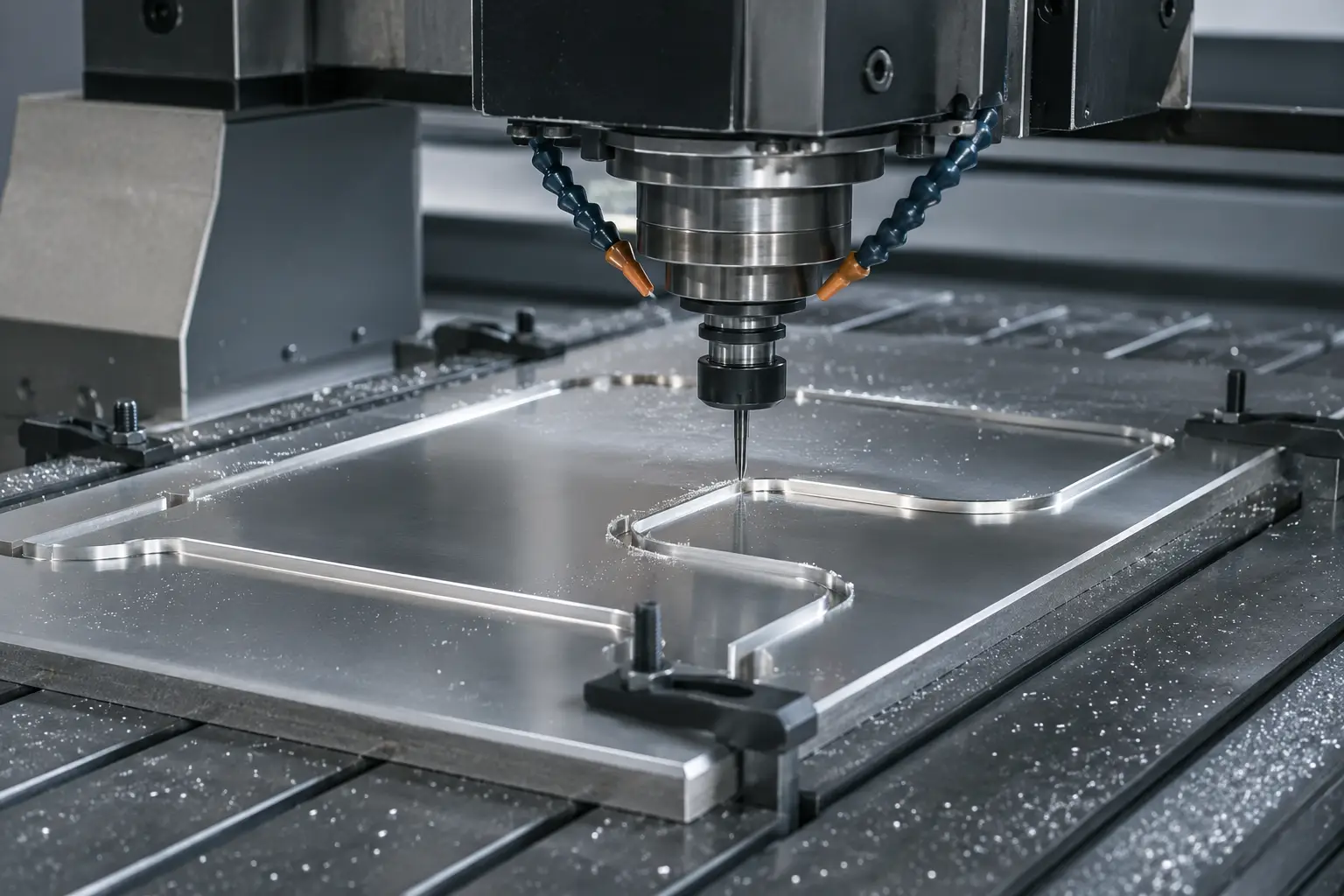
DXF / laser / CNC
Vecteurs à tracés fermés pour découpeuses laser, défonceuses CNC et jet d'eau. Compensation de saignée, calques par profondeur, prêts pour la trajectoire d'outil.
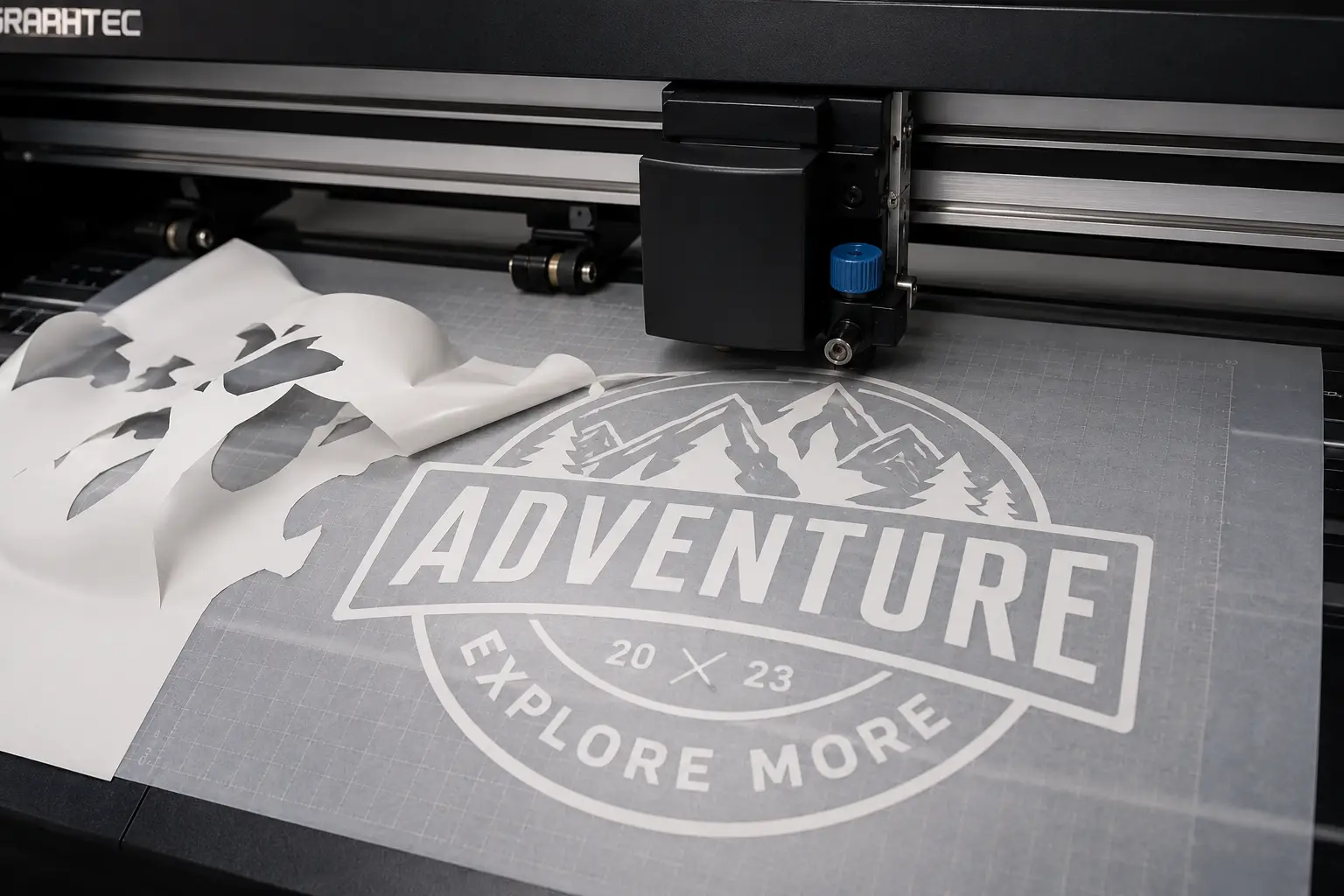
Découpe vinyle
Contours faciles à écheniller, coupes de contour, compensation de surcoupe. Prêts pour Roland, Graphtec, Silhouette et Cricut.
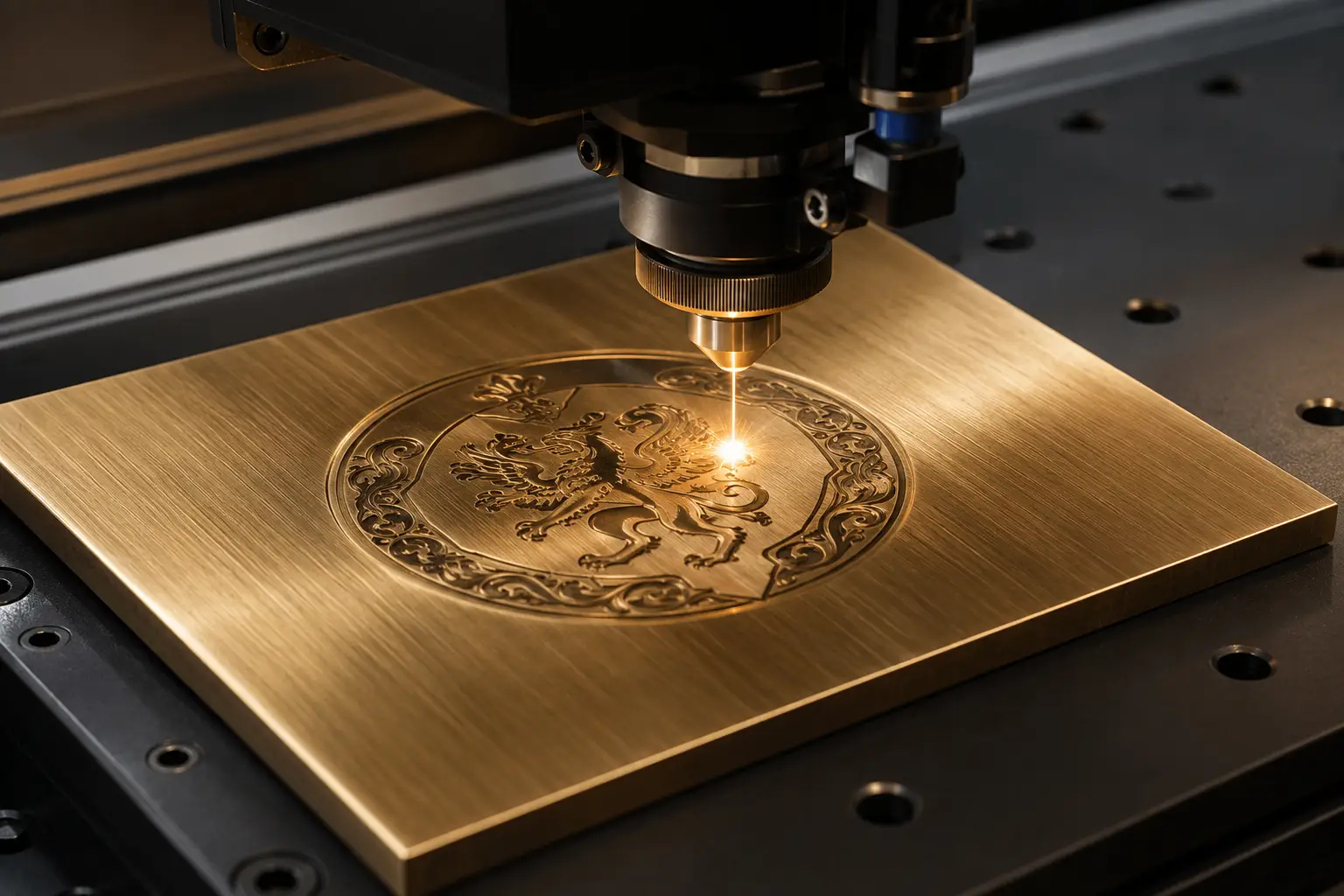
Gravure
Polices de trait mono-ligne, tracés séparés par profondeur, parcours d'outil fermés. Compatible LightBurn et VCarve.
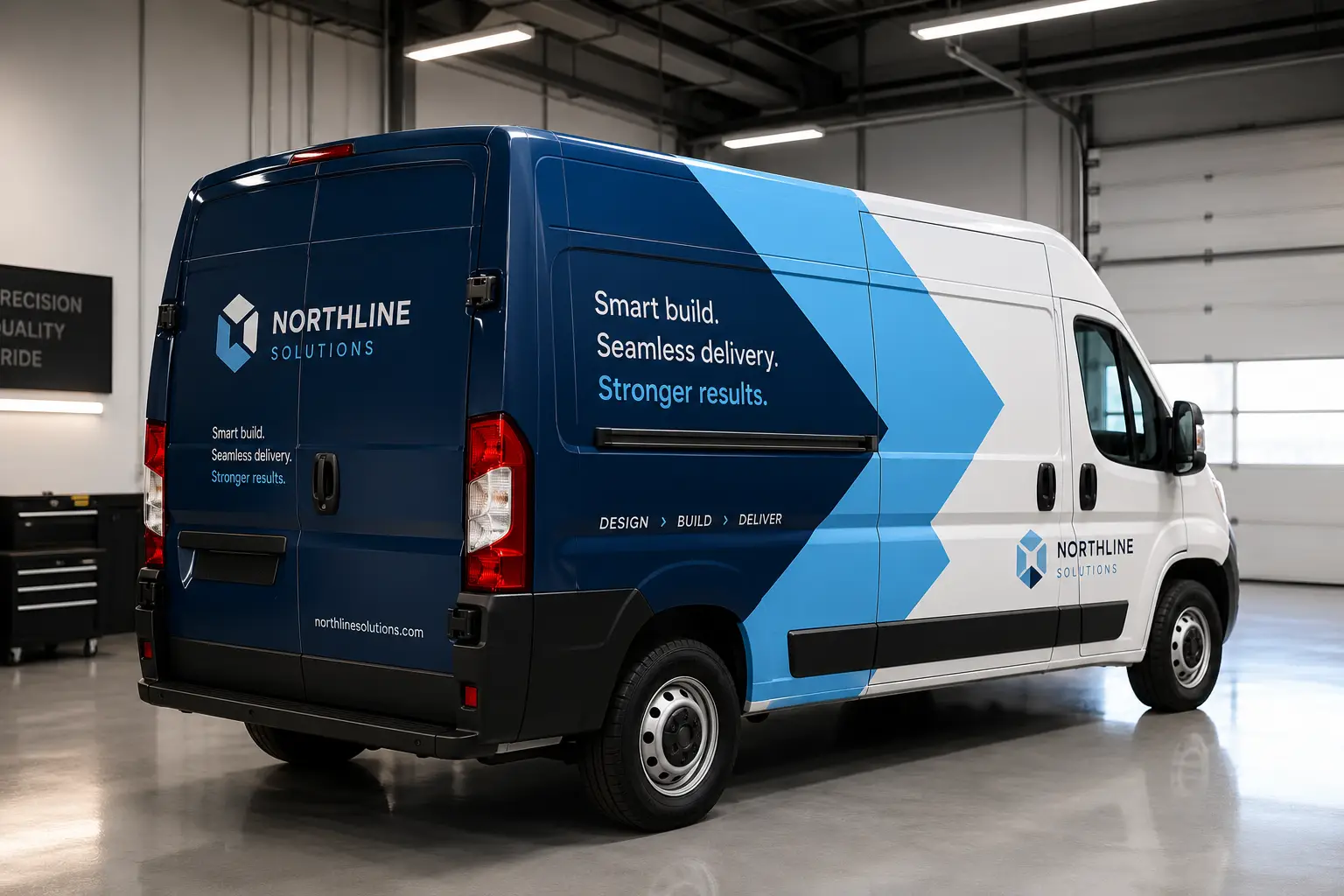
Covering de véhicules
Panneaux pleine couverture, fond perdu et marge de raccord, coupes de contour et couleur de marque en ton direct — préparé pour l’impression grand format et le vinyle coulé.
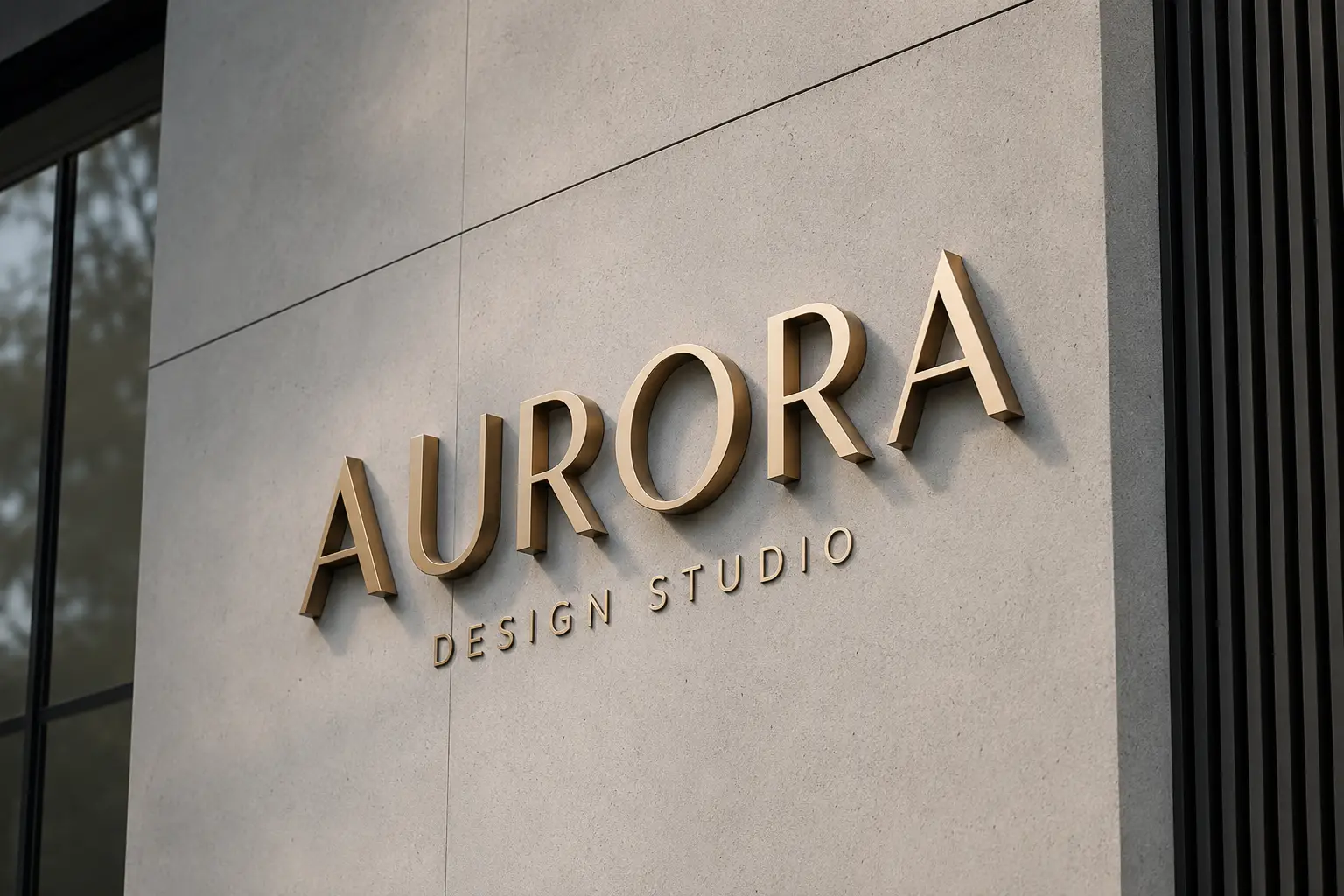
Fabricants d'enseignes
Lettres dimensionnelles, signalétique ADA, fichiers de fabrication en calques avec lignes de joue et de soudure, et DXF avec parcours d'outil pour l'atelier.
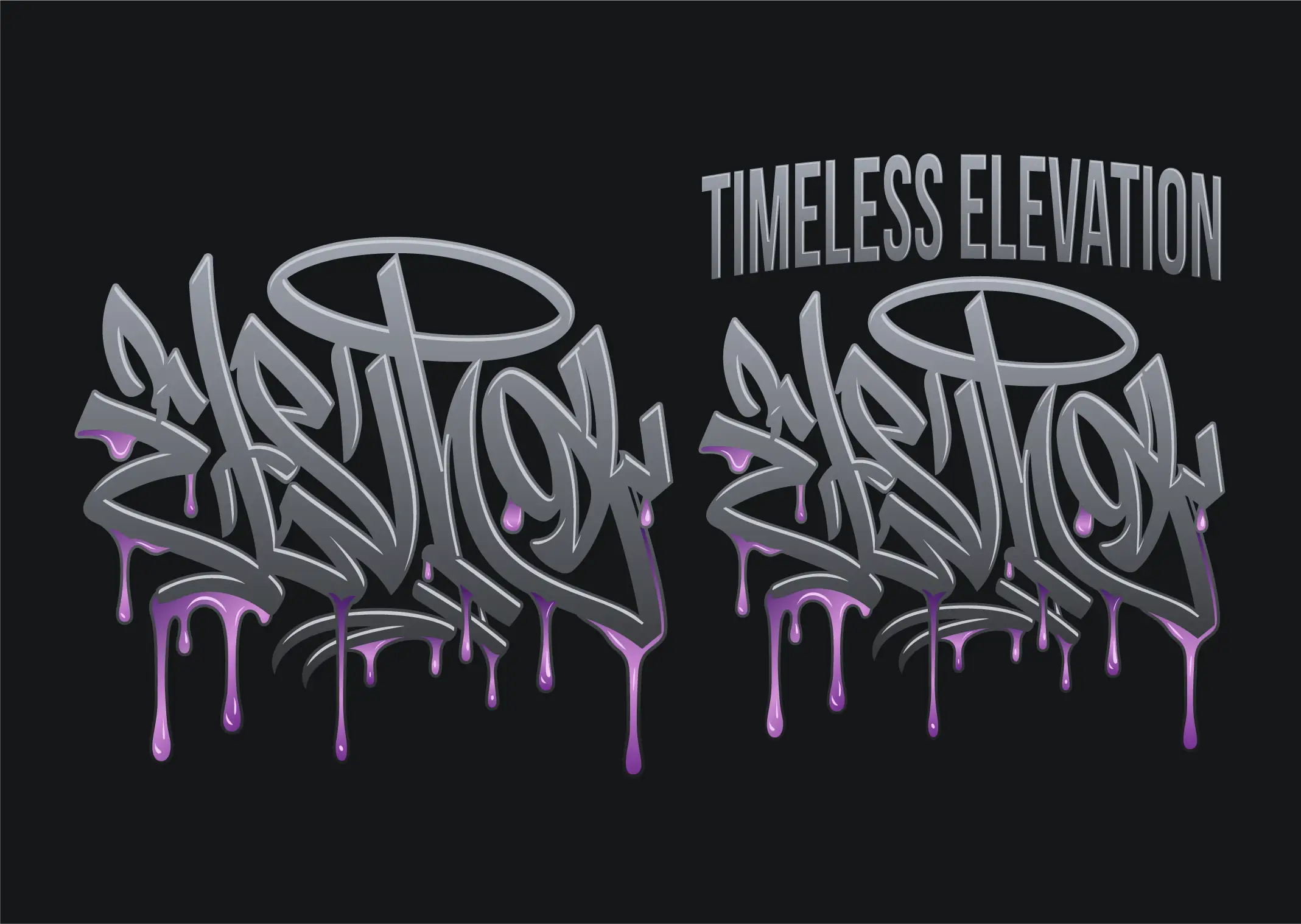
DTF et DTG
Conversion vectorielle pour DTF, DTG et transfert à chaud : bords nets sans halo blanc, vraies couleurs, aucun fond incrusté. Exportez un PNG net à n'importe quelle taille d'impression.
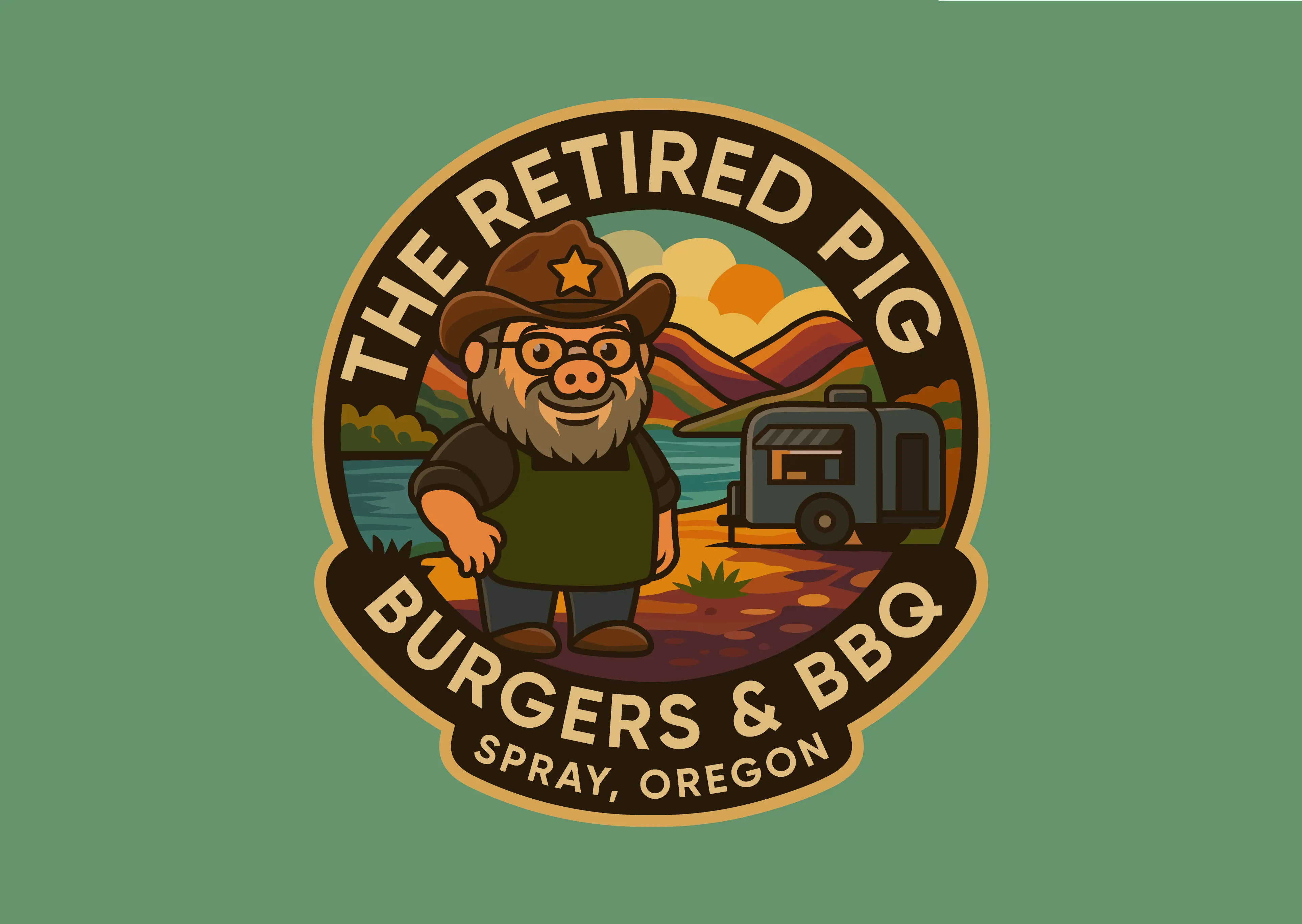
Stickers et étiquettes
Conversion vectorielle pour stickers et étiquettes : visuel propre à la taille d’impression et tracé CutContour séparé avec fond perdu, pour la découpe à la forme, mi-chair et l’impression-découpe.
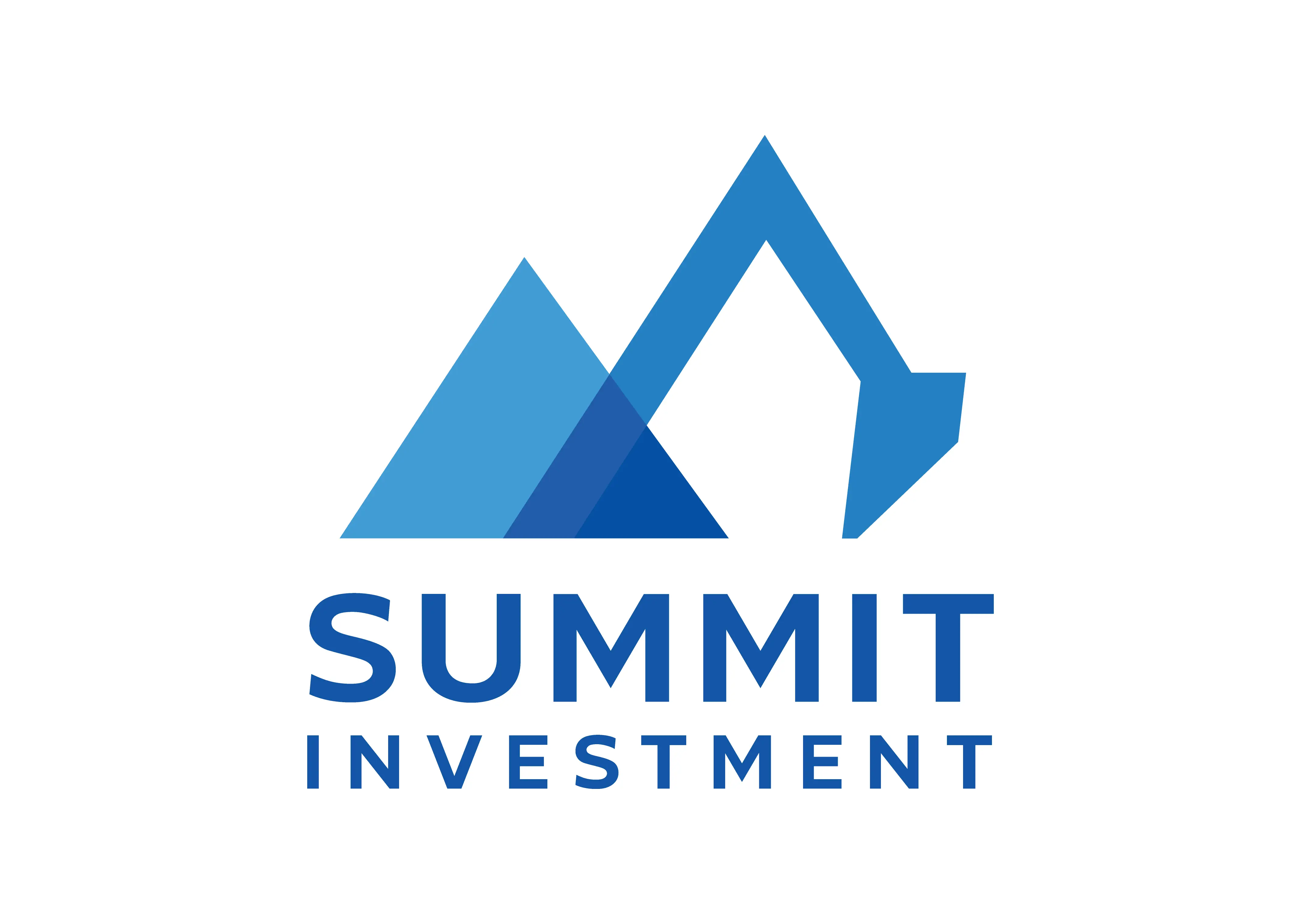
Objets publicitaires
Logos vectoriels prêts au marquage pour stylos, mugs, gobelets et tours de cou : versions une ou deux couleurs en ton direct, textes vectorisés et versions négatives pour les objets foncés.
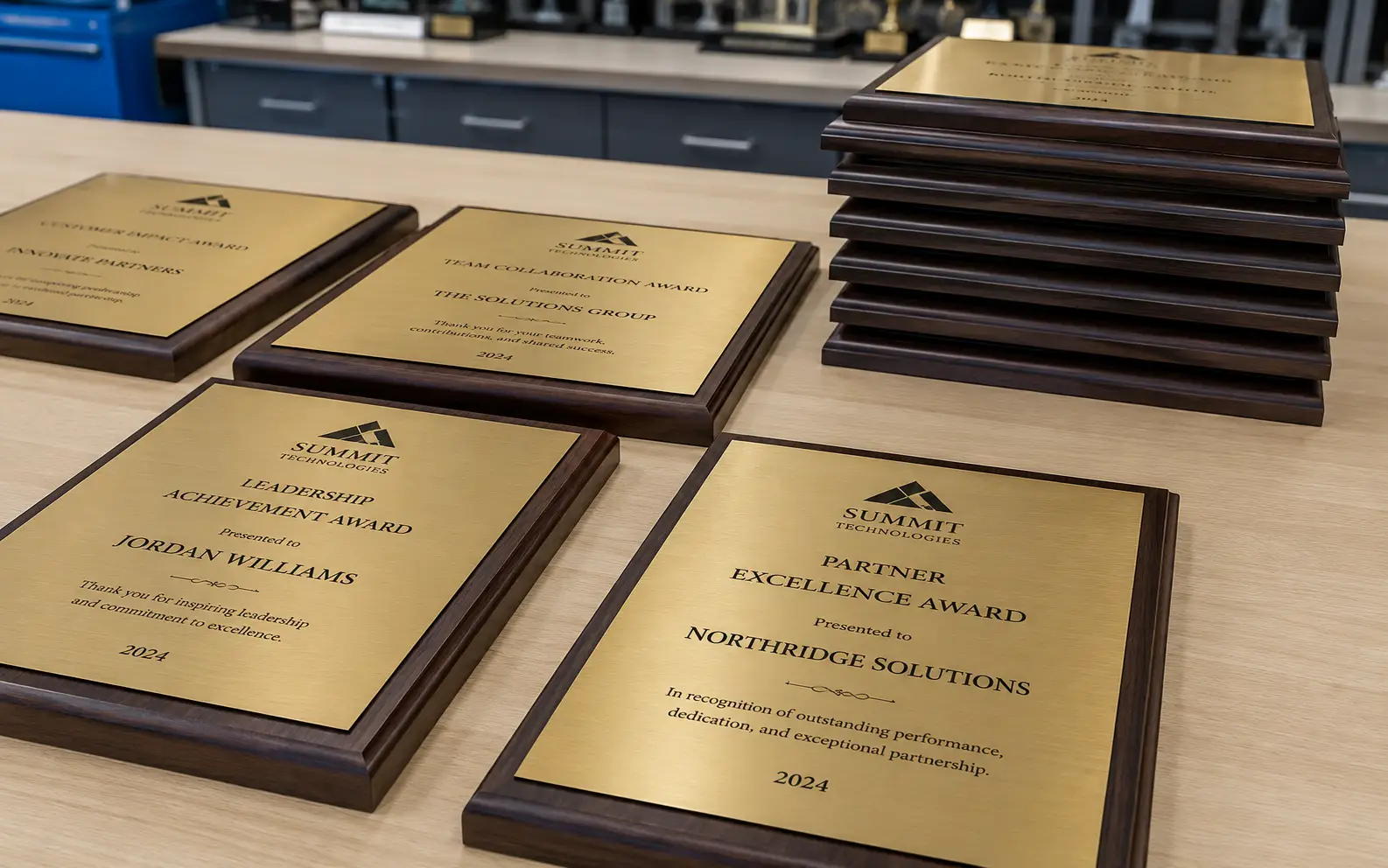
Trophées et gravure sur verre
Logos vectoriels une couleur pour plaques, trophées et verre sablé : aplats, tracés fermés, contreformes qui tiennent au pochoir et versions négatives pour les plaques foncées.
Ce qu’est vraiment la conversion vectorielle
Un fichier matriciel — un JPG, un PNG, une capture d’écran, la photo d’une enseigne imprimée — enregistre une grille fixe de points colorés. Agrandissez-le et les points grossissent avec lui : les bords s’adoucissent et prennent un effet d’escalier. Un fichier vectoriel enregistre la forme elle-même : des points d’ancrage et les courbes qui les relient, décrits mathématiquement. Le même logo vectoriel s’imprime net sur une carte de visite comme sur une banderole de douze mètres, parce que rien n’est étiré — tout est recalculé.
Pour un atelier de production, la différence n’est pas esthétique, elle est mécanique. Un plotter a besoin de tracés fermés, sinon la lame ne termine jamais la coupe. Une presse a besoin de couleurs séparées sur des plaques nommées. Une fraiseuse a besoin d’une géométrie qu’elle peut décaler pour compenser la saignée. Une brodeuse a besoin de données de points, pas d’une image. Rien de tout cela n’existe dans un JPG, et rien de tout cela n’est produit de façon fiable par un clic sur « vectorisation automatique ».
La conversion vectorielle consiste à reconstruire ce visuel pour que la machine puisse l’exécuter. Elle porte plusieurs noms — traçage vectoriel, vectorisation d’image, conversion matriciel-vectoriel, conversion de visuels en vectoriel — et tous décrivent le même travail. VectorWiz le fait à la main.
Redessin manuel ou vectorisation automatique
Un outil de vectorisation automatique repère les changements de couleur et pose un tracé le long de la frontière. C’est une manière raisonnable d’obtenir une image qui ressemble à l’original. C’est une mauvaise manière d’obtenir un fichier qu’une machine peut exécuter, parce que l’outil ne sait pas ce que le visuel *représente* — il ne distingue pas une lettre d’une bavure, ni un contour voulu du bruit de compression JPEG.
- **Nombre de nœuds.** Un tracé automatique produit souvent des milliers de points d’ancrage là où un redessin en utilise quelques dizaines. Chaque nœud parasite est un endroit où la coupe peut accrocher.
- **Tracés ouverts.** Les contours vectorisés automatiquement ne se ferment souvent pas. Le plotter suit le tracé et s’arrête tout simplement là où la géométrie s’arrête.
- **Couleurs aplaties.** Le tracé automatique produit des zones de couleur juxtaposées, pas des encres séparées. Il n’y a rien à confier à la presse comme plaque.
- **Texte.** Les petits caractères sont l’endroit où la vectorisation automatique échoue le plus visiblement — les lettres se fondent entre elles ou disparaissent. Le texte doit être reconstruit, et lorsque la police est identifiable, il est recomposé correctement puis vectorisé.
- **Aucune marge de production.** Compensation de la saignée, simplification adaptée au point, étranglement et débord, contours faciles à écheniller — rien de tout cela n’existe dans un tracé automatique, parce que l’outil ne sait pas à quelle machine le fichier est destiné.
Un redessin humain part de l’intention du visuel plutôt que de ses pixels. Le graphiste identifie les formes, les reconstruit avec des courbes maîtrisées, compose le texte, sépare les couleurs et prépare la géométrie pour le procédé qui va réellement l’exécuter. C’est plus lent qu’un clic, d’où une tarification au travail — et c’est la raison pour laquelle le fichier fonctionne du premier coup.
Ce que vous recevez
Chaque commande est redessinée à la main dans Illustrator, avec des calques nommés et les bons tons directs, et revient en **AI en calques, EPS, SVG et PDF** — les quatre, sur chaque travail, sans supplément. Le DXF, les séparations de couleurs et les autres formats spécifiques sont produits sur demande ; indiquez à quelle machine le fichier est destiné et le livrable est préparé en conséquence. Nous ne produisons pas de fichiers de points DST ou PES ; pour la broderie, nous livrons des tracés vectoriels prêts pour le numériseur et une fiche de notes de broderie. Les fichiers arrivent dans un zip, par e-mail et dans votre tableau de bord.
| Formats | |
|---|---|
| Envoyez-nous | PNG · JPG · HEIC · WebP · TIFF · BMP · PDF · AI · EPS · SVG · PSD |
| Inclus dans chaque commande | AI (en calques) · EPS · SVG · PDF |
| Sur demande | PDF/X-1a · DXF · séparations de couleurs |
La couleur est calée avant que quoi que ce soit ne soit dessiné, pas corrigée après coup. Indiquez PMS Solid Coated, PMS Premium, RAL Classic, RAL Design, quadrichromie CMJN ou RVB — ou joignez votre propre nuancier et nous le reproduisons.
Combien ça coûte
Le prix dépend de la quantité de dessin que le visuel exige réellement, sur quatre paliers de complexité — $19 to $190 par travail. Téléversez un fichier matriciel et le prix est calculé et affiché avant que vous ne vous engagiez ; pas de file d’attente pour un devis, pas de frais de mise en route, pas de supplément par révision.
- **Palier 1 · Simple** — $19. Un logo monochrome, une signature, un logo net avec peu de formes.
- **Palier 2 · Modéré** — $57. Plusieurs couleurs, un niveau de détail moyen, un visuel qui demande un vrai travail de séparation.
- **Palier 3 · Complexe** — $114. Illustration détaillée, nombreuses couleurs, dégradés ou reconstruction importante du texte.
- **Palier 4 · Qualité production** — $190. Travail d’illustration complet et fichiers de fabrication en calques.
Les ateliers qui envoient du travail régulièrement peuvent passer à un forfait mensuel en crédits : les mêmes travaux sont alors débités d’un solde de crédits au lieu d’être payés fichier par fichier. Le détail des paliers et le comparatif des forfaits se trouvent sur la page des tarifs.
Délais, révisions et garantie de reprise
Le délai standard est de 24 heures. L’express livre en 12 heures pour 50 % de plus, et le Flex rend le fichier en 3 jours ouvrés pour 10 % de moins — vous choisissez au paiement, commande par commande, pour qu’un travail urgent et un travail courant n’aient pas à coûter la même chose.
Les révisions sont illimitées et ne sont pas facturées. Si quelque chose ne va pas — une courbe, une couleur, un nom de calque — cela repart dans le fil de révision de la commande et c’est corrigé. Et si un fichier livré ne s’imprime pas, ne se découpe pas ou ne se brode pas correctement, la garantie de reprise à 100 % fait qu’il est redessiné sans frais.
Préparé pour la machine qui exécute le fichier
Le même logo devient un fichier différent selon ce qu’il doit faire. Un plotter vinyle veut des contours faciles à écheniller et une compensation de surcoupe. Un laser veut des tracés fermés et du texte à trait unique. Une presse veut des encres nommées, avec grossi-maigri. Une tête de broderie veut des remplissages réglés en densité et des tracés simplifiés. Choisissez votre workflow à la commande et le livrable est préparé pour lui — ou consultez les pages secteurs ci-dessous, qui détaillent le cahier des charges que chacun respecte.
Vous voulez seulement faire redessiner un logo, sans machine précise en tête ? Commencez par la vectorisation de logo : tracez-le gratuitement, puis faites-le reconstruire par un graphiste avec des formes propres et des couleurs de marque séparées.
Ce que nous faisons quel que soit le workflow.
Mise en correspondance des couleurs
PMS Solid Coated, PMS Premium, RAL Classic, RAL Design, quadrichromie CMJN ou RVB — ou joignez votre propre nuancier. Calé avant de dessiner, pas corrigé après. Correspondance Pantone →
Réillustration
Quand la source est trop dégradée pour être redessinée proprement, nous la reconstruisons à partir de la référence — en préservant l’intention du design, pas le bitmap.
Séparation des demi-teintes
Séparations en ton direct et en simili-quadri prêtes pour la presse — angles, fréquences, base de blanc, étranglement et débord. Séparation des couleurs →
Le fichier exact que votre machine exécute.
Chaque page sectorielle ci-dessous couvre les formats de sortie de ce flux de travail. Trouvez votre machine et ouvrez sa page.
Enseignistes
DXF, SVG, EPS
Sérigraphes
EPS, AI
Ateliers de broderie
AI, SVG, EPS (tracés prêts pour le numériseur)
Découpe vinyle
SVG, DXF
Poseurs de covering
AI, PDF
Graveurs
AI, DXF
Frequently asked questions
Direct answers to what production buyers ask before placing their first order. Question missing? Ask us.
Qu’est-ce qu’un service de conversion vectorielle ?
Quelle différence avec un vectoriseur gratuit en ligne ?
Quels formats de fichier vais-je recevoir ?
Que puis-je vous envoyer ?
Combien coûte une conversion vectorielle ?
Combien de temps faut-il ?
Et si le fichier ne convient pas ?
Faites-vous aussi le traçage vectoriel, la vectorisation de visuels et la conversion matriciel-vectoriel ?
Pouvez-vous reproduire une couleur de marque précise ?
Faut-il un compte pour commander ?
Faites-vous aussi de la retouche d’image, du design de logo ou de la numérisation de broderie ?
Faites-vous aussi de la retouche d'image, du design de logo ou de la numérisation de broderie ?
Haut · le pilier
Transversal · comparer
Vous avez quelque chose qui ne figure pas dans la liste ?
Si votre machine lit des fichiers vectoriels, nous pouvons les préparer. Nous avons déjà préparé des visuels pour la sublimation, la dorure, le marquage à chaud et les décalcomanies à l’eau — simplement pas encore au menu.
- La conversion vectorielle expliquée en détail
Le guide informatif derrière cette page de service — les formats par machine, et pourquoi un redessin bat un tracé automatique.
- Paliers de complexité et forfaits mensuels
Le tableau complet des paliers par travail et le comparatif des forfaits.
- Conversions avant / après
De vrais fichiers sources à côté du livrable vectoriel expédié.
- Convertisseur vectoriel gratuit
Tracez votre fichier dans le navigateur pour voir où une conversion automatique casse.
- Délais standard, express et Flex
Comment fonctionnent le délai garanti de 24 heures et les options express et Flex.