How to brief a vector designer.
A designer can only redraw what you tell them you need. In our experience, the difference between a smooth job and a back-and-forth job is almost always the brief. Here is the five-item list that gets you a usable file every time.

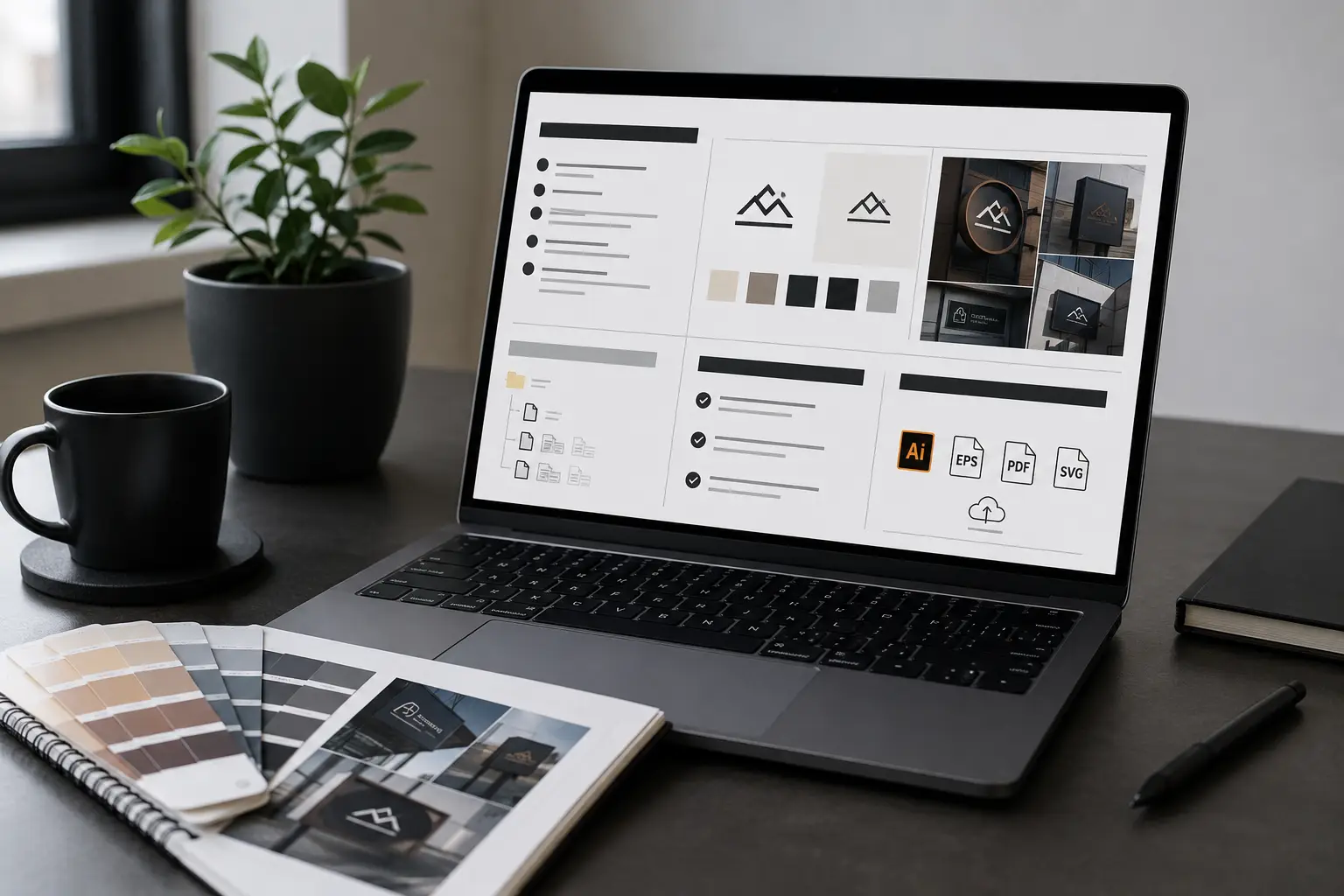
1. The final size you will print at
Not "scalable" — the actual install dimensions. A 36-inch monument sign and a 4-inch sticker have different ideal anchor counts, different stroke weights, and different detail thresholds. We size files at delivery dimensions so they print 1:1.
2. The substrate and machine
Routing aluminum at 0.080"? Plotting Oracal 651 on a Roland CAMM-1? Embroidering Madeira on twill? Tell us the substrate, the machine, and the operator standard. We adjust kerf, choke, pull-comp, and stitch density accordingly.
3. The color spec
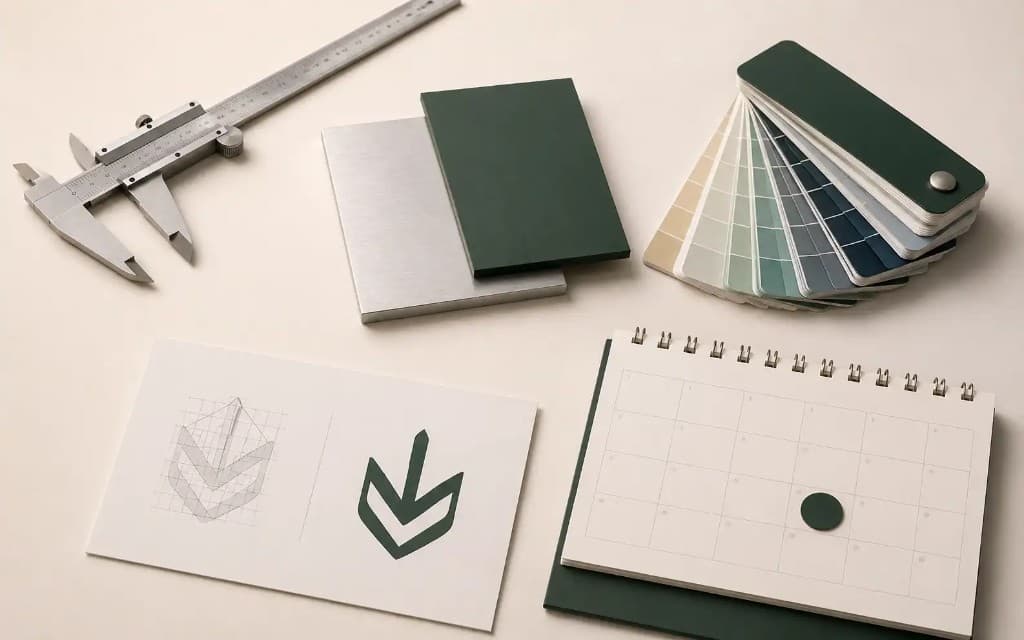
PMS numbers if you have them. Hex values if you do not. "Sort of red" is not a color spec — and we will ask before we draw.
4. What to preserve, what to fix
If the source is a 1992 scan, do you want every kerning quirk preserved (faithful redraw) or do you want it cleaned up (modernized redraw)? Both are valid, but they are different jobs.
5. The deadline that matters
Not "ASAP" — the actual install date. Knowing when the press runs lets us route correctly: standard 24-hour, 12-hour rush, or 3-day Flex.
Send the file and the specs. Get production-correct vectors back in 24 hours.
Size, substrate, color, deadline — tell us once and a human redraws it right. Instant price, no back-and-forth.
Need something custom? Email hello@vectorwiz.com
What to stop sending
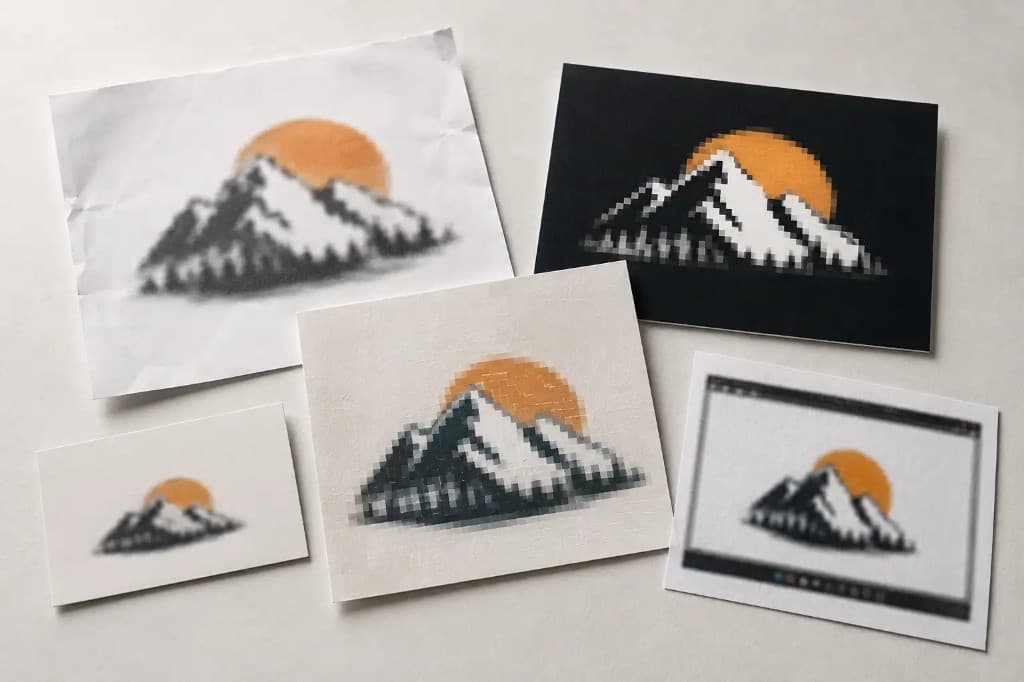
Screenshots of business cards. Faxes of faxes. 100-pixel JPEGs of a fax of a logo. If the source is below 600 pixels on the long edge, we will probably decline the job — there is not enough information in the pixels to redraw faithfully.
Frequently asked questions
What should I send when I ask for a logo to be vectorized?
The best source file you have (even a bad one), what the art is for, the final size, the brand colors if you know them, and the format your machine needs. Naming the production process — plotter, router, press, engraver — is the single most useful detail, because it decides how the paths are built.
What details speed up a vector job the most?
The destination process and the final size. A file bound for a vinyl plotter is built differently from one bound for a CNC router or a screen press. Tell us where it is going and the paths, layers, and colors are set up correctly the first time instead of after a round of revisions.
Do I need to know which file format to ask for?
No. Tell us the machine or process and we pick the format that suits it — EPS or AI for sign and print work, DXF for CNC and laser, SVG for web. If your shop has a house standard, say so and we deliver to it.
What if the customer only sent a bad file?
Send it anyway. Most jobs start from a screenshot or a small JPEG, and that is exactly what gets rebuilt. We give an honest read on whether it is workable before you pay, so a hopeless source never turns into a surprise.
How much detail is too much in a brief?
There is no such thing. Spec sheets, template files, brand guidelines, a photo of the intended install — all of it reduces guesswork. The worst brief is a bare file with no context; the best is a file plus the process, size, and colors.
Tanvir Chowdhury
Runs production operations at VectorWiz. Writes about file briefs, intake, and the production-side details shops learn the hard way.
Related articles
Drawn by hand. Built for production.
Instant pricing, no commitment. Production-correct vectors in your inbox in 24.