How it works

Upload. See the price. Designer rebuild. Deliver.

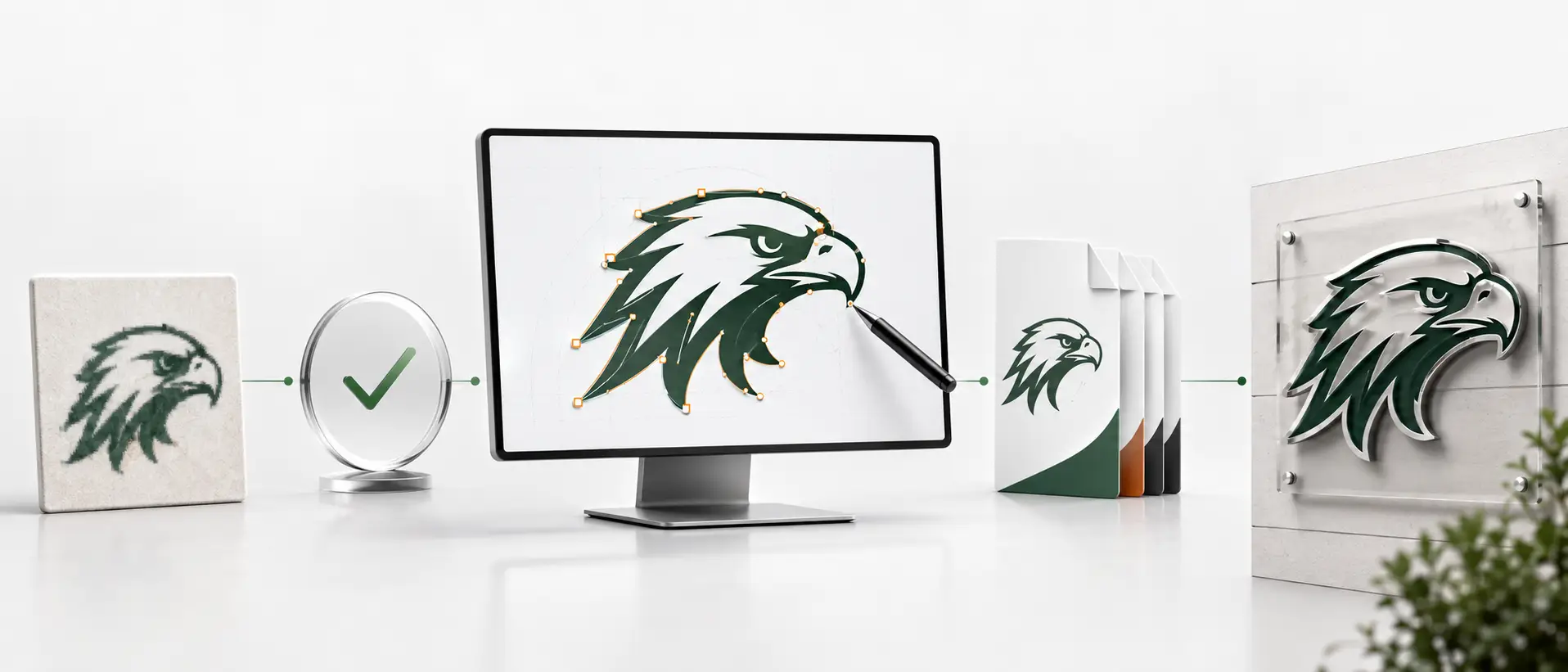
A vector conversion job moves through five steps. Upload your file and the price appears instantly — credits or dollars — so you check out in one step. Most jobs land in your inbox the same business day.

How VectorWiz works

A VectorWiz job moves through five steps: upload your file at /order and describe the production process, an automated classifier instantly grades complexity and shows the price (credits or USD) so you check out in one step (subscribers debit credits, everyone else pays by card), an in-house designer rebuilds the vector by hand and QCs it, deliverables arrive as AI/EPS/SVG/PDF (DXF on request), then free revisions until production-correct and the order closes. Most jobs complete same-day or next-business-day.

How a job moves through VectorWiz

  1. Upload your file

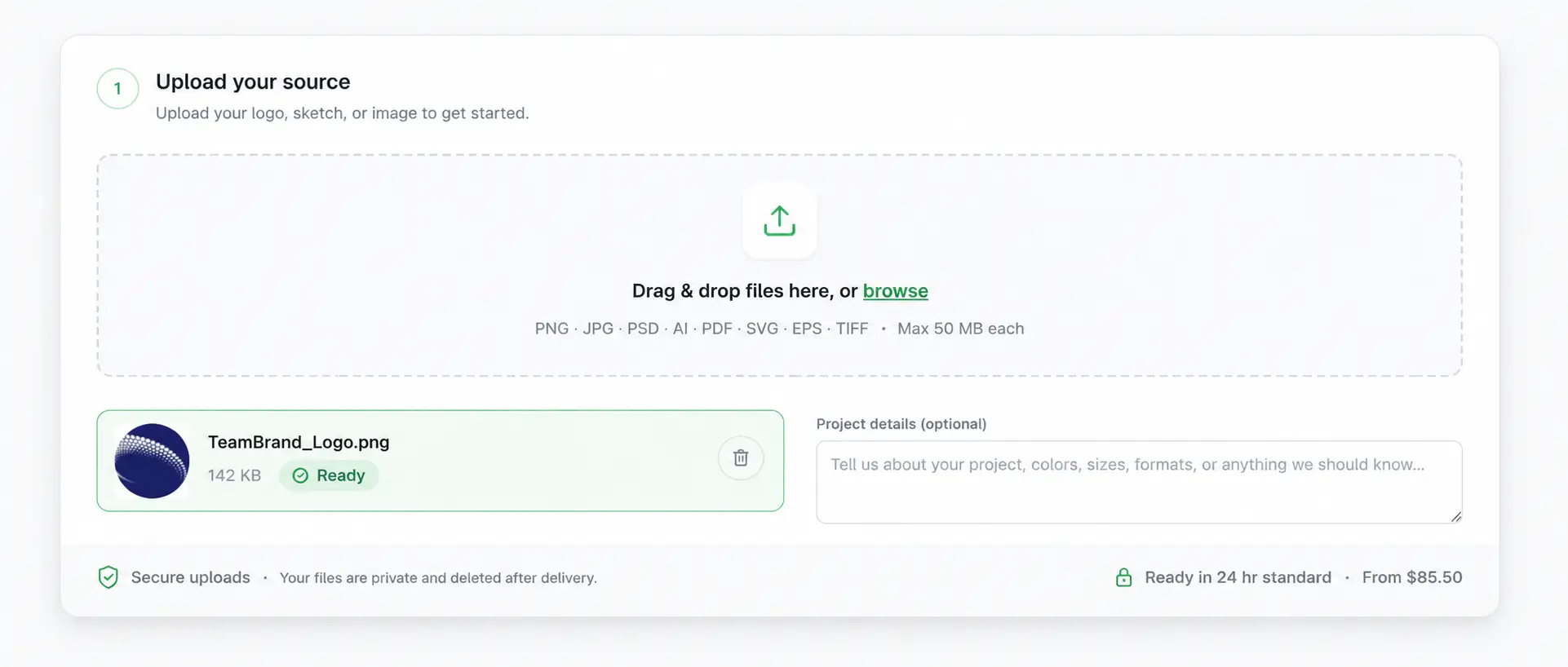
    Drop your art at /order and tell us what production process the file feeds into.

  2. Instant price, one-step checkout

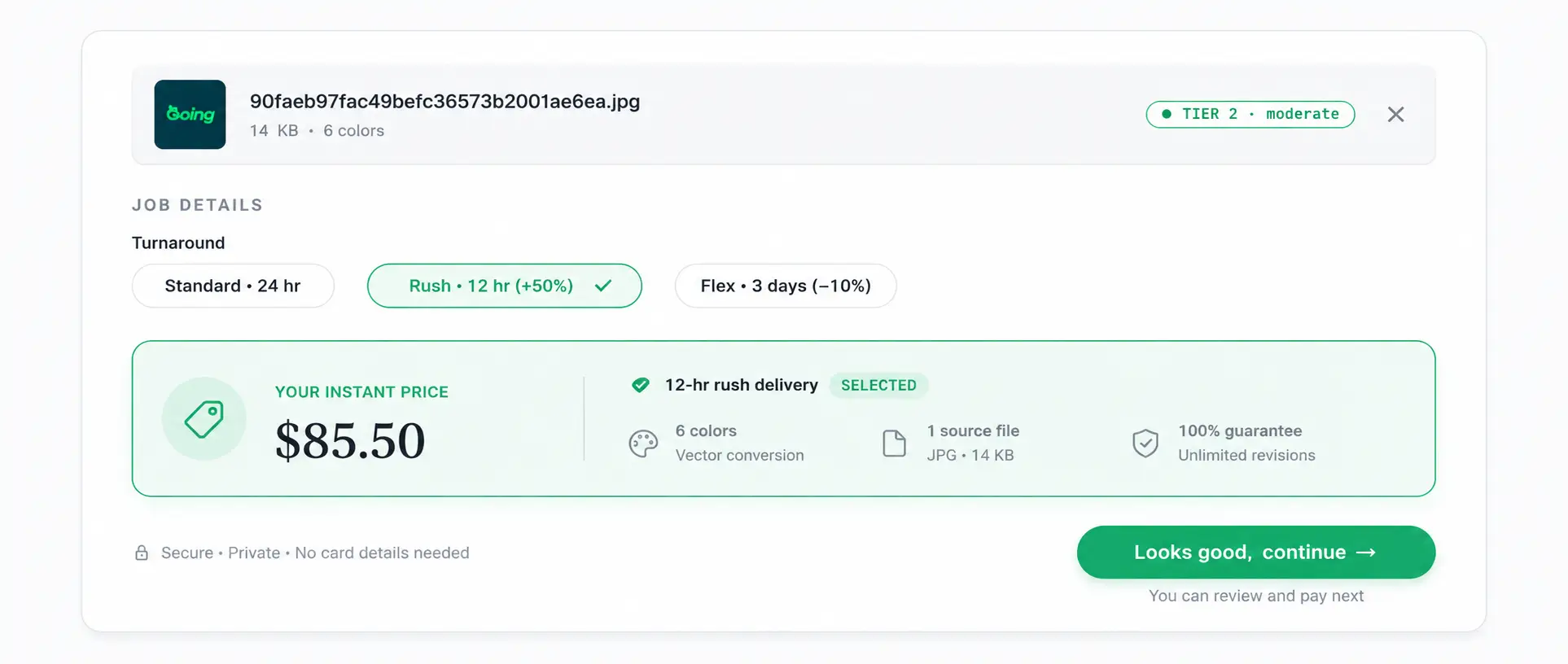
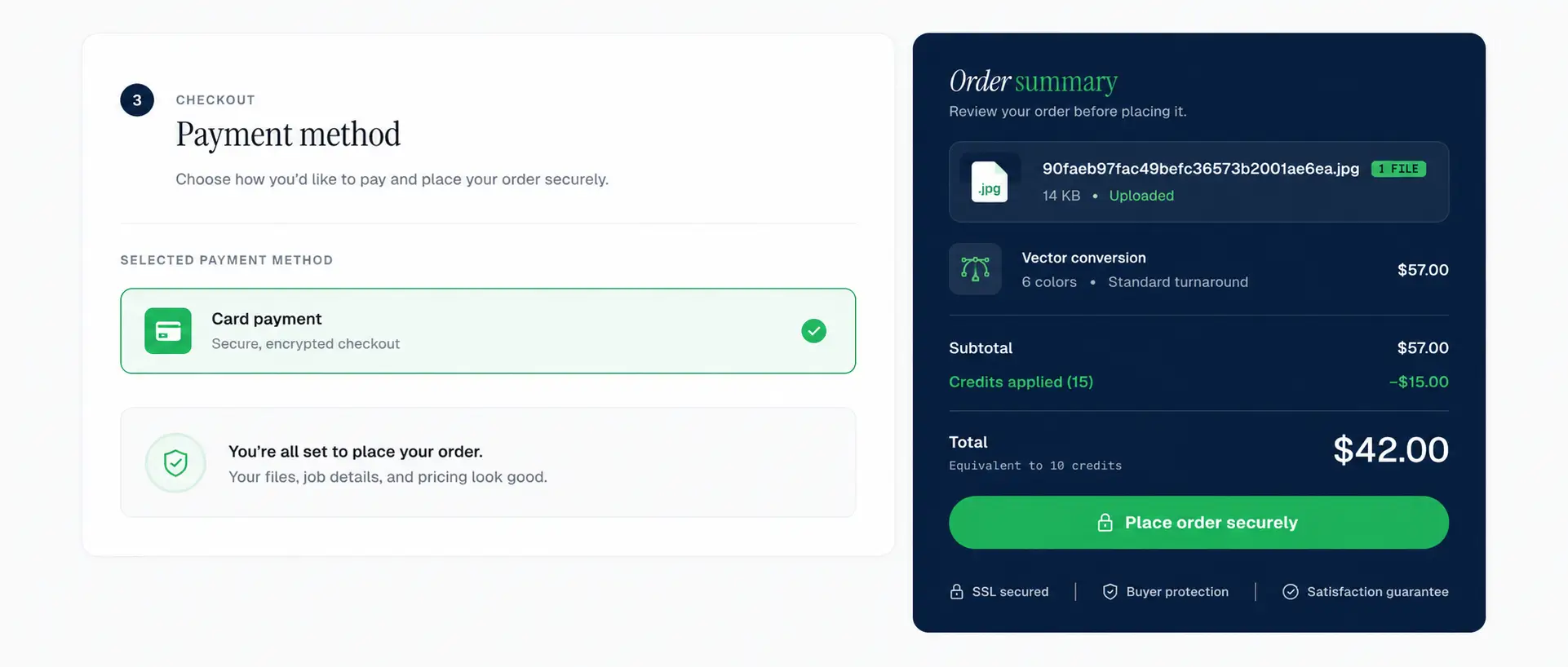
    The classifier grades complexity and shows the price in credits or dollars. Subscribers debit credits; everyone else pays by card.

  3. Designer rebuild

    An in-house designer rebuilds the vector by hand to your production spec. QC before delivery.

  4. Production-ready delivery

    AI, EPS, SVG, PDF (DXF on request) in one zip. Layered, labeled, fonts outlined.

  5. Free revisions, then close

    Revisions are free until the file is production-correct. Approve it and the order closes.

1. Upload your file

Start at /order. Drop your file in and tell us what production process it feeds into, plus any specs — color spec, deliverable formats, dimensions. That context is all the rebuild needs; there's no form to fill out and wait on.

  • Industries we ship for: sign shops, embroidery, screen print, DXF/laser/CNC, vinyl, engraving
  • Sources we accept: PNG, JPG, scanned PDF, photograph of a physical asset, broken AI/EPS/SVG with bad paths
  • Specs you can include: Pantone numbers, file dimensions, RGB vs CMYK vs spot, multi-color layer requirements

2. Instant price, one-step checkout

The moment the upload lands, an automated image classifier grades it against the published complexity rubric — Simple, Medium, High, or Complex — and shows the price right on screen, in either credits (for subscribers on Starter/Pro) or dollars (for per-job customers). You check out in one step: no estimate to wait on, no back-and-forth.

Bulk, multi-file, or bespoke work isn't priced by the classifier — email hello@vectorwiz.com and we'll scope it with you directly.

3. Designer rebuild

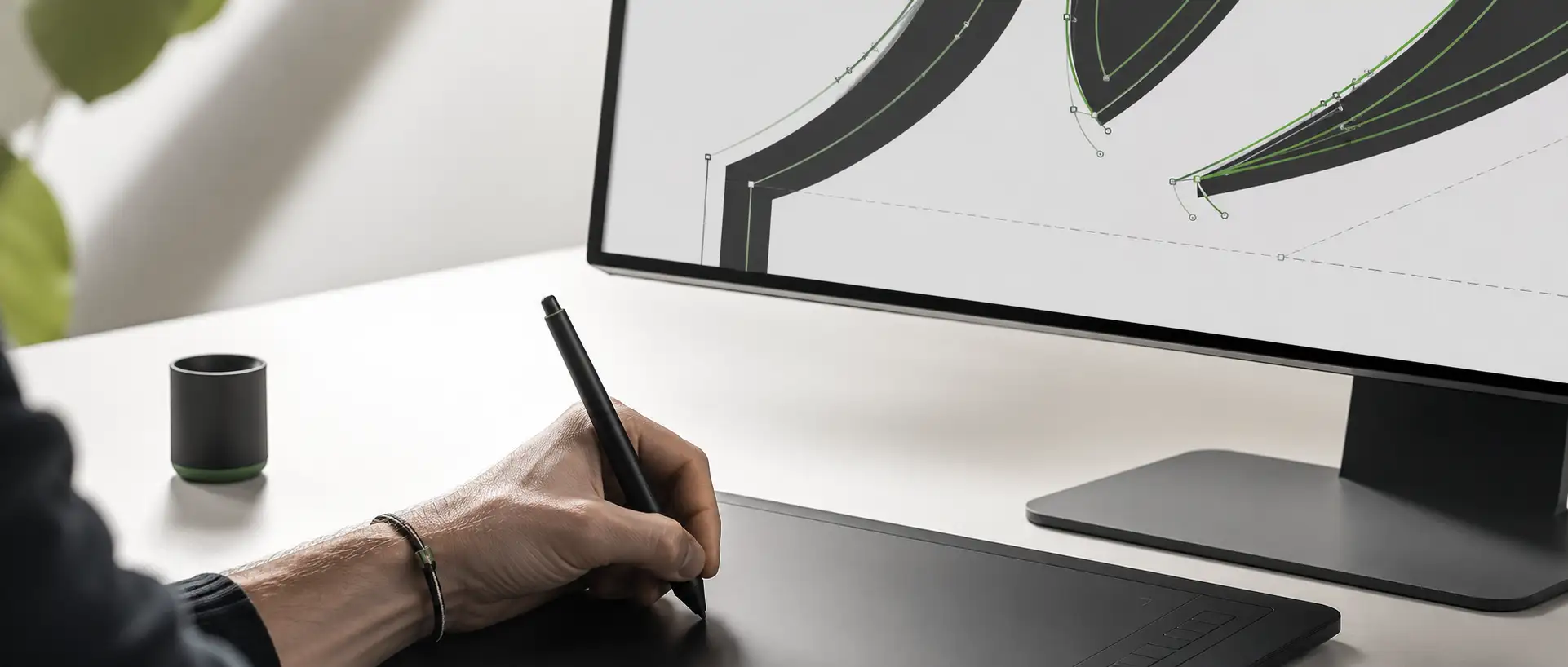
An in-house designer claims the job from the queue and rebuilds the vector by hand. This is the differentiator — not auto-trace, not AI image-to-vector. The designer matches the artwork to your production process: closed paths for plotters, outlined type, layer-named colors, halftone separations where needed, DXF tolerances for cutters.

  1. Designer claims the job from the production queue
  2. Source raster is examined for hidden complexity (text, layers, gradients)
  3. Vector is rebuilt path-by-path against your production spec
  4. Type is converted to outlines; colors are layered and named
  5. QC pass: closed paths, no stray nodes, format integrity, all required deliverables present

4. Production-ready delivery

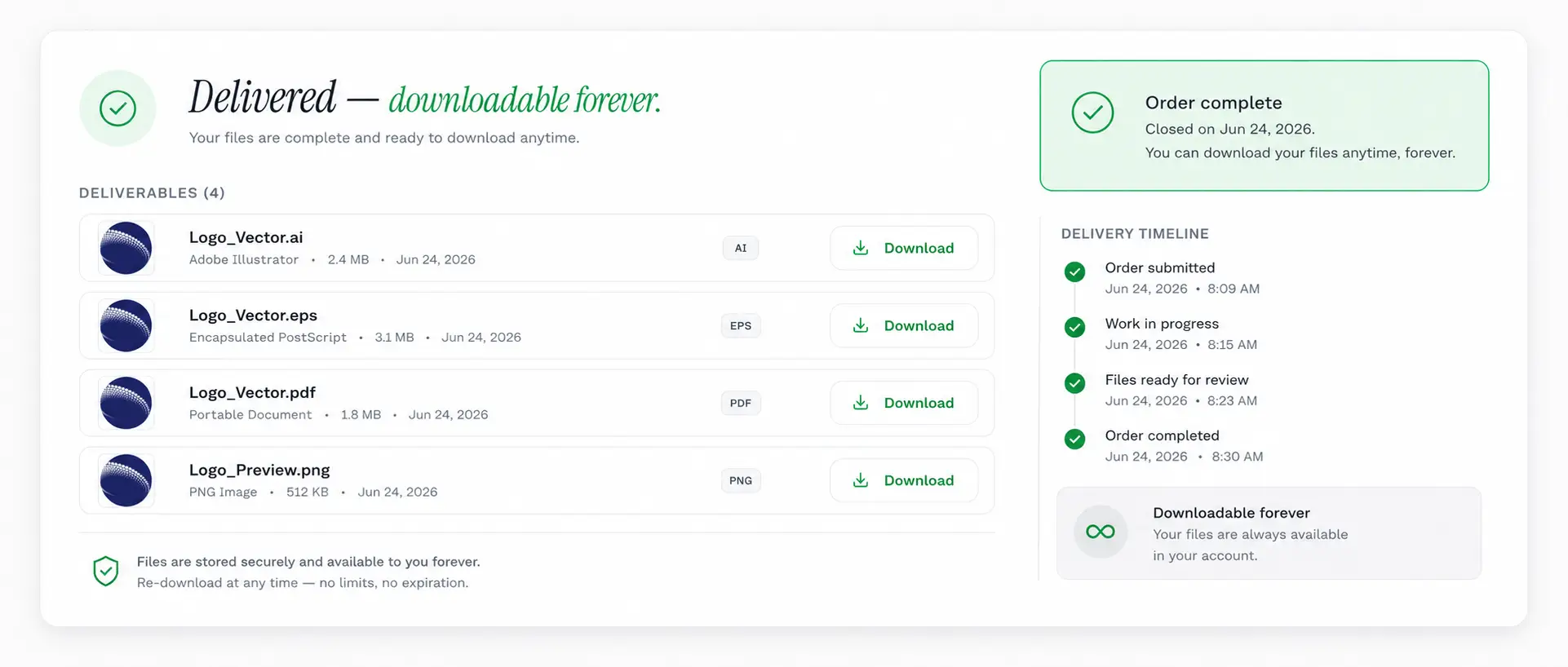
Deliverables arrive as a zip with all standard formats — AI (layered source), EPS (flattened), SVG (web-clean), PDF (press-ready). DXF on request for laser/CNC. Layer names match your spec colors. Fonts already outlined. You drop the file into your workflow and produce.

5. Free revisions, then close

Revisions are free until the file is production-correct. Open the dashboard, click the order, write a note about what failed in your tooling. The original designer typically turns a revision in under 4 hours during business days, and revisions never change the original cost. Once the file works, you mark the order Approved and it closes. Files are retained for 90 days; if you need a re-deliver later, request it from the dashboard at no charge.

Frequently asked questions

Direct answers to what production buyers ask before placing their first order. Question missing? Ask us.

How fast do I see a price?
Instantly. The moment your file finishes uploading at /order, the automated classifier grades its complexity and shows the price — in credits (subscribers) or dollars (per-job customers) — right on screen. There's no waiting on a human estimate. For rush production timelines, email hello@vectorwiz.com and we'll prioritize the rebuild.
Do I need an account to order?
No. You can order as a guest — upload, see the price, and pay by card. Checkout creates a lightweight account on first order so you can track status; we email you a magic link to sign in. Subscribers sign in to debit monthly credits instead of paying per job.
What does the designer's QC step actually check?
Closed paths (no floating endpoints), outlined fonts, color-layer correctness for multi-color jobs, tooling-tolerance checks for the production process, file integrity across all delivery formats (AI, EPS, SVG, PDF, optionally DXF).
What if I need a revision?
Use the dashboard's revision thread. Describe what's off; the original designer typically turns the fix in under 4 hours during business days. Revisions are free as long as the original spec is unchanged.
Where do my files live?
Encrypted at rest in Supabase Storage. Download links are short-lived signed URLs that expire 60 seconds after generation. Source files (your raster) and deliverables (our vectors) are kept for 90 days post-delivery and then purged unless you've subscribed to long-term storage.
Ready when you are

Upload a file. See the price instantly.

The fastest way to understand how VectorWiz works is to put a real file through it. Upload at /order and the price appears on screen — most jobs deliver same-day.

Need something custom? Email hello@vectorwiz.com

Also in this topic

Reviewed by VectorWiz Production Team · last updated May 29, 2026