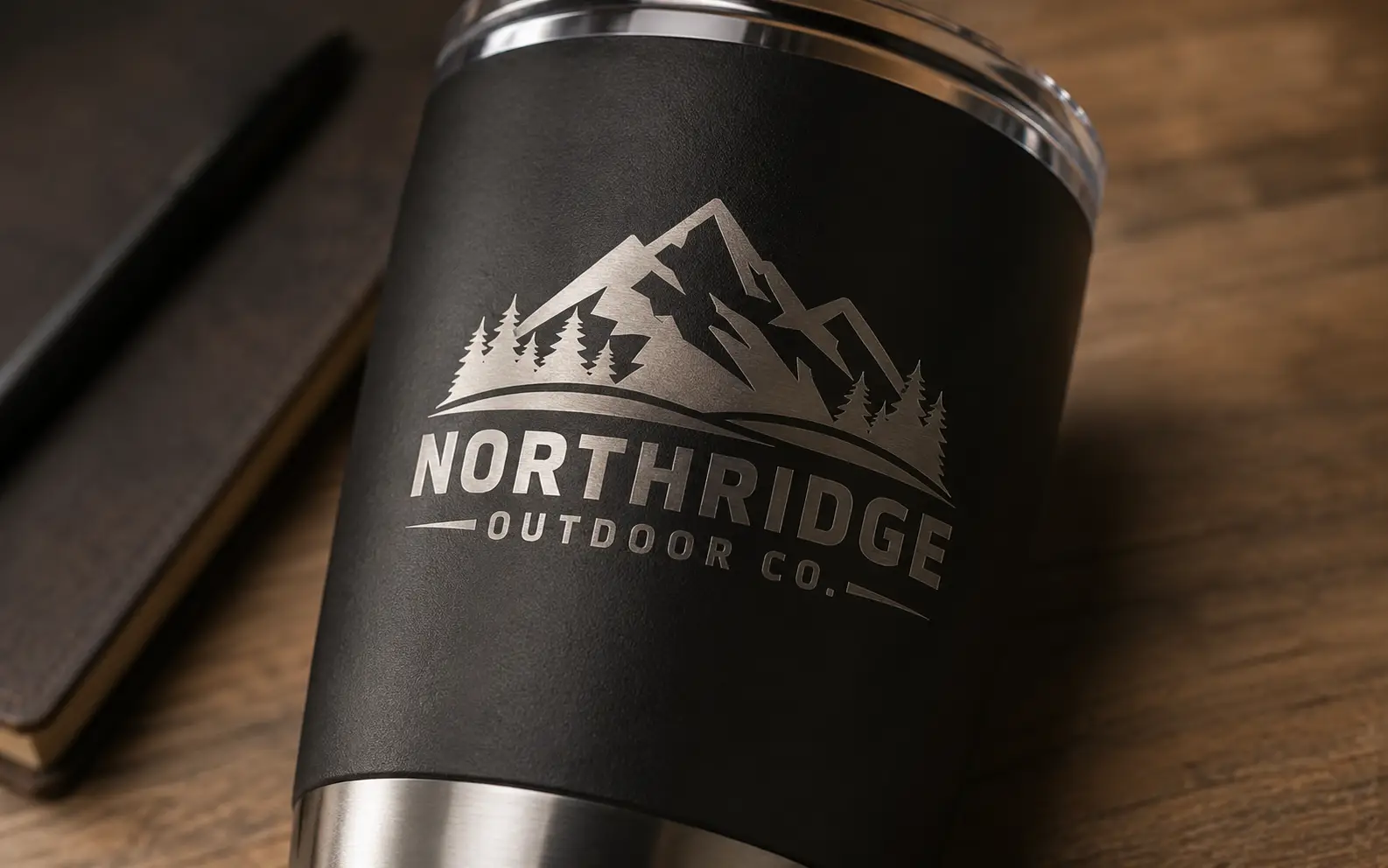
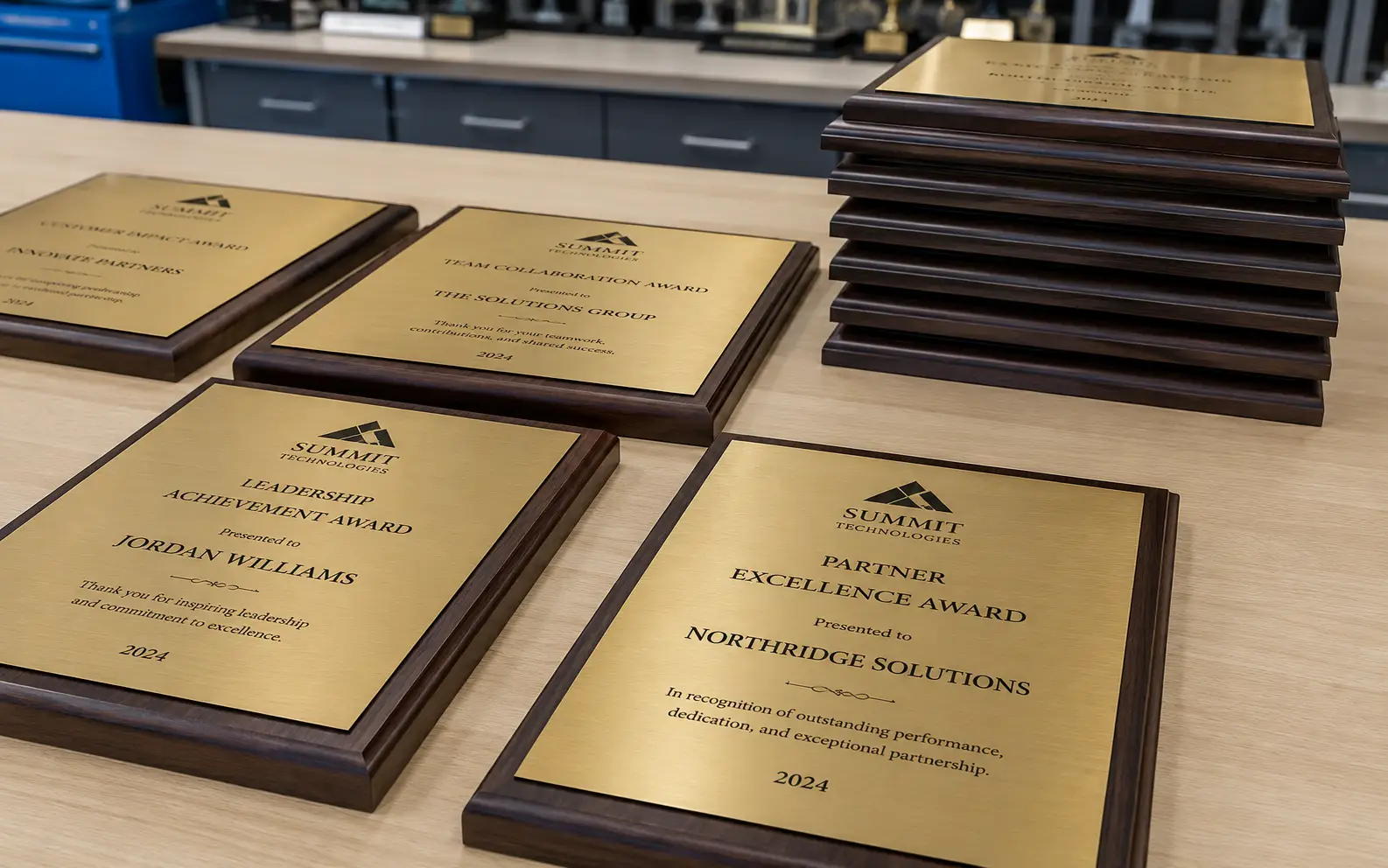
For engravers

Single-stroke vectors for tight engraving.

We rebuild raster artwork as engrave-ready vectors — single-line strokes for rotary engravers, outline-only for fiber and CO₂ surface marking, photographic source converted to grayscale-step engrave files. Manual rebuilds by in-house designers.

Vector conversion for engraving

Engravers use VectorWiz to convert raster artwork into engrave-ready vector files for rotary engraving, fiber laser engraving, and CO₂ surface marking. We deliver single-stroke fonts for rotary tools, outline-only paths for fiber laser, depth-stepped grayscale for photographic engraving, and AI/EPS/SVG/PDF formats. Files drop into Trotec JobControl, Epilog Dashboard, LightBurn, RDWorks, Roland EGX, and most other engraving software.

Why production shops standardize on VectorWiz

Single-stroke fonts for rotary

Rotary engravers cut along a path, not a fill region. We deliver single-line stroke fonts where each letter is one continuous path the engraving bit traces.

Outline-only for fiber laser

Fiber laser surface marking traces the outline of letters and shapes. We deliver outline-only paths without fill, sized for the marking spot diameter your machine uses.

Grayscale-step for photo engraving

Photographic source becomes depth-stepped grayscale optimized for raster engraving on fiber MOPA or CO₂. Each tone level corresponds to a power-percentage in your machine.

Type already engrave-ready

Fonts converted with single-stroke or outline-only treatment depending on tool type. Letter-spacing tuned for engrave-readable rendering at small sizes.

Engraving-software compatible

AI, EPS, SVG, PDF imports cleanly into Trotec JobControl, Epilog Dashboard, LightBurn, RDWorks, Roland EGX/MPX, Boss Laser, OMTech, xTool Creative Space.

Same-day on standard jobs

Simple and Medium orders ship within 8 business hours of checkout.

How a job moves through VectorWiz

  1. Upload art and engraving spec

    Upload customer file. Tell us the engraving tool (rotary, fiber laser, CO₂), the substrate (metal, acrylic, wood, anodized aluminum, leather), and the finished engrave size.

  2. Instant complexity-based price

    Our classifier grades complexity and shows the instant price in dollars or credits. Photographic engraving and multi-tone work move to High; simple text-and-mark engraving stays Simple or Medium.

  3. Manual rebuild + tool-specific prep

    Designer rebuilds vector by hand: single-stroke for rotary, outline-only for fiber, depth-stepped for photo engraving. Letter-spacing tuned for the substrate. QC pass before delivery.

  4. Engrave-ready delivery

    AI, EPS, SVG, PDF in one zip. Layered with operation type (single-stroke, outline-only, raster-engrave). Notes on power/speed considerations.

What every engraving deliverable contains

Engraving has three distinct vector requirements depending on the tool: single-stroke for rotary, outline-only for fiber, and depth-stepped grayscale for photographic raster engraving. We build to whichever your tool needs and deliver all formats.

Standard engraving deliverable
FormatBest forWhat we ship
AI (Adobe Illustrator)Editing sourceLayered with operation type per layer (single-stroke, outline, raster), fonts treated for engrave.
EPSOlder engraving softwareFlattened-color EPS with engrave-ready geometry.
SVGLightBurn, modern engraving softwareWeb-clean SVG with engrave-operation layers.
PDFCustomer proofPress-ready PDF for sign-off, preserves engrave intent visually.

Single-stroke fonts for rotary engraving

Rotary engravers cut along a path with a tool diameter — they don't fill regions. A standard outlined font has two paths per letter (inside and outside outline), which the rotary tool would have to follow both edges of. Single-stroke fonts use one centerline path per letter so the tool traces it once at the proper depth.

  • Single-line / single-stroke fonts: each letter is one continuous path along the centerline. Standard for rotary engraving on awards, trophies, name tags.
  • Outline-only conversion: when the design must use a specific font that doesn't have a single-stroke version, we convert outlines to centerlines manually for rotary use.
  • Depth specification: rotary tools cut to a specified depth along the path; we don't dictate depth (that's a tool setting), but the path is geometrically correct for any depth.

Fiber laser surface marking

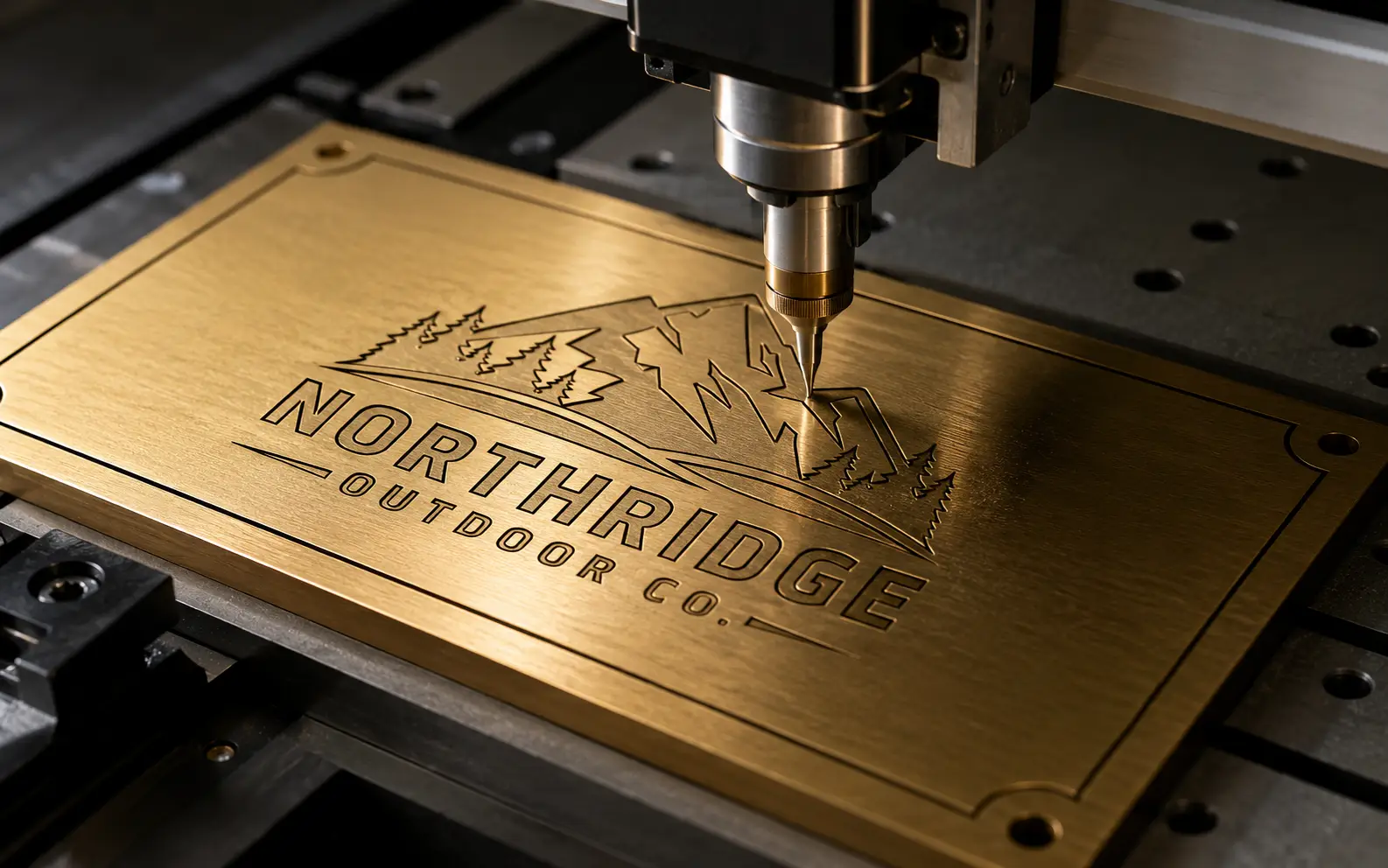
Fiber laser surface marking (on metal, anodized aluminum, hard plastics) typically traces the outline of shapes without cutting through. The vector requirement is outline-only paths — fills are computed by your software (Trotec JobControl, EZCAD, RDWorks) based on hatch settings.

Outline-only paths
Single closed path per shape. Fills are not part of our vector — your laser software computes fill via hatch patterns at the engrave step.
Annealing-friendly geometry
For black anneal on stainless, we keep paths large enough that the laser doesn't lose sharpness at small features. Minimum feature size flagged on your order.
Anodized aluminum (color removal)
Standard outline-only treatment; anodized layer is removed to expose substrate underneath. Same vector as standard fiber marking.
Multi-pass tone variation
If your machine supports varying power across passes for tonal marking, we can layer the file so each layer corresponds to a power percentage.

Raster engraving from photographic source

Photographic raster engraving (memorial portraits, pet portraits, custom tumblers) needs grayscale step conversion — the photo becomes a grayscale image where each shade level corresponds to a laser power percentage. The deliverable is a vector file with the photo as an embedded grayscale element prepped for raster mode in your laser software.

  • Photographic source converted to high-contrast grayscale optimized for engraving substrate.
  • Tone curves adjusted for substrate (black acrylic, anodized aluminum, marble, wood differ in dynamic range).
  • Embedded as a grayscale raster layer in the AI/PDF deliverable, ready for raster mode in LightBurn / Trotec / Epilog.
  • Background removed where engraving full background isn't desired.

How complexity drives the engraving price

Engraving complexity in practice
AspectCreditsUSDTypical example
Simple10$25–35Single-line text on a name tag, simple logo for a tumbler
Medium20$45–65Logo + text on a trophy plate, multi-line awards engraving
High35$75–110Detailed logo with fine line work, anodized aluminum mark with small features
Complex60$130–180Photographic raster engrave (portrait, pet, memorial), fine illustration
Multi-fileEmail usEmail usAward production batch (10+ tags with shared template)

What to send us when you place an order

  1. Source artwork (any raster format, or photo for raster engraving)
  2. Engraving tool: rotary (Roland EGX/MPX, Mophorn), fiber laser (Trotec, Epilog, OMTech, xTool F1), CO₂ (Glowforge, Boss, Trotec Speedy, Epilog Helix)
  3. Substrate: anodized aluminum, stainless steel, brass, wood, acrylic, leather, glass, marble
  4. Finished engrave size and quantity
  5. Operation type: single-stroke, outline-only, or raster engrave from photo
  6. Engraving software: LightBurn, Trotec JobControl, Epilog Dashboard, EZCAD, RDWorks
  7. Deadline and rush flag

Frequently asked questions

Direct answers to what production buyers ask before placing their first order. Question missing? Ask us.

Do you provide single-stroke / single-line fonts?
Yes — single-stroke fonts are standard for rotary engraving deliverables. We convert any source typography to centerline paths so a rotary tool traces each letter once at the proper depth.
What's the difference between fiber laser and CO₂ for engraving?
Fiber laser excels at metal surface marking and anodized layer removal — high precision, narrow beam. CO₂ excels at non-metal substrates (wood, acrylic, leather, glass) and photographic raster engraving. We adjust the vector treatment based on which tool you're using.
Can you convert a photo for raster engraving?
Yes — graded as Complex. Photo is converted to high-contrast grayscale optimized for the substrate (anodized aluminum has different dynamic range than wood), embedded in a vector deliverable ready for raster mode in your laser software.
What software does your file work with?
Most engraving software: LightBurn, Trotec JobControl, Epilog Dashboard, EZCAD (fiber laser controllers), RDWorks, Boss Laser software, OMTech, xTool Creative Space. AI/EPS/SVG covers all common imports.
Do you handle anodized aluminum laser-mark designs?
Yes — outline-only paths with proper minimum feature size for anodized layer removal. We flag small features that risk losing sharpness during the marking process.
Can you do multi-pass tone variation?
Yes if your machine supports varying power per layer. We deliver layered AI where each layer corresponds to a power percentage, and you set per-layer engrave parameters in your software.
What about engraving on curved surfaces (cylinders, tumblers)?
We deliver flat-pattern vectors with the wrap correction applied if you specify the cylinder diameter. For rotary attachments (LightBurn rotary, Trotec rotary), file is prepped for the rotary's coordinate system.
Can you simplify a busy logo for small engraving?
Yes. Detail that won't read at the finished engrave size is simplified during the rebuild. We document each simplification (which strokes thickened, which fine elements removed) for review before engraving.
Do you handle memorial portrait engraving?
Yes — Complex tier. Portrait photo is converted to grayscale-step engrave file with substrate-appropriate tone curve. We work directly with photographs and do not require pre-processed source.
What's the cheapest way to run high-volume award engraving?
Pro at $799/mo (380 credits) covers ~38 simple engrave jobs/month. Multi-file bundles (10+ awards with shared template) get a per-file discount. For award production runs, email hello@vectorwiz.com for bespoke pricing.
Order now

Upload your file. Get an instant estimate. Order in minutes.

Drop an image, see the complexity-based price automatically, and check out — subscribers debit credits, everyone else pays per job.

Need something custom? Email hello@vectorwiz.com

Specialised for the way your shop runs

Production buyers don't need a generic vector — they need files that drop straight into the next step in the workflow.

Also in this topic

Reviewed by VectorWiz Production Team · last updated May 9, 2026