Single-line stroke fonts: why your laser engraver needs them.
The first time you try to engrave a 12-point logo on a laser engraver and it shows up as a confused mess of double-strokes, you have hit the difference between filled and stroke-based vectors. Here is the fix.

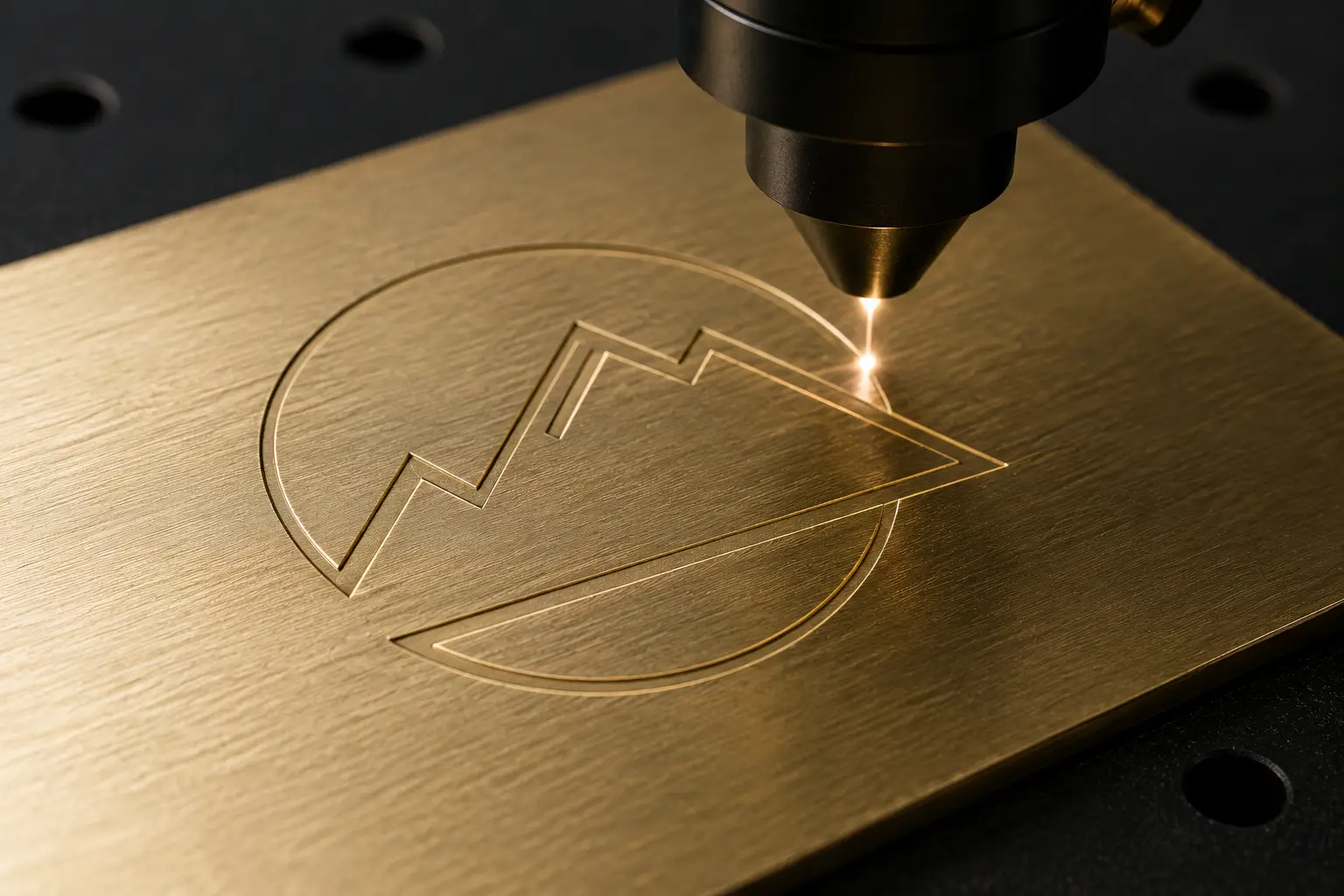
What the engraver actually does
A laser engraver follows paths and burns material along them. Give it a filled letter "O" and it tries to outline the inside boundary and the outside boundary — engraving both edges of every stroke, leaving the middle untouched. The result is a hollow, illegible letterform.
Single-line strokes
A single-line font defines each letter as one centerline path — the way a hand would draw it. The engraver follows that one line, burning a single clean stroke. No double-edge, no hollow letter, just a legible mark.
When you need them
Any time you are engraving (vs. cutting through) — laser engraving anodized aluminum, rotary engraving brass plates, V-carving wood, marking tools on tags. Anywhere the engraving width is the stroke width.
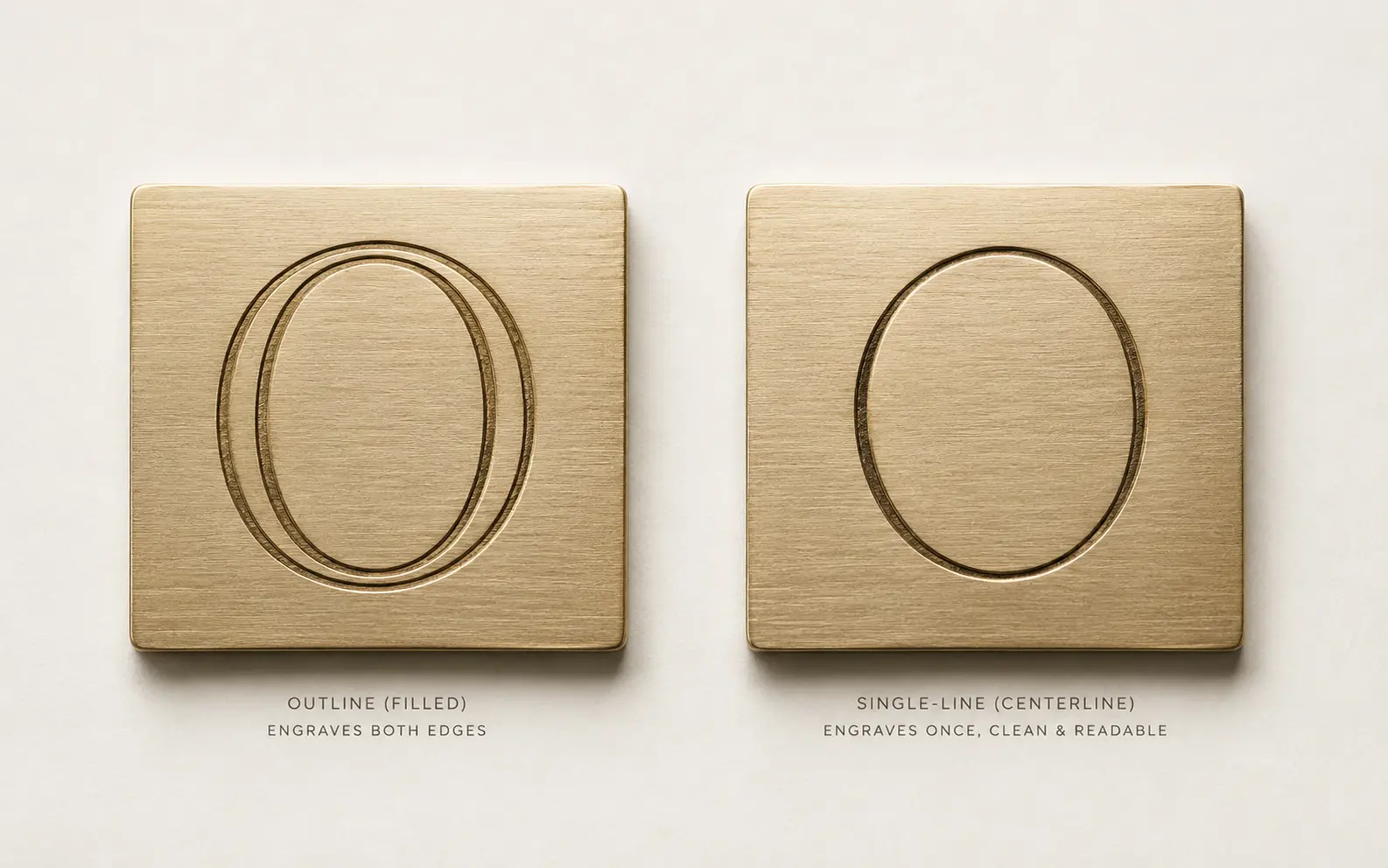
When you do not need them
For cut-through work (the laser cuts all the way through the material), filled fonts are fine — you want the outer boundary. For engraving with stroke-fill (the laser fills the inside of a letter with closely-spaced lines), filled fonts work too, but they are slower.
Single-stroke paths your engraver runs directly. Redrawn by hand.
True single-line geometry — no doubled outlines, no fills to strip — ready for rotary, fiber, or CO2. Production-correct in 24 hours.
Need something custom? Email hello@vectorwiz.com
Converting filled to single-line
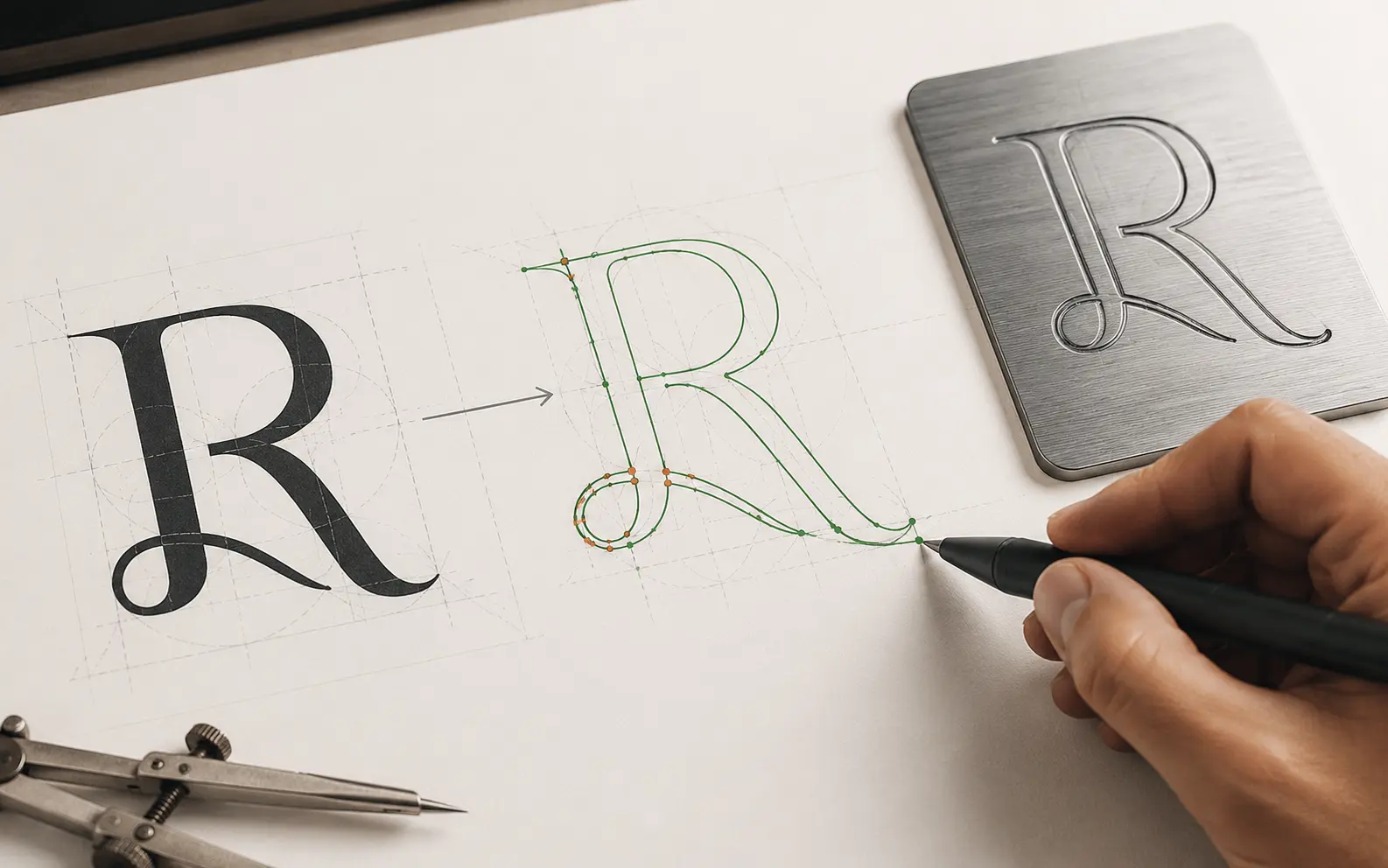
You cannot algorithmically convert a filled letterform to a single-line stroke — there is no centerline in a closed shape. A designer has to redraw the letterform with stroke paths from scratch. That is what we do at VectorWiz for engraving jobs. See engraving service →
Frequently asked questions
What is a single-line or stroke font?
A typeface drawn as centerlines rather than closed outlines. Each stroke is a single path the tool follows once, which is exactly what an engraver needs — the machine traces the line instead of cutting around a shape.
Why can't I just use a normal font for engraving?
A standard font is made of closed outlines, so the engraver cuts around each letter's shape and leaves a doubled, hollow-looking result rather than a clean single stroke. The letterforms have to be rebuilt as centerline paths for a single-pass engrave.
What file format should engraving art be in?
DXF or AI with the strokes as open single-line paths, in the units and version your machine expects. Keep engrave, cut, and score operations on separate named layers so the operator can assign each to the right tool path.
Can you convert a logo to single-line paths?
Yes. We redraw the artwork as centerline strokes by hand so it engraves in one pass, keeping the letterforms and proportions faithful to the original. It is a rebuild, not a filter — an outlined logo cannot simply be flattened into strokes.
Does this apply to laser as well as rotary engraving?
Yes, wherever the operation is an engrave rather than a cut. Rotary and laser engraving both trace a path, so single-line geometry gives a clean, fast, single-pass result. Cut-through operations still use closed paths on their own layer.
Naimur Rahman
Leads design direction and quality at VectorWiz. Reviews and redraws production artwork by hand across sign, screen-print, embroidery, and CNC work.
Related articles
Drawn by hand. Built for production.
Instant pricing, no commitment. Production-correct vectors in your inbox in 24.