For vinyl plotters

Cut files your plotter doesn’t fight.

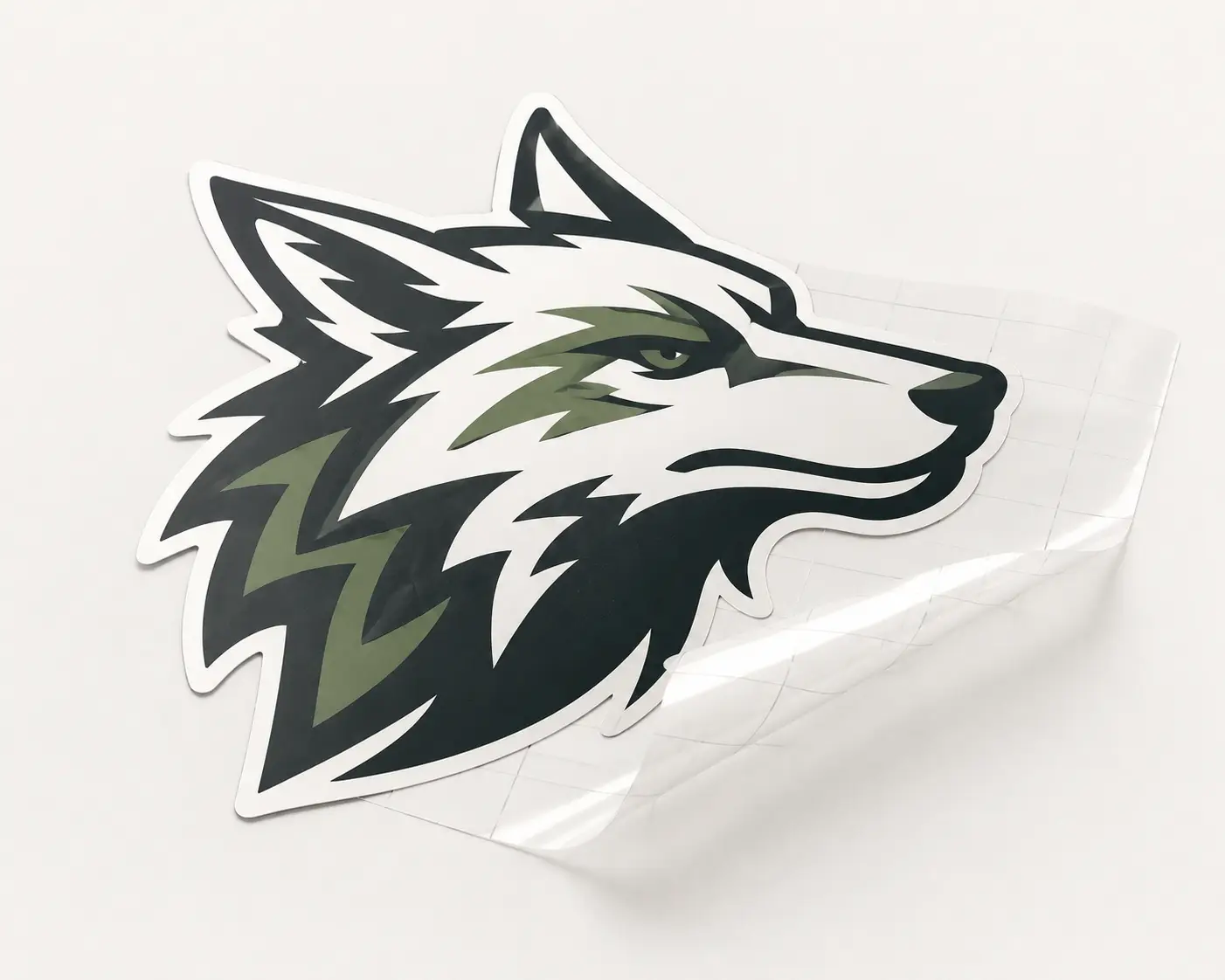
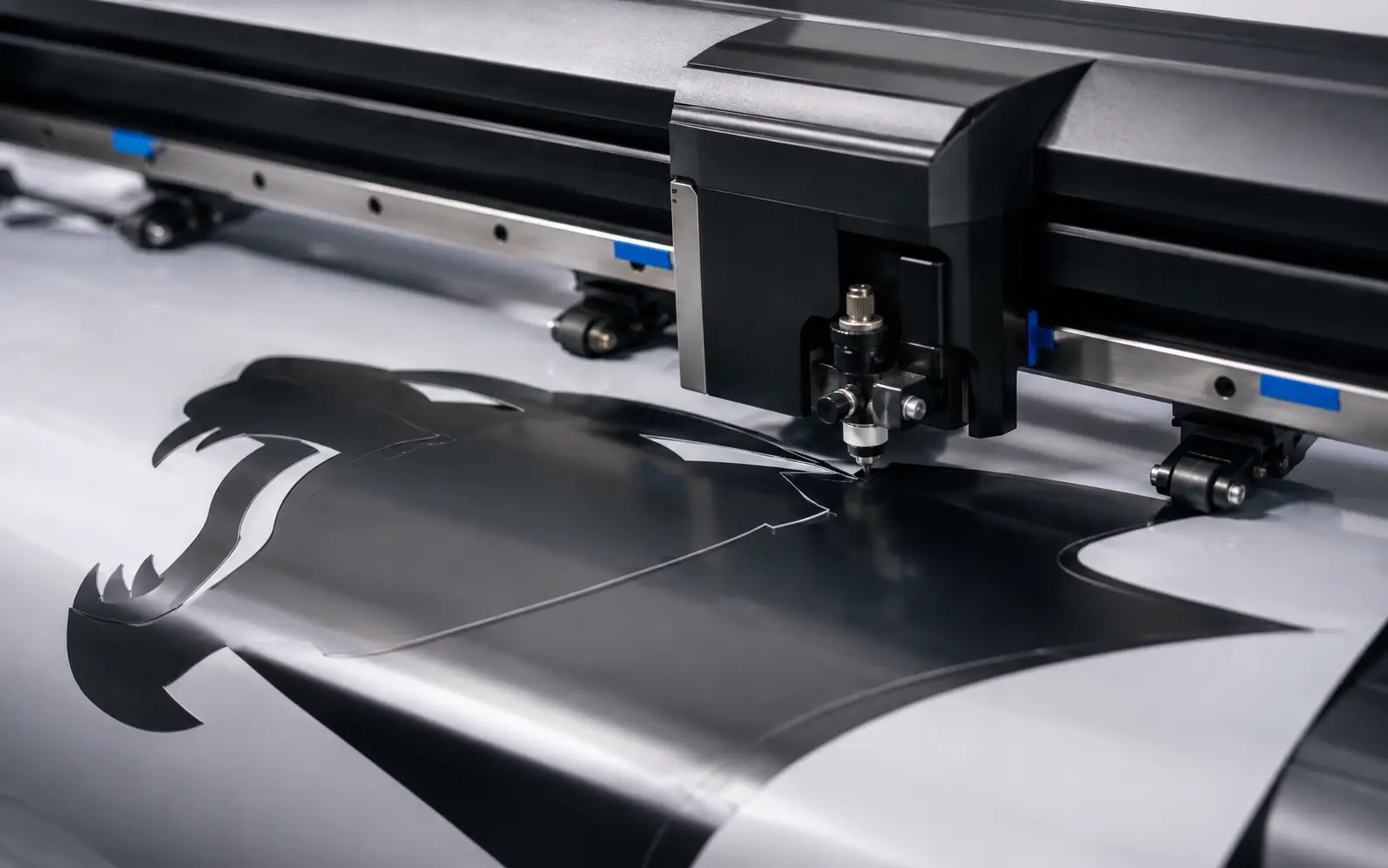
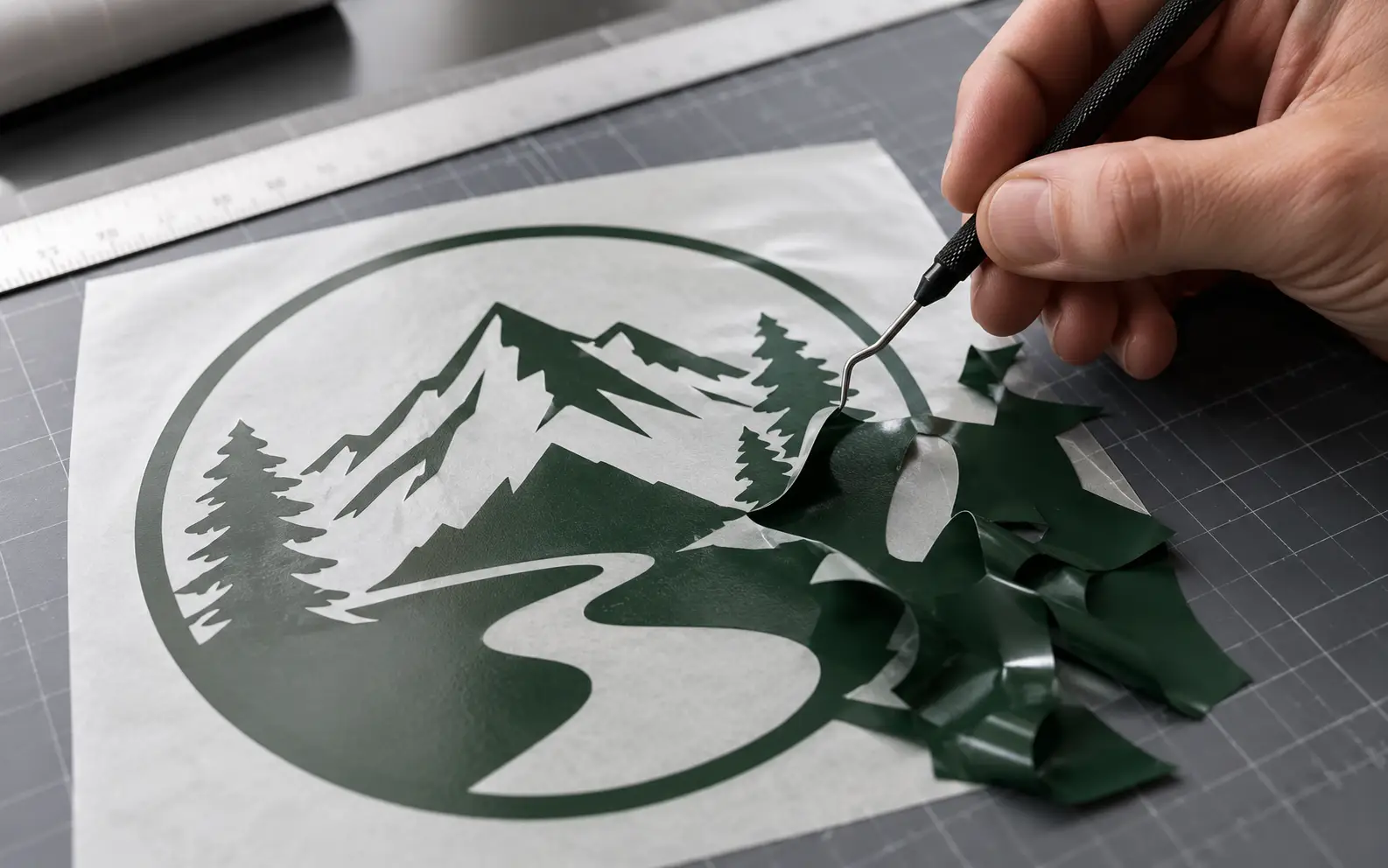
We rebuild artwork into welded, closed-path vector files prepped for vinyl plotters — Cricut, Silhouette, Roland CAMM-1, Graphtec, Summa, USCutter. One continuous cut line per shape; no auto-trace jitter, no overlapping segments.

Vector conversion for vinyl cutters

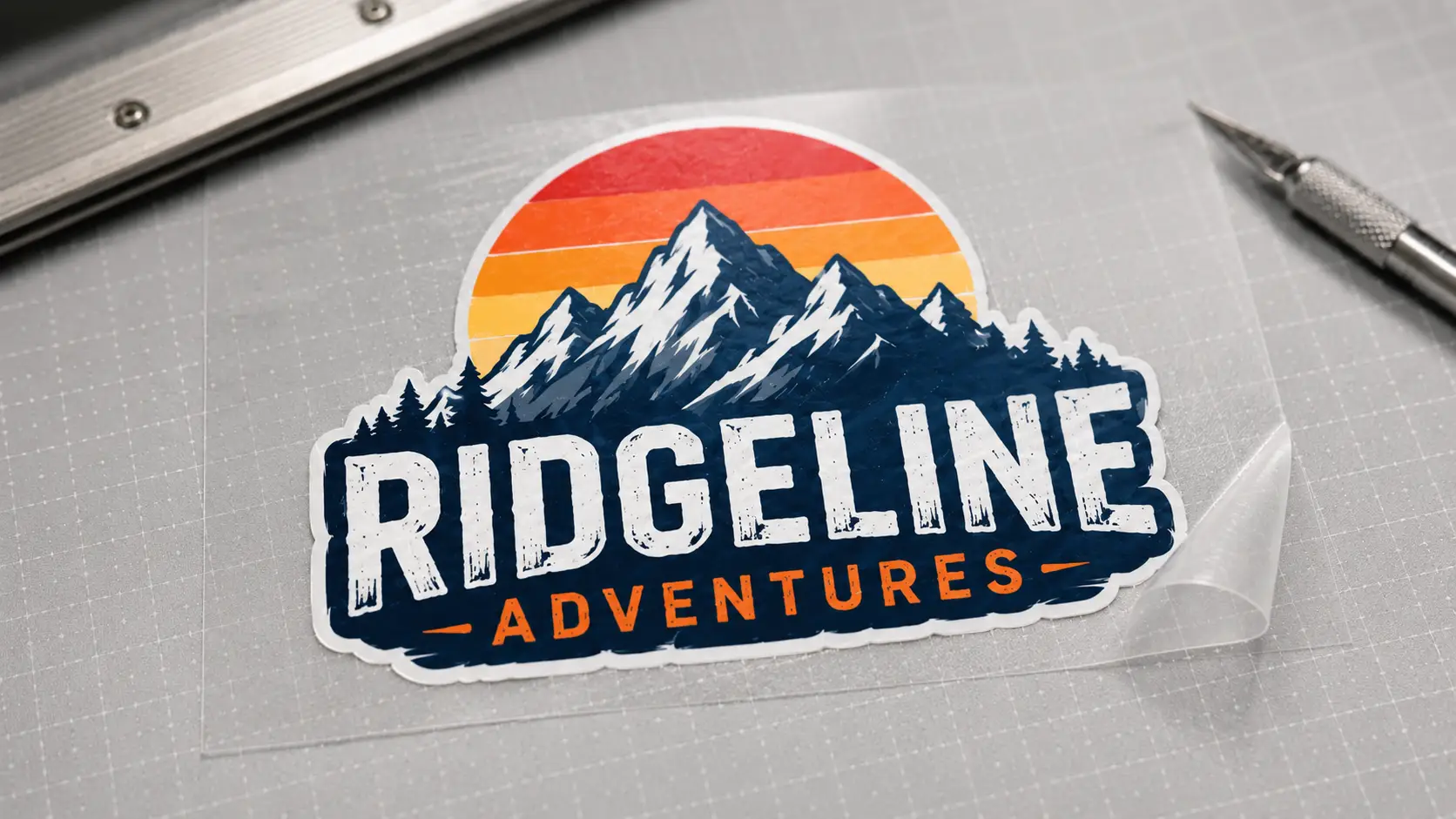
Vinyl plotter operators use VectorWiz to convert raster artwork into welded, single-closed-path vector files for Cricut, Silhouette, Roland, Graphtec, Summa, and USCutter plotters. We weld touching shapes, simplify nodes for smooth cuts, separate multi-color jobs into per-color SVG layers, and outline type. Files ship in SVG, AI, EPS, PDF — drop them into Cricut Design Space, Silhouette Studio, or Roland CutStudio and cut.

Why production shops standardize on VectorWiz

Welded, single-path cut lines

Touching shapes are welded into one continuous closed path. No overlapping segments that confuse the plotter or cause double-cuts.

Minimum-node geometry

Auto-traced files are jittery because of redundant nodes. We deliver the minimum nodes that preserve the curve — smoother cuts, faster machine cycles.

Per-color SVG layers

Multi-color vinyl jobs come pre-separated. One color per SVG layer, named with the vinyl color you stock — load each layer onto the right vinyl roll and cut.

Type already outlined

Fonts converted before delivery. Letter-spacing tuned for weeding when needed (small or thin letterforms).

Plotter-software compatible

SVG opens in Cricut Design Space, Silhouette Studio Designer, Roland CutStudio, Graphtec Studio. AI/EPS for older USCutter and Summa.

Same-day on standard jobs

Simple and Medium files come back within 8 business hours of checkout.

How a job moves through VectorWiz

  1. Submit art and vinyl spec

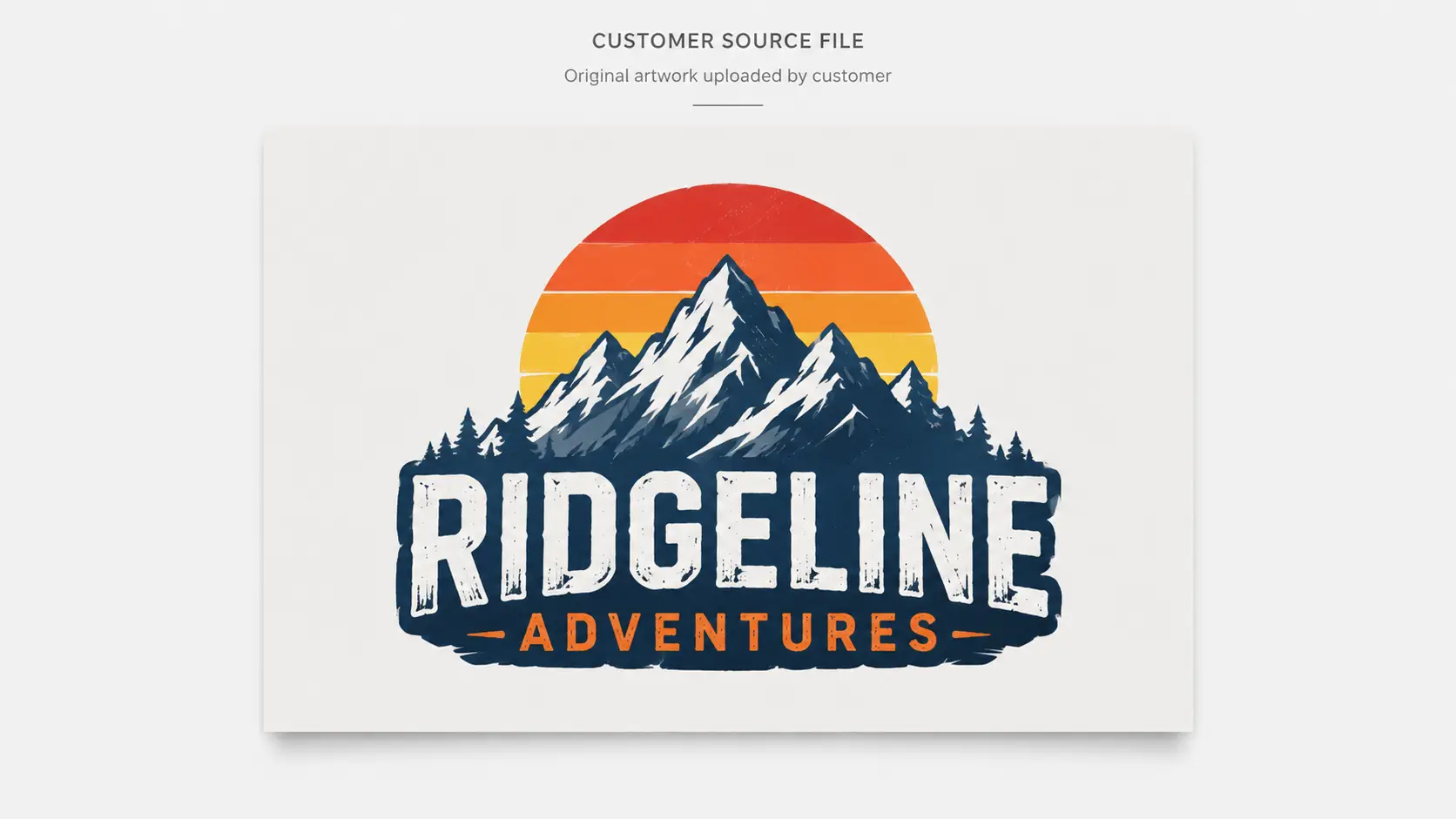
    Upload customer file. Tell us the plotter (Cricut Maker, Silhouette Cameo, Roland CAMM-1, Graphtec FC9000, etc.), the vinyl colors you stock, and the finished decal size.

  2. Instant price

    Our classifier grades complexity the moment you upload and shows the price instantly — in credits for subscribers or USD for per-job orders. Multi-color jobs with overlap effects move to Medium; complex layered designs go to High.

  3. Manual rebuild + welding

    Designer rebuilds vector by hand, welds touching shapes into single closed paths, separates colors into layers, simplifies nodes. QC weld pass before delivery.

  4. Plotter-ready delivery

    SVG (preferred for Cricut/Silhouette), AI, EPS, PDF in one zip. Layered with named vinyl colors.

What every vinyl-cutter deliverable contains

SVG is the workhorse for modern plotters. Every file we ship is welded, layered, and minimum-node. The format is just a courtesy — the geometry is what matters.

Standard vinyl-cutter deliverable
FormatBest forWhat we ship
SVGCricut Design Space, Silhouette Studio, modern plottersWelded paths, layer groups per color, named with vinyl color spec.
AI (Adobe Illustrator)Editing source, Roland CutStudio importLayered AI with named layers, fonts outlined, paths welded.
EPSOlder plotter software (USCutter, older Summa)Flattened-color EPS with closed welded paths.
PDFCustomer proofingPress-ready PDF for sign-off without exposing the working file.

Why welding matters

Most auto-traced files have overlapping shapes — the letter A and a star next to it might share an edge but be separate paths. The plotter sees two shapes touching and produces a double-cut at the overlap, which weakens the vinyl and shows visible jitter. Welding fuses these into one continuous closed path so the plotter cuts the boundary cleanly once.

  • Touching shapes (overlapping letters, mark + text combinations) are welded into one continuous closed path.
  • Internal cutouts (counter spaces in letters like O, A, P) are preserved as separate sub-paths within the parent path.
  • Nested shapes (a logo inside a circle) are kept as distinct paths if they're meant to be cut separately, or welded if they're meant to read as one piece.

Node count and cut smoothness

A typical auto-traced curve has 200+ nodes where 20 would do. The plotter has to decelerate at every node, which produces visible stutter on long curves and adds 30–50% to the cut cycle. We deliver minimum-node geometry tuned for smooth plotter motion.

Minimum nodes
Smallest number of nodes that preserves curve fidelity at finished size. Typical: 4–6 nodes per smooth curve, 2 nodes per straight segment.
Sharp corners preserved
Corner nodes stay as sharp transitions, not auto-rounded into a fillet — unless your design specifically calls for rounded corners.
Smooth curve nodes
Where the source has a smooth curve, we use Bézier handles tuned for the plotter's acceleration profile — no stuttering on long arcs.

How complexity drives the vinyl-cutter price

Vinyl-cutter complexity in practice
AspectCreditsUSDTypical example
Simple10$25–35Single-color text wordmark, clean source, one weeded layer
Medium20$45–652–3 colors, simple gradient as 2-step blend, moderate detail
High35$75–110Multi-color overlap, layered vinyl with registration marks
Complex60$130–180Photo-derived art reduced to spot vinyl, fine illustration
BulkEmail usEmail usRecurring decal series with shared color palette — email hello@vectorwiz.com for bespoke pricing

What to include with your order

  1. Source artwork (any raster format)
  2. Plotter: Cricut Maker / Explore / Joy, Silhouette Cameo / Portrait, Roland CAMM-1, Graphtec FC, Summa, USCutter
  3. Vinyl colors stocked: Oracal 651/751, 3M, Avery Dennison, custom
  4. Finished decal size and any size variants
  5. Layered vs single-color: are you cutting layered vinyl with registration marks, or one color at a time?
  6. Substrate the decal applies to (vehicle, glass, wall, fabric, hard surface)
  7. Deadline and rush flag

Frequently asked questions

Direct answers to what production buyers ask before placing their first order. Question missing? Ask us.

Do you ship Cricut .cricut files?
No. We ship SVG, which Cricut Design Space imports natively as a project. Cricut's proprietary format is a closed-source export, not a portable design format. SVG is the universal input.
Can I cut your SVG directly in Silhouette Studio Designer?
Yes — Silhouette Studio Designer Edition supports SVG natively. Layers map to mat assignments. The basic Silhouette Studio doesn't open SVG; you'd need the Designer Edition (one-time upgrade) or to use the AI/EPS we also include.
How do you handle layered vinyl with registration marks?
We add registration marks to each color layer at consistent positions so layered vinyl applications align reliably. Tell us on your order if you need registration marks; default is no marks for single-color jobs.
What about heat-transfer vinyl (HTV)?
Same vector prep as adhesive vinyl — but we mirror the file before delivery for HTV (since HTV is applied to the back of the substrate). Tell us on your order if it's HTV and we'll deliver pre-mirrored.
Can you simplify a complex logo for vinyl cutting?
Yes — that's most of what we do. Photographic effects, fine gradients, hairline strokes — these don't translate to vinyl. We simplify during the rebuild and document each change so you can review before cutting.
What if my plotter is older and only reads .plt files?
We don't deliver .plt directly, but our AI/EPS imports cleanly into HPGL converters (most plotter software has one built in). For very old setups, tell us on your order and we'll suggest a conversion path.
Do you handle weeded-text adjustments?
Yes. Small or thin text gets letter-spacing and weight adjustments during the rebuild so weeding doesn't tear the vinyl. We document the adjustments for your reference.
Can you do print-then-cut with registration?
Yes. Print-then-cut workflows (Cricut Maker, Silhouette Cameo, Roland VersaCAMM) need both a print layer and a cut layer with proper registration. We deliver both layers in the SVG.
What happens if the file doesn't cut cleanly?
Free revisions. Open the dashboard, describe what failed (jitter, double-cut, weeding tear), and the original designer turns the fix in under 4 hours. Refunded if we genuinely can't make it cut clean.
Are there volume discounts for high-volume vinyl shops?
Yes — Pro at $799/mo (380 credits) covers about 38 simple vinyl jobs. For bulk batches and custom enterprise pricing (shops doing 50+ files/month), email hello@vectorwiz.com with your volume for bespoke pricing.
Order now

Upload your file. Get an instant estimate. Order in minutes.

Drop an image, see the complexity-based price automatically, and check out — subscribers debit credits, everyone else pays per job.

Need something custom? Email hello@vectorwiz.com

Specialised for the way your shop runs

Production buyers don't need a generic vector — they need files that drop straight into the next step in the workflow.

Also in this topic

Reviewed by VectorWiz Production Team · last updated May 9, 2026