For laser, plasma, water-jet & CNC operators

DXF files your cutter actually accepts.

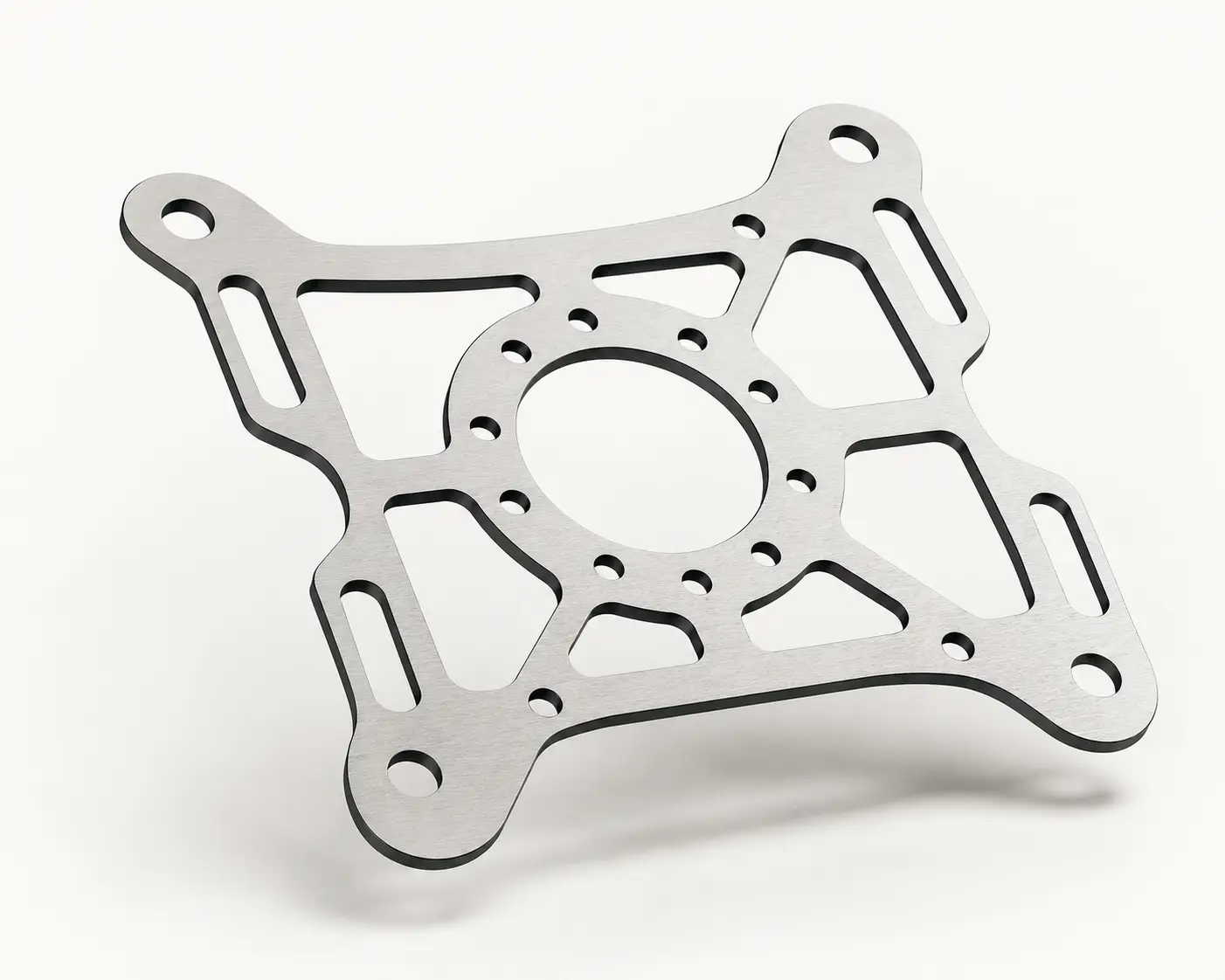
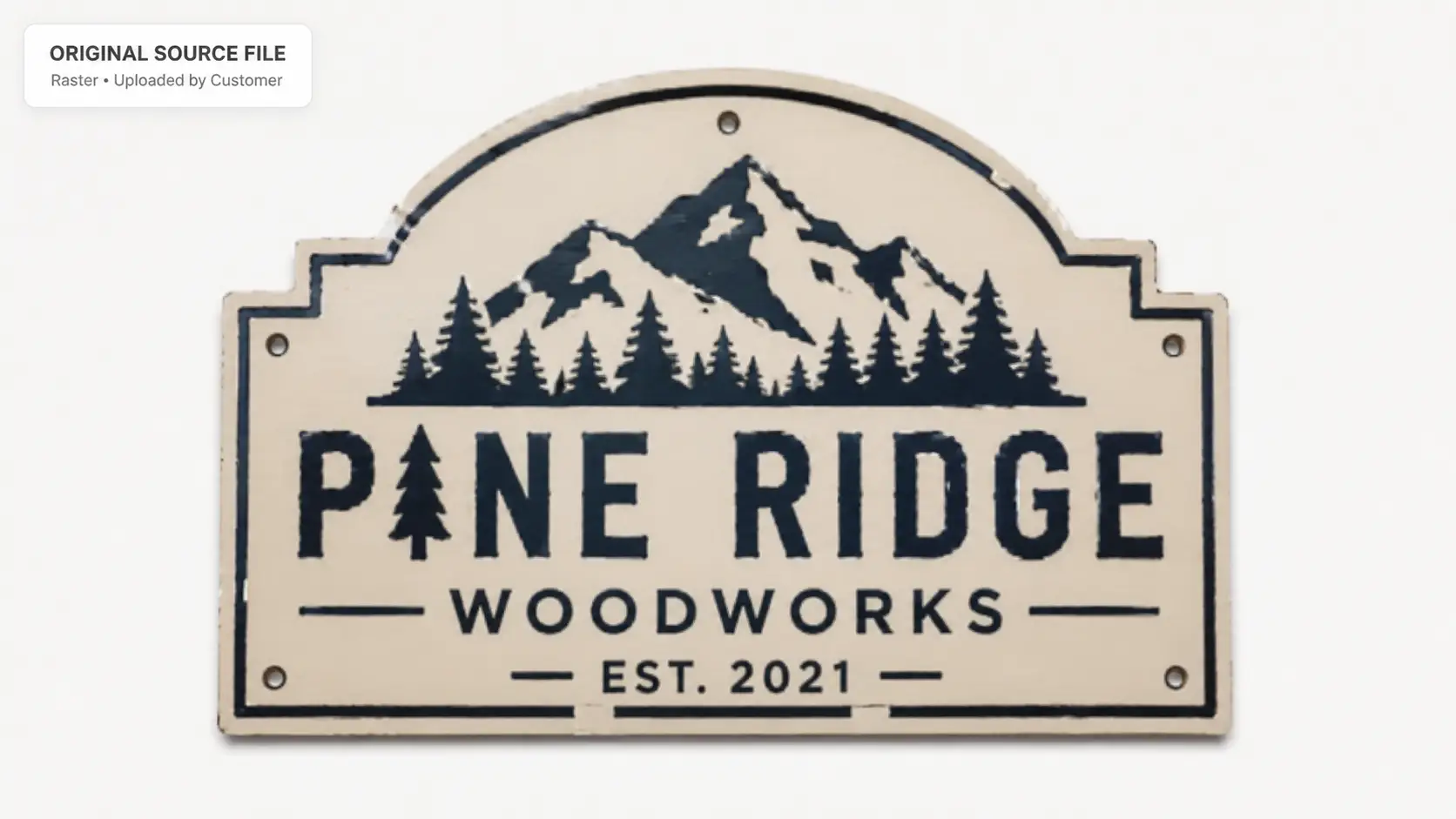
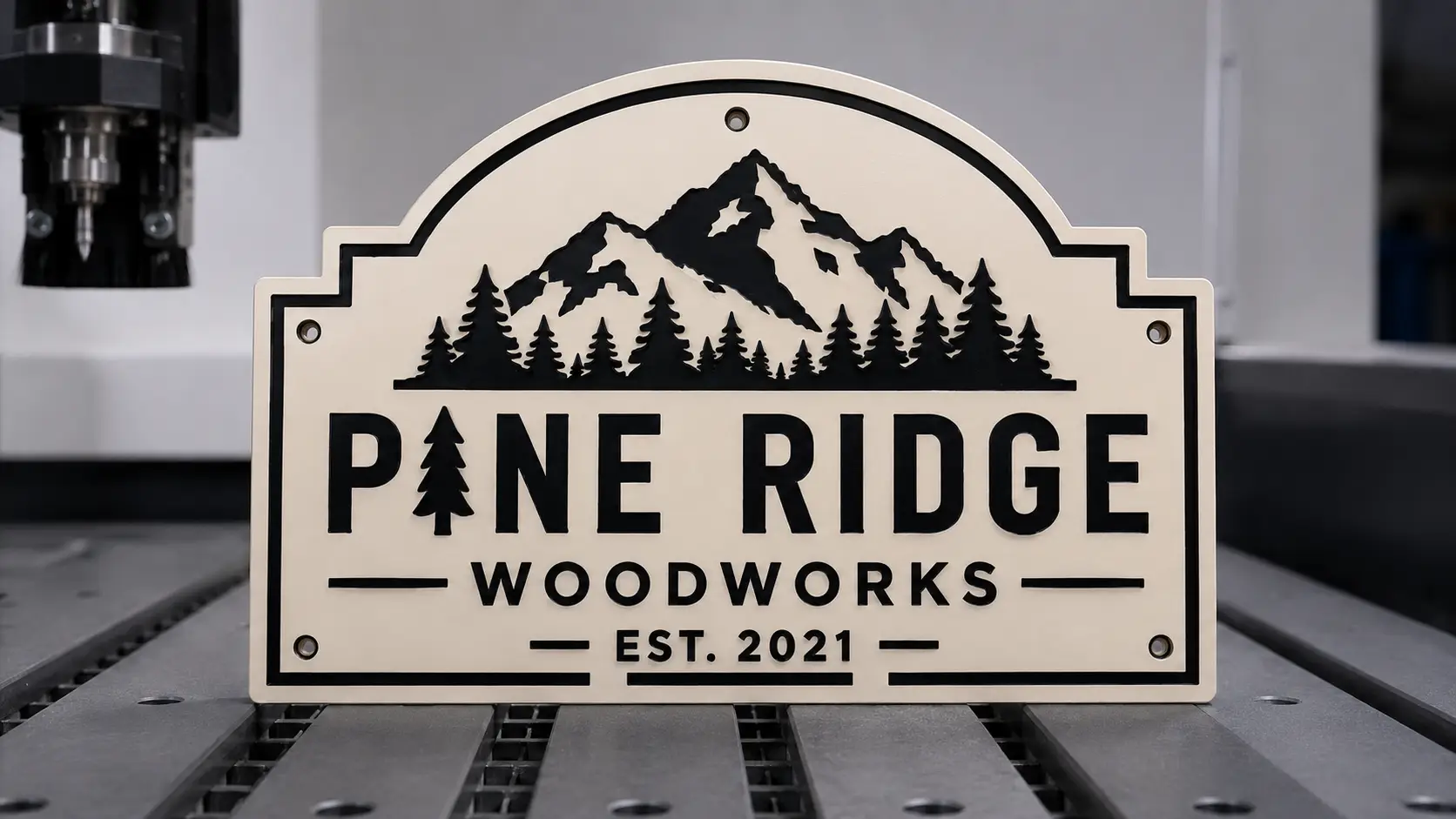
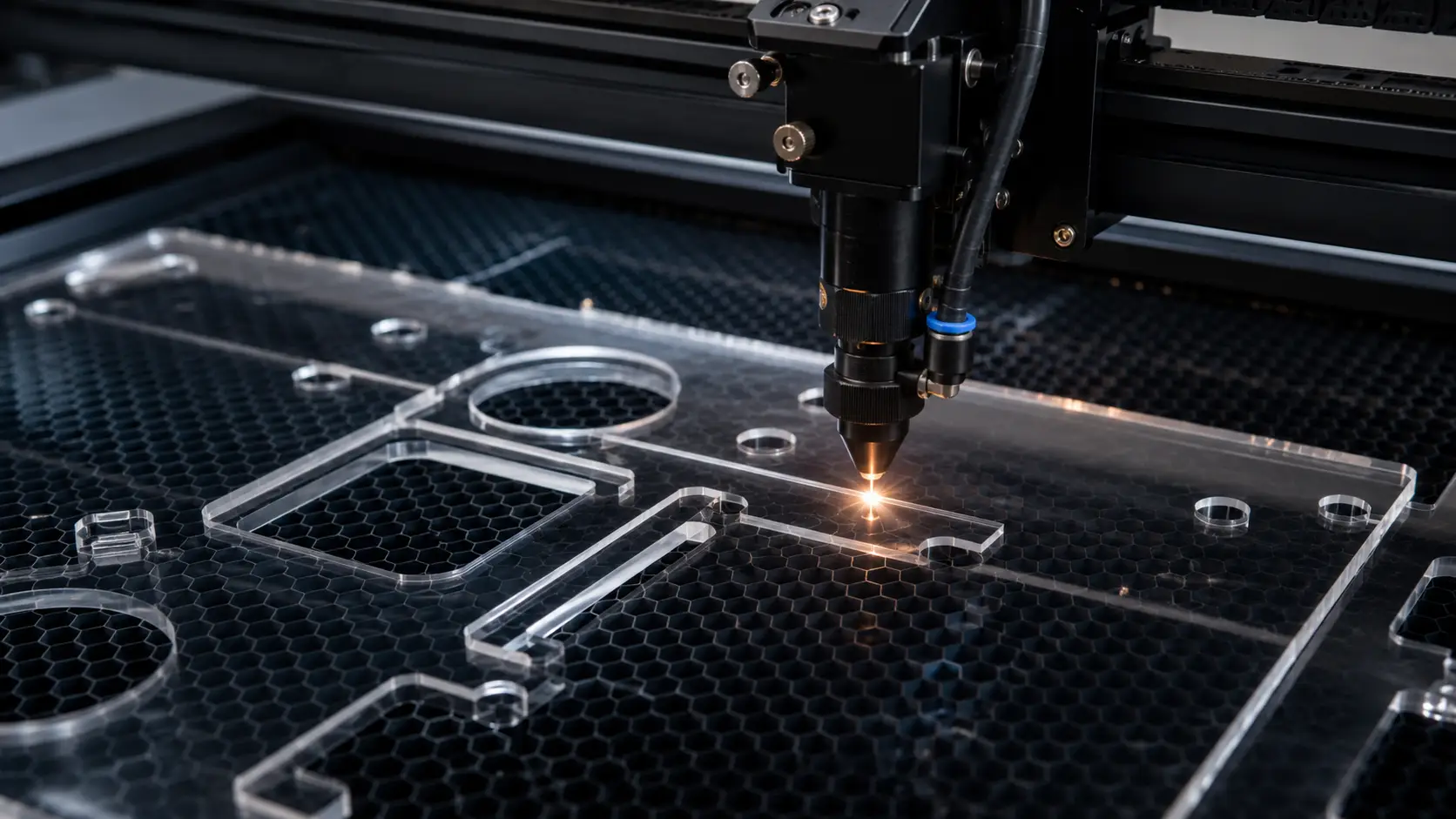
We convert raster artwork into closed-path DXF, AI, and EPS files prepped for laser cutters, plasma tables, water-jets, and CNC routers. Closed paths, no duplicate nodes, no stray segments — files that import to your CAM software without a single warning.

Vector conversion for laser, plasma, water-jet & CNC

Laser and CNC operators use VectorWiz to convert customer artwork into DXF and AI files prepped for cutting tools. We close every path, deduplicate nodes, separate cuts from engraves into different layers, set proper line-color conventions for cut/engrave/score, and deliver in DXF (R12/2018), AI, EPS, and PDF. Files drop into LightBurn, RDWorks, Mach3, Fusion 360, OnShape, and AutoCAD without cleanup.

Why production shops standardize on VectorWiz

Closed paths only

Every cut shape is a single closed path. No floating endpoints, no T-junctions, no overlapping segments. Your CAM software doesn't ask if you meant for that.

Cut / engrave / score separated

Each operation on its own layer with the standard line-color convention (red = cut-through, blue = engrave, green = score). Your CAM software's preset workflow just works.

Deduplicated nodes

Auto-traced files come with hundreds of duplicate and near-duplicate nodes that cause stuttery cutting and extra cycle time. We deliver minimum-node files.

Tooling-aware tolerances

Kerf compensation if specified, minimum-feature-size flagged for laser-too-fine bits, sharp corners preserved without auto-radius unless you ask.

DXF R12 and 2018 both

Some older CAM software only reads DXF R12. We deliver both versions in every order so the file works regardless of your software vintage.

Same-day on standard jobs

Simple and Medium files come back within 8 business hours of checkout. Large multi-cut nestable parts grade up to High and ship within 24 hours.

How a job moves through VectorWiz

  1. Submit art and tooling spec

    Upload customer file. Tell us the cutting tool (CO₂ laser, fiber laser, plasma, water-jet, CNC router, vinyl plotter), material thickness, kerf preference, and any operations needed (cut + engrave + score combos).

  2. Instant price

    Our classifier grades complexity the moment you upload and shows the price instantly — in credits for subscribers or USD for per-job orders. Multi-operation files (cut + engrave on one workpiece) move to Medium or High based on the operation count.

  3. Manual rebuild + closed-path verification

    Designer rebuilds vector by hand, closes every path, deduplicates nodes, separates operations into layers with standard line-color conventions. Pathfinder pass to verify zero overlap before delivery.

  4. CAM-ready delivery

    DXF (R12 + 2018), AI, EPS, PDF in one zip. Layered with cut/engrave/score conventions. Notes on minimum feature size and kerf.

What every CNC-prep deliverable contains

DXF is the contract. Every other format we ship is a courtesy. We build the AI source first (because that's where rebuilds happen cleanly), then export DXF in two versions, plus EPS and PDF for proofing. The DXF is the production file.

Standard CNC-prep deliverable
FormatBest forWhat we ship
DXF (R12)Older CAM software (Mach3, older LightBurn, AutoCAD pre-2018)Closed-path R12 DXF with layer conventions, minimal nodes.
DXF (AC1027 / 2018)Modern CAM (Fusion 360, OnShape, current LightBurn, Mastercam)Modern DXF with full layer support and color preservation.
AI (Adobe Illustrator)Editing sourceLayered AI with cut/engrave/score on separate layers, named with operation.
EPS, PDFProofing and customer sign-offPress-ready PDF and flattened EPS for customer review before cutting.

How we separate cut, engrave, and score operations

Most lasercut and CNC jobs combine multiple operations on one workpiece — cut the outer profile, engrave the logo, score along a fold line. We separate these into distinct layers using the industry-standard line-color convention so your CAM workflow's preset operations match without remapping.

Red (RGB 255,0,0)
Cut-through. The blade or beam fully separates the material along this path. Always closed.
Blue (RGB 0,0,255)
Engrave / etch. Surface marking only — the beam doesn't penetrate. Can be open or closed paths; can include fills.
Green (RGB 0,255,0)
Score. Light cut along a path, typically for fold lines on cardboard or thin wood. Usually open paths.
Black (0,0,0)
Reference / non-cut. Construction lines, dimensions, layout marks that should not produce a cutting operation. Always on a non-cutting layer.
Other / custom
If your shop uses a different convention (Boss Laser, Trotec defaults, RDWorks layers), pass us your spec and we'll match.

Tooling tolerances we hold

  • Closed paths verified via Pathfinder pass — zero open shapes, zero T-junctions in cut layers.
  • Deduplicated nodes — minimum nodes that preserve the curve. Auto-traced files routinely have 5–10× more nodes than needed; we strip them.
  • Sharp corners preserved unless you specify a fillet radius for cutter-friendly geometry.
  • Minimum-feature-size flagged during the rebuild — we'll tell you if any feature would be smaller than 1mm at finished size and risk laser blow-out or CNC bit deflection.
  • Kerf compensation applied if specified on your order — typical 0.1mm for fiber, 0.2mm for CO₂ on plywood, custom values honored.

How complexity drives the CNC-prep price

CNC-prep complexity in practice
AspectCreditsUSDTypical example
Simple10$25–35Single-shape cut profile (logo, sign blank, gasket), no engrave
Medium20$45–65Cut + engrave logo, 2-layer file, moderate detail
High35$75–110Multi-operation (cut + engrave + score), nestable parts, multiple workpieces
Complex60$130–180Photographic engraving conversion, fine illustration, 4+ operations
BulkEmail usEmail usProduction batch: 5+ workpieces sharing tooling specs — email hello@vectorwiz.com for bespoke pricing

CAM software we ship for

DXF is the universal format; our deliverable imports cleanly into the CAM software you already run. If you use something specialized, tell us on your order and we'll match its layer conventions.

  • LightBurn — DXF or AI direct import; line-color convention preserved as layers in LightBurn.
  • RDWorks — DXF R12 preferred; layer-color mapping matches RDWorks defaults.
  • Mach3 / Mach4 — DXF R12 import; closed paths required.
  • Fusion 360 / OnShape — DXF AC1027 (2018) preferred; layer organization matches Fusion's sketch import.
  • Mastercam, Surfcam — DXF 2018; named layers preserved.
  • Trotec JobControl, Boss Laser — DXF or AI; line-color convention matches their preset operations.

What to include with your order

  1. Source artwork (any raster format, or broken existing vector)
  2. Cutting tool: CO₂ laser, fiber laser, plasma, water-jet, CNC router, vinyl plotter
  3. Material and thickness: 1/4″ plywood, 1/8″ acrylic, 16-gauge steel, etc.
  4. Operations needed: cut only, cut + engrave, cut + engrave + score
  5. Kerf preference: typical for your tool, or custom value
  6. CAM software: LightBurn, RDWorks, Mach3, Fusion 360, etc. (drives layer conventions)
  7. Finished workpiece size and quantity if nestable
  8. Deadline and rush flag

Frequently asked questions

Direct answers to what production buyers ask before placing their first order. Question missing? Ask us.

Do you generate G-code?
No. VectorWiz delivers the DXF (and AI source); your CAM software generates the G-code. We focus on making the DXF clean enough that the CAM step is fast — closed paths, no duplicate nodes, proper layer conventions.
Can you handle multi-operation files (cut + engrave on one workpiece)?
Yes. Each operation goes on its own layer with the industry-standard line-color convention (red cut, blue engrave, green score). Your CAM software's preset operations match without remapping.
What's the difference between DXF R12 and DXF 2018?
DXF R12 is the older format compatible with most legacy CAM software (older Mach3, older LightBurn, older AutoCAD). DXF 2018 (AC1027) is modern with full layer support. We deliver both in every order so your software vintage isn't a blocker.
Can you nest parts on a sheet?
We can deliver nest-ready individual files (one per workpiece) with consistent unit and origin conventions. The actual nesting happens in your CAM software (Fusion 360 nesting, SigmaNEST, etc.) where it accounts for material grain and your tool's kerf.
Do you apply kerf compensation?
Yes if you specify. Typical kerf values: 0.1mm for fiber laser, 0.2mm for CO₂ on plywood, 0.3mm for plasma. Pass us the value on your order and we apply it. Without specification, we deliver true-size paths and you apply kerf in CAM.
What about minimum feature size for fine detail?
We flag minimum-feature-size issues during the rebuild. Typical limits: 0.5mm for fiber laser, 1mm for CO₂ on plywood, 2mm for CNC router with 1/8″ bit. Below those thresholds, features blow out or break. We'll tell you before cutting.
Can you convert a photo to a laser-engravable file?
Yes — graded as Complex. Photographic source becomes a high-contrast vector engrave-ready file with depth-stepped tone if your laser supports it (fiber MOPA or rastered CO₂). We convert the visual reference, not the photo background.
Do you handle plasma cutting differently than laser?
Yes. Plasma kerf is wider (typical 0.8–1.5mm), corners need more lead-in/lead-out, and minimum feature size is larger. Tell us the tool on your order and we'll prep accordingly.
What if my CAM software uses a different layer convention?
Pass us your shop's standard on your order and we'll match. Common alternatives: numeric layers (1=cut, 2=engrave, 3=score), named layers (CUT, ENGRAVE, SCORE), or custom RGB conventions specific to a tool brand.
Can I get a sample cut file before committing?
Submit a Simple-tier job to test the workflow — typically $25–35. Most shops use a Simple test cut to verify the layer convention and tolerance match before standardizing on us for higher-volume work.
Order now

Upload your file. Get an instant estimate. Order in minutes.

Drop an image, see the complexity-based price automatically, and check out — subscribers debit credits, everyone else pays per job.

Need something custom? Email hello@vectorwiz.com

Specialised for the way your shop runs

Production buyers don't need a generic vector — they need files that drop straight into the next step in the workflow.

Also in this topic

Reviewed by VectorWiz Production Team · last updated May 9, 2026