For screen printers

Halftone seps that print clean.

We build production-ready color separations for screen print: spot-color seps, simulated process, halftone angles tuned to your mesh, and the underbase already prepped. Hand-built by designers who know the press.

Halftone color separation service

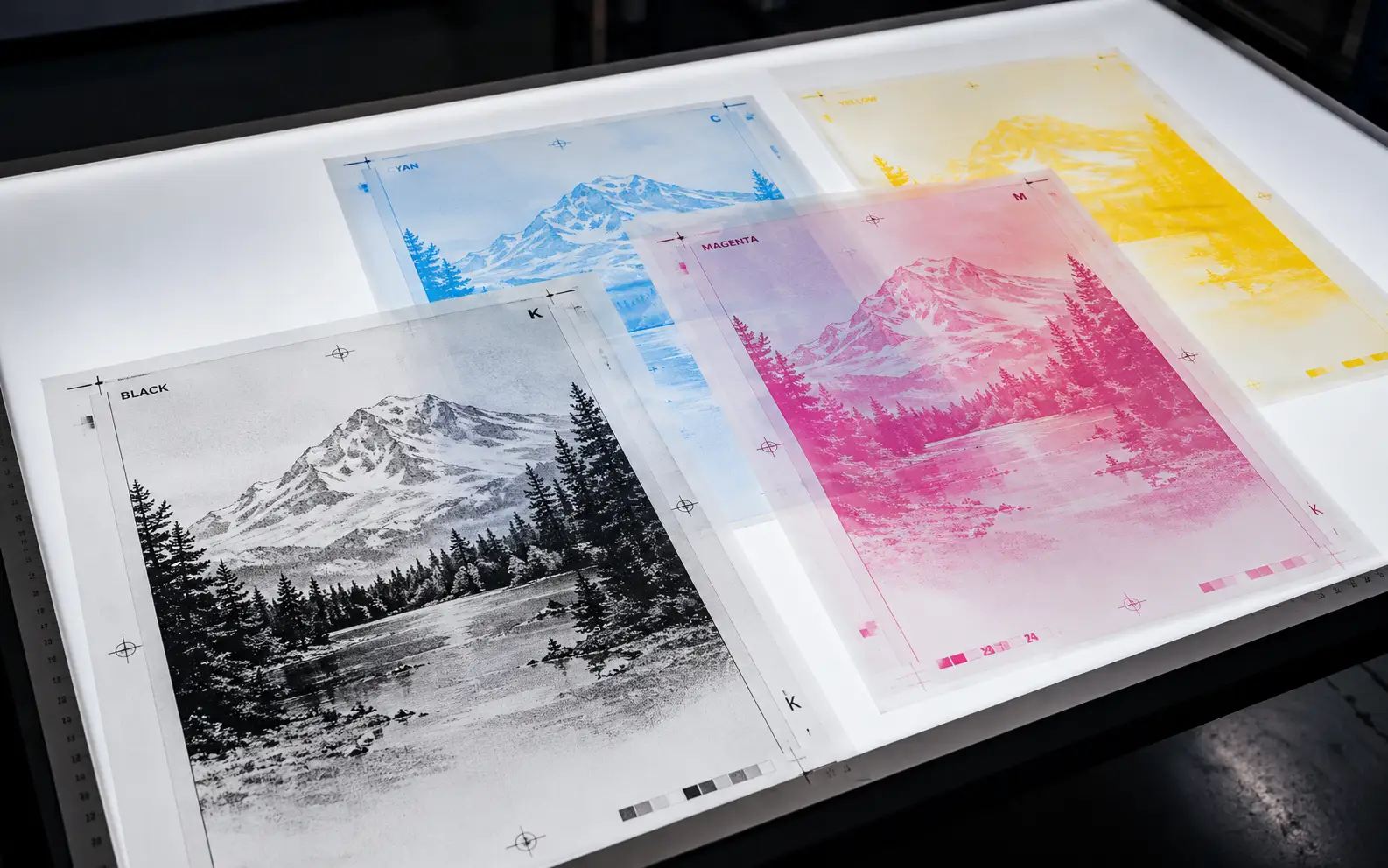
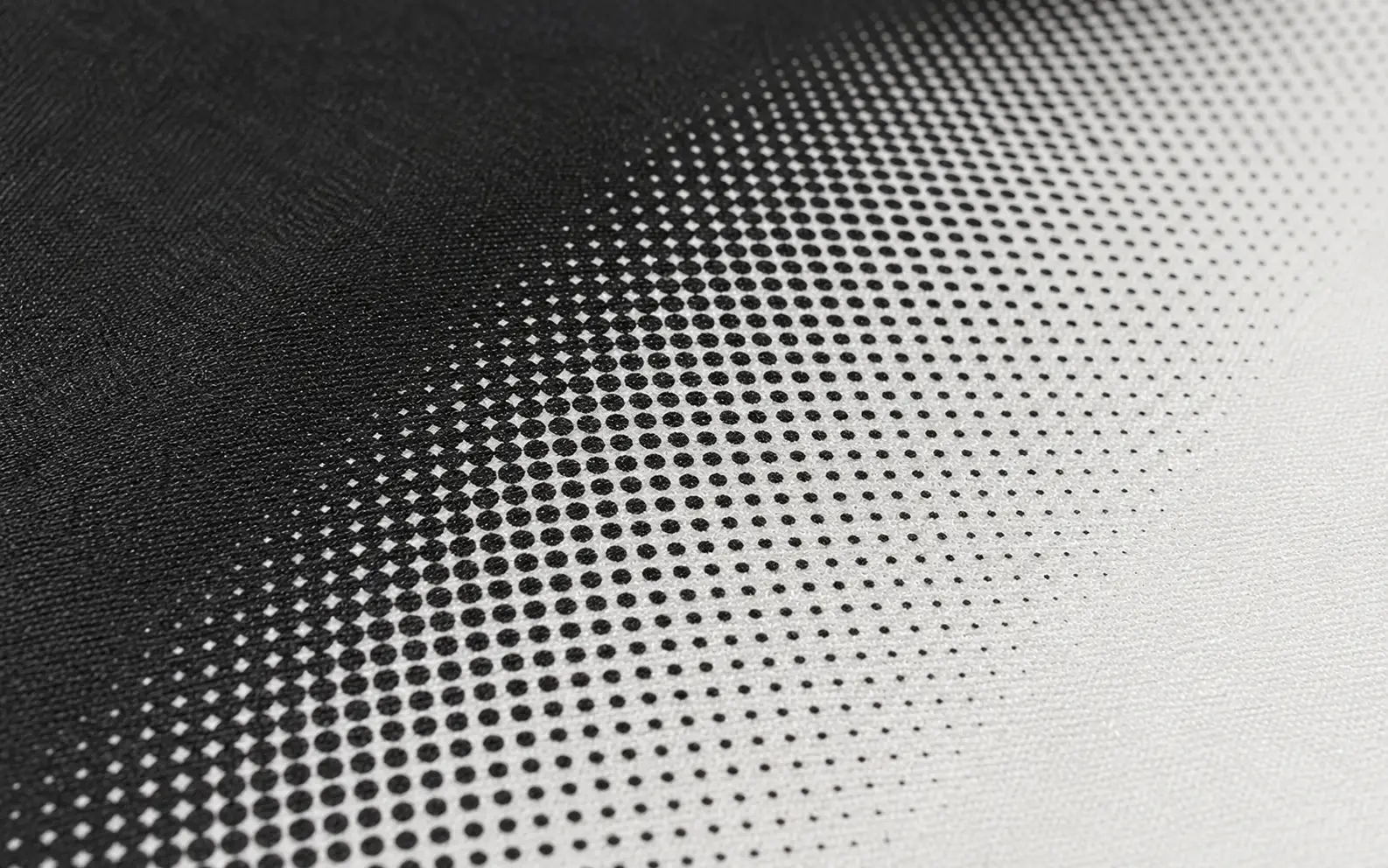
Halftone color separation breaks a multi-color or photographic image into individual ink layers — one per screen — with halftone dots sized and angled so each layer prints cleanly without moiré. VectorWiz delivers spot-color seps, simulated-process seps, halftone-angled positives, and underbase layers as separate files in AI, EPS, and TIFF.

Why production shops standardize on VectorWiz

One screen per layer

Every ink color comes as its own labeled file with the right halftone angle for that color. Drop into your RIP without renaming or remapping.

Underbase already prepped

Dark garment jobs include the white underbase as a separate channel — choked back from the top colors so you don't trap light.

Halftone angles tuned to mesh

We pick angles per color (typically 22.5°/52.5°/82.5°/112.5° for 4-color) tuned to your mesh count. No moiré, no muddied skin tones.

Spot vs simulated process

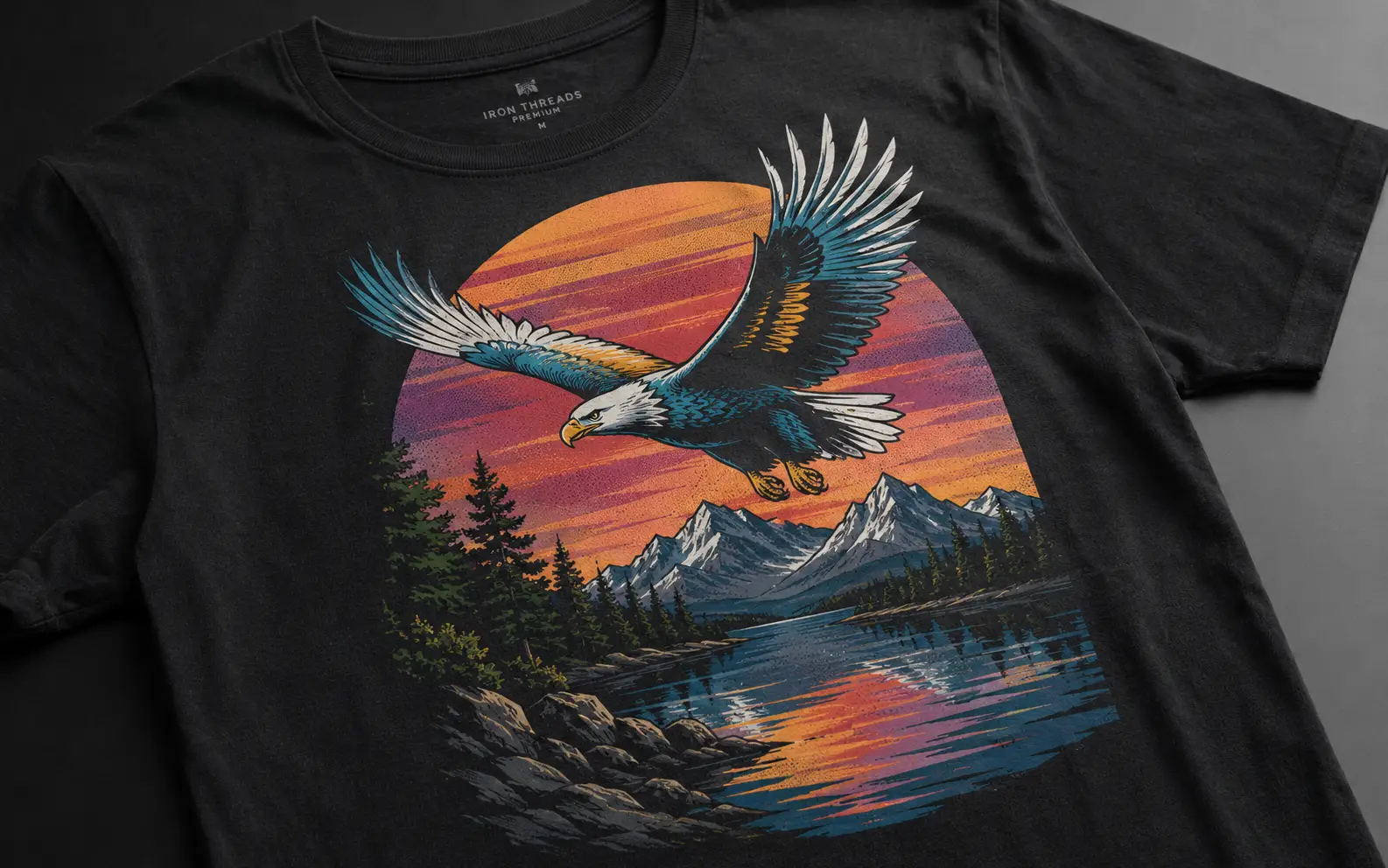
Spot-color seps for crisp logos. Simulated process for photographic art on dark garments. We pick the right approach per job and explain why.

Crisp at small text

Type stays vector and trapped properly so small lines and serifs don't drop out under the screen.

Same-day on standard jobs

Simple spot-color seps come back within 4 business hours. Simulated process moves to Medium or High depending on color count.

How a job moves through VectorWiz

  1. Upload art + press spec

    Upload artwork. Tell us garment color, ink count, mesh count per color, and the press (M&R, Riley Hopkins, ROQ, manual). Whether you want spot, simulated, or your call.

  2. Instant complexity-based price

    Our classifier grades complexity and shows the instant price. Spot-color seps usually land at Medium. Simulated process and 6+ color jobs go to High. Photo-realistic work is Complex.

  3. Manual separation + halftone build

    Designer separates colors by hand, builds underbase if needed, picks halftone angles and LPI tuned to your press. QC pass against a printed proof concept.

  4. Press-ready delivery

    One file per color in AI, EPS, and 1-bit TIFF positives. Color list with mesh recommendations and ink choke notes.

What every separation package contains

Color separations are press files, not artwork. We deliver one file per ink layer plus the underbase, halftoned and angled per color, in formats every screen-print RIP accepts.

Standard separation deliverable
AssetFormatNotes
Per-color sepsAI + EPSOne file per ink layer, named by color (e.g. `01-white-underbase.eps`, `02-red.eps`).
Halftoned positives1-bit TIFF, 300 DPIPress-ready positives for direct-to-screen or film output.
Composite proofPDFVisual reference showing the full job composited together.
Color list + spec sheetTXT or PDFPantone or PMS values, mesh recommendation per color, suggested print order.

Spot color vs simulated process — when to use each

Choose by artwork type, not garment color
AspectSpot colorSimulated process
Best forLogos, type, illustrations with flat colorsPhotographic art, gradients, complex blends on dark garments
Color count1–6 ink colors6–10 inks, sometimes more
Color matchingPantone-exact possibleApproximate via underbase + ink overlap
Press complexityLower — fewer screensHigher — more setup, careful registration
Cost (designer time)Medium tier — 20 credits / $45–65High or Complex — 35–60 credits / $75–180

Halftone angles by ink count

Wrong angles cause moiré — that distracting wave pattern across solid color areas. Right angles are 30° apart from each other, with the most-visible color (usually black) at 45°. Here's the standard set we ship for common ink counts.

Halftone angles per ink count
InksAngle assignments
1-colorAny angle, typically 45°
2-color22.5° / 67.5°
4-color (CMYK or sim-process)Cyan 15° / Magenta 75° / Yellow 0° / Black 45°
6-color10° / 35° / 60° / 85° / 110° / 135°
Spot-color seps (per color)Tuned to color brightness — most-visible color at 45° or close

Halftone LPI by mesh count

LPI (lines per inch) is the dot frequency. Set it too high for your mesh and dots fall through; too low and the halftones become visible. We pick LPI for your reported mesh per color.

Recommended halftone LPI per mesh
Mesh countRecommended LPI
110–14035–45 LPI
156–20045–55 LPI
230–28055–65 LPI
305+65–75 LPI

Frequently asked questions

Direct answers to what production buyers ask before placing their first order. Question missing? Ask us.

What file formats do you deliver halftone seps in?
AI, EPS, and 1-bit TIFF positives at 300 DPI. The TIFFs are press-ready for direct-to-screen output or film. AI/EPS keep editable vector type if you need a last-minute color shift.
Do you build the underbase for dark garments?
Yes. The underbase is shipped as a separate file (typically the first layer) and is choked back from the top colors so you don't trap light through the seam. We assume Plastisol unless you tell us water-based.
Can you match Pantone colors exactly?
For spot-color seps, yes — we match each ink layer to a Pantone code or named ink mix. For simulated process, the result is an approximation built from a CMYK-like ink set; exact Pantone match is not always possible in sim-process.
What halftone angle should I use for 4-color simulated process?
The standard set is Cyan 15°, Magenta 75°, Yellow 0°, Black 45°. We use those by default for 4-color and adjust for additional ink layers. The rule is colors should be 30° apart from each other.
How long does a typical separation job take?
Spot-color seps with 4 ink colors are typically delivered within 4 business hours of checkout. Simulated process and 6+ color jobs run 8–24 hours depending on complexity.
Do you handle simulated process on light garments too?
Yes, but most light-garment jobs print fine as standard CMYK without an underbase. We'll grade the artwork on submission and recommend the simpler approach when it works.
Can you redraw the artwork before separating it?
If the source is too low-res to separate cleanly, a vector rebuild is priced as a separate Simple/Medium tier line item, then we run separations on the clean artwork. Most jobs don't need this.
Do you ship the press setup notes alongside the files?
Yes — the deliverable zip includes a spec sheet with mesh recommendations per color, suggested print order, and any ink-choke notes. Customer service is by-design — we want the press to print right the first time.
Order now

Upload your file. Get an instant estimate. Order in minutes.

Drop an image, see the complexity-based price automatically, and check out — subscribers debit credits, everyone else pays per job.

Need something custom? Email hello@vectorwiz.com

Specialised for the way your shop runs

Production buyers don't need a generic vector — they need files that drop straight into the next step in the workflow.

Also in this topic
  • Screen-print vector conversion

    If you also need the source artwork rebuilt as vector before we separate it, the screen-print conversion page covers the upstream prep.

  • Pantone color matching

    Customers asking for Pantone-exact spot-color seps should pair this page with our color-matching service.

  • Complexity rubric

    Spot-color seps are typically Medium; simulated process is High or Complex. The rubric explains the time math.

Reviewed by VectorWiz Production Team · last updated May 10, 2026