Raster to vector conversion service, drawn by hand.
Send the JPG, PNG, screenshot or scan you have. A designer redraws it as a clean, closed-path vector — real curves, real colors, real type — ready for the cutter, press or machine.
Since 2022 · 4.7★ from 23 reviews on Google and Trustpilot · 100% remake guarantee
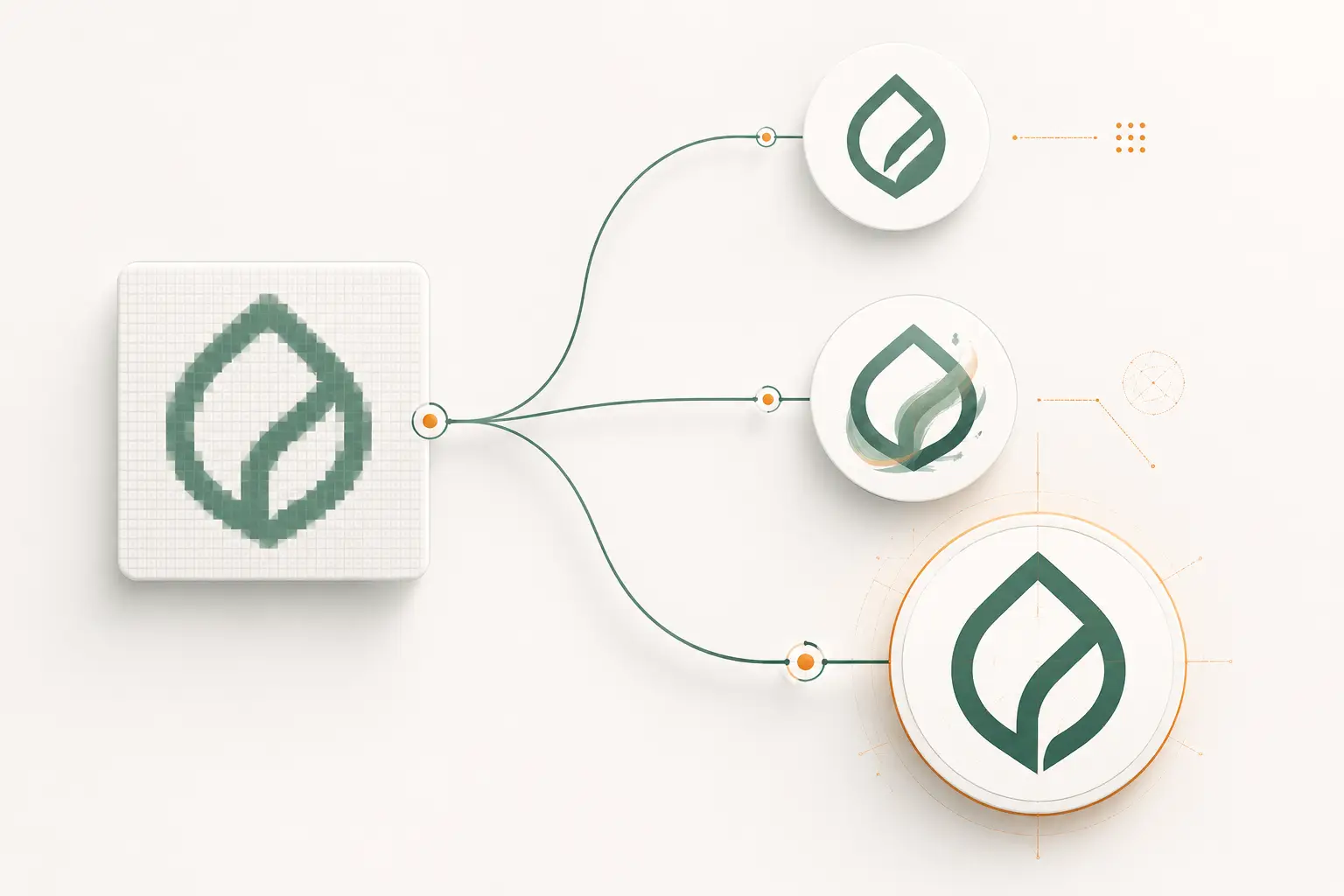
Raster to vector conversion rebuilds a pixel image — JPG, PNG, GIF, BMP, TIFF, a scan or a raster-only PDF — as scalable vector shapes. At VectorWiz a designer redraws every shape by hand over the raster instead of auto-tracing it, so the file comes back with closed paths, minimal nodes, a clean color palette and outlined type. Every order ships as AI, EPS, SVG and PDF (DXF on request), priced per job from $19 by complexity, with a 24-hour standard turnaround.
Redrawn, not traced — and what comes back.
The raster is the reference. Every shape in the file you receive was drawn by a person who could see what the pixels were trying to say.
- Source check
- A designer reads the raster at output size: which edges are the design, which are compression noise or anti-aliasing, and which lettering is a real font.
- Redraw
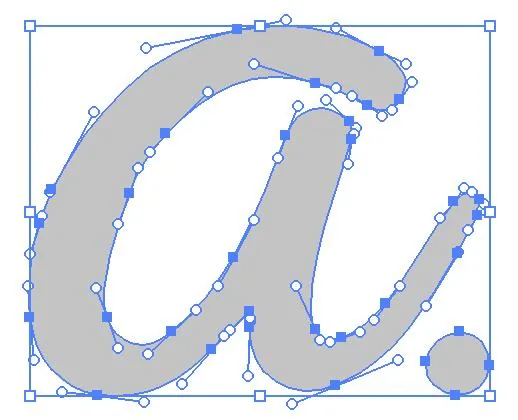
- Every shape rebuilt with the Pen tool over the raster — closed paths, minimal anchor points, true curves where the design curves and straight lines where it is straight.
- Type
- Identifiable fonts are reset and converted to outlines. Custom or hand lettering is redrawn letter by letter, not traced as a blob.
- Color
- Reduced to the palette the design actually uses — no slivers of in-between colors from soft edges. One layer per color, Pantone names when you give them.
- File formats
.ai,.eps,.svgand.pdfwith every order;.dxfon request. For embroidery, clean vector paths for your digitizer — we don't make stitch files.- Revisions
- Free until the file is right. Ask in the order thread and the same designer picks it up.
Priced by what the raster asks of the designer.
Four complexity tiers. Upload the file and the estimator shows the tier and price before checkout; a designer confirms the tier.
Tier 1 · Simple
One- or two-color logos, wordmarks and icons from a readable JPG or PNG. The shapes are clear — the job is redrawing them cleanly.
5 credits · $19Tier 2 · Medium
Flat multi-color logos and badges with standard type — the typical small website logo or screenshot that needs rebuilding at full size.
15 credits · $57Tier 3 · High
Shaded mascots, vintage or distressed badges, intricate line work, six or more colors — or a heavily compressed source whose shapes must be reinterpreted.
30 credits · $114Tier 4 · Complex
Multi-element compositions, or artwork rebuilt from a rough reference — a phone photo of a faded sign, a damaged scan, a print with half the detail missing.
50 credits · $190Rush (12 hours) adds 50%; Flex (3 business days) takes 10% off. Subscribers pay in credits from their monthly plan instead of per job.
What a tracer sees that a designer ignores.
Image Trace and online converters follow pixels. They can't tell the artwork from the damage the raster format did to it.
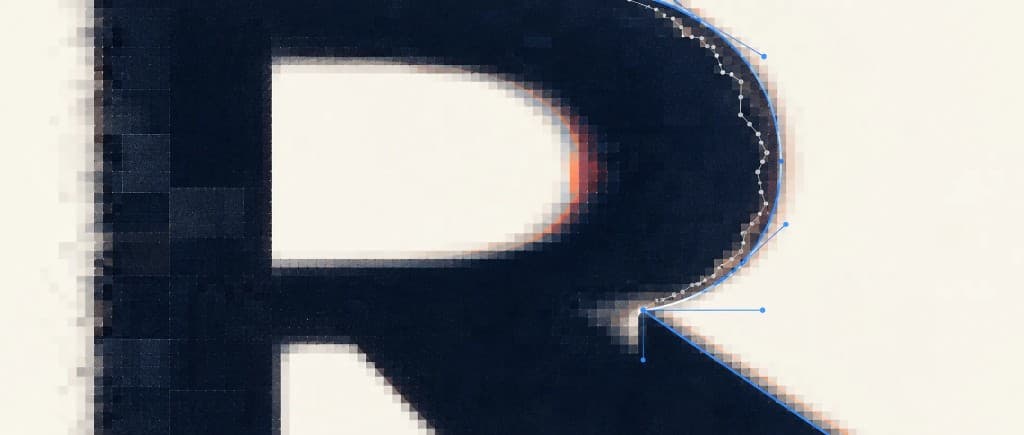
Stair-stepped edges
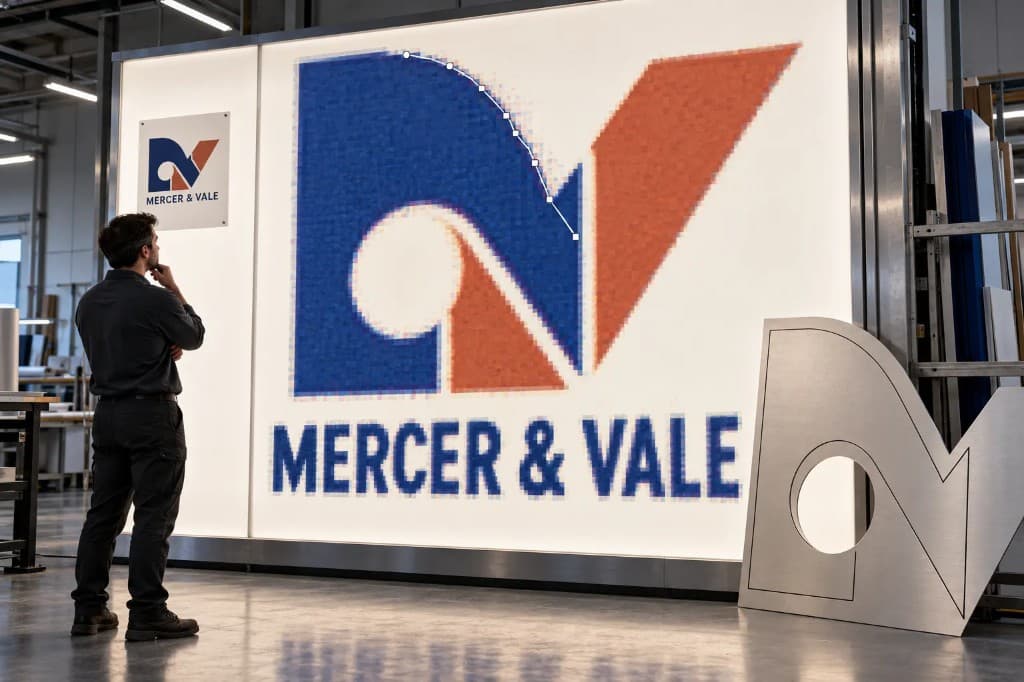
A curve stored as square pixels becomes a chain of hundreds of tiny segments. A plotter or router follows every one of them, and the cut chatters.
JPEG compression noise
JPG discards edge detail in 8×8 blocks and rings around hard edges. A tracer wraps those artifacts in stray nodes and phantom shapes.
Color noise from soft edges
Anti-aliased pixels sit between two colors, so a three-color logo traces as dozens of near-duplicate colors — useless to a screen printer counting screens.
Small text
At low resolution, letters touch and counters fill in. A tracer outputs blobs; a designer identifies the font or redraws the lettering.
Scans and phone photos
Paper texture, glare, faded ink and a skewed angle all get traced as if they were the design. A designer squares the artwork up and draws only what was meant.
When auto-trace is enough
A crisp, high-contrast, one-color mark heading to a screen can trace fine. If the file is going to a cutter, press or machine, it usually isn't.
Pixels in, noise out.
Raster to vector, answered.
What is the difference between raster and vector?
A raster file (JPG, PNG, GIF, BMP, TIFF) stores a fixed grid of colored pixels, so enlarging it enlarges the pixels and the edges go soft and jagged. A vector file (AI, EPS, SVG, PDF) stores shapes as anchor points and curves, so it can be scaled to any size and read by cutters, routers, engravers and print RIPs. Raster to vector conversion rebuilds the pixel image as those shapes.
Which raster files can you convert?
JPG, PNG, GIF, BMP, TIFF, WebP and HEIC phone photos upload directly, along with screenshots, scans of printed artwork and PDFs that only contain an embedded image. If a PDF, AI or EPS already holds real vector paths, the job is simpler — the estimator grades the source the moment you upload it and prices it accordingly.
What resolution does my raster file need?
Larger and sharper always helps, but there is no hard minimum, because the designer redraws the artwork instead of tracing the pixels. What matters is whether the shapes are readable. Where they are not — tiny text that has merged, details lost to compression — the designer will say so in the order thread and ask for a better source or the font name rather than guess.
Can you vectorize a photo?
A photo of a logo, sign, shirt print or business card — yes, that is routine. A photograph itself — a face, a product shot, a landscape — cannot become a vector that still looks like a photo, because vectors hold flat shapes, not continuous tone. It can be redrawn as a flat-color or line illustration, which is a new piece of artwork rather than the photo. We don't edit or retouch photographs; if an illustration is what you need, ask through the contact page before ordering.
Why not just use Image Trace or a free online converter?
For a crisp, high-contrast, one-color mark that will only be shown on screen, auto-trace can be good enough. On a typical raster logo it follows the pixels — stair-stepped edges, JPEG artifacts and anti-aliased color fringes — and produces hundreds of extra nodes, near-duplicate colors and blobbed text. That file then needs cleanup before any cutter, press or machine can use it. A hand redraw skips that step.
How much does raster to vector conversion cost?
Per job, by complexity, across four tiers — $19 / $57 / $114 / $190. A clean one-color logo starts at $19; a shaded mascot or a rebuild from a damaged scan sits in the upper tiers. Upload the file and the price is shown before checkout. On a monthly plan the same jobs cost 5, 15, 30 or 50 credits.
How fast will I get the vector file?
Standard is 24 hours. Rush is 12 hours for 50% more, and Flex is 3 business days for 10% less. Revisions are free until the file is right.
Which file formats do I get back?
Every order includes AI, EPS, SVG and PDF, with DXF on request for laser, CNC and plotter work. For embroidery we deliver clean vector paths for your digitizer — we don't produce DST, PES or other stitch files.
Where this page links.
Up · pillar & services
Lateral · by file type
Send the raster. Get back a real vector.
Instant price at upload, no commitment. A hand-drawn, production-ready file in your inbox in 24 hours.