Raster vs vector — what’s the difference? The two graphics formats that run every visual workflow.
Raster images are grids of pixels — fixed resolution, perfect for photographs, lossy when scaled. Vector images are mathematical paths — infinitely scalable, perfect for logos and production output, can’t represent photographic detail. Use raster for photos, screenshots, painterly art. Use vector for logos, icons, anything heading to a vinyl plotter, embroidery digitizer, screen-print press, or CNC table.

The core difference, in one paragraph
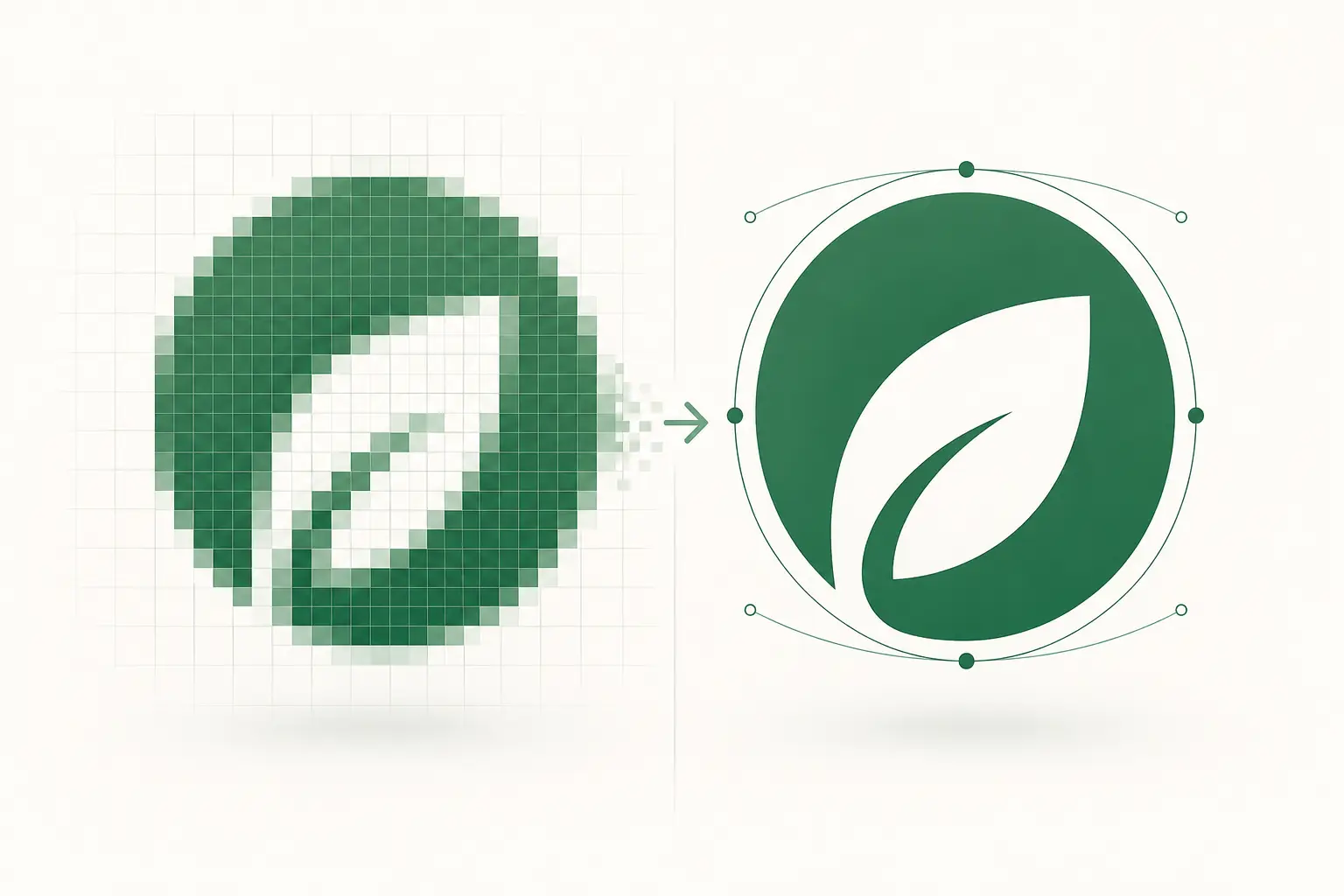
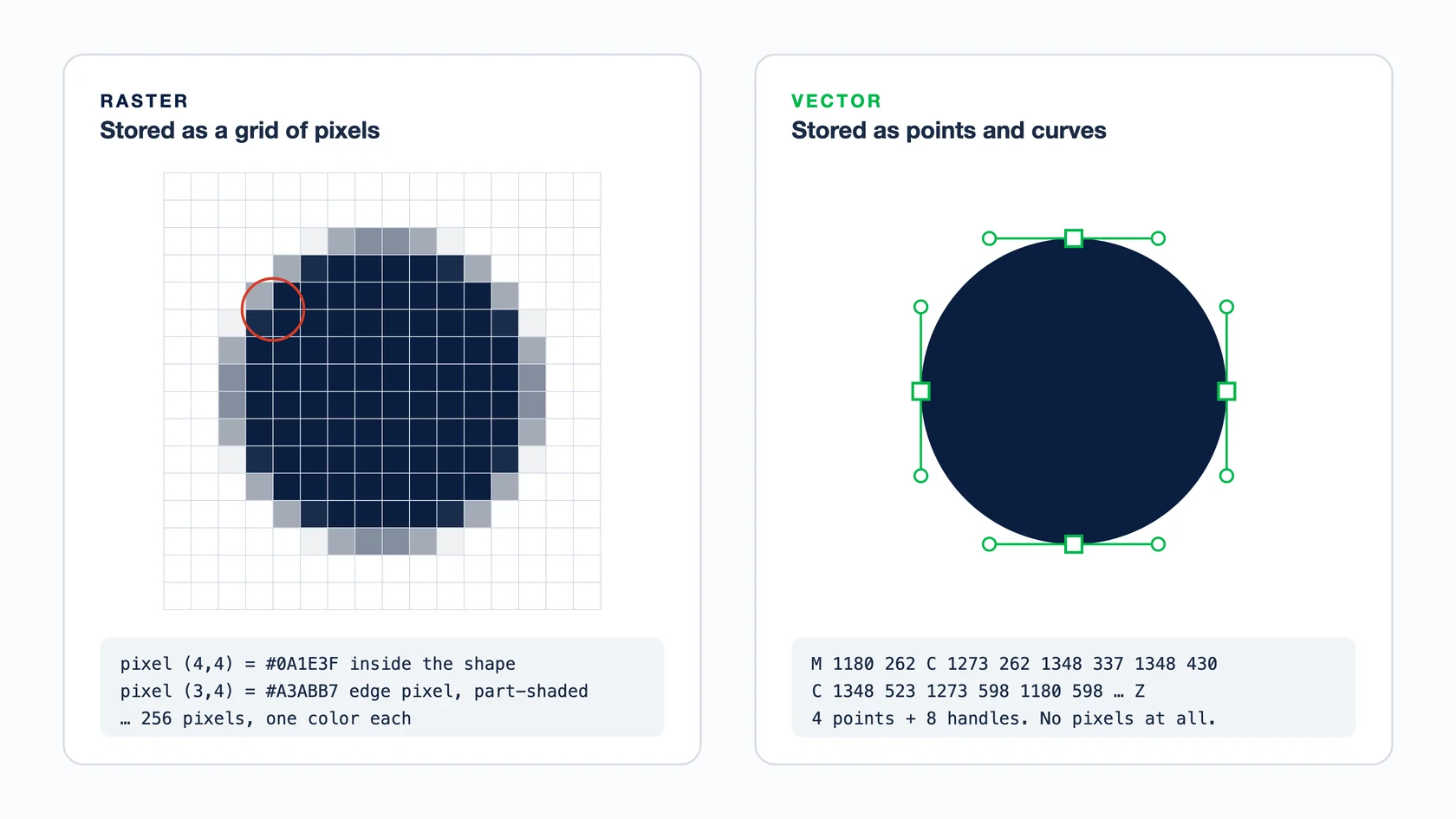
Raster images are made of pixels — small coloured squares laid out in a grid. The image 'is’ the pixel data. Vector images are made of paths — mathematical descriptions of points, curves, and fills. The image is the recipe to draw it, not the drawing itself. That single difference cascades into every other property they have.
Side-by-side comparison
| Property | Raster | Vector |
|---|---|---|
| What it stores | Pixels (a grid of coloured squares) | Paths (math: points, curves, fills) |
| Scaling | Loses detail when enlarged (pixelation) | Infinite — sharp at any size |
| File size | Large (one entry per pixel) | Small (one entry per path) |
| Editing | Edit pixels — Photoshop, GIMP, Affinity Photo | Edit paths — Illustrator, Inkscape, Figma, Affinity Designer |
| Photographic detail | Excellent — millions of subtle tones | Poor — you’d need millions of paths |
| Logo / icon work | Locked-resolution output, bad for scaling | Production-ready, scales to any size |
| Print at any size | Needs source higher than print resolution | Print at any size from any source |
| Common formats | JPG, PNG, WebP, GIF, TIFF, PSD | SVG, AI, EPS, PDF, DXF |
| Typical use | Photographs, social media, screenshots | Logos, vinyl, embroidery, CNC, signage |
When raster is the right choice
- Photographs. Every photo is raster — pixels capturing what the camera sensor saw.
- Screenshots and screen captures.
- Painterly, textured, or impressionistic art where the goal is brush-stroke feel.
- Anything with photo-realistic gradients or millions of subtle tone variations.
- Quick web display where file size + load time outranks scalability.
When vector is the right choice
- Logos, wordmarks, icons, illustrations with flat colour areas.
- Anything heading to a vinyl plotter — closed cut paths required.
- Embroidery digitizing source — clean joins, no spurious nodes.
- Screen-print spot color separation work.
- CNC routing, laser cutting, plasma — closed-path DXF required.
- Engraving — single-stroke or outline-only paths.
- Channel letter / signage fabrication.
- Anything that needs to scale from business-card to billboard.
Which file to send, by who is receiving it
Most file trouble starts when a raster logo goes to someone whose machine needs vector. Find the person receiving your artwork in this table before you send it. For what each format can hold, see our vector file formats guide.
| Who is receiving it | Send this | Also fine | Avoid |
|---|---|---|---|
| Commercial or offset printer | PDF with the logo and type as vector (PDF/X-4 if they ask for it) | AI or EPS for the logo on its own | A logo pasted in as a web JPG or a screenshot |
| Wide-format printer (banners, wraps) | PDF with a vector logo; photos at about 100–150 ppi at full size | AI or EPS | A small PNG they have to blow up ten times |
| Sign shop cutting vinyl | AI, EPS, SVG or PDF with closed paths and text converted to outlines | DXF, if their cutting software asks for it | PNG or JPG: they redraw it and bill you, or auto-trace it |
| Laser, CNC or plasma shop | DXF or SVG at 1:1 scale, with closed paths | AI or PDF, if their CAM software imports it | Any raster file, or a PDF that only wraps a raster |
| Screen printer | AI, EPS or PDF with one spot color per screen | A high-resolution PSD or TIFF at print size, for photographic prints | A low-resolution JPG with soft, blended edges |
| Embroidery digitizer | AI, EPS, SVG or PDF with clean, closed shapes | A sharp, high-resolution PNG | A tiny JPG with detail the thread cannot hold |
| DTF or DTG print shop | PNG at 300 ppi at the print size, transparent wherever nothing should print | A vector PDF or SVG | A JPG with a white box around the art |
| Website or social media | SVG for logos and icons; JPG, PNG or WebP for photos | PNG for logos on social platforms | AI or EPS: browsers and apps cannot show them |
How to check whether a file is really vector
The file extension doesn't settle it. PDF, EPS, AI and SVG can each hold a pasted-in raster image, which is why a “vector” file sometimes prints blurry.
- Zoom to 800% or more
Edges that stay sharp are vector. Edges that turn into squares or go soft are pixels.
- Click the artwork
In Illustrator, Inkscape or Affinity Designer, vector art selects as separate shapes with anchor points. A raster selects as one rectangle, and Illustrator labels it a linked or embedded image.
- Look for embedded images
In Illustrator, the Document Info panel can list embedded images. In Acrobat Pro, Edit PDF shows a raster logo as a single image box rather than separate shapes.
- Open an SVG in a text editor
A real vector SVG is mostly path, circle and polygon tags. One long image tag full of base64 text means a raster wrapped in SVG.
If it turns out to be raster, drop it into our free tracer to see how far auto-trace gets, or upload it for a hand redraw.
Why vector files are smaller (the math)
A 2000×2000 raster image stores 4 million pixels. Even at 8 bits per channel × 3 channels, that’s ~12 MB uncompressed. The same logo in vector might be 20–50 paths × a few control points each — a few KB total. Vector wins on size by 100×–1000× for logo-style art, every time.
Scaling behaviour — the most visible difference
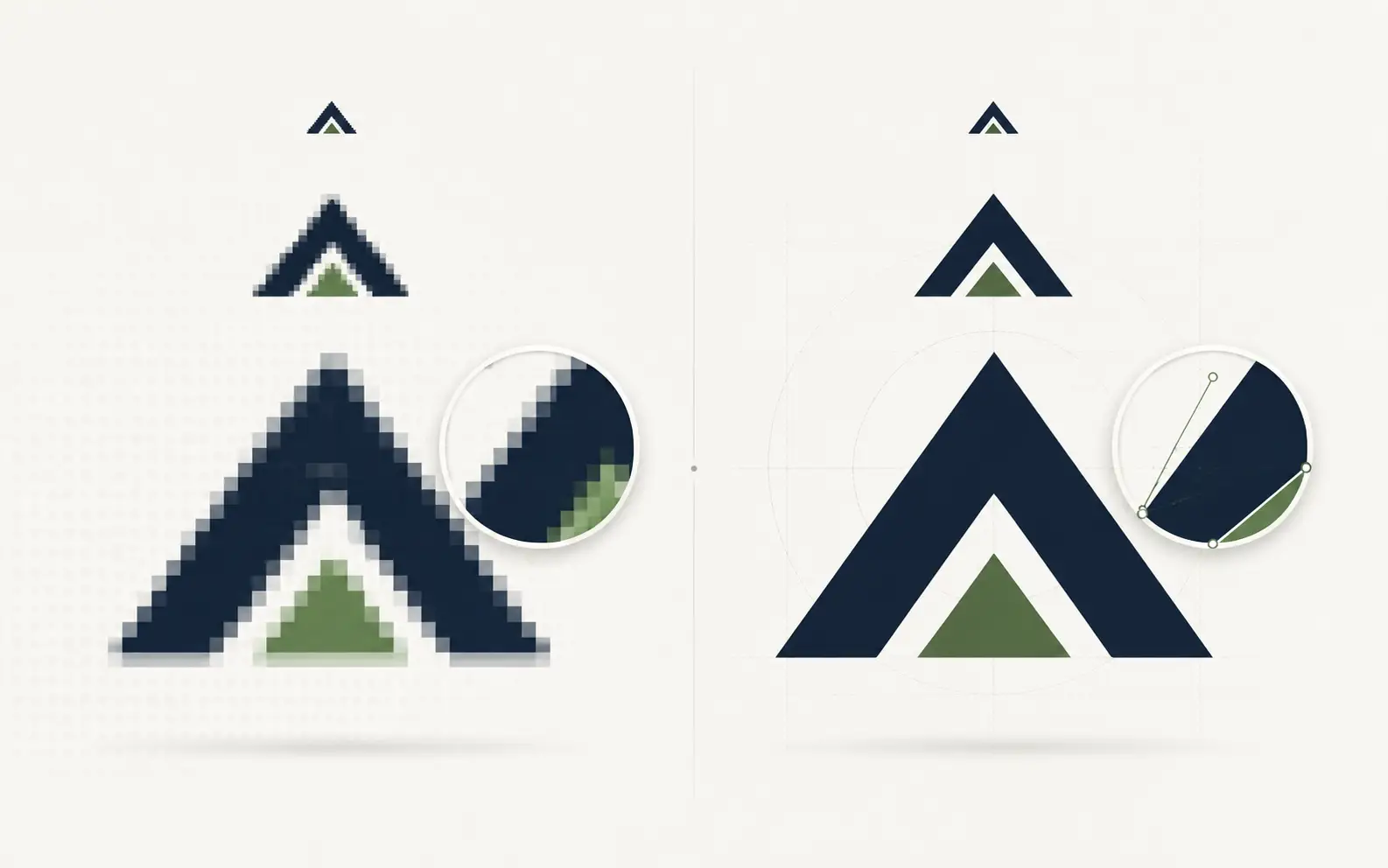
If you take a 200×200 raster logo and blow it up to 2000×2000, the browser or print software has to invent ~99% of the pixels via interpolation. The result is pixelation, blocky edges, blurry curves. The same logo in vector renders 2000×2000 just as sharp as 200×200, because the math is recomputed at the output size.
This is why production buyers care so much about getting vector source. A vinyl plotter cutting a 4-foot decal can’t do anything useful with a 300×300 raster logo — the cut path has to be drawn at the actual output size, which means starting from vector geometry, not pixels.
DPI, resolution, and why vector ignores both
DPI (dots per inch) is a raster concept. It describes how many pixels per inch of output the file should occupy. A 1200×1200 image at 300 DPI prints at 4×4 inches; at 72 DPI it prints at ~16.7×16.7 inches but looks pixelated on print because there are only 72 pixels of detail per inch.
Vector files have no DPI — the math renders at whatever pixel density the output device asks for. A vector logo prints at 300 DPI just as cleanly as at 72 DPI as at 4800 DPI (offset press). So the raster-vs-vector divide is also a DPI-bound vs resolution-independent divide.
Anti-aliasing — the visible compromise
When a vector renders at a low output resolution, the curves get sampled onto a coarse pixel grid. The renderer uses anti-aliasing — partially-transparent pixels along edges — to make the curve look smooth. At higher output resolutions, the anti-aliasing footprint shrinks and the edge looks sharper.
Raster images already have anti-aliasing 'baked in’ at source resolution. When you upscale them, the baked anti-aliasing pixels grow proportionally and become visible as fuzzy edges. There’s no way to add more anti-aliasing to a raster image without redrawing — the source resolution is a hard ceiling.
Converting it yourself is fiddly. See where auto-trace breaks.
Our in-browser tracer shows the failure points; a human then redraws it clean and production-correct in 24 hours.
Need something custom? Email hello@vectorwiz.com
Converting between raster and vector
Vector → raster is trivial: every browser, print software, and image editor can rasterise a vector at any chosen output size. Raster → vector is the hard direction.
- For single-color, high-contrast logos: Adobe Illustrator’s Image Trace or Inkscape’s Trace Bitmap — fast but needs cleanup.
- For photographic source or stylised illustration: AI tools like Vectorizer.AI, vector.ai, Adobe Firefly — better quality than path-finding tracers.
- For production output (vinyl, embroidery, screen, CNC): hand rebuild by a designer. Auto-trace cleanup eats the same hours and produces worse files.
Deciding for a real job
- I’m posting on Instagram
- Raster. PNG or JPG. Vector formats don’t even render on social platforms.
- I’m printing a magazine ad
- Vector for the logo and type. Raster for the photo. PDF/X-4 with the right ICC profile bundles both for the press.
- I’m running a vinyl plotter
- Vector. AI, EPS, SVG, or DXF — closed paths required.
- I’m setting up an embroidery digitizer
- Vector source, stitch-friendly geometry. Hand-rebuilt vector beats auto-traced for digitizing quality.
- I’m laser-cutting acrylic
- Vector — closed-path DXF in AutoCAD 2000 dialect.
- I’m posting a wedding photo to a blog
- Raster. Lossy compressed JPG at 1200–1800 pixels wide. Vector would be huge and slow.
Raster to vector on two real jobs
Here is what the conversion looks like on files customers actually sent us. Both arrived as raster artwork and needed vector before a press or a cutter could use them.
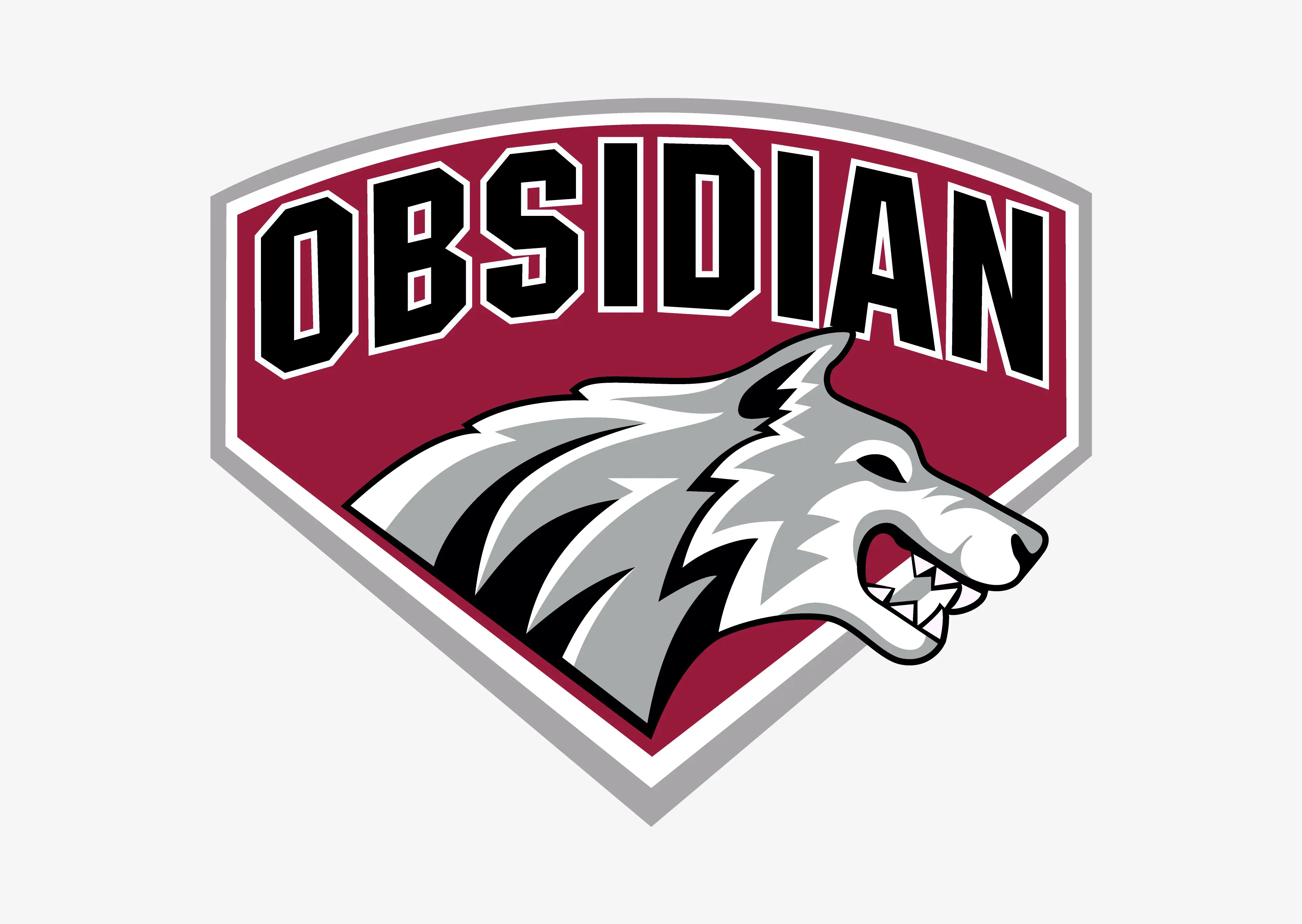
Screen printing. The Obsidian wolf badge: the wolf, the shield and the arched name were redrawn as closed spot-color shapes and delivered as AI, SVG, EPS and PDF. See the full Obsidian job.
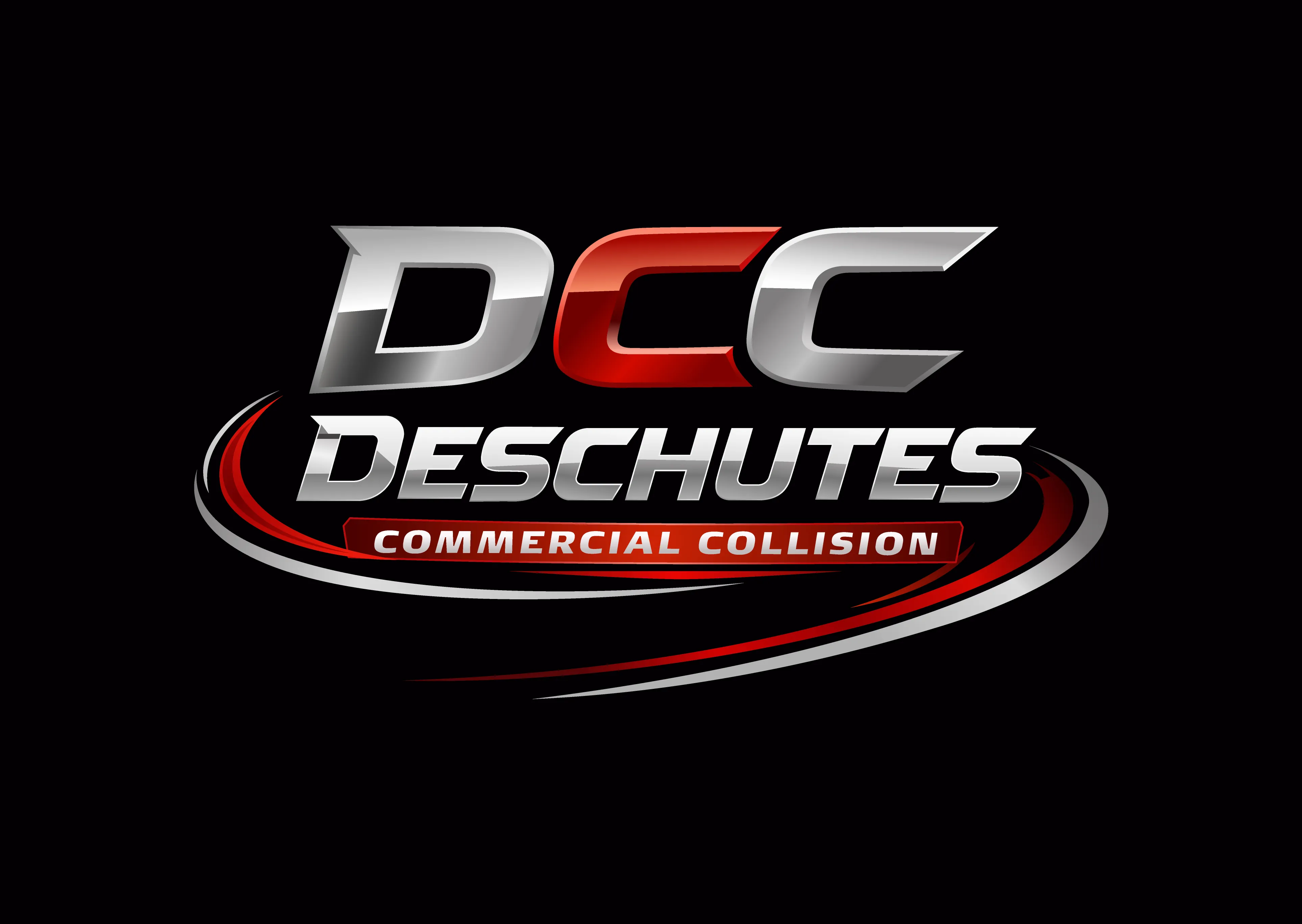
Signage. The Deschutes Commercial Collision mark: the DCC letters, the swoosh and the shine on the metal were rebuilt as closed paths, delivered as AI, EPS, SVG and PDF, with DXF for the cut. See the full Deschutes job.
Frequently asked questions
What’s the simplest way to tell raster from vector?
Zoom in to 800%. Vector stays crisp and edges remain smooth; raster pixelates and shows the underlying pixel grid. Or open the file in Illustrator — if individual shapes are selectable as paths, it’s vector; if everything is one flat image, it’s raster.
Is PDF raster or vector?
Either. PDFs are containers that can hold vector paths, raster images, or both. A PDF exported from Illustrator is vector inside. A PDF that’s a scan or photograph is raster inside. Open in Illustrator or Acrobat Pro Output Preview to tell which you have.
Why do my logo printouts look pixelated even though they look fine on screen?
Screen resolution is typically 72–96 DPI; print is 300–600 DPI. A raster logo that looks sharp on a 72-DPI monitor at 200×200 will pixelate when printed at 600 DPI even at the same physical size. Either start with a higher-resolution raster (1200×1200+) or use vector, which has no resolution at all and renders sharp at any print size.
How big does a pixel image need to be to print at large sizes?
Standard print quality is 300 DPI. A 24×36 inch poster at 300 DPI needs a 7200×10800 source — about 78 megapixels uncompressed. Most consumer cameras max out around 24–48 megapixels, which means upscaling for large prints. Vector source skips this problem entirely.
Do vector files have a resolution?
No — that’s the point. A vector file describes shapes mathematically without committing to a pixel grid. The resolution is decided at render time by whatever output device or context renders the file. A vector logo can render at 100×100 or 100,000×100,000 from the same source.
Can I convert a raster logo to vector myself?
Yes for simple, high-contrast logos — use Adobe Illustrator’s Image Trace or Inkscape’s Trace Bitmap. Expect to spend 30 minutes cleaning up auto-trace output before it’s production-ready. For multi-color logos, photographic source, or anything heading to vinyl/embroidery/screen-print/CNC, hand rebuild produces better results faster.
What file format should I send to a sign shop?
Vector — AI, EPS, SVG, or PDF (vector inside). Most sign shops can also work from a DXF for cutting tools. Avoid sending raster logos (PNG, JPG) for signage work — the shop will either redraw it (charging you) or auto-trace it (and get a worse result than a hand rebuild).
If I take a vector logo and save it as a PNG, do I still have a vector?
No. PNG is a pixel format — saving vector to PNG rasterises it at a fixed resolution, losing the original math. The vector source still exists in your AI/SVG file, but the PNG export is a snapshot at that resolution. Keep both: vector for editing and any future scaling, pixel for the immediate display purpose.
Does AI generate raster or vector images?
Most AI image generators (DALL-E, Midjourney, Stable Diffusion, Adobe Firefly Image) generate raster. AI vector generators (Vectorizer.AI, vector.ai, Recraft, Adobe Firefly Vector) generate vector by either training directly on vector data or converting raster intermediates to vector. The vector tools are newer (2022+) and improving fast.
Are SVG files always smaller than PNG?
For logos, icons, and flat-color illustrations: yes, often 10–100× smaller. For photographs or complex gradient art: no — SVG of a photo can be larger than the original PNG. Pick by content type, not by assumption.
Can I use vector and raster in the same design?
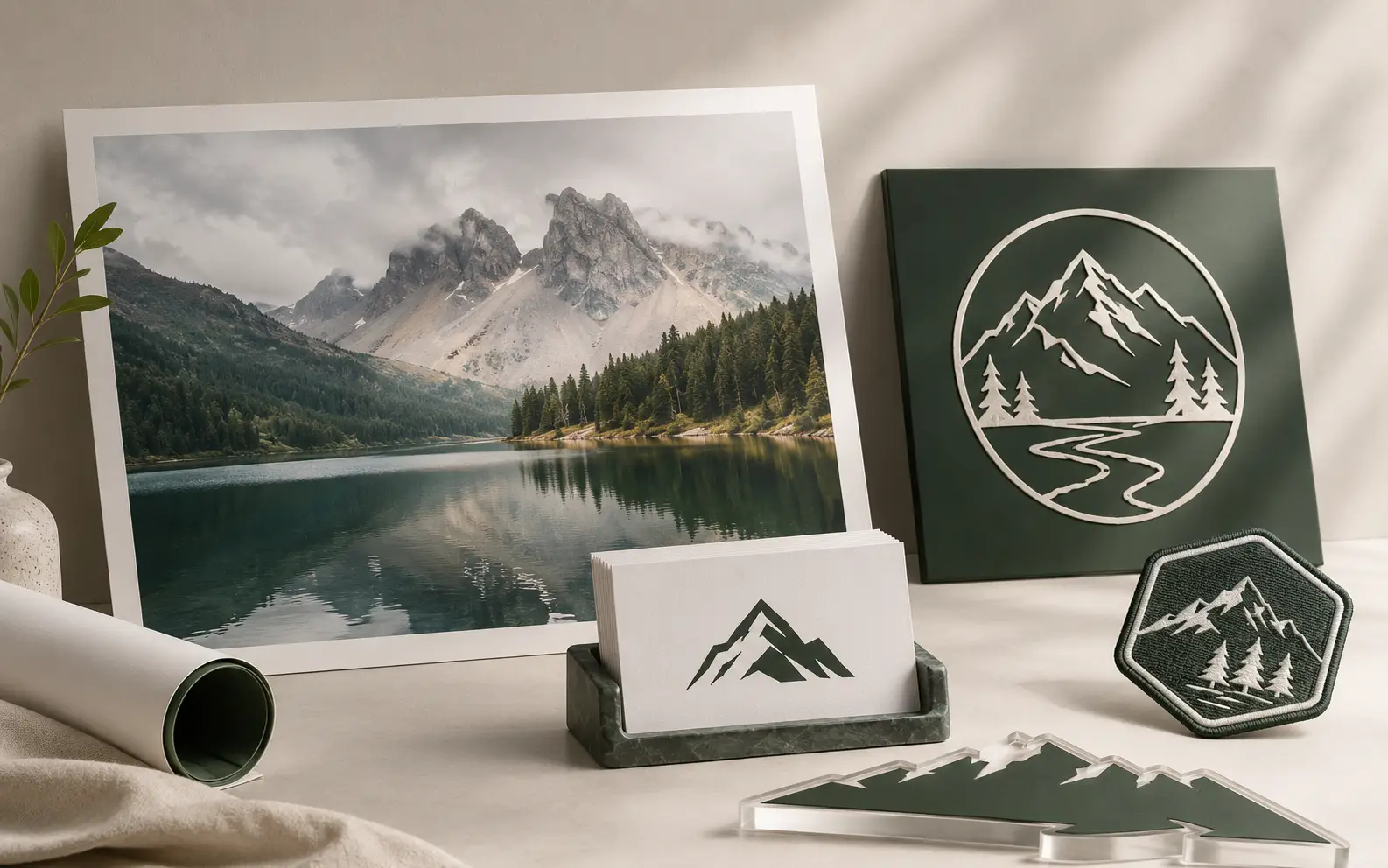
Yes — that’s how most professional design works. Vector for the logo, type, and clean illustrations; raster for photos and textured backgrounds. The container format (PDF/X-4 for print, PSD with smart objects, AI with embedded raster) holds both.
What’s the 'Bézier’ in 'Bézier curve’?
Pierre Bézier was a French engineer at Renault who published the curve math in 1962 for car-body design. Paul de Casteljau derived equivalent math at Citroën in 1959 but Renault published first, hence the name. Every modern vector editor (Illustrator, Inkscape, Figma) uses Bézier curves under the hood. Most users never need to think about the math, but the term shows up in tool tooltips.
Naimur Rahman
Leads design direction and quality at VectorWiz. Reviews and redraws production artwork by hand across sign, screen-print, embroidery, and CNC work.
Related articles
Drawn by hand. Built for production.
Hand-redrawn from $19, back in 24 hours. Upload for an instant price, no commitment.