Raster to vector software — 2026 comparison The honest list of raster-to-vector tools.
The best raster-to-vector software in 2026 depends on what you're producing. Adobe Illustrator (Image Trace) is the editor of choice for designers; Vectorizer.AI and vector.ai produce the cleanest AI-driven traces; Inkscape is the best free option; CorelDRAW (PowerTRACE) and Affinity Designer cover the same ground at different price points; online converters (Convertio, Vector Magic) are fine for quick previews but not production output.

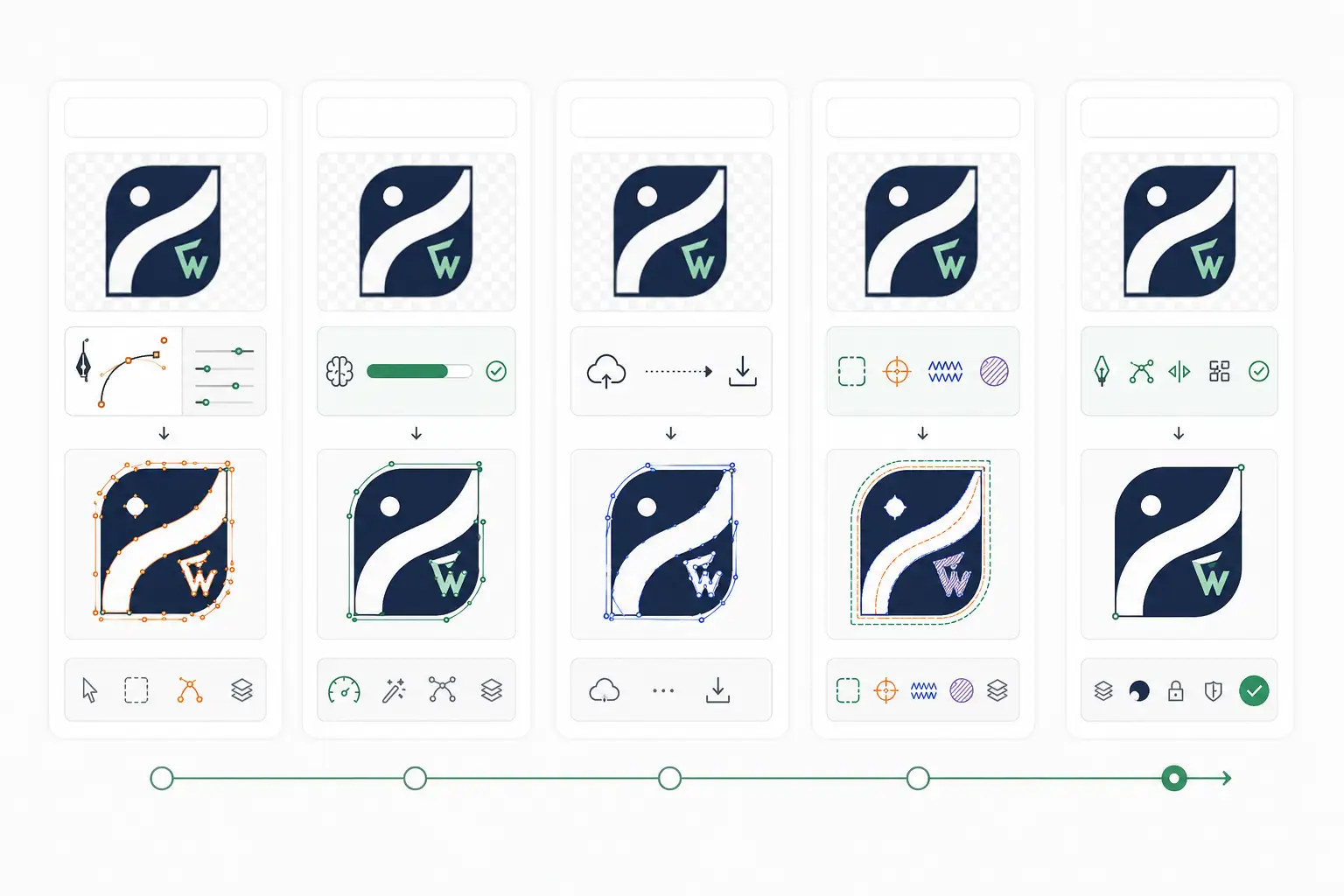
Five categories of raster-to-vector tooling
Every raster-to-vector tool falls into one of five categories. Picking the right category matters more than picking the right product within the category.
- Classic vector editors with built-in tracing — Illustrator, Inkscape, CorelDRAW, Affinity Designer.
- AI-trained vectorizers — Vectorizer.AI, vector.ai, Adobe Firefly's vector generator.
- Online one-shot converters — Convertio, Vector Magic, FreeConvert.
- Specialized vectorizers — Vectorise (mobile), Photo to Vector apps, niche tools for specific industries.
- Hand rebuild services — VectorWiz, freelance designers, in-house designer time.
Classic vector editors
If you're doing the conversion yourself and plan to clean up the output, this is where you spend most of your time. The trace is the starting point; the editor is what lets you clean it up.
| Software | Pricing | Trace tool | Strengths |
|---|---|---|---|
| Adobe Illustrator | $22.99/mo standalone, $59.99/mo Creative Cloud | Image Trace | Industry standard. Best ecosystem. Image Trace presets for logos, photos, line art. Tight integration with Photoshop, InDesign. |
| Inkscape | Free / open-source | Trace Bitmap (Path → Trace Bitmap) | Free. Surprisingly capable trace algorithm with Brightness Cutoff, Edge Detection, Color Quantization options. Best free option. |
| CorelDRAW | $269/yr or $549 perpetual | PowerTRACE | Strong PowerTRACE algorithm with smart corner detection. Default in many sign-shop workflows. Windows/Mac. |
| Affinity Designer | $69.99 one-time | Limited (no built-in trace) | No native raster-trace; you'd pair it with a separate tracer. Strong vector editing for the price. |
AI-trained vectorizers
AI-trained vectorizers (released since 2022) produce noticeably cleaner geometry than path-finding auto-tracers, especially on photographic source. They're not a magic bullet: they don't separate colors per layer for screen print, set single-stroke fonts for engraving or kerf-compensate paths for channel letters, so output still needs production prep.
For a tool-by-tool comparison of pricing, strengths and limits, see our guide to the best AI vector converters.
Online one-shot converters
Online converters are useful for quick previews and one-off conversions where quality is forgiving. Don't use them for anything heading to a plotter or screen.
- Convertio (convertio.co) — accepts JPG/PNG/PDF, returns SVG/AI/EPS. Free tier (25 MB), paid tier $9.99/mo.
- Vector Magic (vectormagic.com) — older tool, decent results on logos. $7.95/mo or $295 desktop license.
- FreeConvert — basic raster-to-SVG; output is rougher than the paid options.
- PicSVG — free, single-color tracer; useful for quick web preview only.
By production-output target
Different production processes care about different things. Here's the right tool by what you're trying to ship.
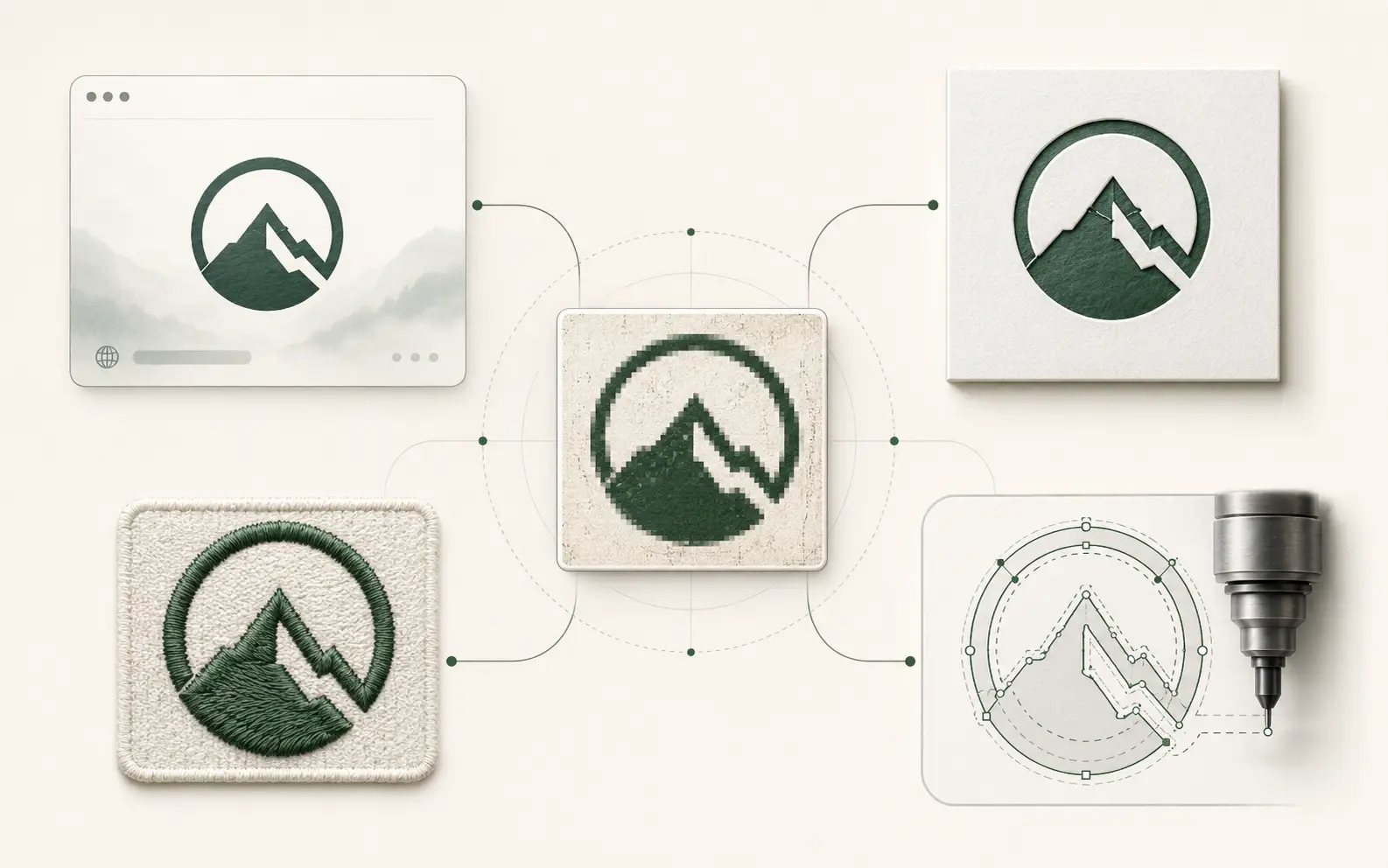
| Aspect | Output type | Recommended approach |
|---|---|---|
| Web display / preview | Online converter | Inkscape Trace Bitmap |
| Single-color vinyl plotter | Illustrator Image Trace + cleanup | Inkscape Trace Bitmap + cleanup |
| Multi-color vinyl / large-format print | Illustrator + manual color sep | VectorWiz hand rebuild |
| Embroidery digitizing source | VectorWiz hand rebuild | Manual rebuild with stitch-friendly geometry |
| Screen-print spot color | VectorWiz hand rebuild + halftone seps | Illustrator + manual color sep |
| DXF for laser/CNC | VectorWiz hand rebuild + DXF export | Illustrator + clean-paths-pass + DXF export |
| Channel letter / signage | VectorWiz hand rebuild | CorelDRAW PowerTRACE + heavy cleanup |
| Engraving (rotary, fiber) | VectorWiz hand rebuild with single-stroke fonts | Manual single-stroke font work |
Don't want to buy or learn any of these? Hand it to a human.
Skip the tool comparison entirely — send your file and a VectorWiz designer returns a production-correct vector in 24 hours.
Need something custom? Email hello@vectorwiz.com
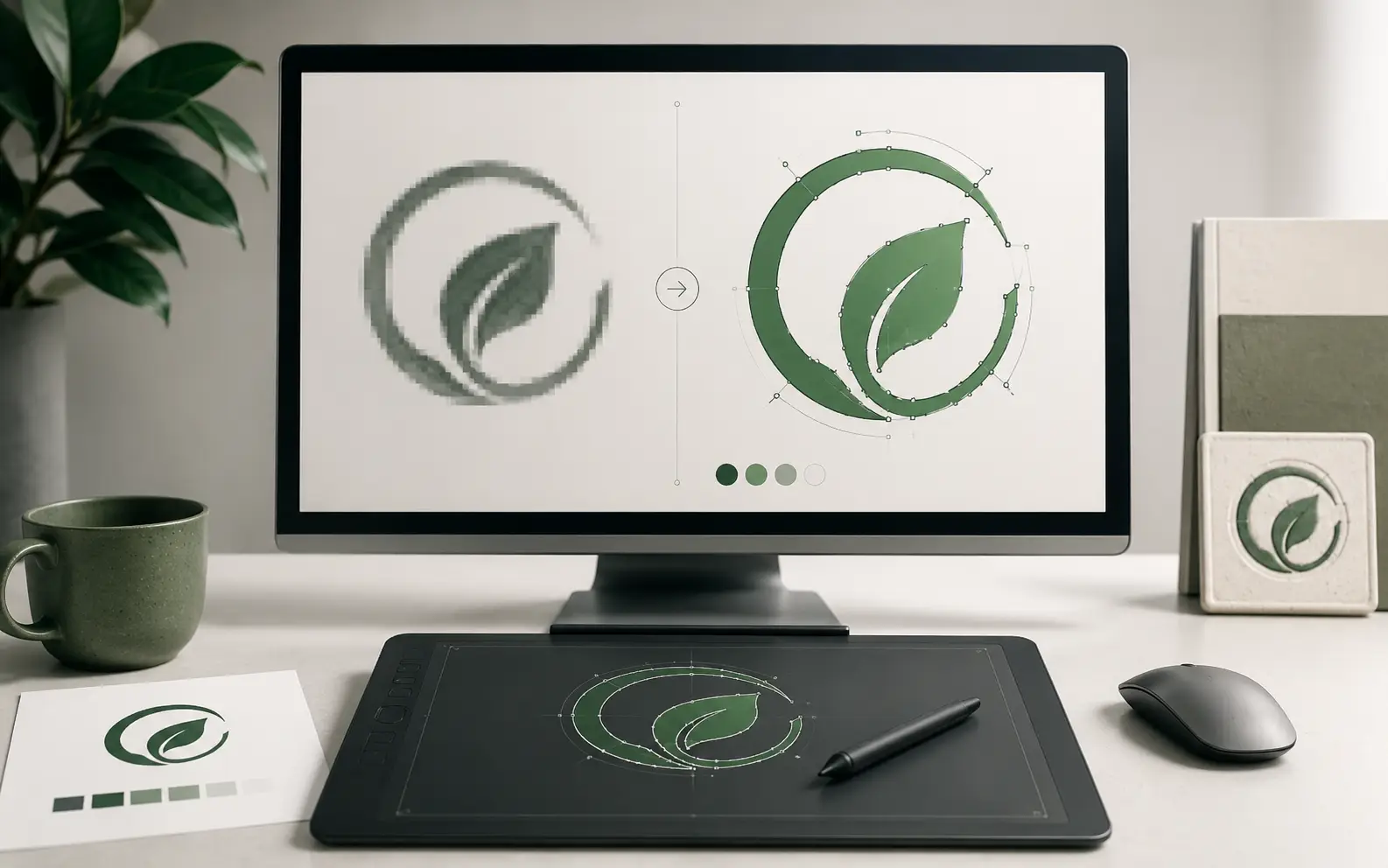
Decision framework: which tool should I use?
- I need a one-off vector for a web page or quick preview
- Use Inkscape (free) or Convertio. Don't overthink it.
- I'm a designer cleaning up someone else's logo
- Illustrator + Image Trace, or Inkscape if you don't have Adobe. Spend time cleaning paths and outlining type.
- I want a stylized vector from a photograph
- An AI vectorizer handles photo-to-vector better than path-finding tracers. Our best AI vector converters guide covers which one to pick.
- I'm a sign shop running production from this file
- VectorWiz hand rebuild. Auto-trace cleanup will eat the same hours as the rebuild and produce a worse file.
- I'm a screen printer needing color separations
- VectorWiz hand rebuild + halftone separations service. The conversion + sep workflow is what we're built for.
- I'm an embroidery digitizer prepping a customer logo
- VectorWiz hand rebuild with stitch-friendly geometry. Auto-traced files are infamous for breaking the digitizer's clean-stitch flow.
- I'm running CNC/laser and need DXF
- VectorWiz hand rebuild + DXF export with closed paths and AutoCAD 2000 dialect. Or Illustrator + heavy cleanup if doing it yourself.
Frequently asked questions
Is there open-source raster-to-vector software?
Inkscape — free, open-source, and the Trace Bitmap tool produces results comparable to paid options for single-color and 2–3-color logos. AI vectorizers and their pricing are covered in our best AI vector converters guide.
Is Adobe Illustrator's Image Trace good enough for production?
Sometimes. For single-color, high-contrast logos with no fine type, Image Trace + 10 minutes of cleanup produces a usable file. For multi-color, photographic source, or files heading to embroidery/screen print/CNC, the cleanup time is usually longer than the cost of a hand rebuild.
How does Vectorizer.AI compare to Adobe Image Trace?
On simple high-contrast logos, Image Trace is quicker to reach and good enough; on complex or photographic source, AI vectorizers such as Vectorizer.AI usually give cleaner paths. Our best AI vector converters guide compares the AI tools head to head.
Can I use online converters like Convertio for production output?
Don't. Online converters are fine for web display, quick previews, and one-off cases where quality is forgiving. For production output (vinyl, embroidery, screen print, CNC), the path quality is too rough to be production-ready and you'll spend more time cleaning up than rebuilding manually.
What's the difference between PowerTRACE and Image Trace?
PowerTRACE (CorelDRAW's tool) tends to produce slightly cleaner corners and smoother curves than Image Trace, especially on logo work. Both produce traced output that needs cleanup before production. PowerTRACE is the default in many sign-shop workflows because of its corner handling.
Should I subscribe to multiple tools or pick one?
Pick by your job mix. A designer doing varied work needs Illustrator (industry standard) plus optionally an AI vectorizer for photographic source. A production shop doing a high volume of conversions probably wants a hand-rebuild service like VectorWiz so the conversion happens in parallel with shop work, not on the designer's desk.
When does it make sense to outsource the conversion?
When your time spent cleaning up auto-trace output exceeds the hand-rebuild cost — which for production output is almost always. VectorWiz hand rebuilds start at $19 per job with a 24-hour standard turnaround, which is consistently cheaper than the in-house designer hours those jobs would take. If you run a steady volume, subscription plans (Starter $399/mo, Pro $799/mo) bring the per-credit rate down further.
Are there raster-to-vector mobile apps worth using?
Mobile apps are mostly novelty for production work — touchscreen editing of vector paths is awkward at best. For a quick preview on the go, Vectorise (iOS/Android) and Image Vectorizer (iOS) work, but the output isn't production-ready.
Imran Hossain
Owns the tooling and automation behind our workflow. Keeps file output precise and consistent.
Related articles
Drawn by hand. Built for production.
Hand-redrawn from $19, back in 24 hours. Upload for an instant price, no commitment.