Embroidery Artwork Preparation: How Better Intake Speeds Up Digitizing
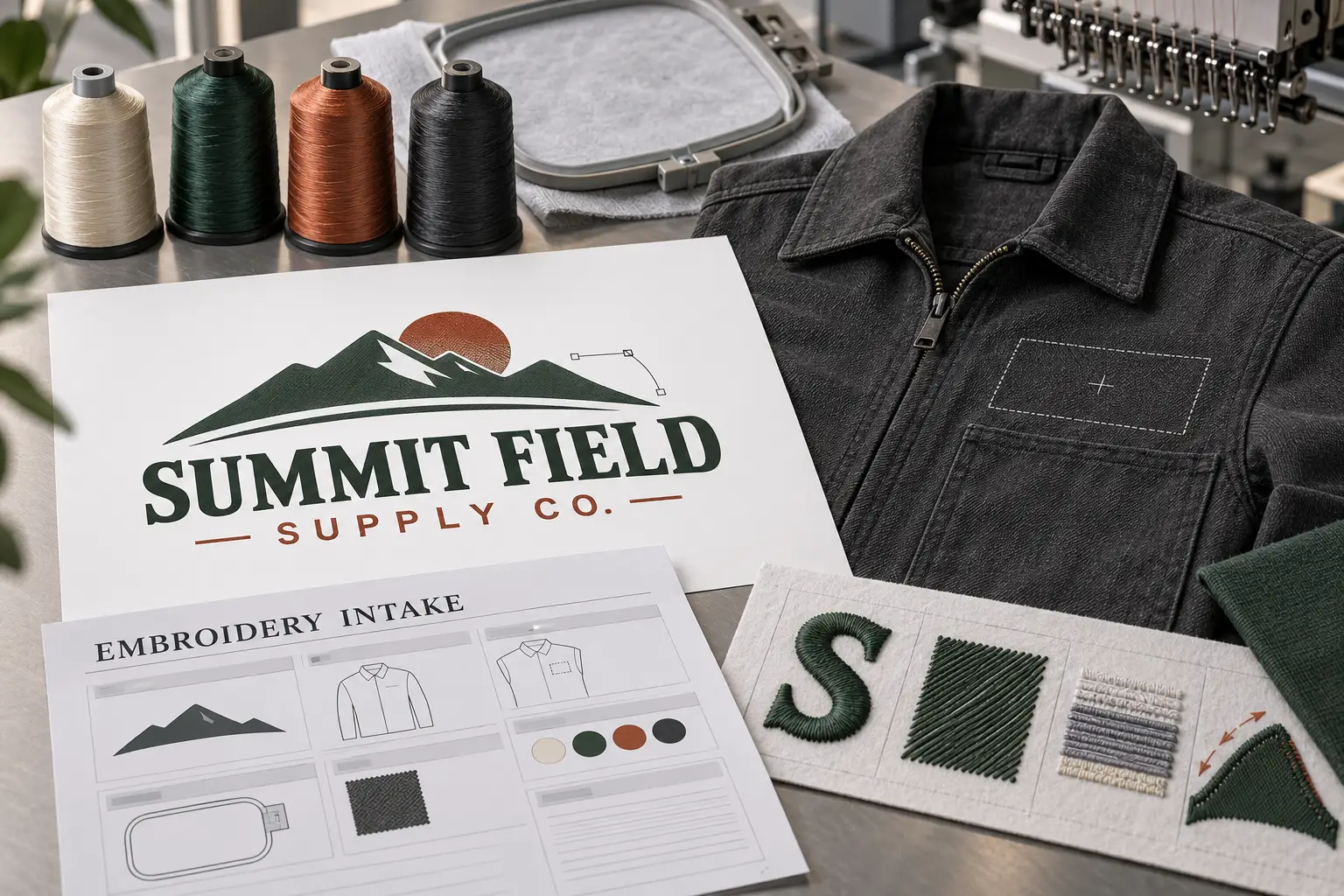
The email came in at 4:47 on a Friday. A screenshot of a logo, pulled off somebody's website, blown up until the edges turned to soft gray mush, no colors named, no idea if it needed to fit on a left chest or a full back panel. That file sat in the queue longer than it should have, not because anyone was slow, but because half the job was spent guessing what the client actually meant instead of digitizing it. Good embroidery artwork preparation can be the difference between a stitch file that moves quickly through production and one that bounces back and forth over questions that never needed to happen. At VectorWiz, the studio sees this pattern daily, and the shops that hand over clean source art almost always get their files back faster and with fewer first pass corrections.
What Actually Slows Down Embroidery Digitizing?
It is almost never the stitching itself. A digitizer who has run a machine before can move through underlay, pull compensation, and density settings quickly once the design is clear. What eats time is missing information. A logo pulled from a website is usually compressed, and compression blurs the edges between colors, so the digitizer has to guess where one zone ends and another starts. Add in a client who never said what the piece is going on, a stretchy jersey or a stiff twill cap, and the digitizer is now designing without basic answers. None of this is about skill. Even an experienced digitizer has to stop and ask when the source art does not say enough, and every question asked mid job is one that could have been answered at intake.
What Does Good Embroidery Artwork Preparation Actually Include?
The information attached to the job often determines how quickly digitizing can actually start. The strongest submissions include a vector file when one exists, an AI, EPS, or SVG with real paths instead of a raster export. If a vector does not exist, a high resolution PNG or a PDF containing usable artwork can still provide a workable starting point, ideally at or near the size the design will be stitched, not a thumbnail stretched up. Along with the art, note the finished size, the garment it is going on, and any brand color codes already known. If the same design needs to run at more than one size or spot, a cap front and a jacket back, say so at submission too. A stitch file built for a small placement does not automatically hold up at a larger scale, since stitch density that looks right at one size can look sparse or crowded at another.
How Does a Designer Actually Decide the Tier?
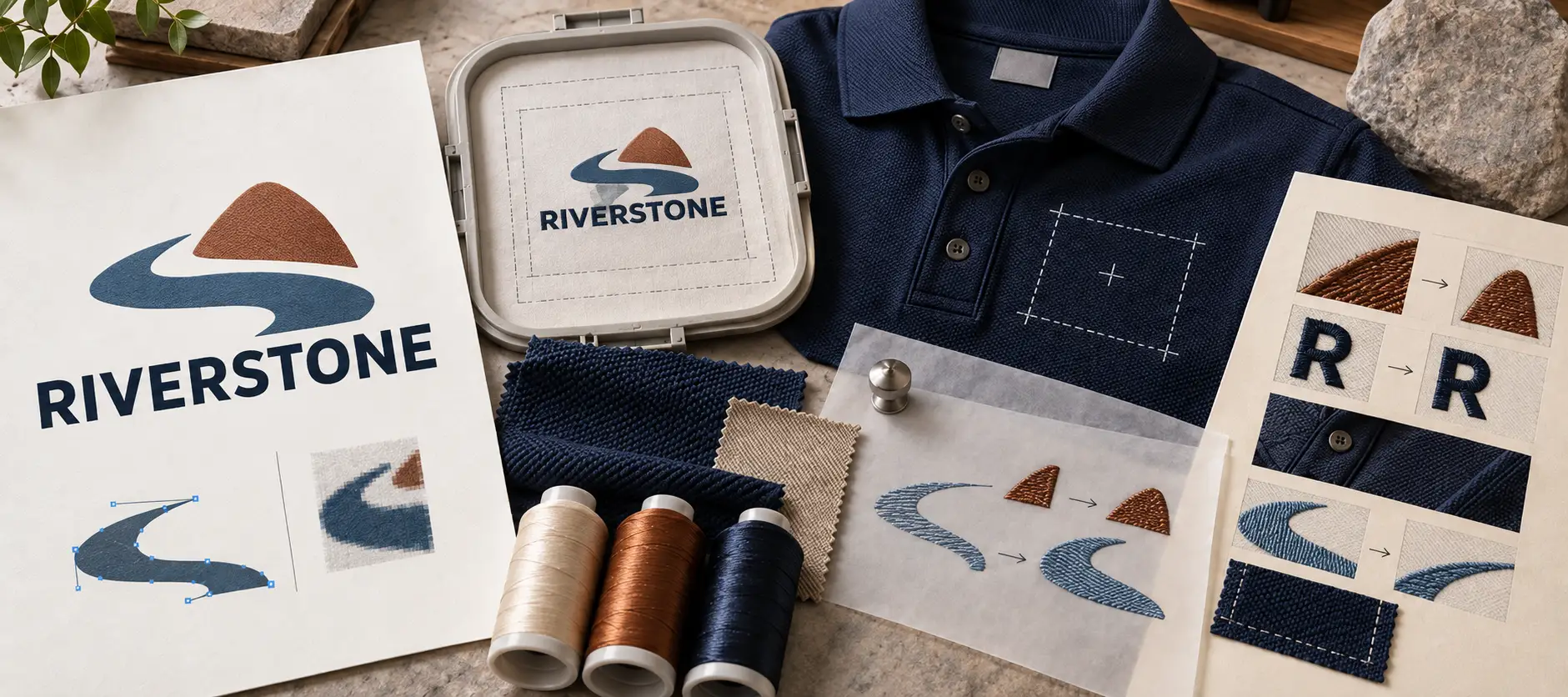
Source file quality is one of six factors a VectorWiz designer weighs when setting a job's tier, alongside color count, geometric complexity, type treatment, workflow specificity, and whether the piece is a faithful redraw or a full re illustration. A clean, high resolution source can keep the job in a lower tier, while a blurry screenshot or damaged scan can push it higher because the designer has to reconstruct detail that should have been visible in the first place, and that is real design work, not guesswork the client is paying to have skipped. A crisp single color wordmark with clear edges may fit a lower tier, while that same logo submitted as a pixelated Instagram screenshot can require a higher tier because someone now has to rebuild the letterforms by eye.
Whatever the source looks like going in, the artwork still needs to be cleaned into closed paths, clean nodes, and usable shapes before it can support a reliable embroidery file. Color matching follows the same discipline, PMS Solid Coated, RAL, Oracal, or Madeira standards rather than whatever RGB values happen to be sitting in the file, with each color zone in its own labeled layer rather than one flattened mess. Even on a Tier 4 job, where the source is more of a reference than something to trace, the same intake details, size, placement, known colors, still shape how that re illustration gets built. The tier and price lock instantly when you upload of upload, before anything is billed.
What Artwork Details Can Affect the Stitching Plan?
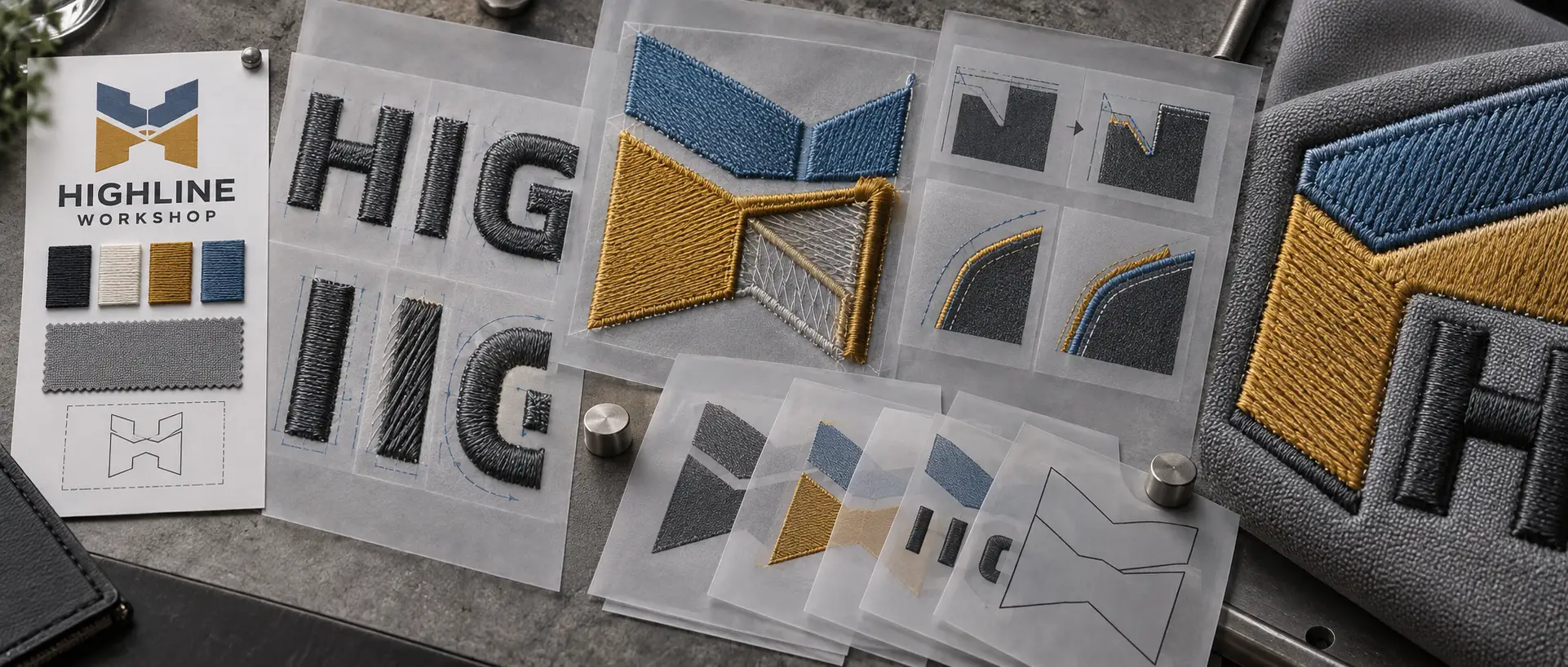
Tight lettering under a certain point size, thin serif details, or gradients that fade from one shade to another all create real limits once thread is involved, limits that do not exist in a printed piece. Flagging small text or fine detail at submission, and noting where the design needs to hold up at embroidery scale, gives the digitizer useful information before the stitching plan is built.
How Does Clean Intake Compare to Rough Intake?
| Clean Intake | Rough Intake |
|---|---|
| Vector or high resolution source with known color information | Compressed screenshot or low resolution raster |
| More likely to move forward without clarification | More likely to require clarification before work begins |
| Fewer avoidable revisions | More likely to require revisions |
| More likely to stay within the initial scope | More likely to require additional artwork before digitizing |
Does Requesting Rush Turnaround Fix a Bad Intake?
Not really. Rush speeds up the digitizer's working time, not the guessing that happens when source art is unclear. Rush at VectorWiz cuts the standard 24 hour window down to 12 for a 50 percent surcharge, but a rush surcharge on an unclear file just means the designer is guessing faster. If turnaround is genuinely tight, the better move is a short note answering size, colors, and placement alongside the art, so the rush hours go entirely toward digitizing instead of clarification.
Does the Same Approach Apply to Regular or Bulk Submissions?
Yes, and it matters just as much there. Every design in a batch still needs enough information to determine its tier, scope, size, placement, and color requirements. For shops submitting artwork regularly, consistent intake makes the workflow easier to repeat because the designer is not having to rediscover the same specifications on every job. Clear source art and clear specs become even more valuable when several designs are moving through the queue at once.
Is There a Limit to How Much Better Prep Can Fix?
Not entirely. No amount of clean intake turns a photorealistic gradient into something thread can reproduce the way ink can. A sunset blend or a soft drop shadow reads fine on a screen or a printed shirt, but embroidery has to translate those gradual tonal changes into discrete thread colors and stitch structures, which can make the result look very different on fabric. A well prepared photo based design still tends to land as a Tier 3 or Tier 4 job, not because the intake was poor, but because full re illustration and deciding which colors thread can realistically reproduce is genuinely more work than a straightforward redraw. Good prep speeds up everything within a digitizer's control. It does not change what a sewing machine can physically do.
Revisions are included until the file is right, for exactly this, tightening a letterform, nudging a placement, before a file ships. The remake guarantee is a narrower safety net for the rarer case where a delivered file still is not production correct once stitched out, and VectorWiz remakes it free.
Send Prepared Artwork, Get It Back Faster
Gather the finished size, the garment it is going on, and any brand colors already known, then upload the logo through the VectorWiz order page for an instant price, or email hello@vectorwiz.com for a bulk or custom job. The more of that groundwork arrives with the file, the more closely the embroidery digitizing turnaround time is likely to match the original quote.
Need something custom? Email hello@vectorwiz.com
Send Prepared Artwork, Get It Back Faster
Gather the finished size, the garment it is going on, and any brand colors already known, then upload the logo through the VectorWiz order page for an instant price, or email hello@vectorwiz.com for a bulk or custom job. The more of that groundwork arrives with the file, the more closely the embroidery digitizing turnaround time is likely to match the original quote.
Frequently asked questions
How far in advance should embroidery artwork be submitted before a rush deadline?
As early as possible, since even a same day rush needs the file locked into a tier before billable work starts. A file with size, color codes, and placement already noted has the best shot at moving straight into the rush queue without a clarifying question stalling it.
Does VectorWiz need a vector file, or is a photo of the logo enough?
A vector file is ideal but not required. A high resolution photo or scan works, though a photo of a printed logo will be redrawn and priced as such rather than treated as clean source. Getting a logo properly ready for embroidery digitizing usually matters more than which format it started as.
What if the exact thread colors for a logo are not known?
That is fine to submit without. A VectorWiz designer will color match to standard PMS, RAL, Oracal, or Madeira systems rather than guessing off compressed RGB values, though including brand colors upfront when known saves a confirmation step.
Can small text be embroidered from any logo file?
Not always. Very fine serif detail or tightly kerned small text can blur once stitched, and a digitizer will usually flag this and suggest a simplified version rather than force it.
Why does a logo cost more to digitize than a plain text design?
Cost follows real design work, not file size. A multi color illustration or photo based design takes a digitizer longer to plan and separate than a clean single color wordmark, which is why the tier scale is built around complexity rather than a flat rate.
What happens if artwork needs more work than the original quote assumed?
If scope grows after a tier is locked, VectorWiz issues a new quote rather than adding a surprise charge to the original order.
Can embroidery files be delivered in a specific software format like Wilcom or Hatch?
No. We deliver digitizer-ready vector paths (AI, SVG, EPS) and a stitch note sheet. Wilcom, Hatch, DST and PES files are made by your digitizer, not by VectorWiz.
Related articles
Send Prepared Artwork, Get It Back Faster
Gather the finished size, the garment it is going on, and any brand colors already known, then upload the logo for an instant price.