AI text to vector: which is the most accurate? accuracy, ranked.
For raw conversion accuracy in 2026, Vectorizer.AI is the most consistent AI text-to-vector tool across input types, with Recraft best for generating vector art from a text prompt and Adobe Firefly Vector best inside Creative Cloud. But every AI tracer loses accuracy on photographs, gradients, and low-resolution logos, and none produce a guaranteed production file. The most reliable, highest-accuracy path for production work is an AI pass for the geometry plus a human check for closed paths, color separation, and machine tolerances — delivered with a remake guarantee no AI tool offers.

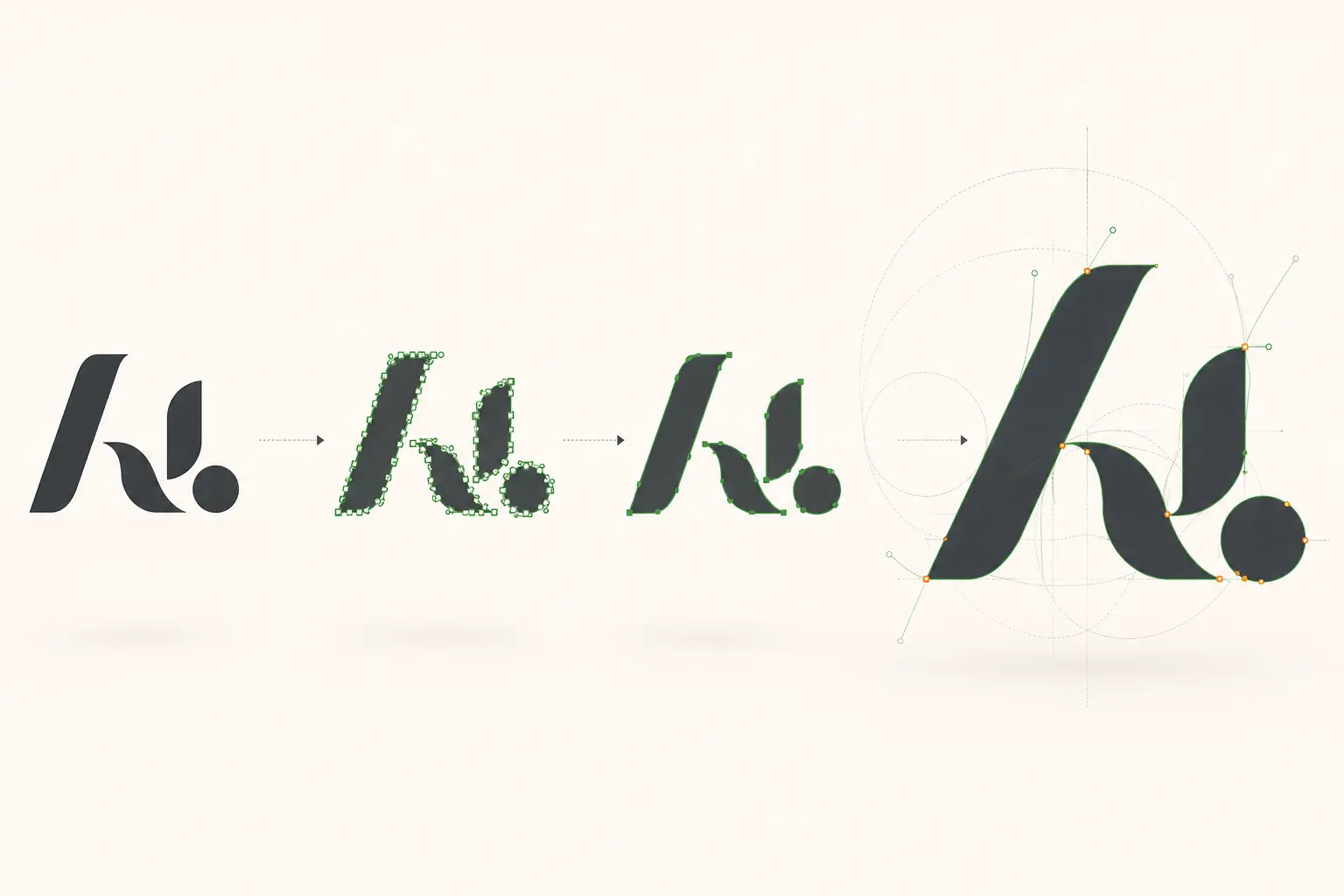
“AI text to vector” means two different things
The phrase gets searched two ways. One is generating brand-new vector art from a text prompt. The other is converting an existing image or logo into vector with an AI-trained tracer. Accuracy means something different for each — but the production caveat is identical.
- Text prompt → vector art (generation): Recraft and Adobe Firefly. Accuracy = how well the output matches your intent and stays editable.
- Image/logo → vector (conversion): Vectorizer.AI, vector.ai, Adobe Image Trace. Accuracy = how faithfully the vector matches the source without stray nodes or phantom colors.
- Either way, “accurate on screen” is not the same as “ready for a cutter, press, or embroidery machine.”
Accuracy, ranked by input type
| Tool | Best accuracy on | Where accuracy drops | Guarantee |
|---|---|---|---|
| Vectorizer.AI | Clean logos, stylized art, photographic source | Sharp corners (over-smoothing); production color separation | None |
| Adobe Firefly Vector | Clean source inside Creative Cloud | Job-to-job variance; less faithful to source | None |
| vector.ai | Illustration-style output | Faithfulness (stylizes the source by design) | None |
| Recraft | Generating vector art from a prompt | Converting an existing customer logo | None |
| Human-verified (VectorWiz) | Any source, including low-res and photographic | Nothing for production — the file is checked before delivery | Free remake |
AI can rough out geometry. A human delivers the file that prints.
We take the AI draft — or your raw art — and rebuild it production-correct: clean paths, real color separations, machine-ready. In 24 hours.
Need something custom? Email hello@vectorwiz.com
The most reliable path: AI for geometry, human for the file
The highest-accuracy result isn't a single tool — it's a workflow. AI collapses the slowest step (laying down geometry); a designer does the production prep AI can't: closed-path validation, per-layer color separation, font outlining, single-stroke engraving paths, halftone separations, and the machine tolerances your equipment runs.
- Just need it to look right on screen
- Any AI tool above is accurate enough — Vectorizer.AI for conversion, Recraft for generation. No human step needed.
- Need it to run on a machine
- Pair an AI pass with a human check, or skip the two-step and order a hand-verified file. The accuracy you actually care about is whether it cuts, prints, or stitches correctly.
- Need it guaranteed
- Only a human-verified service carries a remake guarantee. A VectorWiz rebuild comes back production-correct in 24 hours, checked by a second designer before delivery.
Frequently asked questions
What is the most reliable AI text-to-vector service?
For raw conversion accuracy, Vectorizer.AI is the most consistent across input types, with Recraft strongest for generating vector art from a text prompt. But 'reliable' for production means the file works on the machine — and no AI tool guarantees that. The most reliable path is an AI pass for the geometry plus a human check for color separation, closed paths, and fabrication tolerances. That's what a hand-verified service like VectorWiz delivers, with a remake guarantee no AI tool offers.
Which AI text-to-vector tool has the highest accuracy?
On clean, high-contrast source, Vectorizer.AI and Adobe Firefly Vector are the most faithful. Accuracy drops sharply on photographs, gradients, low-resolution logos, and fine detail — every AI tracer adds stray nodes, reads anti-aliasing as phantom colors, and leaves paths open. Accuracy you can measure on a screen is not the same as accuracy a cutter or press needs.
Is AI text-to-vector accurate enough for production?
For web, comps, and social graphics — yes. For production output that goes to a vinyl plotter, embroidery digitizer, screen-print press, or CNC table — no, not on its own. AI produces the path; production needs closed-path validation, color separation per layer, single-stroke geometry for engraving, and halftone-angled separations. Those steps are still manual, which is why production shops verify (or rebuild) every AI output.
Does 'AI text to vector' mean generating art or converting an image?
Both — the phrase is used two ways. One is generating brand-new vector art from a text prompt (Recraft, Adobe Firefly). The other is converting an existing image or logo to vector with an AI-trained tracer (Vectorizer.AI, vector.ai). This guide covers accuracy for both, but the production caveat is the same: AI gives you geometry, not a production-ready file.
Is there a free way to test AI text-to-vector accuracy?
Yes — run your own file through a free in-browser tracer first and look at the node count, open paths, and color count. It's the fastest way to see exactly where AI accuracy breaks on your specific artwork before you pay for anything.
When should I use a human instead of an AI text-to-vector tool?
When the output has to be guaranteed — a customer logo going to production, a low-resolution or photographic source, multi-color separation, embroidery or engraving, or any job where a remake costs more than the conversion. A human rebuild delivers a production-correct file in 24 hours with a remake guarantee; an AI tool delivers a best-effort trace with none.
Imran Hossain
Owns the tooling and automation behind our workflow. Keeps file output precise and consistent.
Related articles
Drawn by hand. Built for production.
Hand-redrawn from $19, back in 24 hours. Upload for an instant price, no commitment.