Vector conversion, drawn by hand.
Send us a JPG, a PNG, a PDF or a photo of a printed sign. A designer redraws it as production-correct vector artwork and sends back layered AI, EPS, SVG and PDF — in 24 hours.
Since 2022 · 4.7★ from 23 reviews on Google and Trustpilot · 100% remake guarantee
The short answer
VectorWiz is a manual vector conversion service. Raster artwork — JPG, PNG, PDF, PSD or a photo — is redrawn by hand by in-house designers into production-ready vector files, never auto-traced. Every order returns layered AI, EPS, SVG and PDF, with DXF and colour separations on request (for embroidery, digitizer-ready vector paths; your digitizer makes the DST or PES file). Pricing is per job across four complexity tiers ($19 to $190), shown before you check out. Standard turnaround is 24 hours, with 12-hour rush and 3-day flex options, unlimited revisions and a 100% remake guarantee.
How a job moves through VectorWiz
Upload your artwork
Drop in a PNG, JPG, PDF, AI, EPS, PSD, TIFF or a zip of several files. A phone photo of a printed sign works.
See the price before you commit
Raster uploads are assessed for complexity and priced on the spot across four tiers. No quote queue, no setup fee.
A designer redraws it by hand
Rebuilt in Illustrator with named layers, correct spot colours, closed paths and type set properly — prepared for the machine you named.
Files land in 24 hours
Layered AI, EPS, SVG and PDF as a zip, by email and in your dashboard. Revisions are unlimited and free.
Services
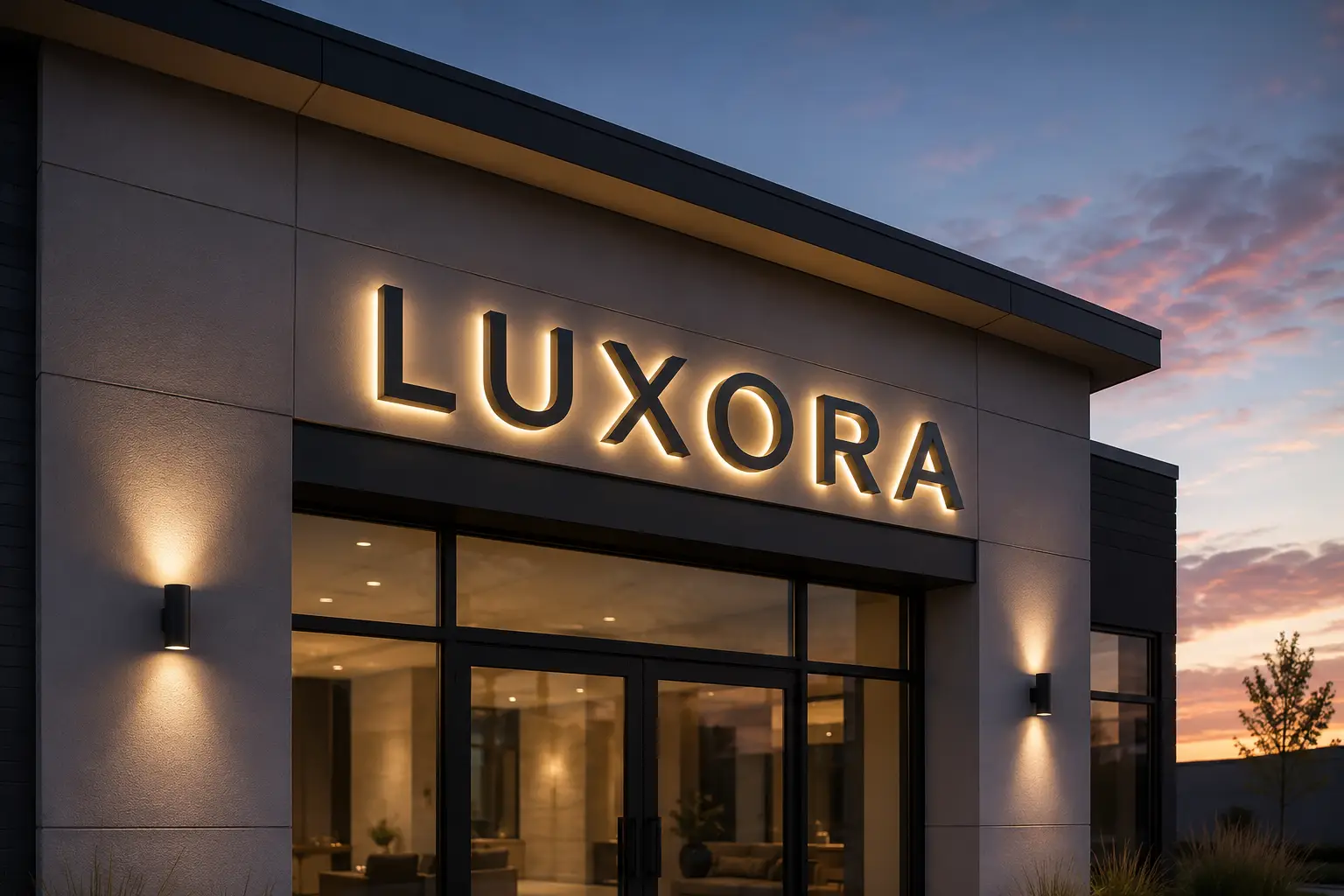
Sign shops
Vector conversion for sign shops: channel letters, banners, monument signs, vehicle wraps. Spot color, scaled to install dimensions, separated for routing and substrate selection.
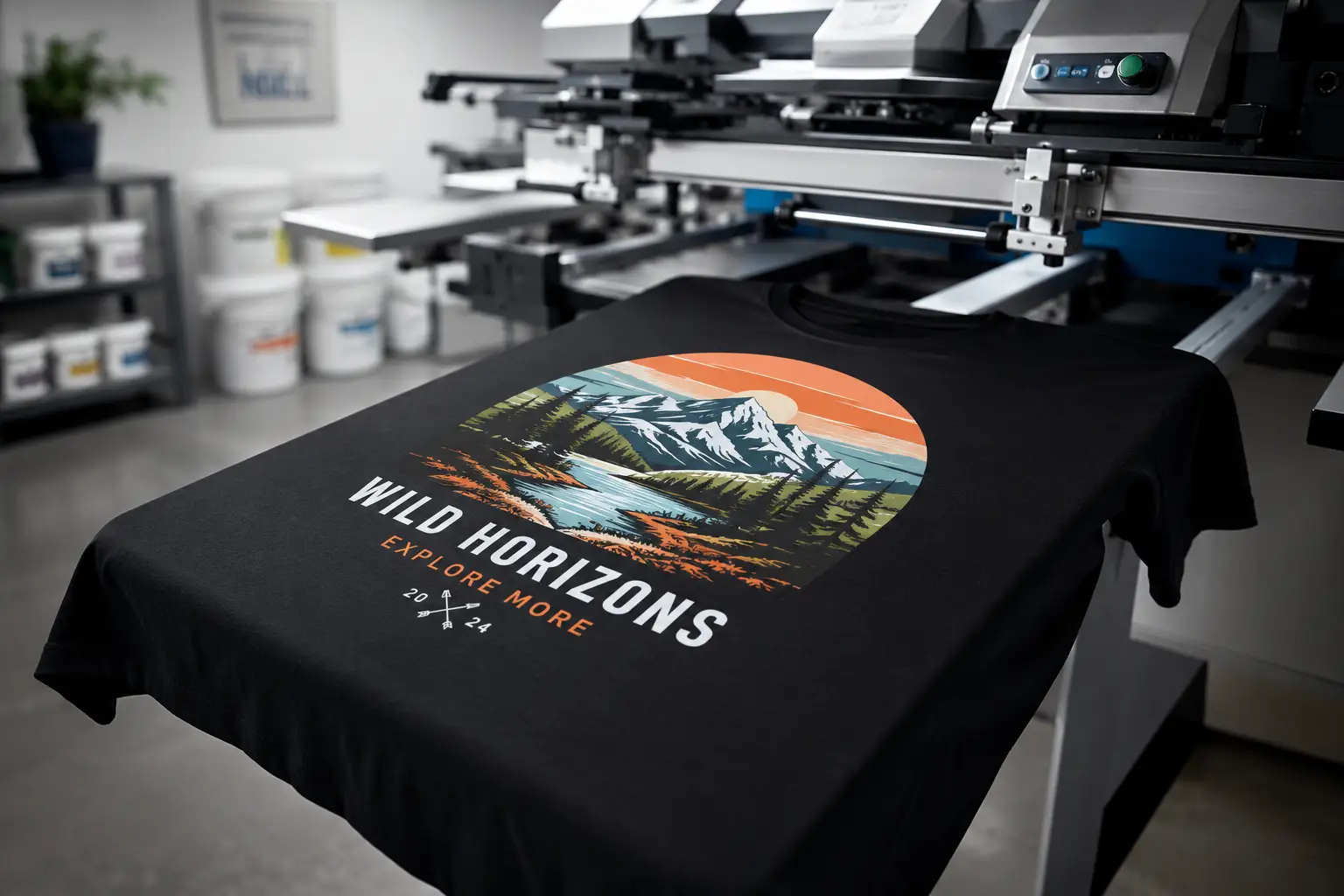
Screen printing
Vector conversion for screen printing: PMS matched separations, halftones, knockouts, choke and spread. Ready for the press, not just the screen.
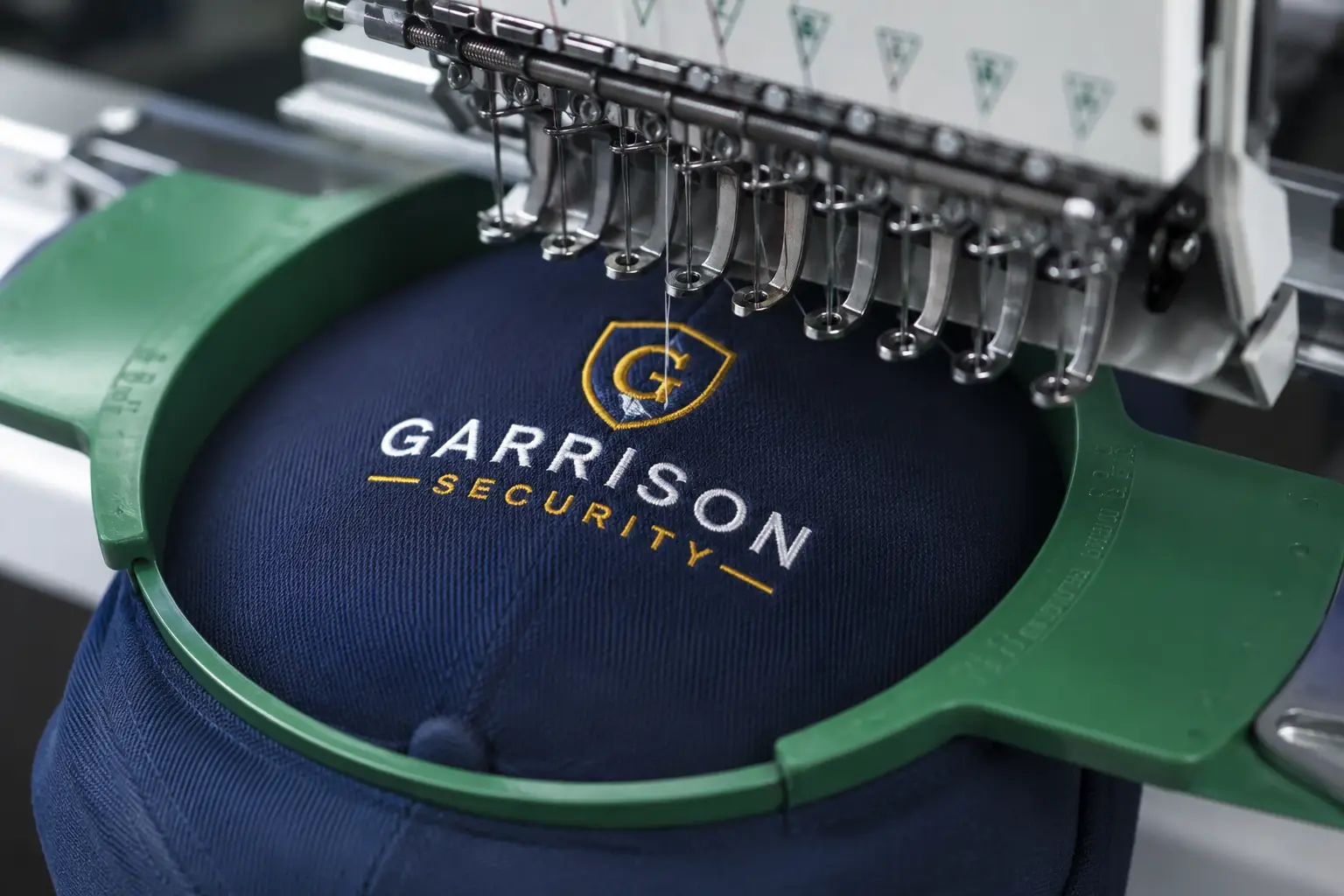
Embroidery
Vector conversion for embroidery: stitch aware redraws, density tuned fills, simplified paths. Thread colors called out for your digitizer.
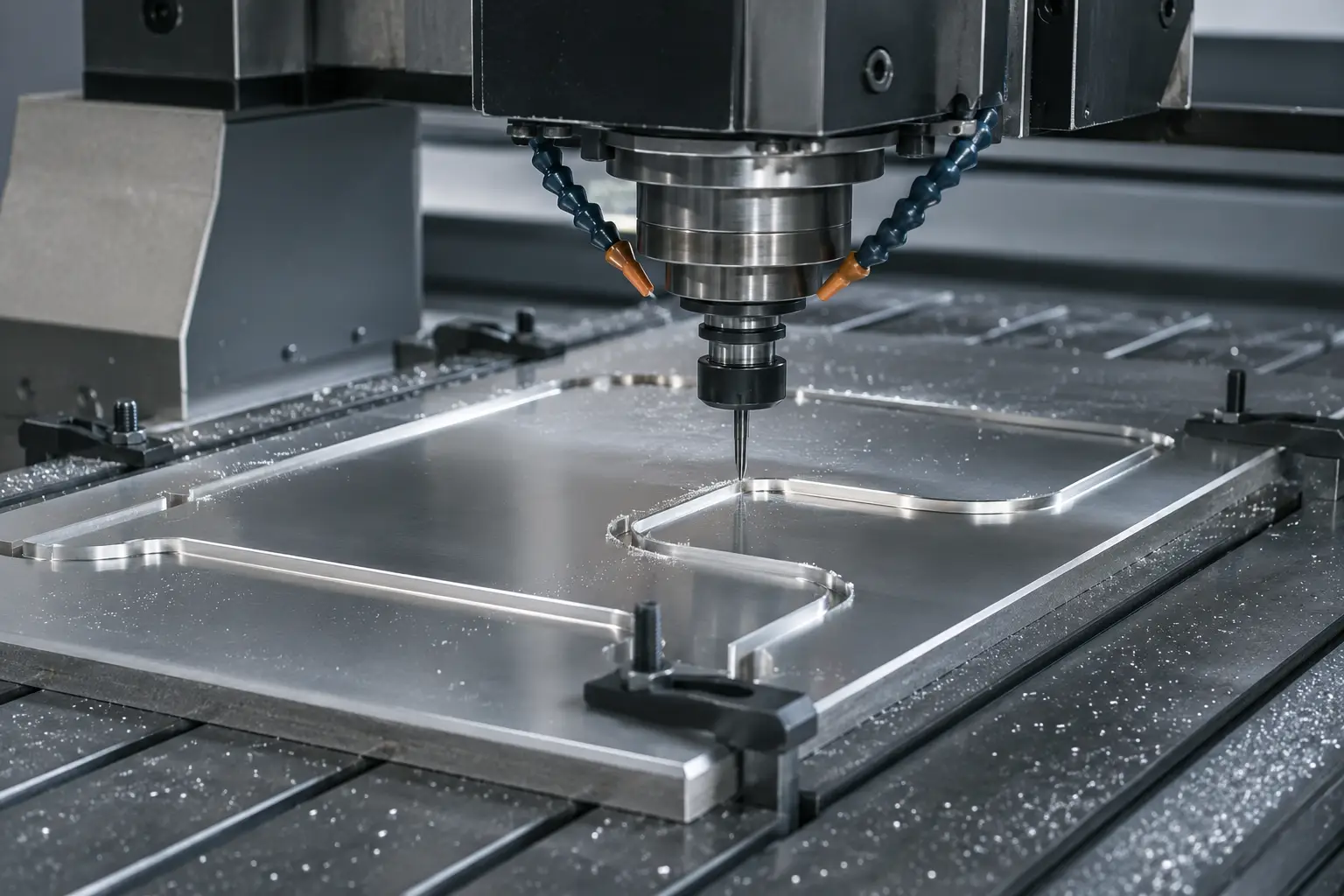
DXF / laser / CNC
Closed-path vectors for laser cutters, CNC routers, and waterjet. Kerf-compensated, depth-layered, tool-path ready.
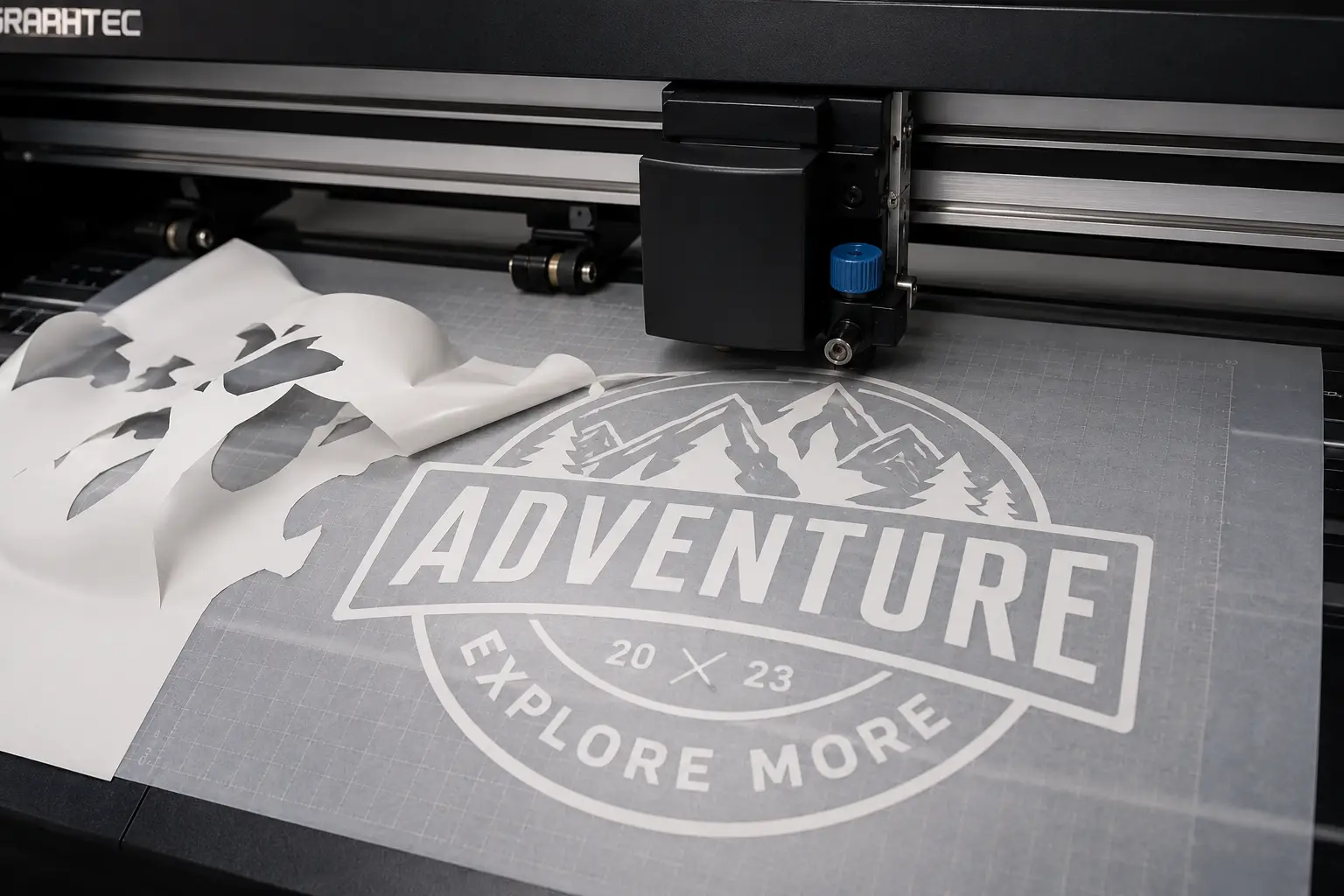
Vinyl cutters
Vector conversion for vinyl cutters: weed friendly outlines, contour cuts, overcut compensation. Ready for Roland, Graphtec, Silhouette, and Cricut.
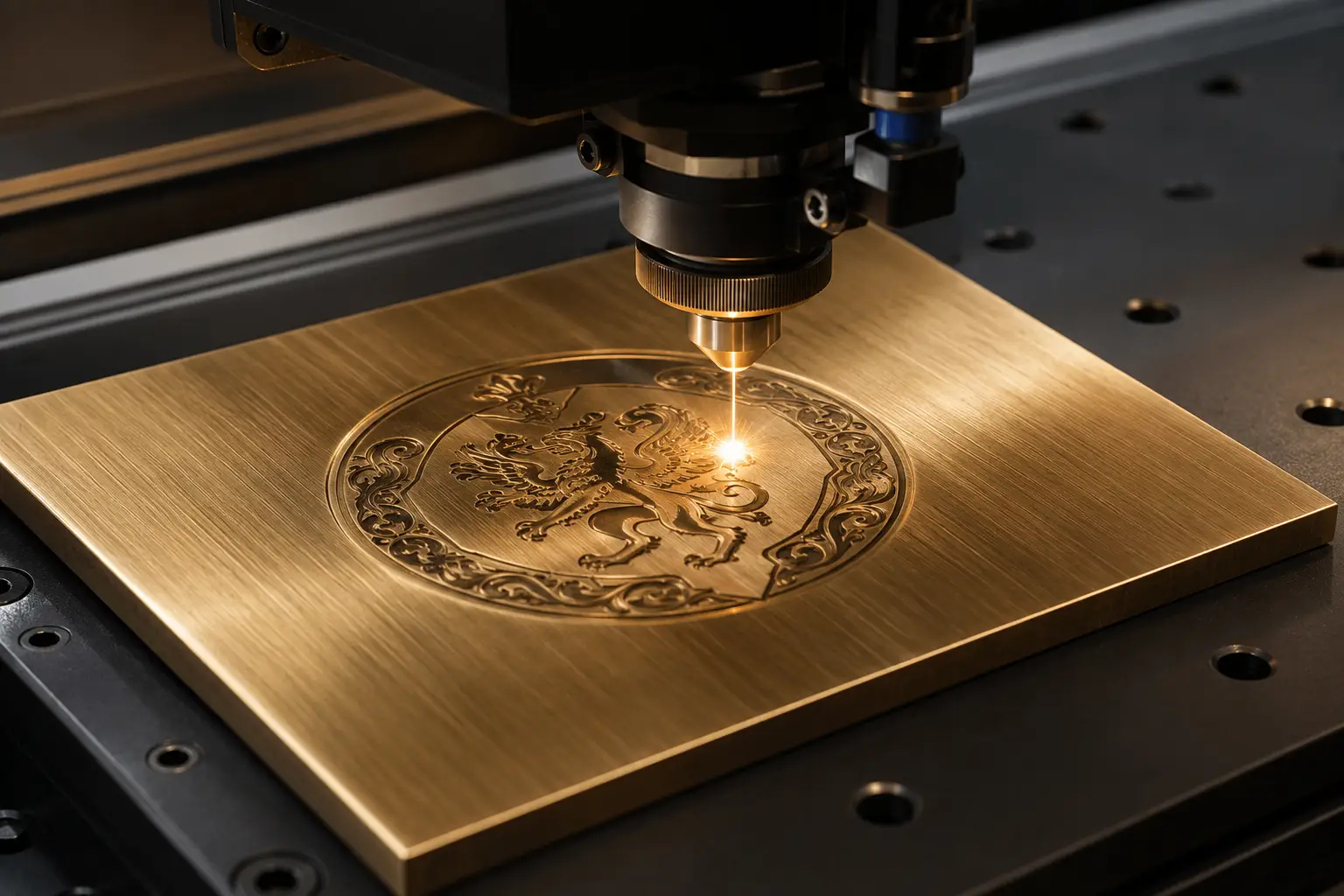
Engraving
Vector conversion for engraving: single line stroke fonts, depth separated paths, closed tool paths. LightBurn and VCarve compatible.
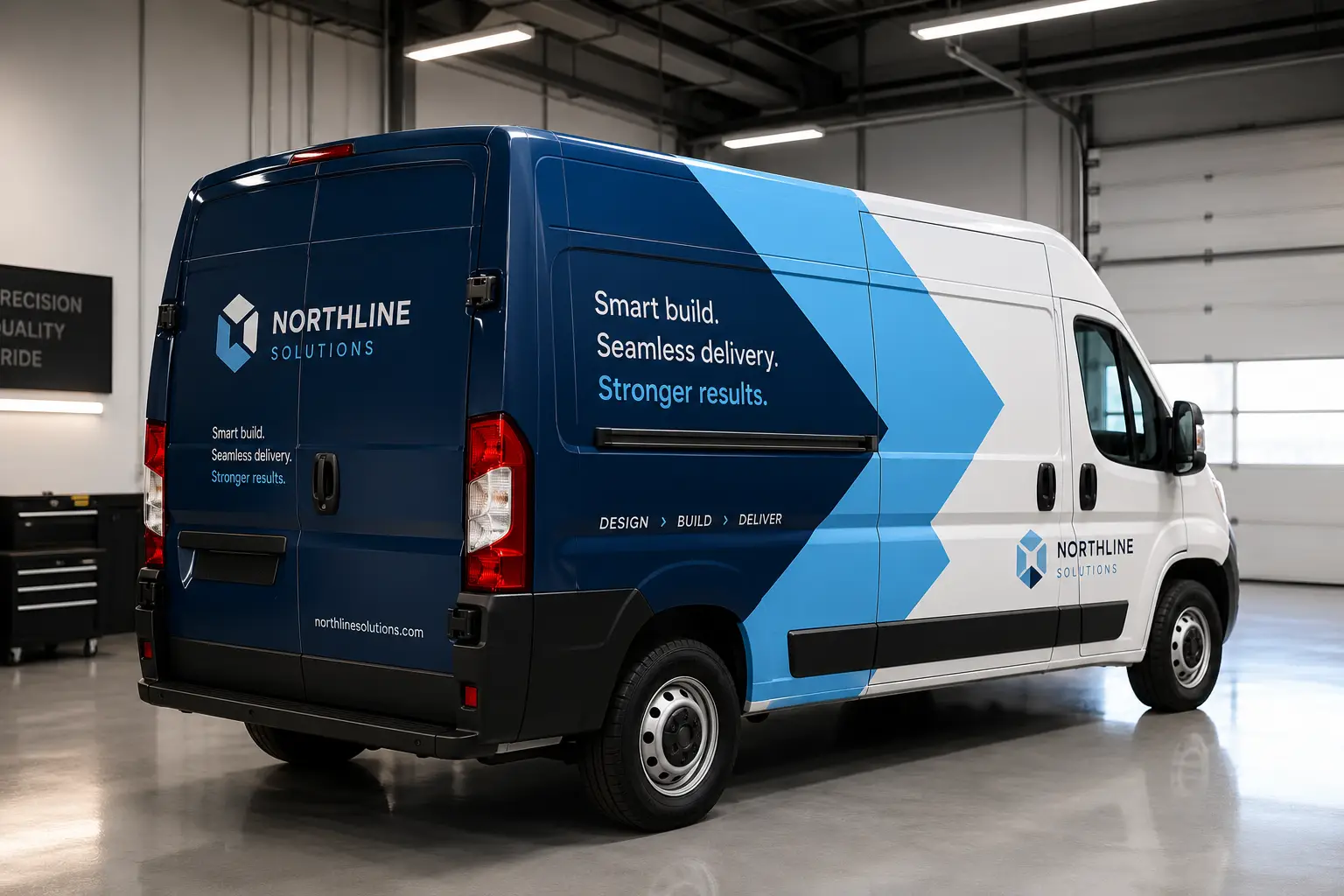
Vehicle wraps
Vector conversion for vehicle wraps: full coverage panels, bleed and seam allowance, contour cuts and spot matched brand color, prepped for large format print and cast vinyl.
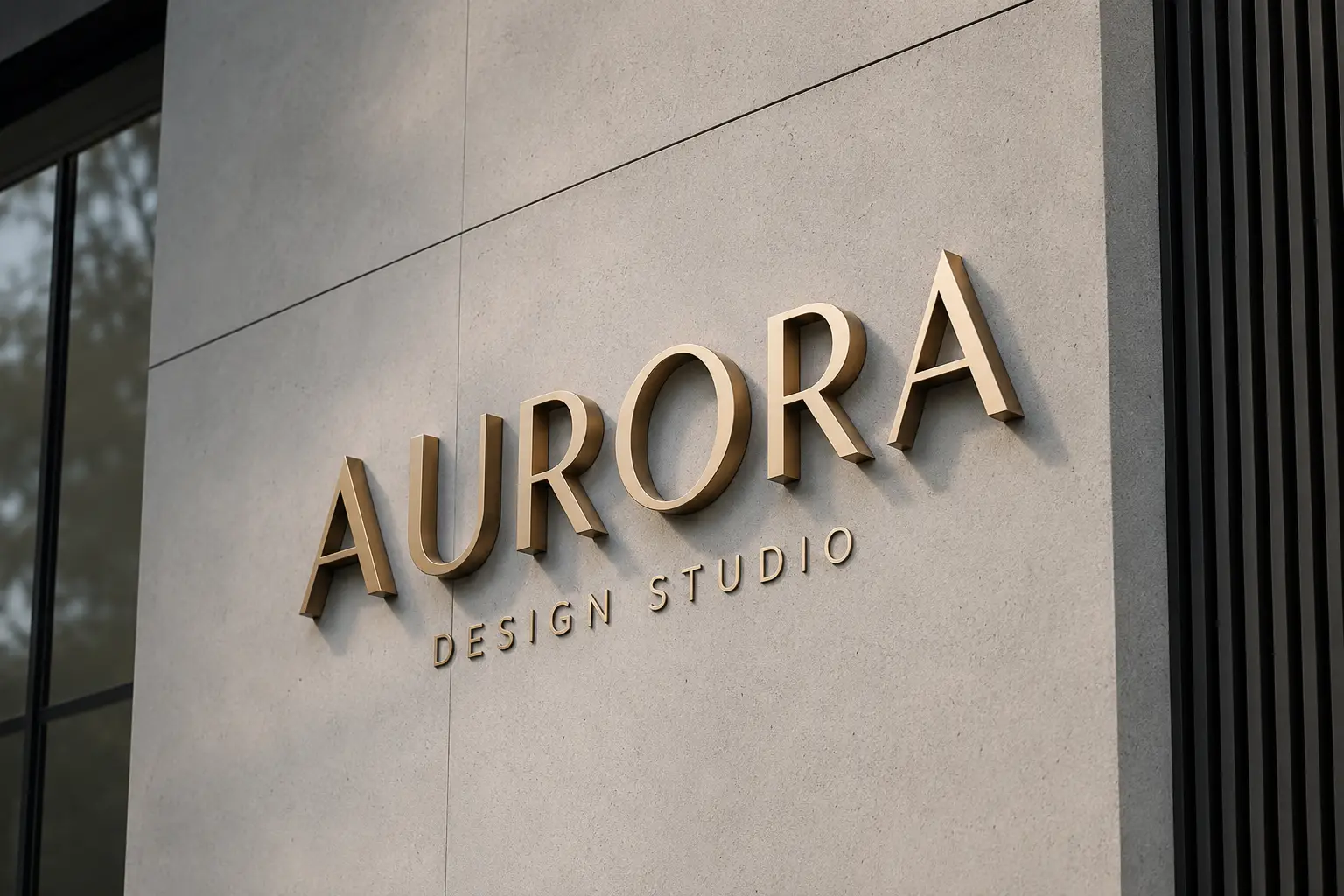
Signage fabricators
Vector conversion for signage fabricators: dimensional letters, ADA signage, layered build files with return and weld lines, and tool pathed DXF for the shop floor.
What vector conversion actually is
A raster file — a JPG, a PNG, a screenshot, a photo of a printed sign — stores a fixed grid of coloured dots. Enlarge it and the dots enlarge with it, so edges soften and stair-step. A vector file stores the shape instead: anchor points and the curves between them, described mathematically. The same vector logo prints cleanly on a business card and on a forty-foot banner, because nothing is being stretched — it is being recalculated.
For a production shop the difference is not cosmetic, it is mechanical. A plotter needs closed paths or the blade never completes the cut. A press needs colours separated onto named plates. A router needs geometry it can offset for kerf. An embroidery machine needs stitch data, not a picture. None of that exists inside a JPG, and none of it is reliably produced by pressing auto-trace.
Vector conversion is the work of rebuilding that artwork so the machine can run it. It goes by several names — vector tracing, image vectorization, raster-to-vector conversion, vector art conversion, vector artwork conversion — and they all describe the same job. VectorWiz does it by hand.
Manual redraw vs. automatic tracing
An automatic tracer samples where colours change and lays a path along the boundary. That is a reasonable way to make a picture resembling the original. It is a poor way to make a file a machine can run, because the tracer has no idea what the artwork *is* — it cannot tell a letterform from a smudge, or a deliberate outline from JPEG compression noise.
- **Node count.** A trace typically produces thousands of anchor points where a redraw uses tens. Every stray node is somewhere the cut can stutter.
- **Open paths.** Traced contours frequently do not close. A cutter follows the path and simply stops where the geometry stops.
- **Flattened colour.** A trace produces adjacent colour regions, not separated inks. There is nothing to hand a press as a plate.
- **Type.** Small text is where tracers fail most visibly — letterforms mush together or drop out. Type has to be rebuilt, and where a font is identifiable it is set again properly and outlined.
- **No production allowances.** Kerf compensation, stitch-aware simplification, choke and spread, weeding-friendly contours — none of these exist in a trace, because the tracer does not know what machine the file is for.
A human redraw starts from the intent of the artwork rather than its pixels. A designer identifies the shapes, rebuilds them with deliberate curves, sets the type, separates the colours and prepares the geometry for the process that will actually run it. That is slower than clicking a button, which is why it is priced per job — and it is the reason the file works the first time.
What you get back
Every order is redrawn by hand in Illustrator with named layers and correct spot colours, and returns as **layered AI, EPS, SVG and PDF** — all four, on every job, at no extra charge. DXF, colour separations and other specialty formats are produced on request; say which machine the file is for and the deliverable is built to match. We do not produce DST or PES stitch files; for embroidery we deliver digitizer-ready vector paths and a stitch note sheet. Files arrive as a zip, both by email and in your dashboard.
| Formats | |
|---|---|
| Send us | PNG · JPG · WebP · TIFF · HEIC · PDF · AI · EPS · SVG · PSD · ZIP |
| Included on every order | AI (layered) · EPS · SVG · PDF |
| On request | PDF/X-1a · DXF · colour separations |
Colour is matched before anything is drawn, not corrected afterwards. Specify PMS Solid Coated, PMS Premium, RAL Classic, RAL Design, CMYK process or RGB — or attach your own swatch and it will be matched to that.
What it costs
Pricing is set by how much drawing the artwork actually needs, across four complexity tiers — $19 to $190 per job. Upload a raster file and the price is calculated and shown to you before you commit; there is no quote queue to wait in, no setup fee, and no charge per revision.
- **Tier 1 · Simple** — $19. A one-colour mark, a signature, a clean logo with few shapes.
- **Tier 2 · Moderate** — $57. Multiple colours, moderate detail, artwork that needs real separation work.
- **Tier 3 · Complex** — $114. Detailed illustration, many colours, gradients or heavy type rebuilding.
- **Tier 4 · Production-grade** — $190. Full illustration work and layered fabrication files.
Shops sending work regularly can move onto a monthly credit plan instead, drawing the same jobs from a credit balance rather than paying per file. The tier breakdown and the plan comparison both live on the pricing page.
Turnaround, revisions and the remake guarantee
Standard turnaround is 24 hours. Rush delivers in 12 hours for 50% more, and Flex returns the file in 3 business days for 10% less — you choose at checkout, per order, so an urgent job and a routine one do not have to cost the same.
Revisions are unlimited and are not charged for. If something is not right — a curve, a colour, a layer name — it goes back into the revision thread on the order and is corrected. And if a delivered file does not print, cut or stitch correctly, the 100% remake guarantee means it is redrawn at no cost.
Built for the machine that runs the file
The same logo becomes a different file depending on what it has to do. A vinyl plotter wants weeding-friendly contours and overcut compensation. A laser wants closed paths and single-stroke text. A press wants named, trapped inks. An embroidery head wants density-tuned fills and simplified paths. Pick your workflow when you order and the deliverable is prepared for it — or use the industry pages below, which spell out the spec each one is held to.
Just need a brand mark redrawn, with no machine in mind yet? Start with logo vectorization: trace it free, then have a designer rebuild it with clean shapes and separated brand colors.
Things we do regardless of workflow.
Colour matching
PMS Solid Coated, PMS Premium, RAL Classic, RAL Design, CMYK process or RGB — or attach your own swatch. Matched before we draw, not corrected after. Pantone matching →
Re-illustration
When the source is too damaged to redraw cleanly, we re illustrate from scratch, preserving the design intent, not the bitmap.
Halftone separation
Press-ready spot and simulated-process separations — angles, frequencies, underbase, choke and spread. Colour separation →
The exact file your machine runs.
Each industry page below covers the output formats that workflow runs. Find your machine and open its page.
Sign Shops
DXF, SVG, EPS
Screen Printers
EPS, AI
Embroidery Shops
AI, SVG, EPS
Vinyl Cutters
SVG, DXF
Vehicle Wrap Installers
AI, PDF
Engravers
AI, DXF
Frequently asked questions
Direct answers to what production buyers ask before placing their first order. Question missing? Ask us.
What is a vector conversion service?
How is this different from a free online vectorizer?
What file formats do I get back?
What can I send you?
How much does vector conversion cost?
How long does it take?
What if the file is not right?
Do you handle vector tracing, vector art conversion, and raster-to-vector conversion too?
Can you match a specific brand colour?
Do I need an account to order?
Do you also do image editing, logo design or embroidery digitizing?
Across · compare
Got something we don't list?
If your machine reads vector files, we can prepare them. We've prepped art for sublimation, foiling, hot stamp and water slide decals, just not on the menu yet.
- What vector conversion is, in full
The informational guide behind this service page — formats per machine, and why a redraw beats a trace.
- Complexity tiers and monthly plans
Full per-job tier table and the plan comparison.
- Before and after conversions
Real source files next to the vector deliverable that shipped.
- Free vector converter
Trace your file in the browser to see where an automatic conversion breaks.
- Standard, rush and flex turnaround
How the 24-hour SLA and the rush and flex options work.