Why your logo looks blurry on a vehicle wrap.
A logo looks blurry on a vehicle wrap because it is a raster image — a fixed grid of pixels — being scaled up to fill a door, hood, or full body. Blowing up pixels magnifies them, so crisp small edges turn soft and stair-stepped at wrap size. The printer cannot add detail that was never in the file; the only fix is to rebuild the logo as vector, which has no fixed resolution and stays sharp at any scale.

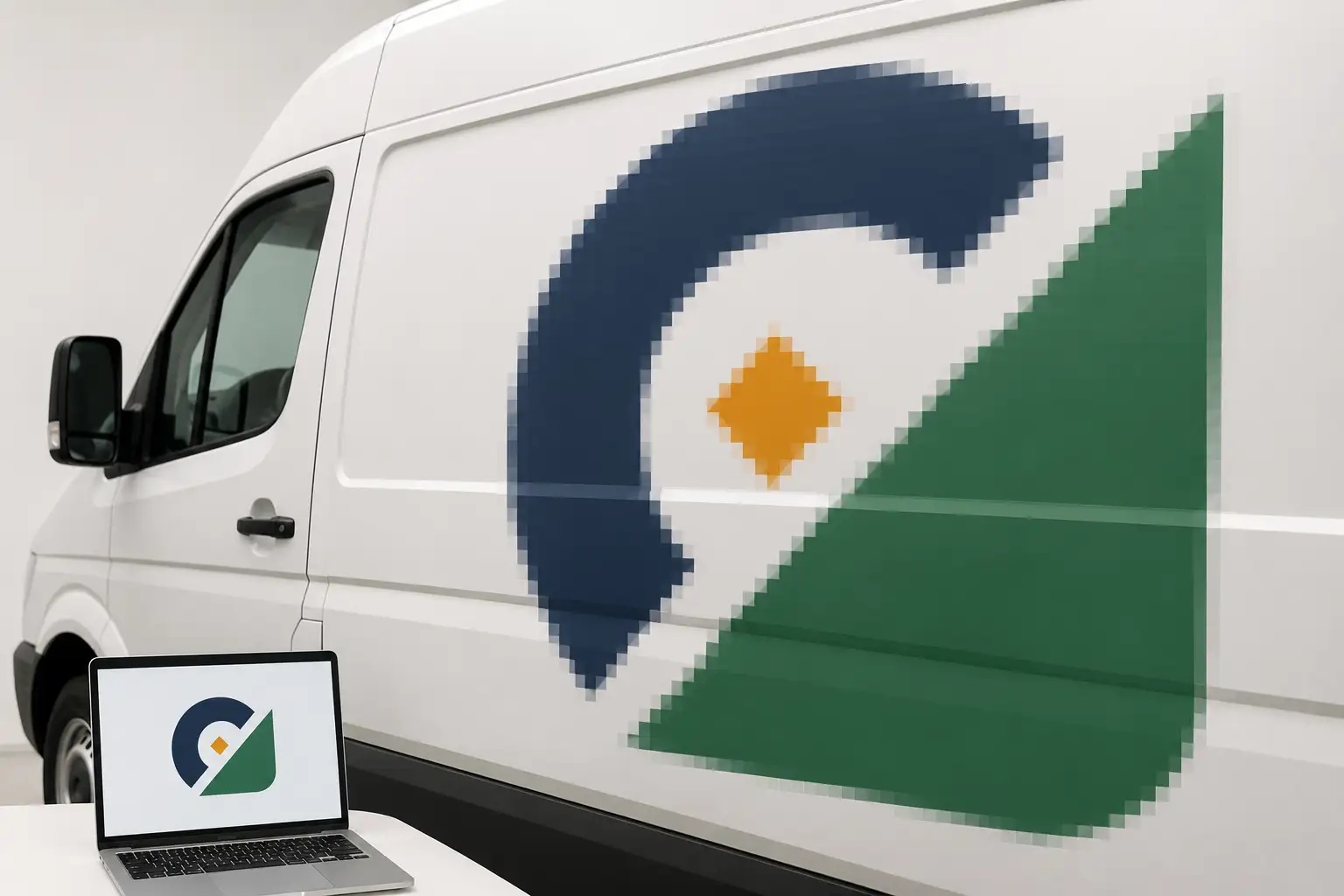
It is the most common wrap surprise: the logo looked perfect in the email, then it goes on the truck and the edges are fuzzy and stepped. Nothing broke in printing — the file was always going to do this at wrap size. Here is exactly why, and what to send so it does not happen.
Blurry means raster, scaled up
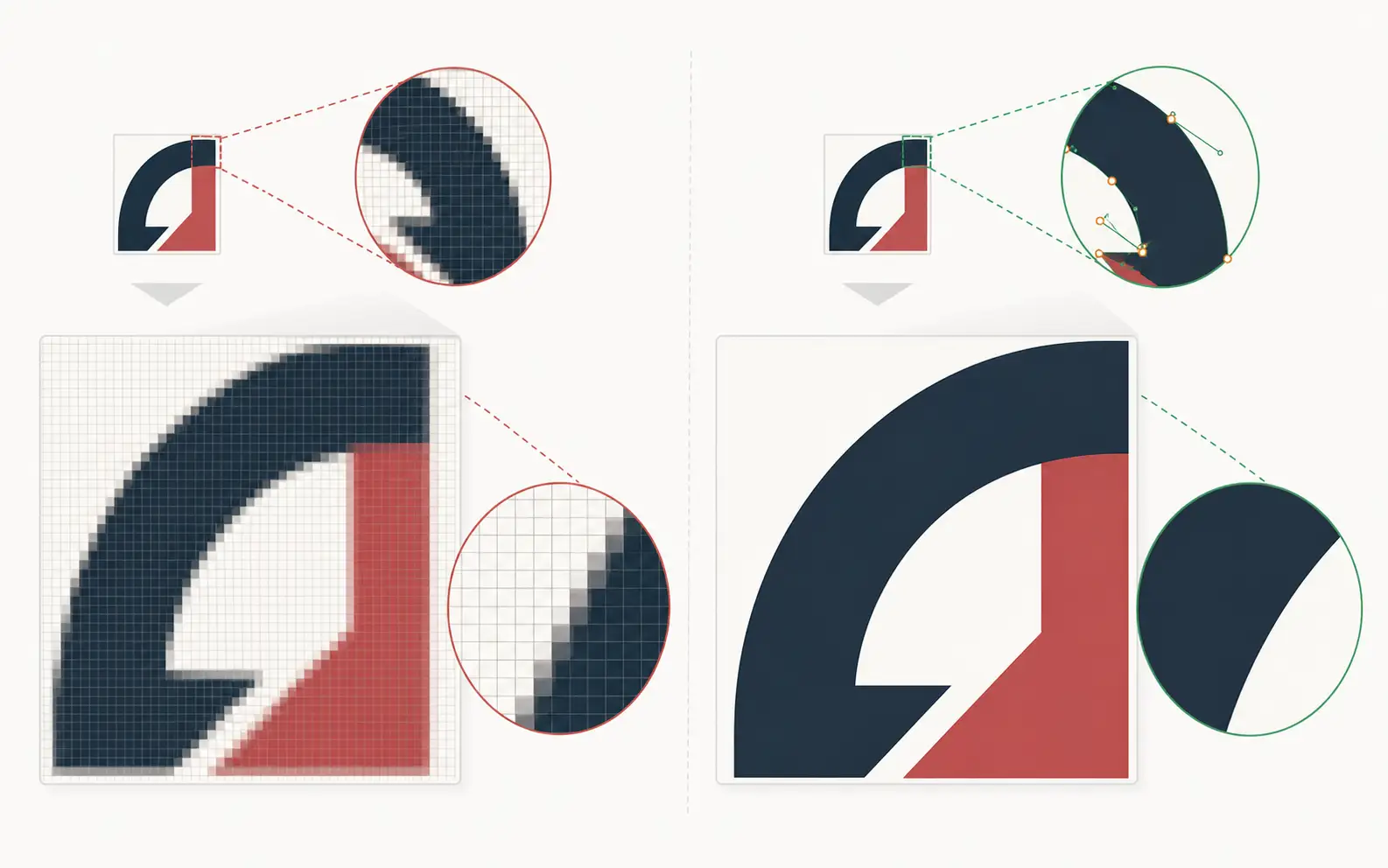
Most logos arrive as raster images — JPG, PNG, or a screenshot. A raster image is a fixed grid of colored squares called pixels. At small sizes there are enough pixels packed together that your eye reads a smooth edge. Blow the same image up to fill a vehicle panel and each pixel gets bigger too, so the edge breaks into visible steps and soft fuzz. The wrap did not add blur; it revealed the blur that was always baked into a small file.
Why it looks fine on screen
On a phone or laptop the logo is displayed at a couple of inches wide, where the pixels are dense enough to look crisp. A wrap prints the same artwork one to two feet — sometimes many feet — across. You are looking at the exact same file at ten or twenty times the size, and at that magnification the pixels are impossible to hide.
The fix: rebuild it as vector
Vector artwork is not made of pixels. It is defined by mathematical paths — points, curves, and fills — so it can be printed at any size with no loss of sharpness. A vector logo is razor-crisp on a business card and just as crisp filling a trailer side. That is why every wrap-ready logo should be vector. If all you have is a raster file, the job is to redraw it as vector, matching the original exactly.
This is not auto-tracing. Running a raster logo through an automatic tracer leaves lumpy edges, wrong curves, and stray points that look worse up close than the blur did. A clean rebuild is drawn by hand. For the underlying theory, see pixel vs vector →
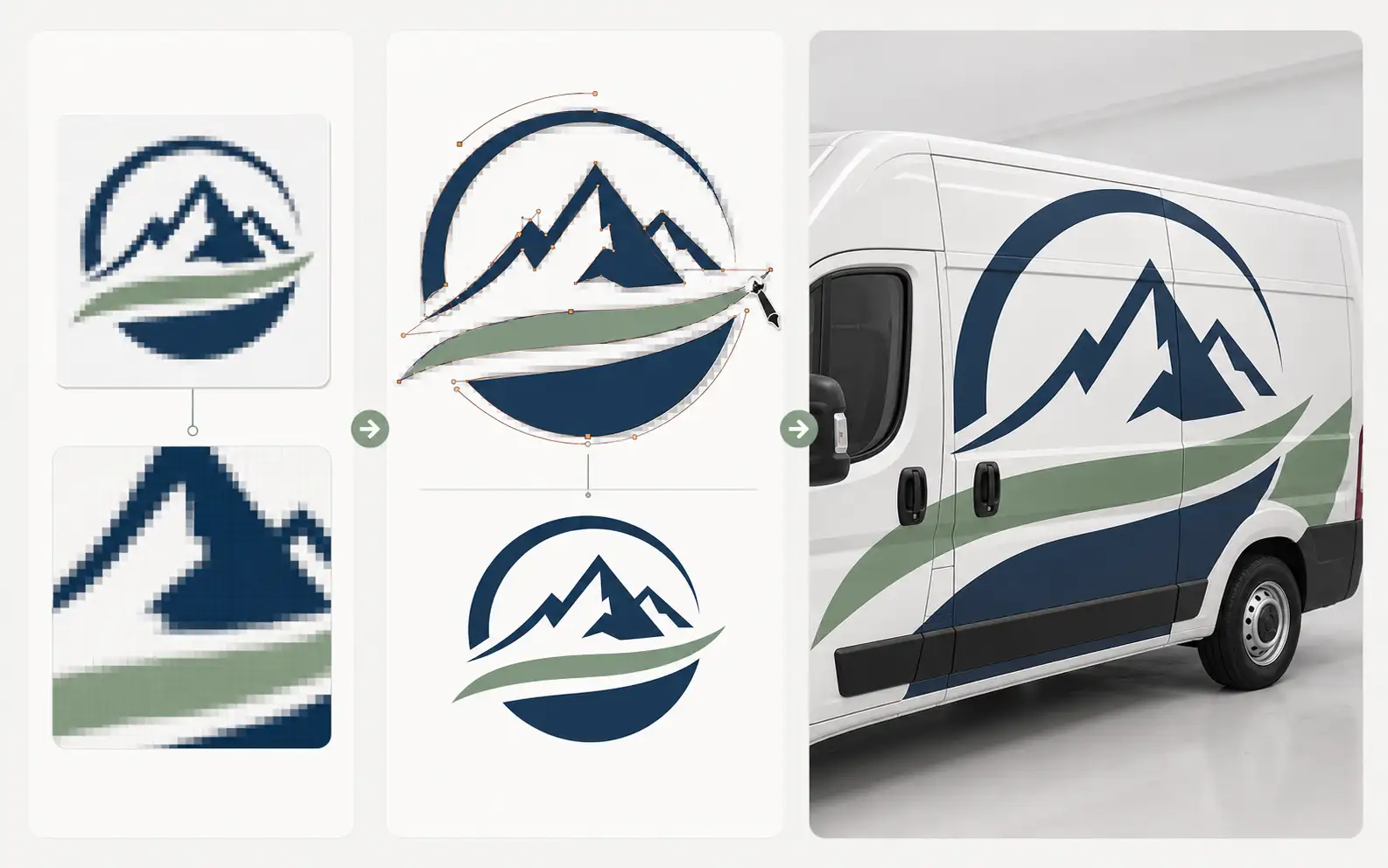
Send the blurry logo. Get back clean vector that holds on the wrap.
We redraw it by hand — matched to the original, built to stay crisp at full body scale. Production-correct in 24 hours.
Need something custom? Email hello@vectorwiz.com
What to send instead
- A vector file if you have one — AI, EPS, PDF, or SVG with live paths.
- If you only have a raster logo (JPG, PNG, a website image), send it anyway — that is what we rebuild.
- The brand colors if you know them (Pantone or spot values) so the rebuild matches your standard.
- Any reference of how the logo should look, so the redraw matches the real mark exactly.
Get a vector rebuild once and it is done — the same file carries every future wrap, sign, and print job without the blur ever coming back. For the full picture of what wrap-ready art needs, start with the wrap art guidelines.
Frequently asked questions
Why does my logo look blurry on my truck wrap but fine on my phone?
Your phone shows it small — maybe an inch or two wide. A wrap blows the same file up to fill a door or a whole side. If the logo is a raster image (JPG, PNG), scaling it up magnifies its pixels, so edges that looked crisp small turn soft and stair-stepped at wrap size.
Can't the printer just fix the resolution?
No. A printer cannot add detail that was never in the file. Upscaling or 'enhancing' a small raster logo only invents fuzzy pixels. The only real fix is to rebuild the logo as vector, which has no fixed resolution and stays sharp at any size.
What file do I need so my logo is sharp on a wrap?
A vector file — AI, EPS, PDF, or SVG — with live paths, not a raster JPG or PNG. Vector art is defined by math, so it prints razor-sharp from a business card to a full body wrap. If you only have a raster logo, it needs to be redrawn as vector.
The logo is high-resolution — isn't that enough?
Not necessarily. High resolution helps at the size the file was made for, but a wrap is far larger than almost any raster logo was exported for. Vector removes the question entirely: there is no resolution to run out of.
Can VectorWiz rebuild my logo for a wrap?
Yes. We re-illustrate the logo by hand as clean vector, matching the original exactly but built to hold at full wrap scale — never auto-traced. Standard turnaround is 24 hours, with Rush at 12.
Naimur Rahman
Leads design direction and quality at VectorWiz. Reviews and redraws production artwork by hand across sign, wrap, screen-print, and CNC work.
Related articles
Drawn by hand. Built for production.
Instant pricing, no commitment. Production-correct wrap art in your inbox in 24.